Prompt
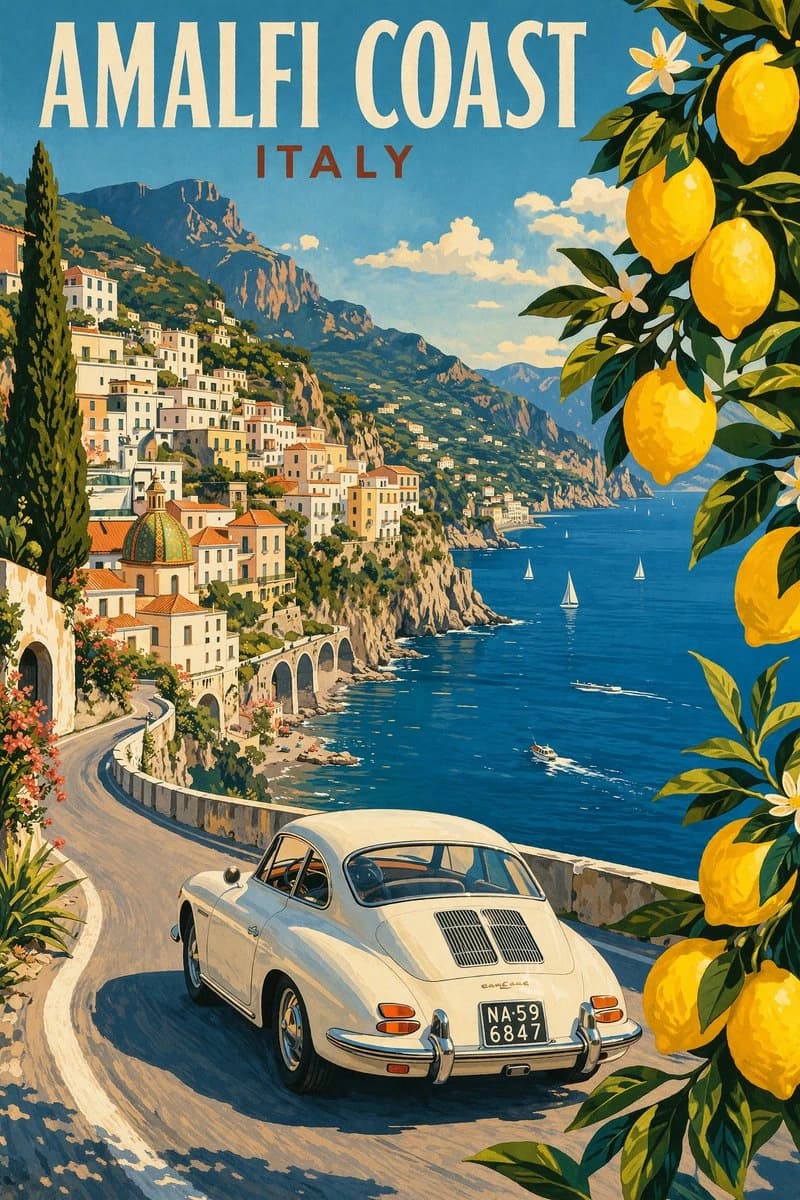
98 wordsModern pencil illustration of Vintage travel poster illustration of the Amalfi Coast, Italy, panoramic coastal cliff road scene, classic 1960s white car driving along a curved seaside road, deep blue Mediterranean sea with small sailboats, colorful pastel hillside village, bright blue sky with soft clouds, lemon tree branches with vibrant yellow lemons framing the foreground, warm summer sunlight, bold vibrant colors, retro 1950s travel poster style, cinematic composition, high detail, screen print texture, graphic illustration. Hand-drawn style, illustration with loose strokes and defined contours. High-contrast color palette, maintaining chromatic harmony between background and elements. Contemporary and decorative aesthetic.
About this prompt
Vintage Amalfi Travel Poster is a ready-to-use poster prompt for GPT Image 2 on Image 2. Copy the 98 words below, paste them into the Create form, and you will get a result close to the preview above. Tweak the Poster, Travel, Vintage tag if you want to push it somewhere new.
Use it as a starting point, then adjust the subject, lighting, or composition to suit your idea. The credit cost stays the same whether you use it as written or customize it.
Use case
A strong starting point for Poster
Start here when you want a poster image inspired by Vintage Amalfi Travel Poster. The prompt already sets the look and composition; replace the subject, product, colors, or scene details to match your project.
Easy places to tweak
- Subject Swap in your person, product, place, or object without changing the overall composition.
- Look and mood Tune the lighting, palette, camera angle, or materials so the image fits your brand.
- Final format Set the aspect ratio, background, text, or layout notes before you generate.
More prompt paths to explore
Find more GPT Image 2 prompts with a similar style, use case, or subject.
How to use it
- Step 1
Copy the prompt
Hit the Copy button above to grab the full text.
- Step 2
Open Image 2 Create
Head to the Create form and paste it in.
- Step 3
Generate
Hit Generate. Your version lands in seconds.
Make it yours
Load the prompt into the Create form with one click, then start tweaking.