Prompt
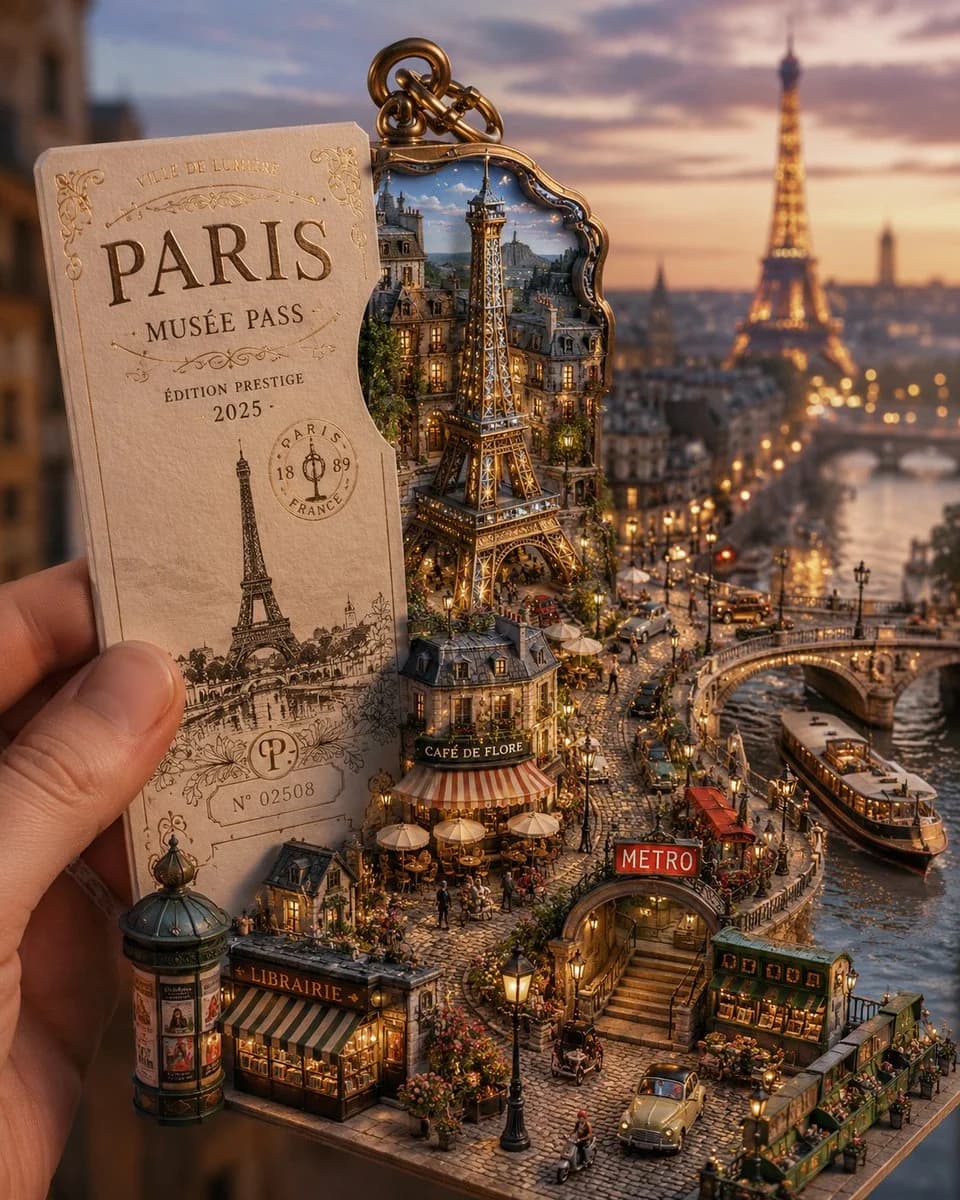
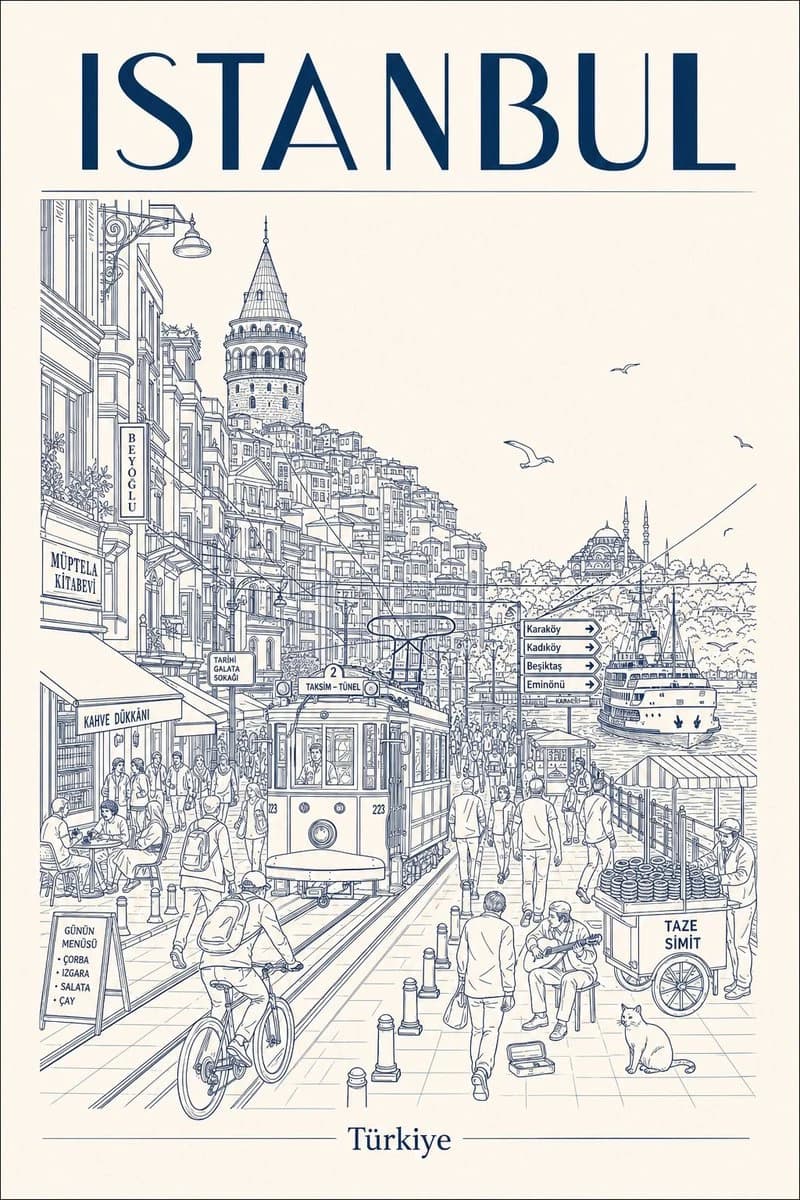
92 wordsDesign a vertical retro mid-century travel poster of [CITY NAME] showcasing [LANDMARK]. Stick to a tight 3-color scheme: cream-toned paper background, black technical line drawing, plus one [COLOR] accent. Aesthetic: minimalist isometric top-down aerial perspective with very fine cross-hatching and silkscreen print grain. Color rules: fill the entire sky in flat solid [COLOR], add small [COLOR] touches on rooftops or street details. Zero gradients allowed. Typography: large bold sans-serif "[CITY NAME]" at the top in cream, with the city's name in its native language set smaller in cream beneath it. #AIart #GPTImage2
About this prompt
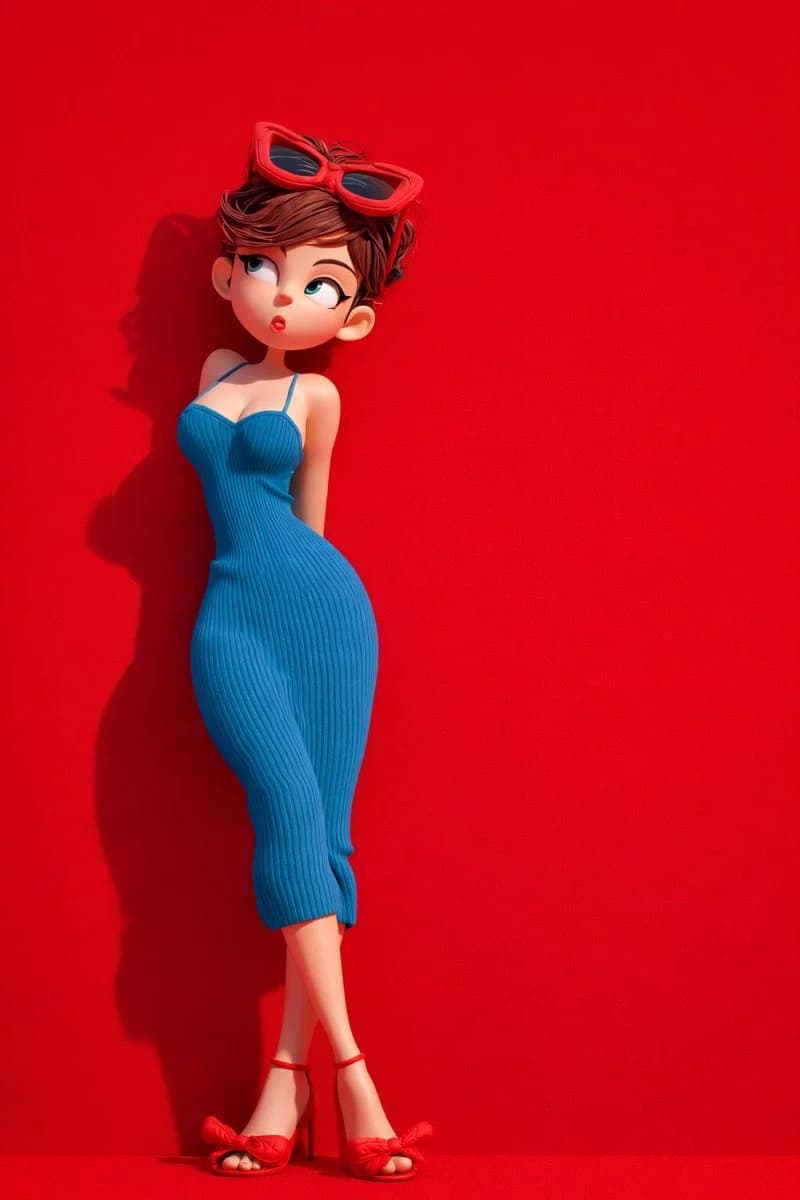
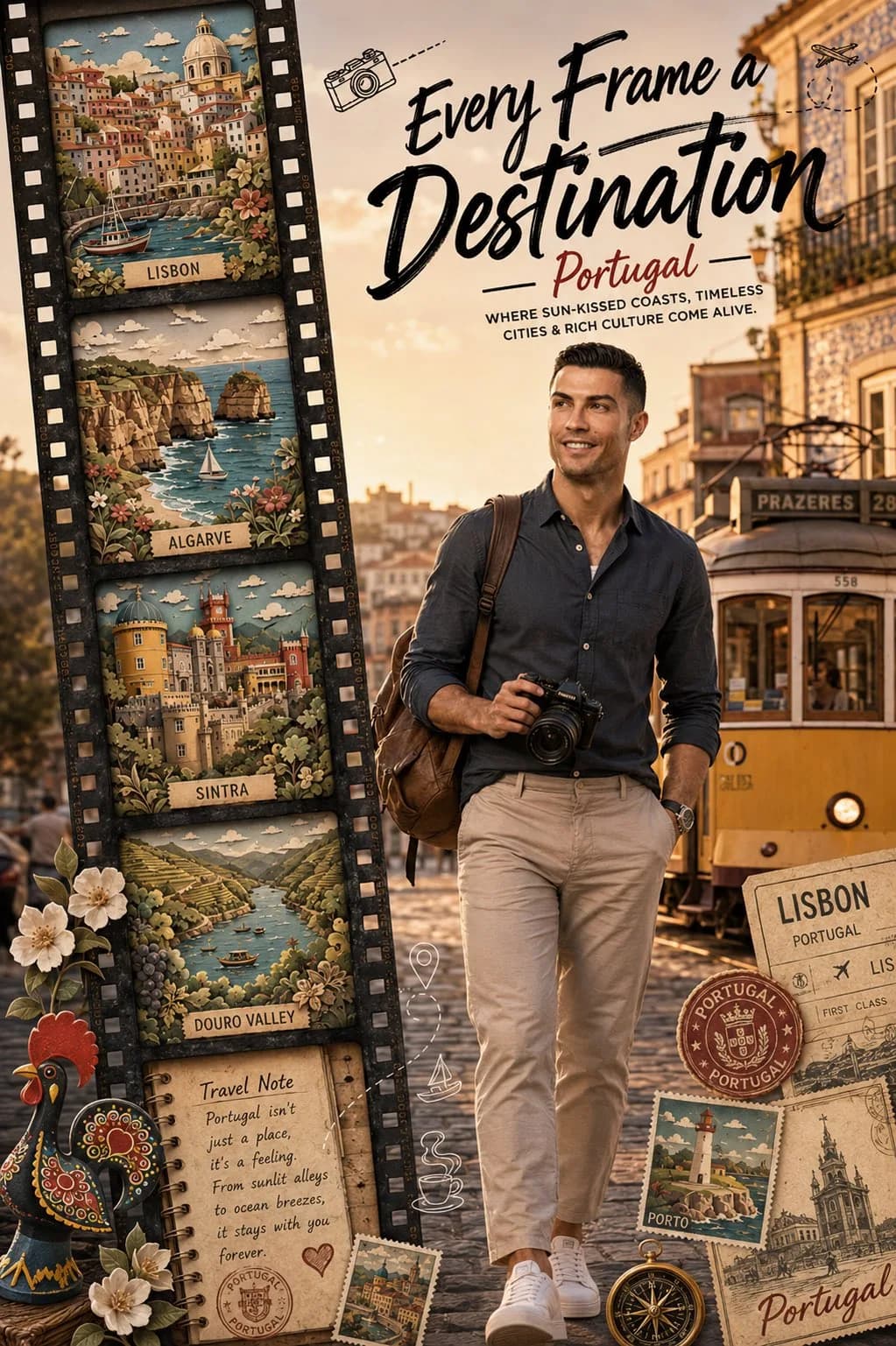
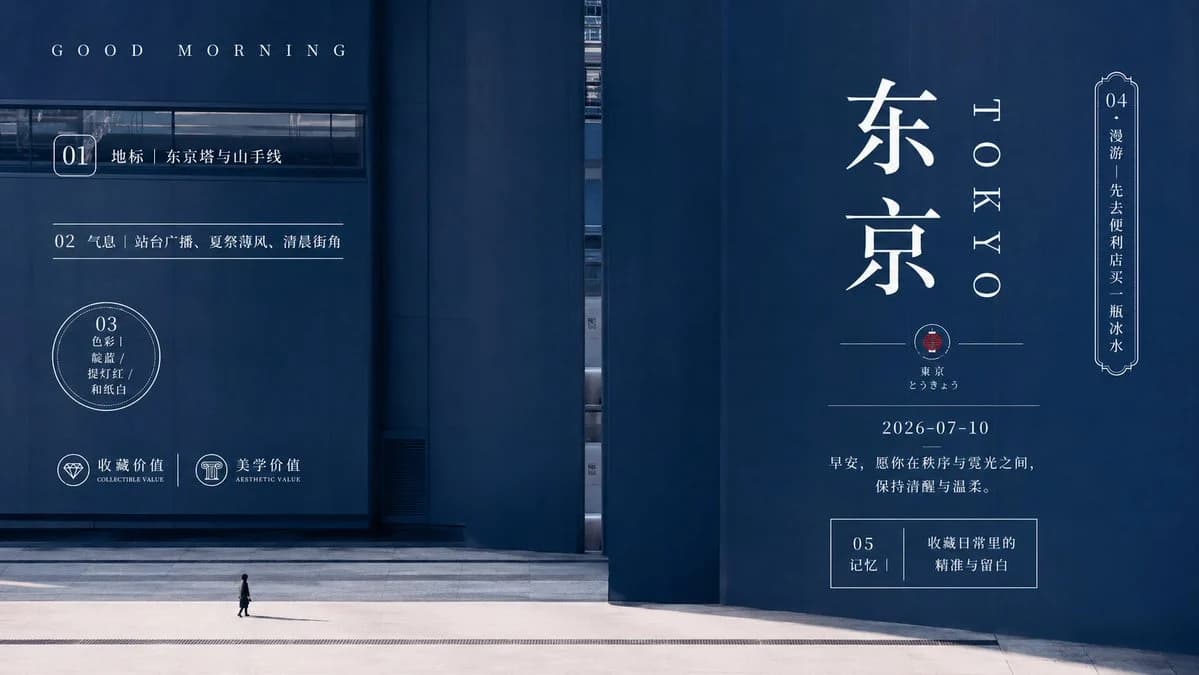
Isometric Travel Poster is a ready-to-use poster prompt for GPT Image 2 on Image 2. Copy the 92 words below, paste them into the Create form, and you will get a result close to the preview above. Tweak the Poster, Travel, 3D tag if you want to push it somewhere new.
Use it as a starting point, then adjust the subject, lighting, or composition to suit your idea. The credit cost stays the same whether you use it as written or customize it.
Use case
A strong starting point for Poster
Start here when you want a poster image inspired by Isometric Travel Poster. The prompt already sets the look and composition; replace the subject, product, colors, or scene details to match your project.
Easy places to tweak
- Subject Swap in your person, product, place, or object without changing the overall composition.
- Look and mood Tune the lighting, palette, camera angle, or materials so the image fits your brand.
- Final format Set the aspect ratio, background, text, or layout notes before you generate.
More prompt paths to explore
Find more GPT Image 2 prompts with a similar style, use case, or subject.
How to use it
- Step 1
Copy the prompt
Hit the Copy button above to grab the full text.
- Step 2
Open Image 2 Create
Head to the Create form and paste it in.
- Step 3
Generate
Hit Generate. Your version lands in seconds.
Make it yours
Load the prompt into the Create form with one click, then start tweaking.