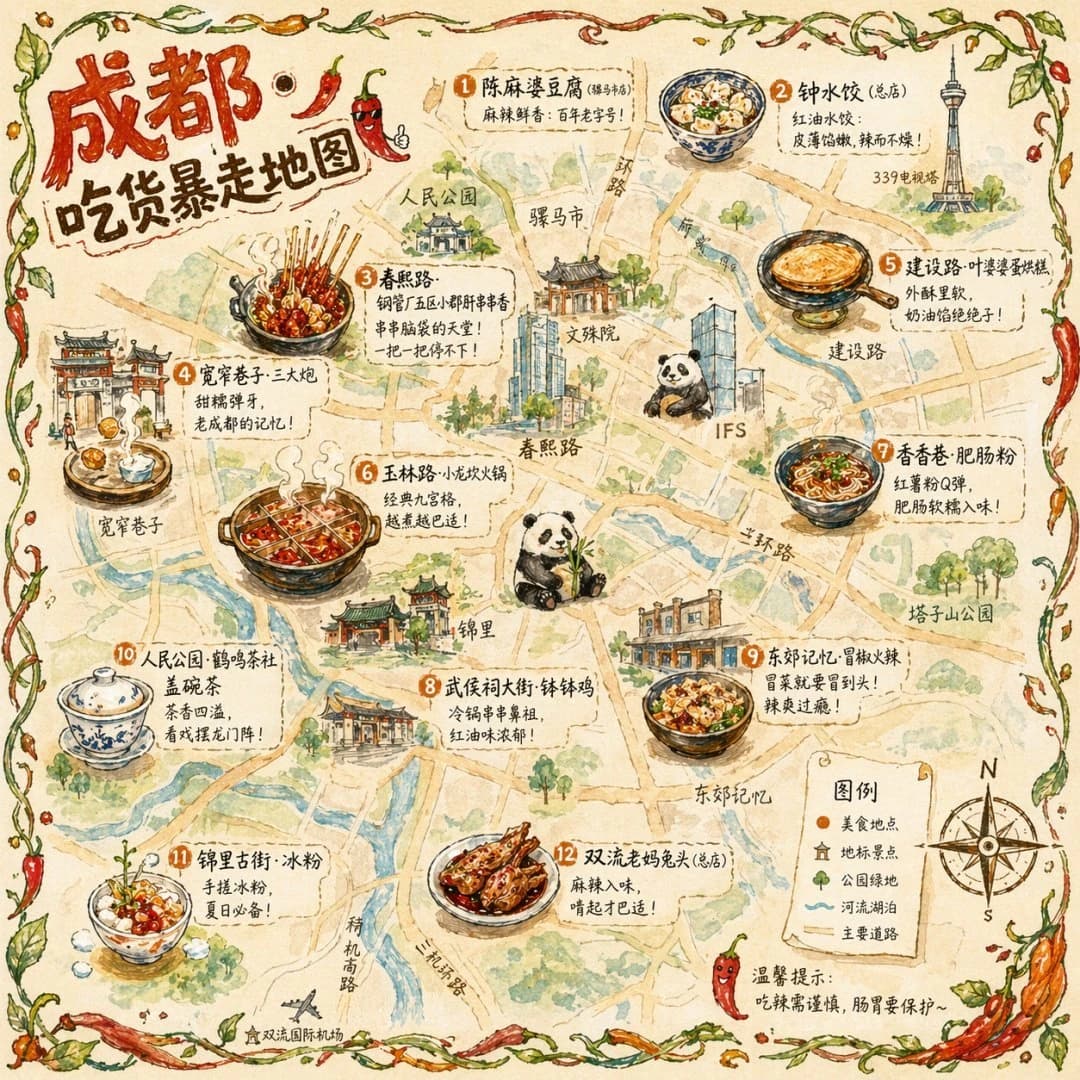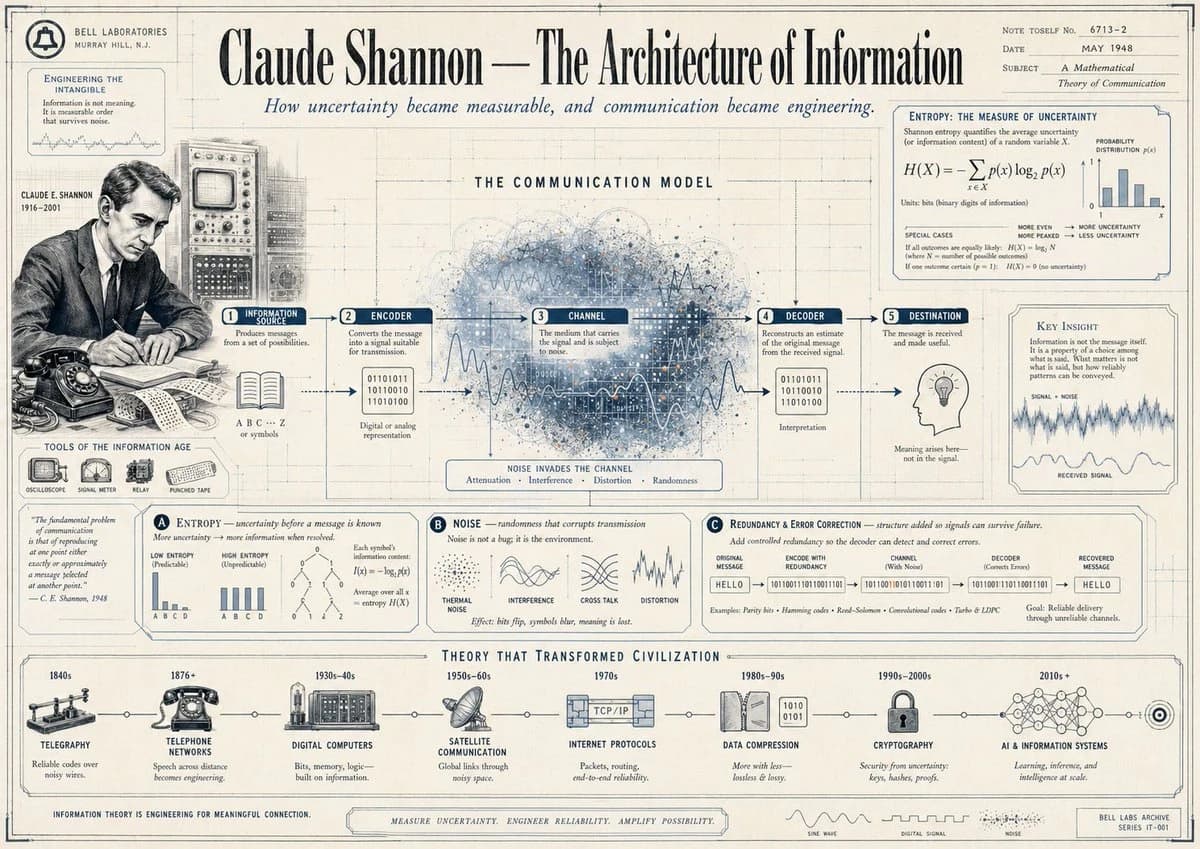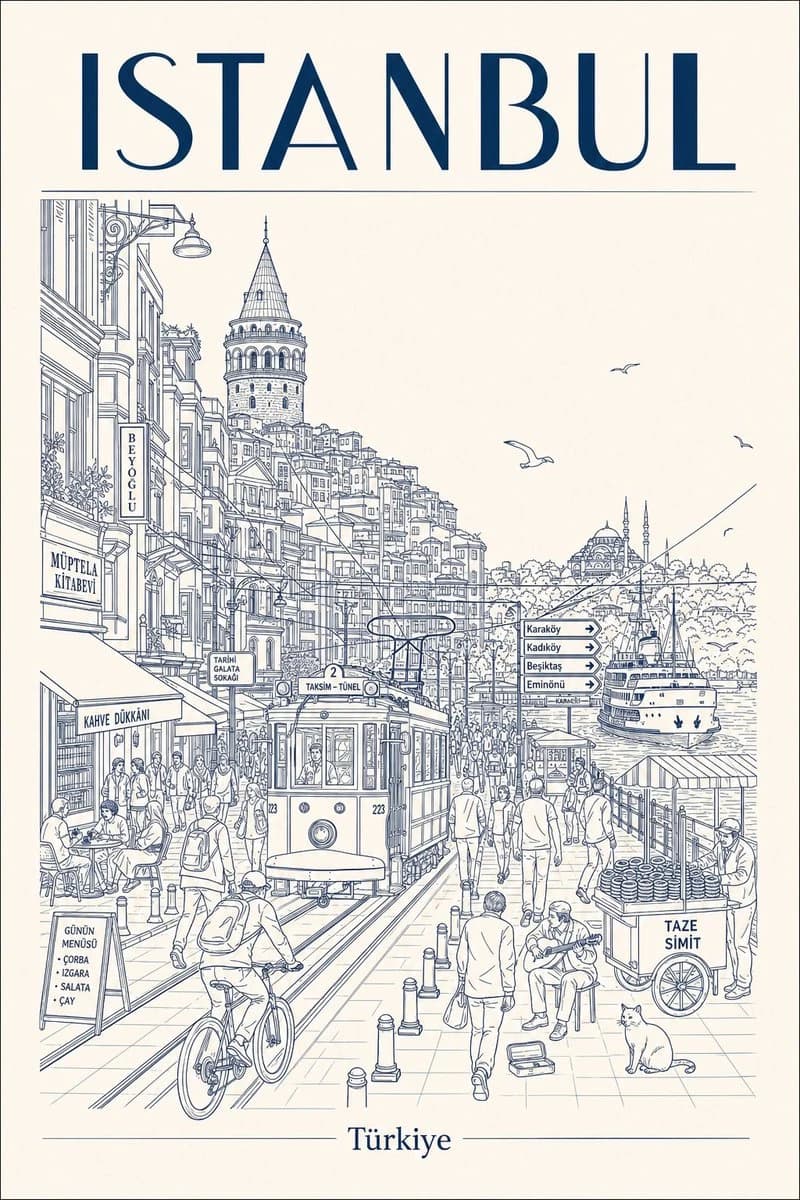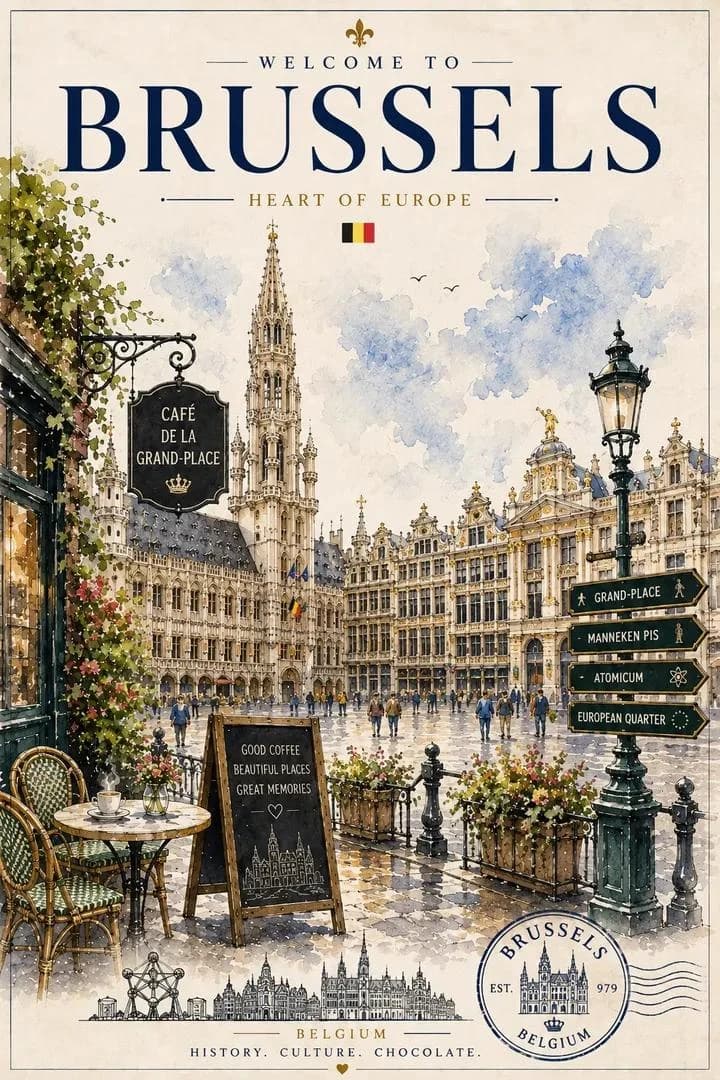
Prompt
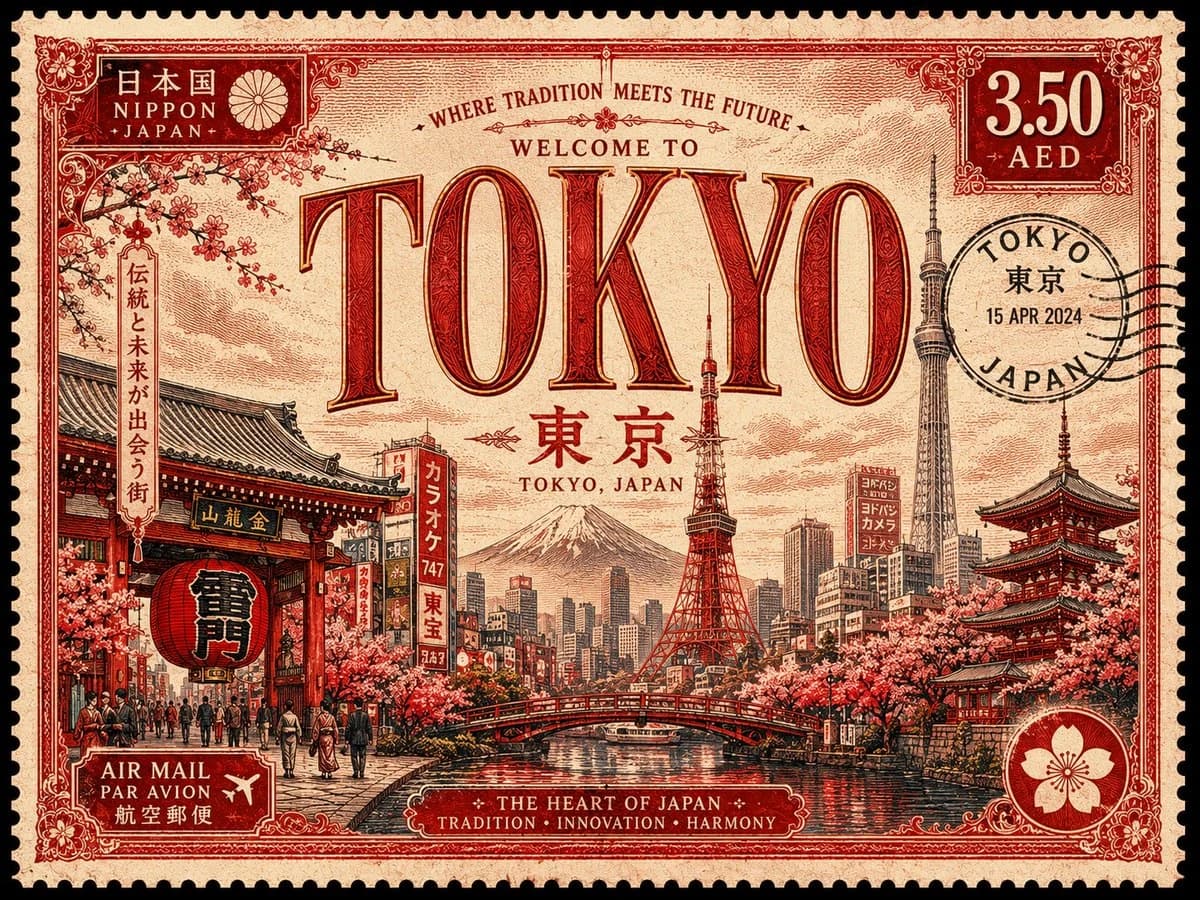
117 wordsVintage travel postage stamp design featuring [CITY / COUNTRY], ultra-detailed illustrated souvenir stamp, elegant art deco typography spelling “[NAME]” across the center in large ornate serif letters, iconic landmarks and skyline of [PLACE], traditional cultural architecture, scenic local elements, palm trees / boats / streets / mountains depending on location, warm cinematic lighting, soft pastel sky, retro airmail aesthetics, aged paper texture, engraved print style, luxurious vintage tourism poster feel, intricate ornamental borders, postal cancellation mark with local language and English text, “3.50 AED” denomination, symmetrical composition, highly detailed linework, muted [COLOR PALETTE] color scheme, nostalgic philatelic artwork, premium collectible stamp aesthetic, realistic shading, textured ink print, retro travel poster style, 4k illustration, highly detailed vintage engraving.
About this prompt
Vintage Travel Postage Stamp is a ready-to-use poster prompt for GPT Image 2 on Image 2. Copy the 117 words below, paste them into the Create form, and you will get a result close to the preview above. Tweak the Poster, Travel, Architecture tag if you want to push it somewhere new.
Use it as a starting point, then adjust the subject, lighting, or composition to suit your idea. The credit cost stays the same whether you use it as written or customize it.
Use case
A strong starting point for Poster
Start here when you want a poster image inspired by Vintage Travel Postage Stamp. The prompt already sets the look and composition; replace the subject, product, colors, or scene details to match your project.
Easy places to tweak
- Subject Swap in your person, product, place, or object without changing the overall composition.
- Look and mood Tune the lighting, palette, camera angle, or materials so the image fits your brand.
- Final format Set the aspect ratio, background, text, or layout notes before you generate.
More prompt paths to explore
Find more GPT Image 2 prompts with a similar style, use case, or subject.
How to use it
- Step 1
Copy the prompt
Hit the Copy button above to grab the full text.
- Step 2
Open Image 2 Create
Head to the Create form and paste it in.
- Step 3
Generate
Hit Generate. Your version lands in seconds.
Make it yours
Load the prompt into the Create form with one click, then start tweaking.