Prompt
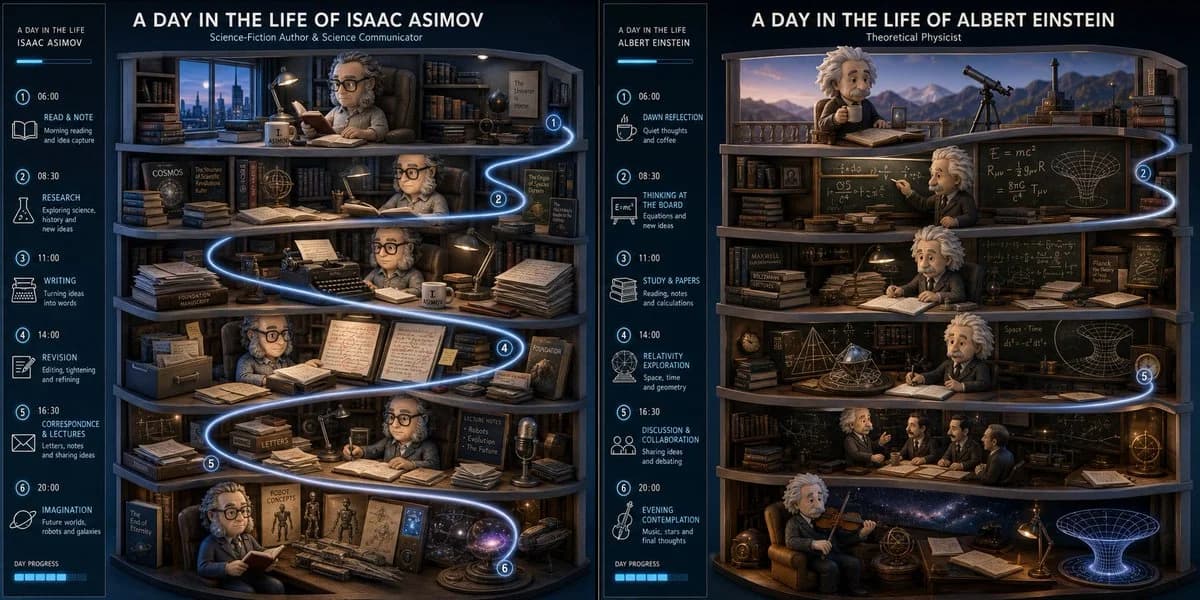
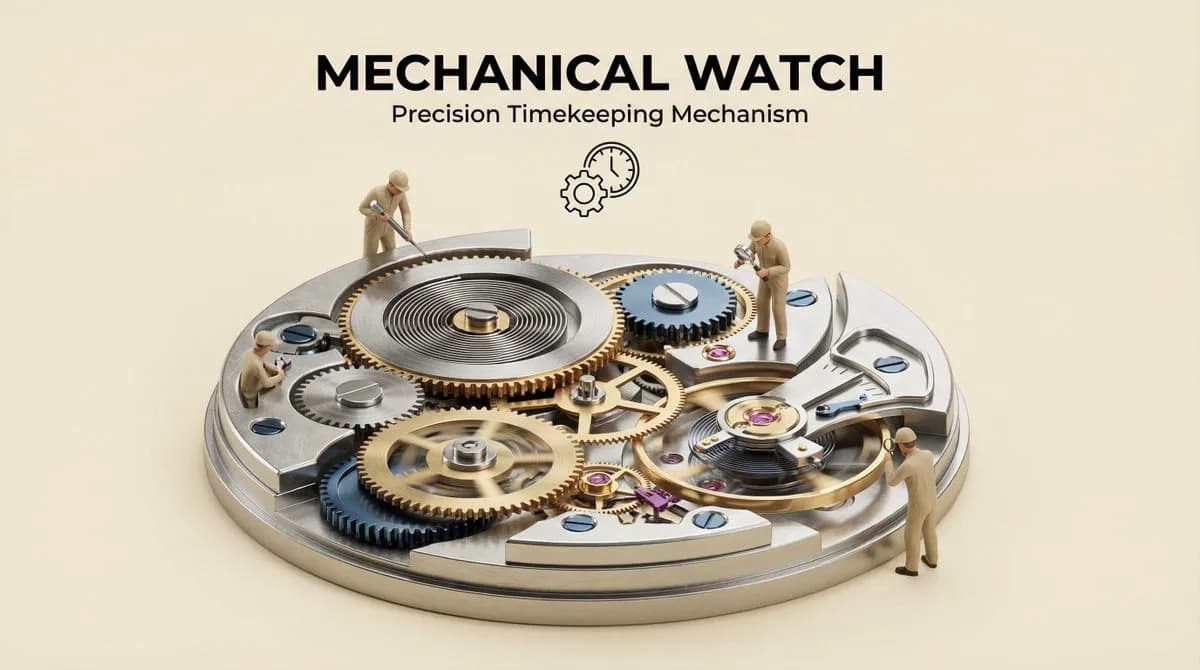
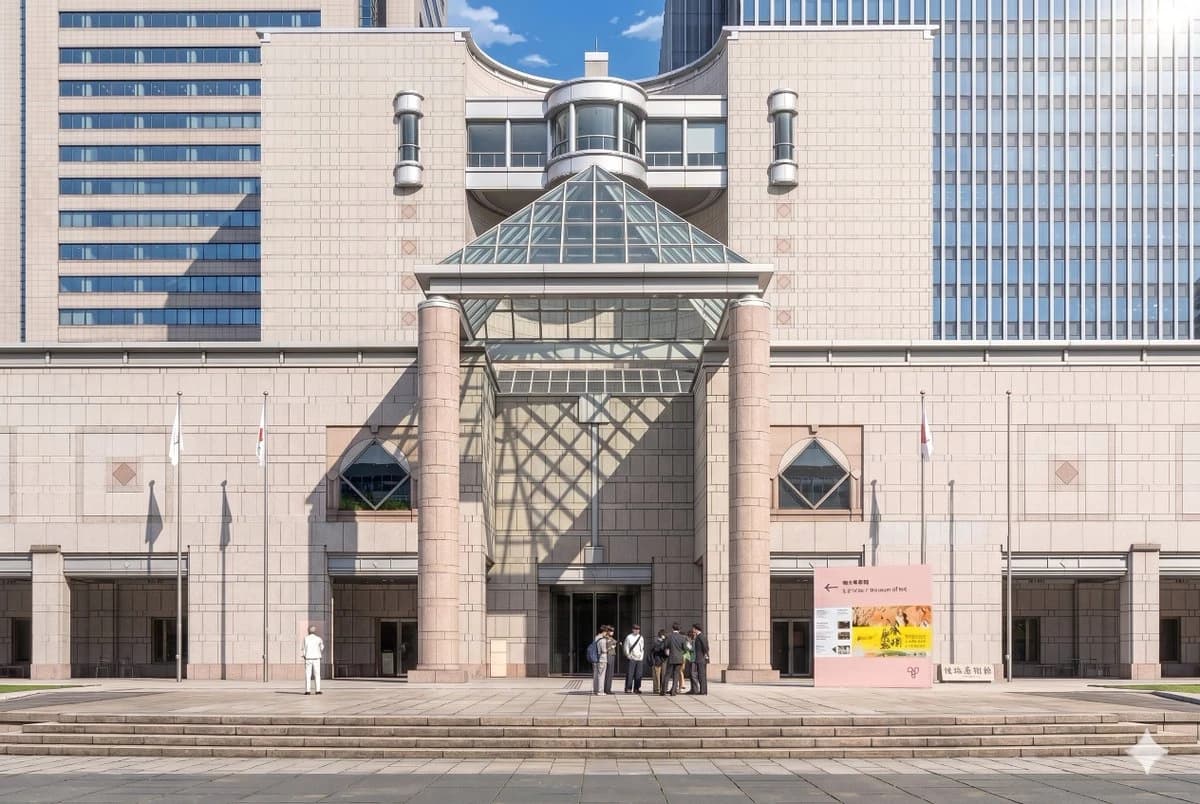
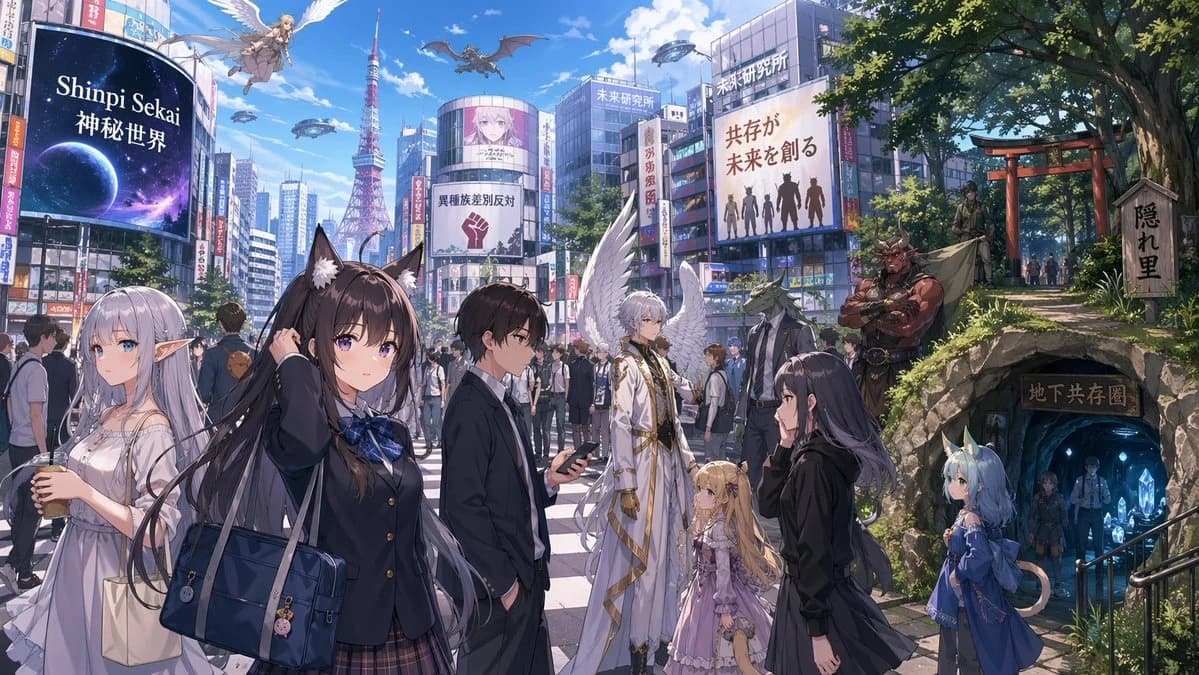
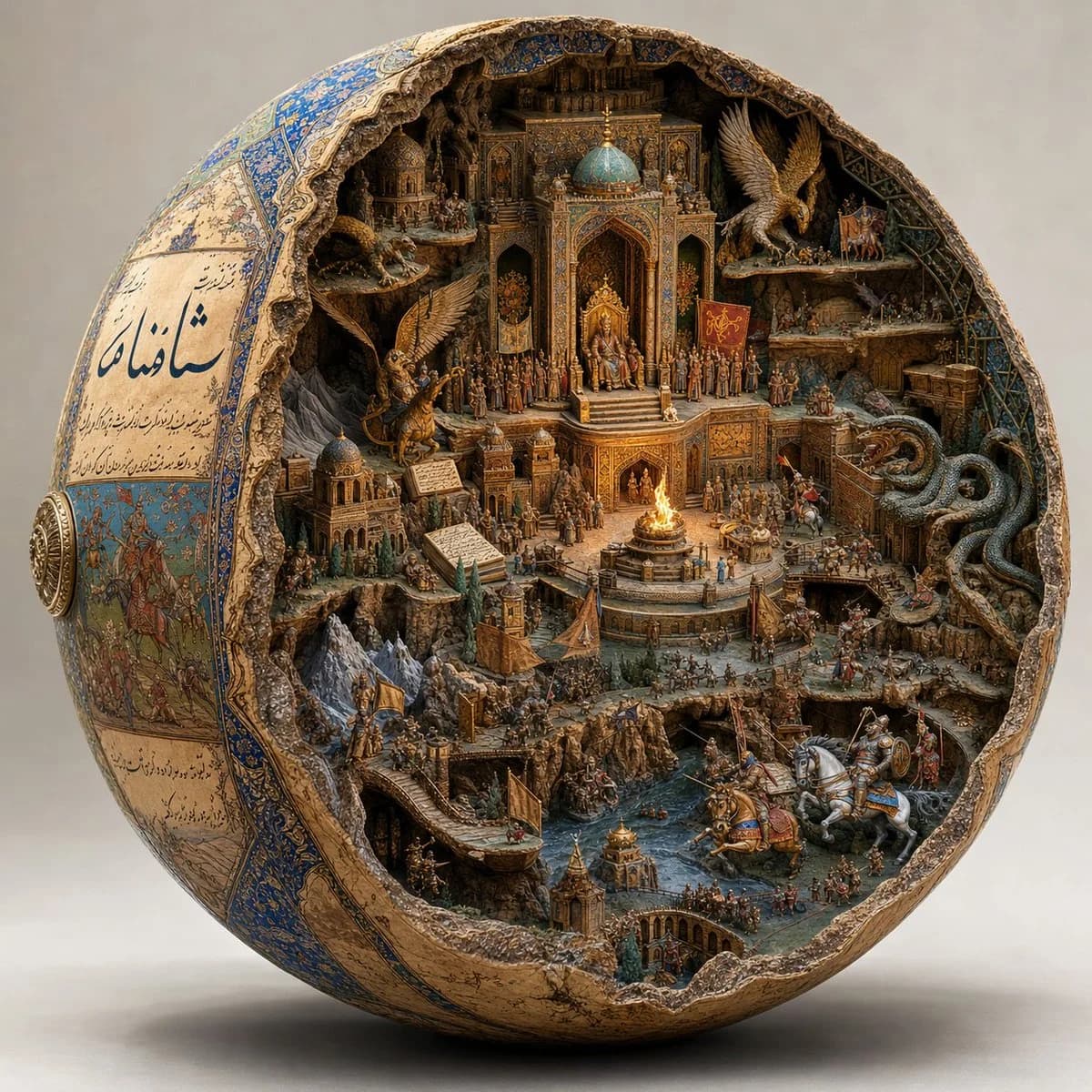
146 wordsI asked GPT Image 2 and Nano Banana to visualize one of my favorite books in this style. Lots of fun. Do this for Shahnameh: A hyper-realistic macro photograph of a giant spherical artifact cracked open to reveal a world inside, resting in a white studio::4 The Exterior Shell: The unbroken left side of the sphere is covered in a 2D painted manuscript aesthetic inferred from the cultural origins of [MEDIA_TITLE]. It features beautiful calligraphy text and flat traditional painted illustrations::5 The Interior Cavern: The hollowed-out inside is a hyper-detailed 3D miniature carved diorama of the world of [MEDIA_TITLE]. Multi-tiered carved stone and gold architecture, inferred mythological creatures, tiny rivers, and thousands of micro-scale soldiers in battle::5 Lighting and Material: Antiqued finish, rough cracked stone edges, warm glowing internal firelight illuminating the deep cavern, shallow depth of field::4 Modern day, photorealistic humans, real landscape, messy background::-2
About this prompt
Spherical Artifact World Cross-Section is a ready-to-use poster prompt for GPT Image 2 on Image 2. Copy the 146 words below, paste them into the Create form, and you will get a result close to the preview above. Tweak the Poster, Architecture, 3D tag if you want to push it somewhere new.
Use it as a starting point, then adjust the subject, lighting, or composition to suit your idea. The credit cost stays the same whether you use it as written or customize it.
Use case
A strong starting point for Poster
Start here when you want a poster image inspired by Spherical Artifact World Cross-Section. The prompt already sets the look and composition; replace the subject, product, colors, or scene details to match your project.
Easy places to tweak
- Subject Swap in your person, product, place, or object without changing the overall composition.
- Look and mood Tune the lighting, palette, camera angle, or materials so the image fits your brand.
- Final format Set the aspect ratio, background, text, or layout notes before you generate.
More prompt paths to explore
Find more GPT Image 2 prompts with a similar style, use case, or subject.
How to use it
- Step 1
Copy the prompt
Hit the Copy button above to grab the full text.
- Step 2
Open Image 2 Create
Head to the Create form and paste it in.
- Step 3
Generate
Hit Generate. Your version lands in seconds.
Make it yours
Load the prompt into the Create form with one click, then start tweaking.