Prompt
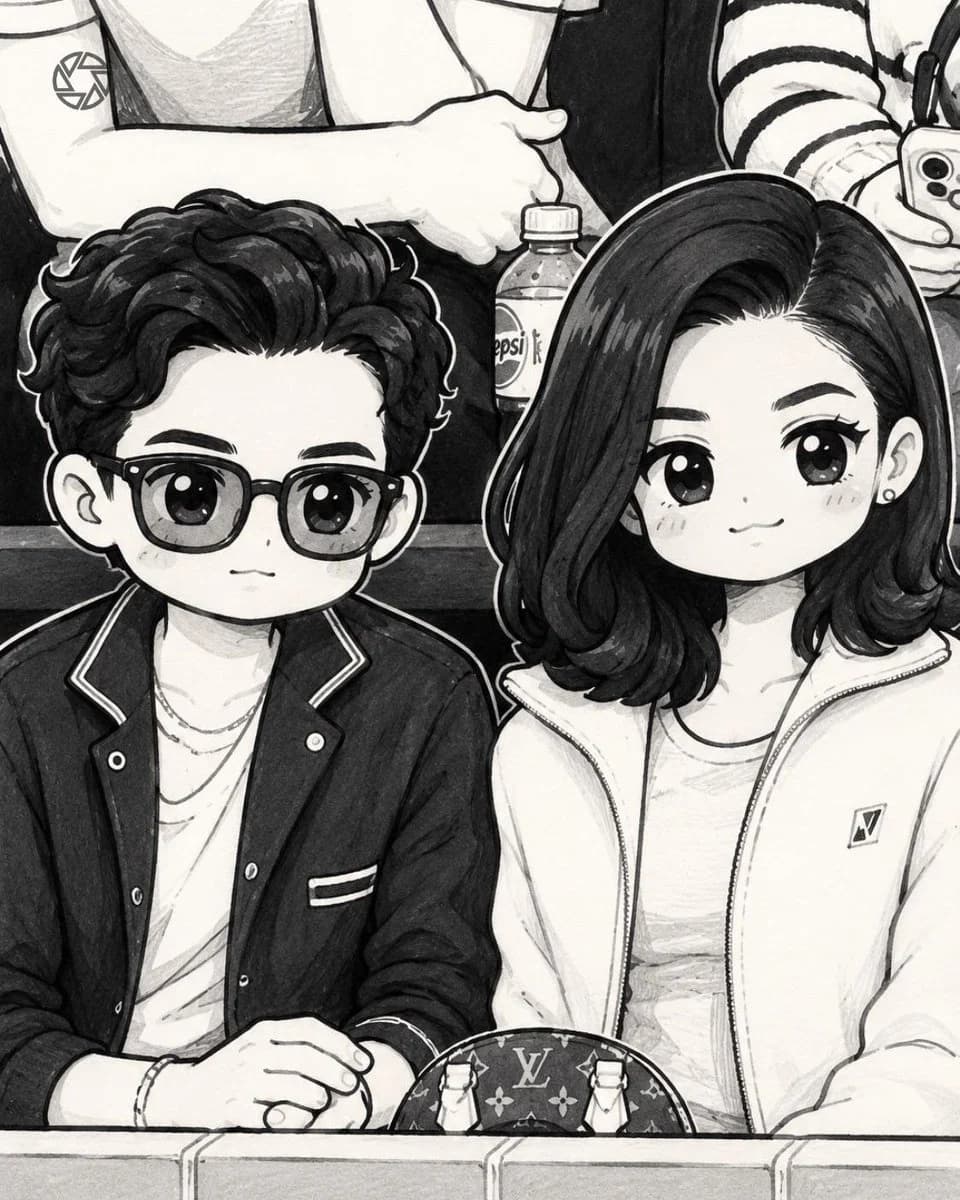
60 wordsConvert the uploaded photo into a {argument name="style" default="cute black-and-white hand-drawn doodle illustration"} in the exact style of a {argument name="medium" default="minimalist marker sketch"}. Preserve the original composition, pose, camera angle, facial expressions, clothing, and positioning of all subjects. Transform the people into {argument name="character style" default="adorable chibi/cartoon characters"} with simplified features, large expressive eyes, rounded faces, and clean outlines.About this prompt
Photo to Chibi Marker Sketch is a ready-to-use portrait prompt for GPT Image 2 on Image 2. Copy the 60 words below, paste them into the Create form, and you will get a result close to the preview above. Tweak the Portrait, Character, Fashion tag if you want to push it somewhere new.
Use it as a starting point, then adjust the subject, lighting, or composition to suit your idea. The credit cost stays the same whether you use it as written or customize it.
Use case
A strong starting point for Portrait
Start here when you want a portrait image inspired by Photo to Chibi Marker Sketch. The prompt already sets the look and composition; replace the subject, product, colors, or scene details to match your project.
Easy places to tweak
- Subject Swap in your person, product, place, or object without changing the overall composition.
- Look and mood Tune the lighting, palette, camera angle, or materials so the image fits your brand.
- Final format Set the aspect ratio, background, text, or layout notes before you generate.
More prompt paths to explore
Find more GPT Image 2 prompts with a similar style, use case, or subject.
How to use it
- Step 1
Copy the prompt
Hit the Copy button above to grab the full text.
- Step 2
Open Image 2 Create
Head to the Create form and paste it in.
- Step 3
Generate
Hit Generate. Your version lands in seconds.
Make it yours
Load the prompt into the Create form with one click, then start tweaking.