Prompt
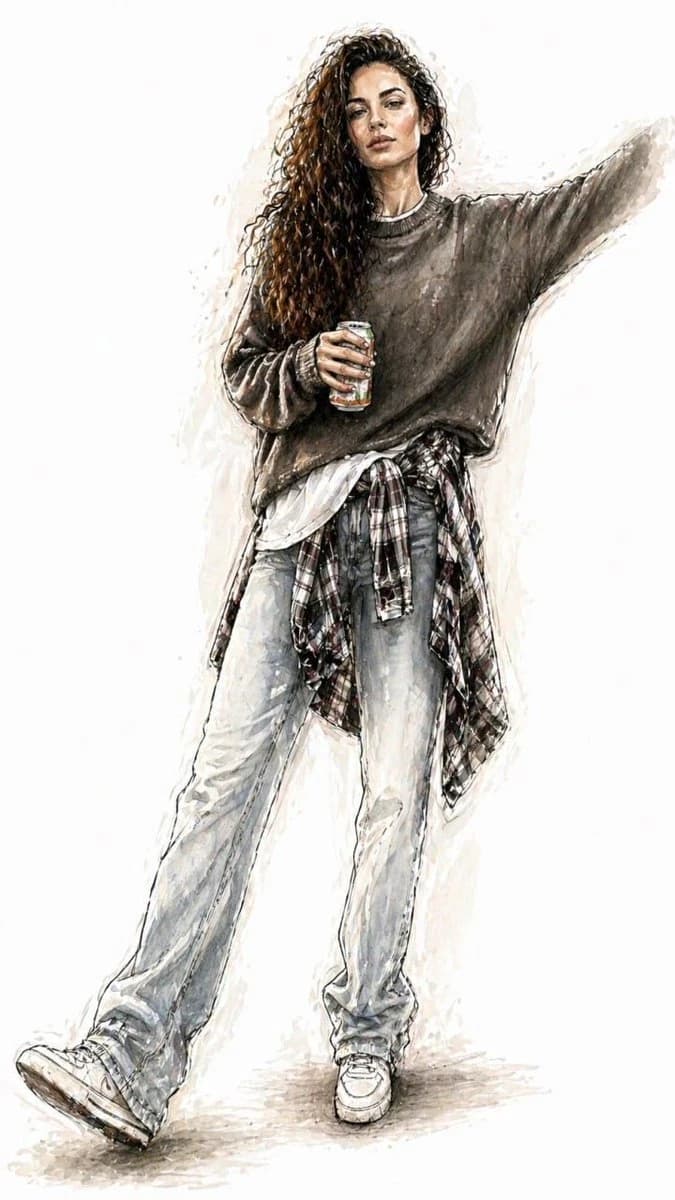
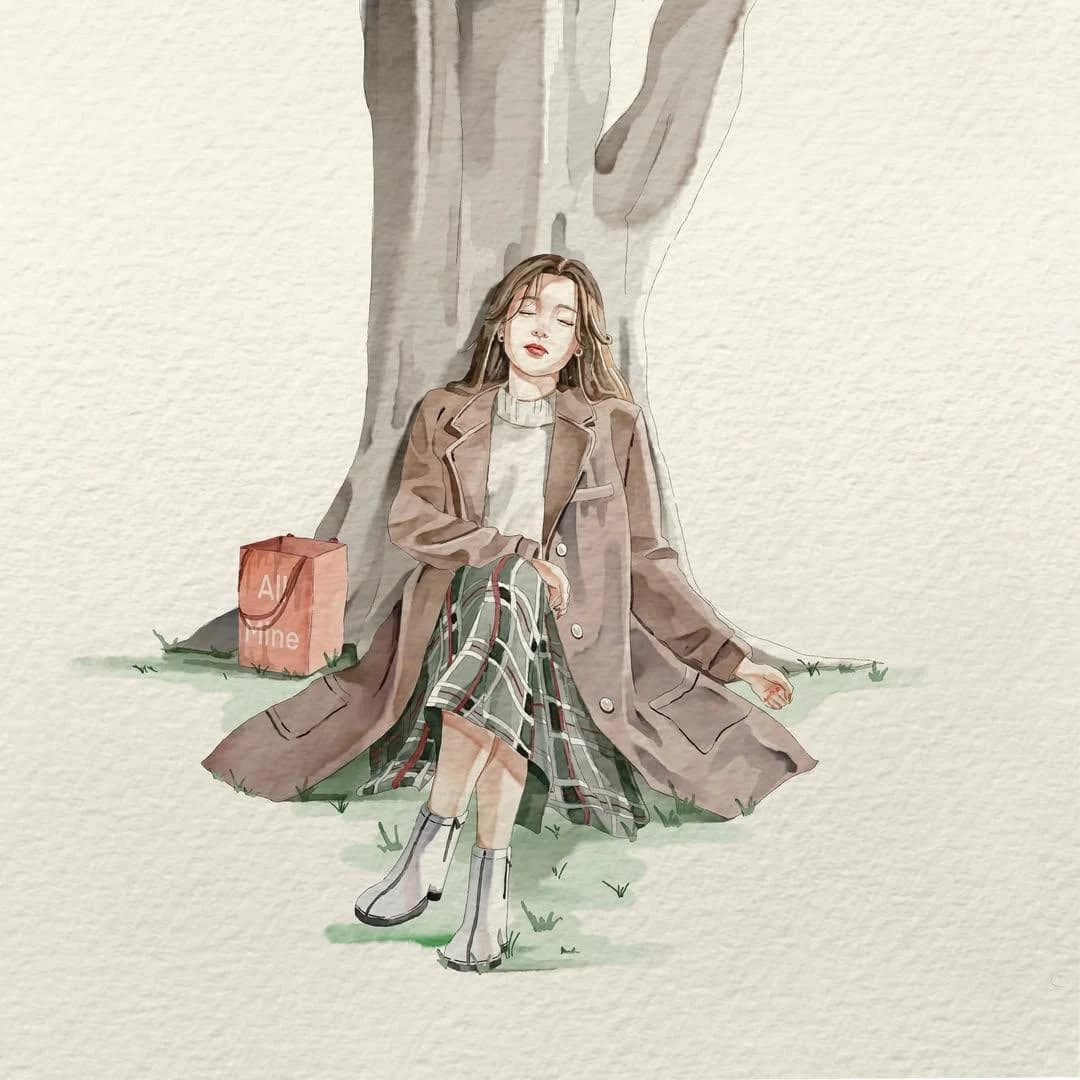
116 wordsMinimalist watercolor illustration of a young woman in a candid everyday moment, soft hand-painted anime aesthetic, delicate ink outlines, textured watercolor paper background, muted pastel color palette, expressive pose, flowing clothing folds, subtle paint splashes and pigment blooms around the subject, clean negative space, gentle lighting, sketchbook artwork, elegant brushwork, dreamy atmosphere, highly detailed watercolor shading, soft edges, artistic imperfections, lifestyle fashion illustration, centered composition, light beige paper texture, modern Japanese watercolor art style, peaceful and emotional mood, high-quality traditional watercolor painting. Style Keywords watercolor on textured paper minimalist composition soft pastel tones anime-inspired illustration delicate line art paint splatter accents hand-painted aesthetic sketchbook style airy negative space subtle shadows elegant fashion illustration cozy everyday moments
About this prompt
Minimal Watercolor Anime Portrait is a ready-to-use portrait prompt for GPT Image 2 on Image 2. Copy the 116 words below, paste them into the Create form, and you will get a result close to the preview above. Tweak the Portrait, Fashion, Anime tag if you want to push it somewhere new.
Use it as a starting point, then adjust the subject, lighting, or composition to suit your idea. The credit cost stays the same whether you use it as written or customize it.
Use case
A strong starting point for Portrait
Start here when you want a portrait image inspired by Minimal Watercolor Anime Portrait. The prompt already sets the look and composition; replace the subject, product, colors, or scene details to match your project.
Easy places to tweak
- Subject Swap in your person, product, place, or object without changing the overall composition.
- Look and mood Tune the lighting, palette, camera angle, or materials so the image fits your brand.
- Final format Set the aspect ratio, background, text, or layout notes before you generate.
More prompt paths to explore
Find more GPT Image 2 prompts with a similar style, use case, or subject.
How to use it
- Step 1
Copy the prompt
Hit the Copy button above to grab the full text.
- Step 2
Open Image 2 Create
Head to the Create form and paste it in.
- Step 3
Generate
Hit Generate. Your version lands in seconds.
Make it yours
Load the prompt into the Create form with one click, then start tweaking.