Prompt
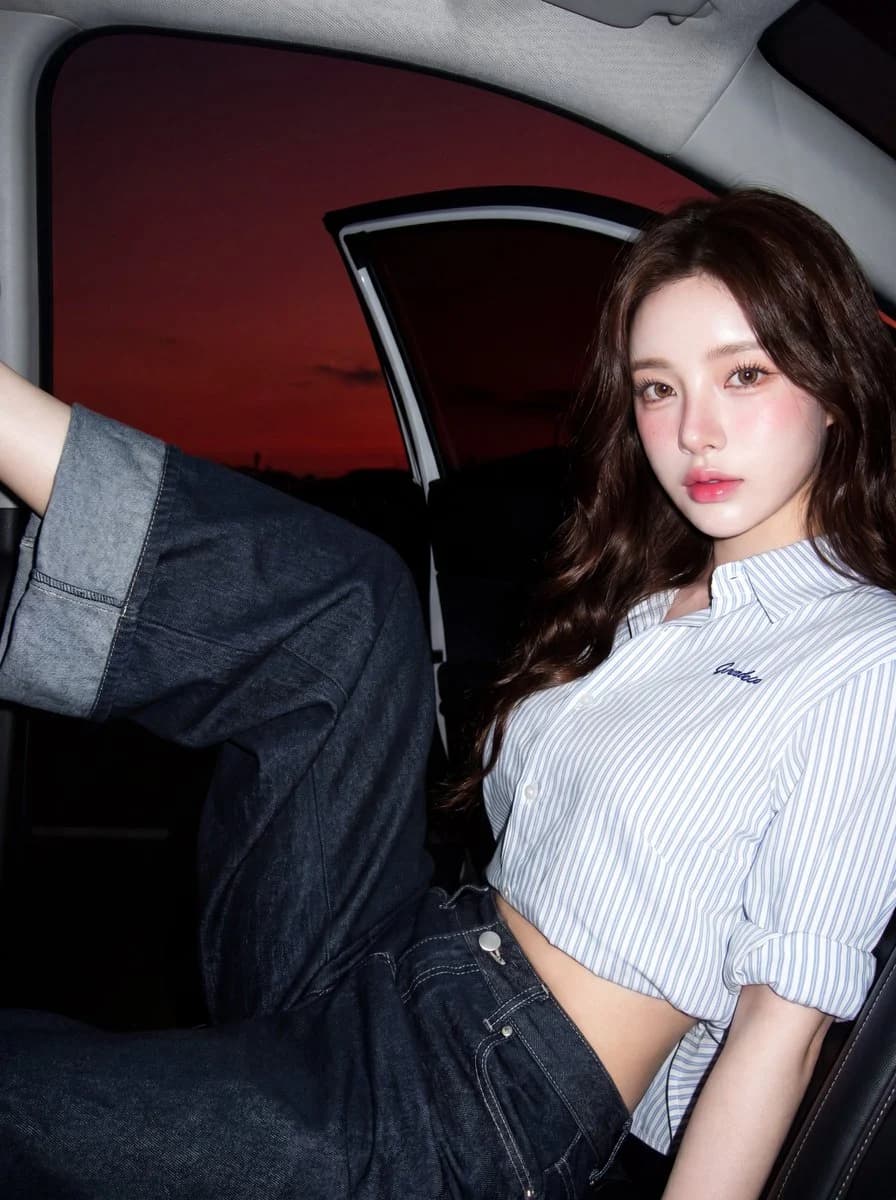
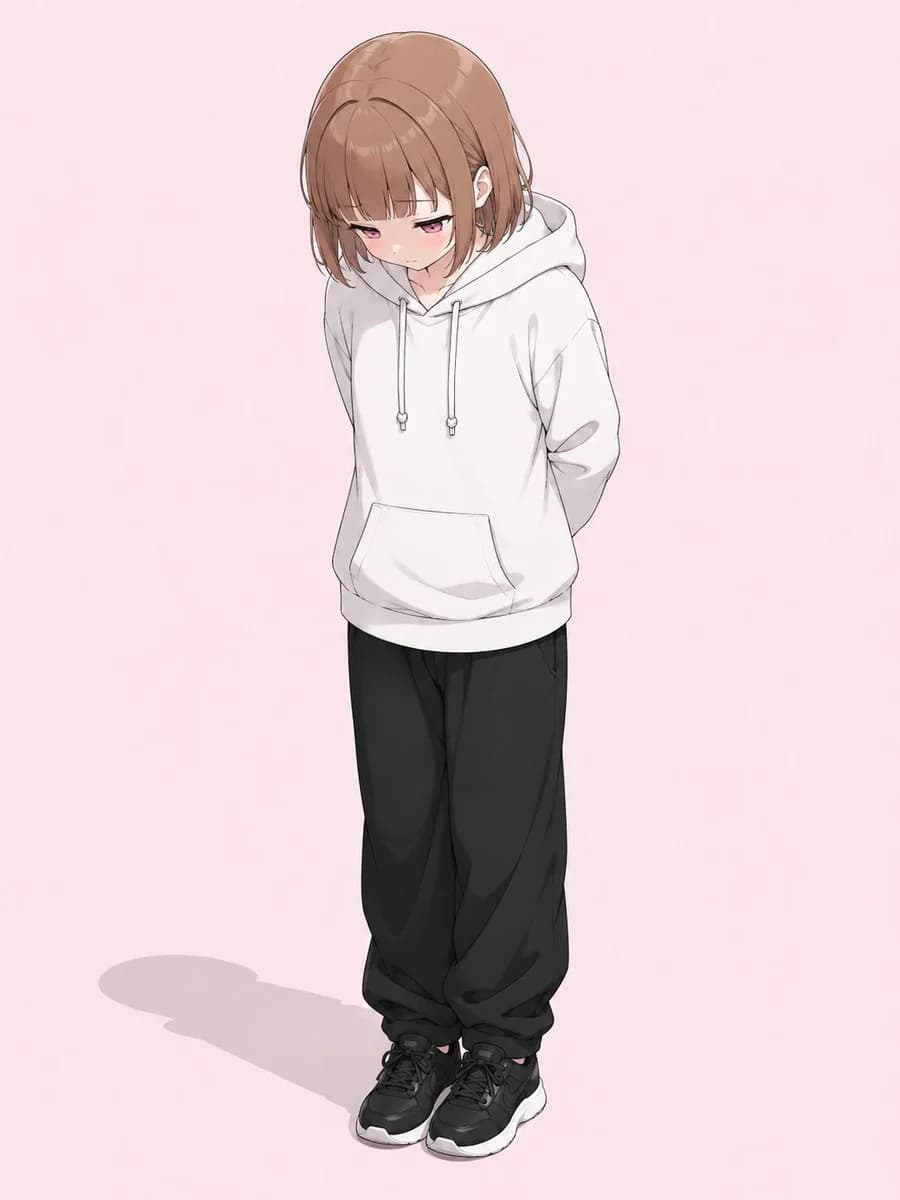
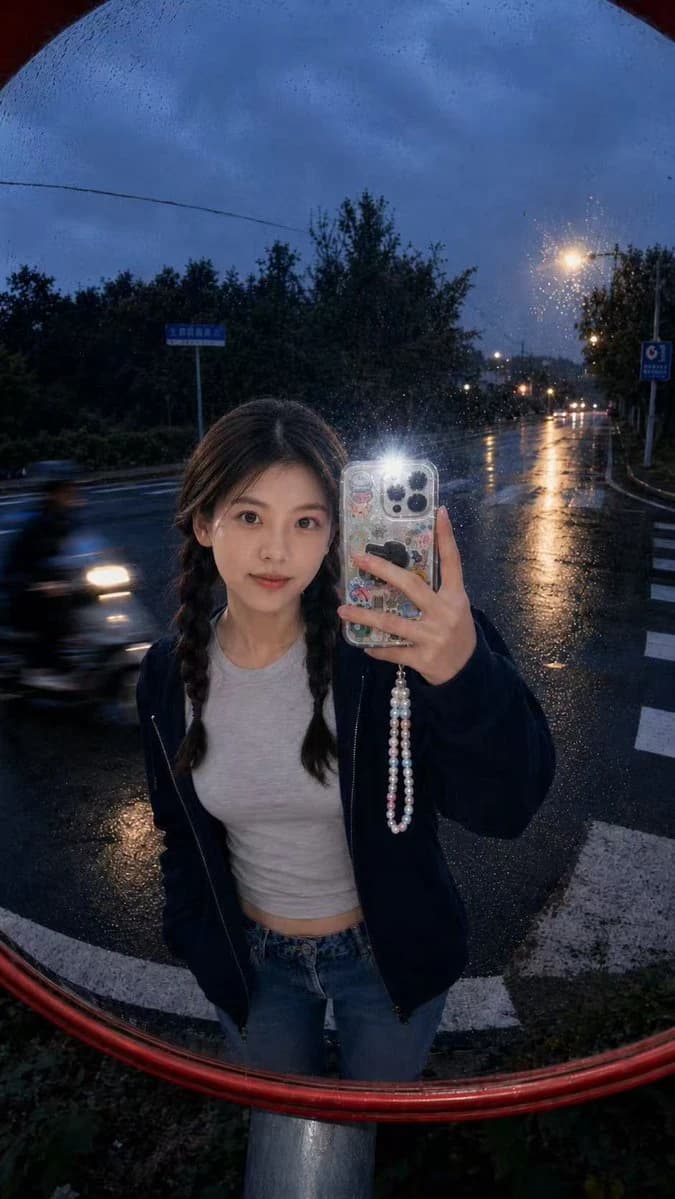
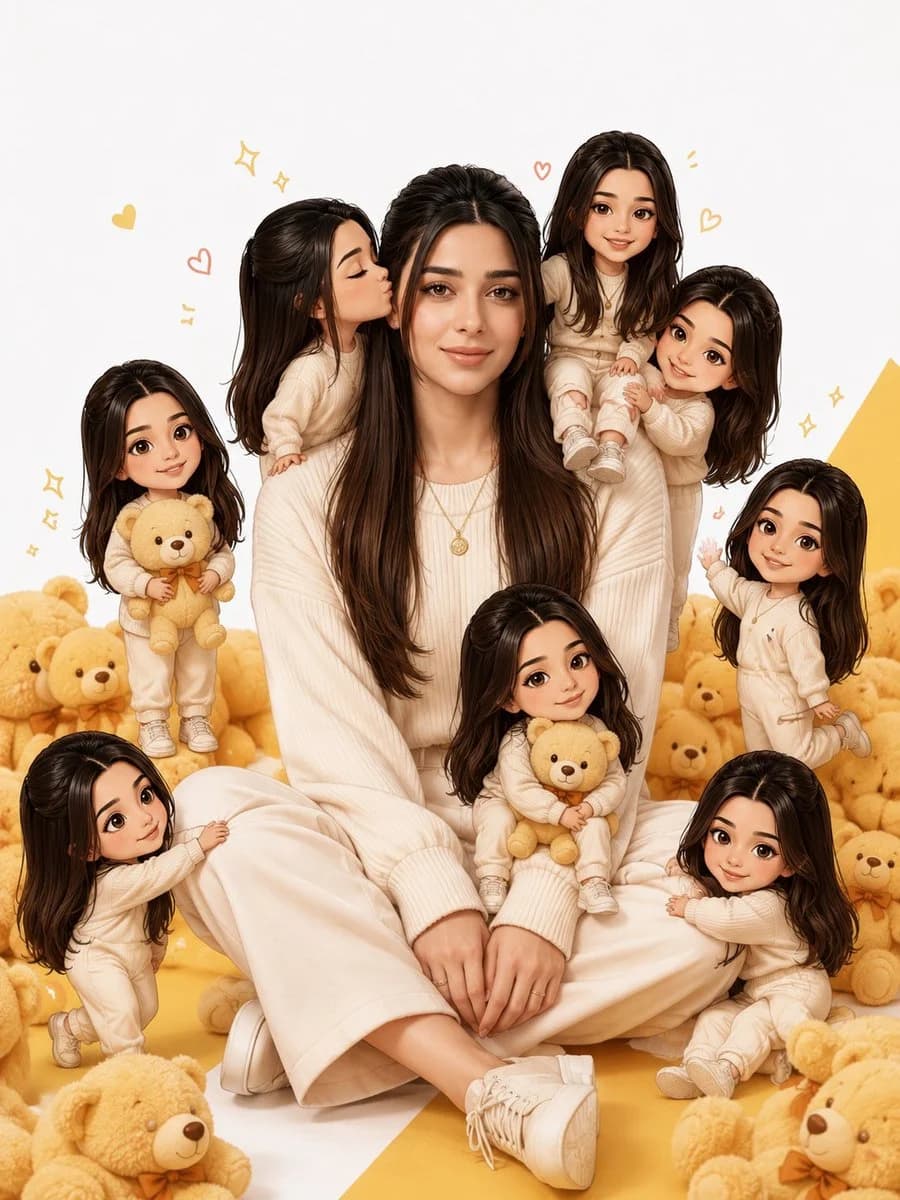
237 wordsTransform the photo into the same visual style as the reference image, not a 3D render. Create one life-size realistic version of the person sitting naturally in the center, surrounded by 6–8 miniature cartoon/chibi versions of the same person.
The miniature characters must have:
The exact same face, hairstyle, skin tone, and identity as the original.
A cute 2D cartoon / illustrated chibi style (not 3D, not Pixar, not clay).
Oversized heads with small bodies while keeping the facial identity recognizable.
Different playful poses and expressions.
The mini characters should interact with the main person:
One kissing the cheek.
One hugging the shoulder.
One sitting on the shoulder.
One holding a teddy bear.
One pulling the sleeve.
One sitting on the lap.
One waving happily.
One cuddling next to the main person.
The main person should wear the {argument name="outfit" default="same outfit as in the uploaded photo"}. Surround the scene with {argument name="decorations" default="soft teddy bears, tiny hearts, sparkles, and playful doodle elements"}. Use a {argument name="background" default="clean white background with yellow accents"} and soft natural lighting.
Do not add any text, captions, logos, watermarks, stickers, or typography.
The final image should look exactly like the reference composition, with one realistic human in the center and multiple cute 2D cartoon mini versions of the same person around them. Keep the face perfectly consistent across every character. Ultra-detailed, premium illustration quality, vibrant colors, clean composition, high resolution, masterpiece.About this prompt
Realistic Person with Chibi Miniatures is a ready-to-use portrait prompt for GPT Image 2 on Image 2. Copy the 237 words below, paste them into the Create form, and you will get a result close to the preview above. Tweak the Portrait, Character, Fashion tag if you want to push it somewhere new.
Use it as a starting point, then adjust the subject, lighting, or composition to suit your idea. The credit cost stays the same whether you use it as written or customize it.
Use case
A strong starting point for Portrait
Start here when you want a portrait image inspired by Realistic Person with Chibi Miniatures. The prompt already sets the look and composition; replace the subject, product, colors, or scene details to match your project.
Easy places to tweak
- Subject Swap in your person, product, place, or object without changing the overall composition.
- Look and mood Tune the lighting, palette, camera angle, or materials so the image fits your brand.
- Final format Set the aspect ratio, background, text, or layout notes before you generate.
More prompt paths to explore
Find more GPT Image 2 prompts with a similar style, use case, or subject.
How to use it
- Step 1
Copy the prompt
Hit the Copy button above to grab the full text.
- Step 2
Open Image 2 Create
Head to the Create form and paste it in.
- Step 3
Generate
Hit Generate. Your version lands in seconds.
Make it yours
Load the prompt into the Create form with one click, then start tweaking.