Prompt
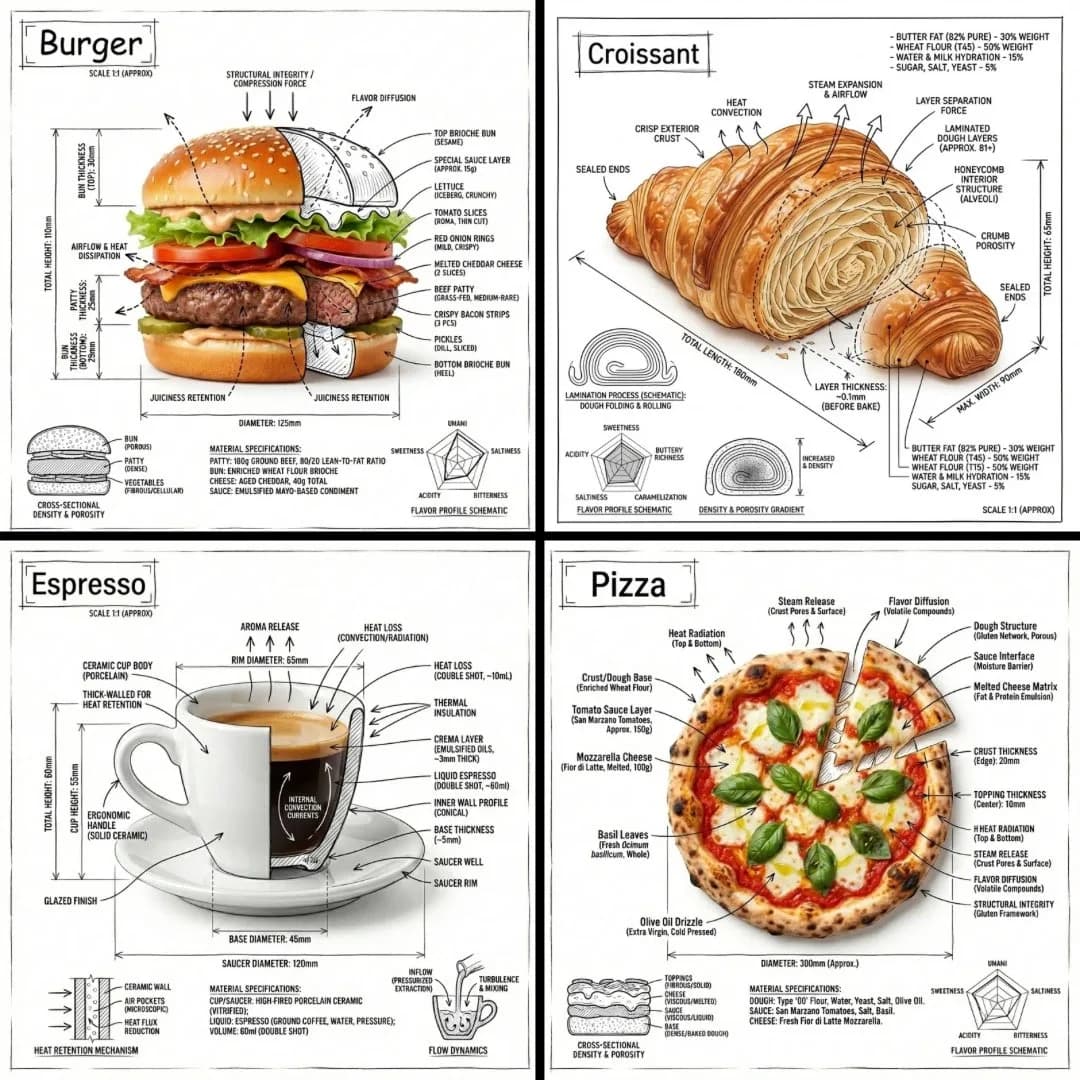
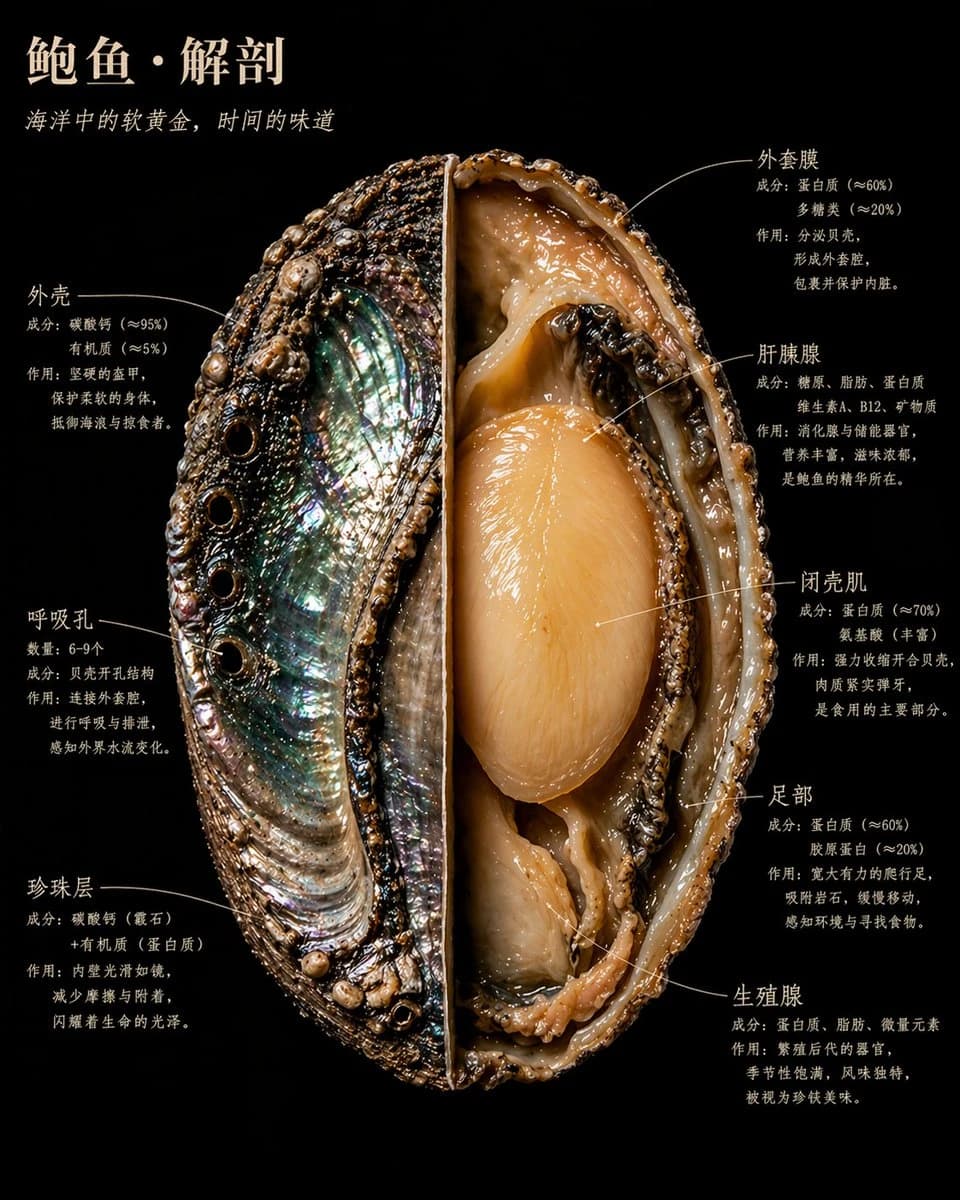
366 wordsA whole / a piece / a single [food name], dissected the way a master naturalist would examine a specimen found in the wild. Cut open, spread out, pinned in place — like a treasured museum specimen, yet lit the way Caravaggio would light it if he were shooting for National Geographic. Every internal structure glows with the truth of its own material. The cross-section is sharp to the point of violence. The interior is beautiful to the point of holiness. Show the complete specimen: One half left intact, showing [outer surface description: texture/color/pattern]; the other half cut open to the core, with [inner core structure description: the 1–2 most important internal visual features] clearly visible. [Add 1–2 sentences describing this food's most visually striking cross-section details] Background: pure black velvet. The [food name] floats within it, like something precious and dangerous. Label text hugs the edges of the structures in a handwritten-feel serif font, never floating in midair. The image includes the following labels, three lines each: line one, the structure name; line two, composition data; line three, one plain-language sentence: [Structure 01 name] [Composition / data notes] [What this structure does and why it matters] [Structure 02 name] [Composition / data notes] [What this structure does and why it matters] [Structure 03 name] [Composition / data notes] [What this structure does and why it matters] [Structure 04 name] [Composition / data notes] [What this structure does and why it matters] [Structure 05 name] [Composition / data notes] [What this structure does and why it matters] [Structure 06 name] [Composition / data notes] [What this structure does and why it matters] Others omitted — if there are more, keep this format Main title, top left, in warm ivory capitals: [FOOD NAME] · ANATOMY An italic subtitle directly below: [One sentence revealing the essence of this food, no more than 15 words] Overall feel: Audubon natural-history illustration × Caravaggio lighting × the most beautiful scientific photography ever made. 4K precision, specimen lighting, extreme interior detail. Nothing clinical — everything is alive. Realistic style, not a schematic, not a cartoon, not a simplified diagram. Every material has a real physical texture: rough, smooth, moist, dry, dense, porous.
About this prompt
Naturalist-Style Food Specimen Cross-Section is a ready-to-use ui mockup prompt for GPT Image 2 on Image 2. Copy the 366 words below, paste them into the Create form, and you will get a result close to the preview above. Tweak the UI, Mockup, Food tag if you want to push it somewhere new.
Use it as a starting point, then adjust the subject, lighting, or composition to suit your idea. The credit cost stays the same whether you use it as written or customize it.
Use case
A strong starting point for UI Mockup
Start here when you want a ui mockup image inspired by Naturalist-Style Food Specimen Cross-Section. The prompt already sets the look and composition; replace the subject, product, colors, or scene details to match your project.
Easy places to tweak
- Subject Swap in your person, product, place, or object without changing the overall composition.
- Look and mood Tune the lighting, palette, camera angle, or materials so the image fits your brand.
- Final format Set the aspect ratio, background, text, or layout notes before you generate.
More prompt paths to explore
Find more GPT Image 2 prompts with a similar style, use case, or subject.
How to use it
- Step 1
Copy the prompt
Hit the Copy button above to grab the full text.
- Step 2
Open Image 2 Create
Head to the Create form and paste it in.
- Step 3
Generate
Hit Generate. Your version lands in seconds.
Make it yours
Load the prompt into the Create form with one click, then start tweaking.