Prompt
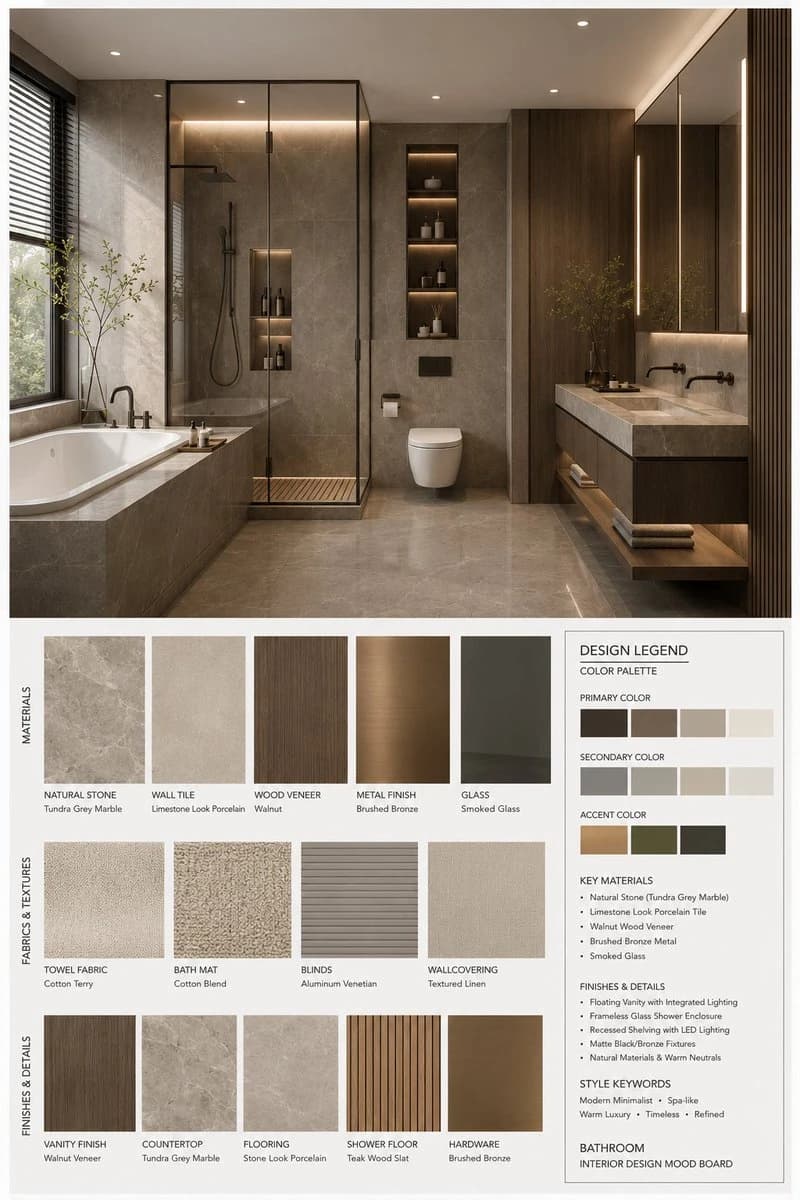
115 wordsGPT Image 2 室内设计情绪板生成器 提示词: (室内设计情绪板生成器 / Interior Design Mood Board Generator) 你是一名专业的室内设计 Mood Board 创作者。请基于用户提供的 [Space Type] 室内设计照片,生成一张 竖版 3:4 的高端室内设计情绪板。整体视觉参考专业室内设计提案图,呈现 [Style Keywords] 的审美特征,画面应具备 [Mood Keywords] 的空间氛围,并符合 [Branding Tone] 的高级设计表达。 场景类型(Space Type):[Space Type] 画面布局要求 上半部分:呈现一张高分辨率、照片级真实感的 [Space Type] 室内设计效果图。 该效果图需要在空间结构、家具语言、材质关系、色彩搭配、光影氛围上与用户输入照片保持一致,同时提升为更完整、更精致、更具设计提案感的视觉呈现。 重点体现:[Key Furniture Elements]、[Material Keywords]、[Color Palette]、[Lighting Style]。 下半部分:展示与上方空间设计严格对应的材质与软装样本,包括: 材料样板 面料样本 色卡 饰面样本 与该空间相关的木材、石材、金属、玻璃、织物、皮革或涂料样本 所有样本必须与上方空间保持一致,并准确反映该设计方案中的核心材质与色彩逻辑。 右下角:设置一个 Design Legend / Color Palette 信息框,统一展示本方案的: 主色 辅助色 点缀色 核心材质 饰面说明 风格关键词 风格与输出要求 专业室内设计公司级别的 Mood Board 版式 极简、整洁、克制、有秩序的排版 明确的视觉层级与留白控制 材质、色彩、面料、饰面与上方空间完全匹配 标签清晰、现代、简洁,具有高级编辑设计感 整体气质需符合 [Style Keywords] 呈现 [Render Quality] 竖版 3:4 构图 4K Ultra HD 超高细节 写实渲染 直接用于图像生成 标签要求 每个材质或色彩样本配有清晰标签,标签内容围绕以下信息组织: [Label Language] 的材质名称、颜色名称、饰面名称或织物类型。 标签风格应简洁、专业、排版规整,不喧宾夺主。 主题定义 [Space Type] Interior Design Mood Board 风格方向:[Style Name] 关键词:[Style Keywords], [Material Keywords], [Color Palette], [Mood Keywords] 负面约束 避免杂乱拼贴、避免廉价海报风、避免材质与空间不匹配、避免错误透视、避免低质字体、避免装饰元素过多、避免卡通感、避免过饱和色彩、避免信息层
About this prompt
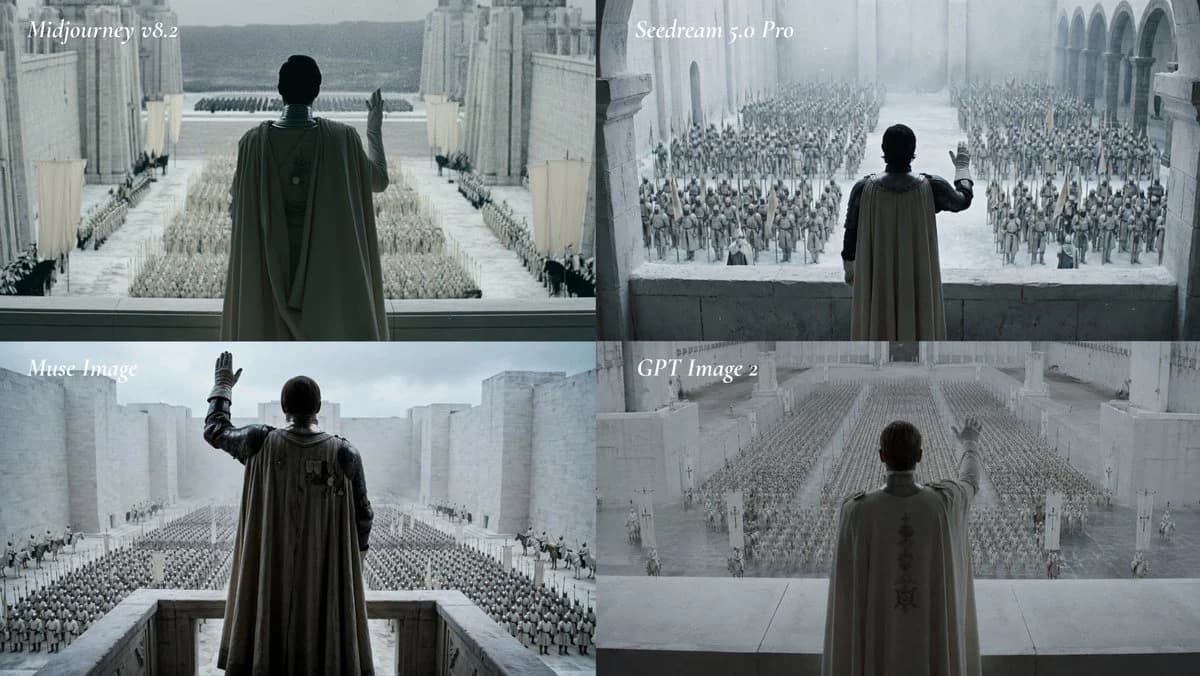
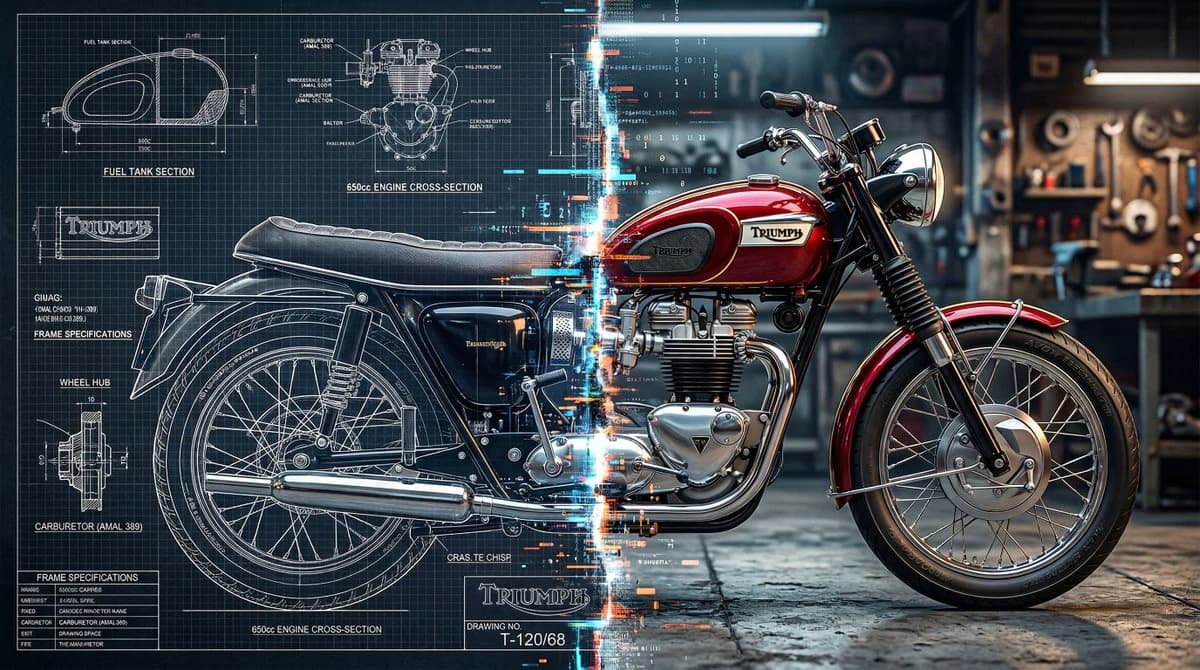
Interior Design Mood Board Generator is a ready-to-use comparison prompt for GPT Image 2 on Image 2. Copy the 115 words below, paste them into the Create form, and you will get a result close to the preview above. Tweak the Comparison, Product, Architecture tag if you want to push it somewhere new.
Use it as a starting point, then adjust the subject, lighting, or composition to suit your idea. The credit cost stays the same whether you use it as written or customize it.
Use case
A strong starting point for Comparison
Start here when you want a comparison image inspired by Interior Design Mood Board Generator. The prompt already sets the look and composition; replace the subject, product, colors, or scene details to match your project.
Easy places to tweak
- Subject Swap in your person, product, place, or object without changing the overall composition.
- Look and mood Tune the lighting, palette, camera angle, or materials so the image fits your brand.
- Final format Set the aspect ratio, background, text, or layout notes before you generate.
More prompt paths to explore
Find more GPT Image 2 prompts with a similar style, use case, or subject.
How to use it
- Step 1
Copy the prompt
Hit the Copy button above to grab the full text.
- Step 2
Open Image 2 Create
Head to the Create form and paste it in.
- Step 3
Generate
Hit Generate. Your version lands in seconds.
Make it yours
Load the prompt into the Create form with one click, then start tweaking.