Prompt
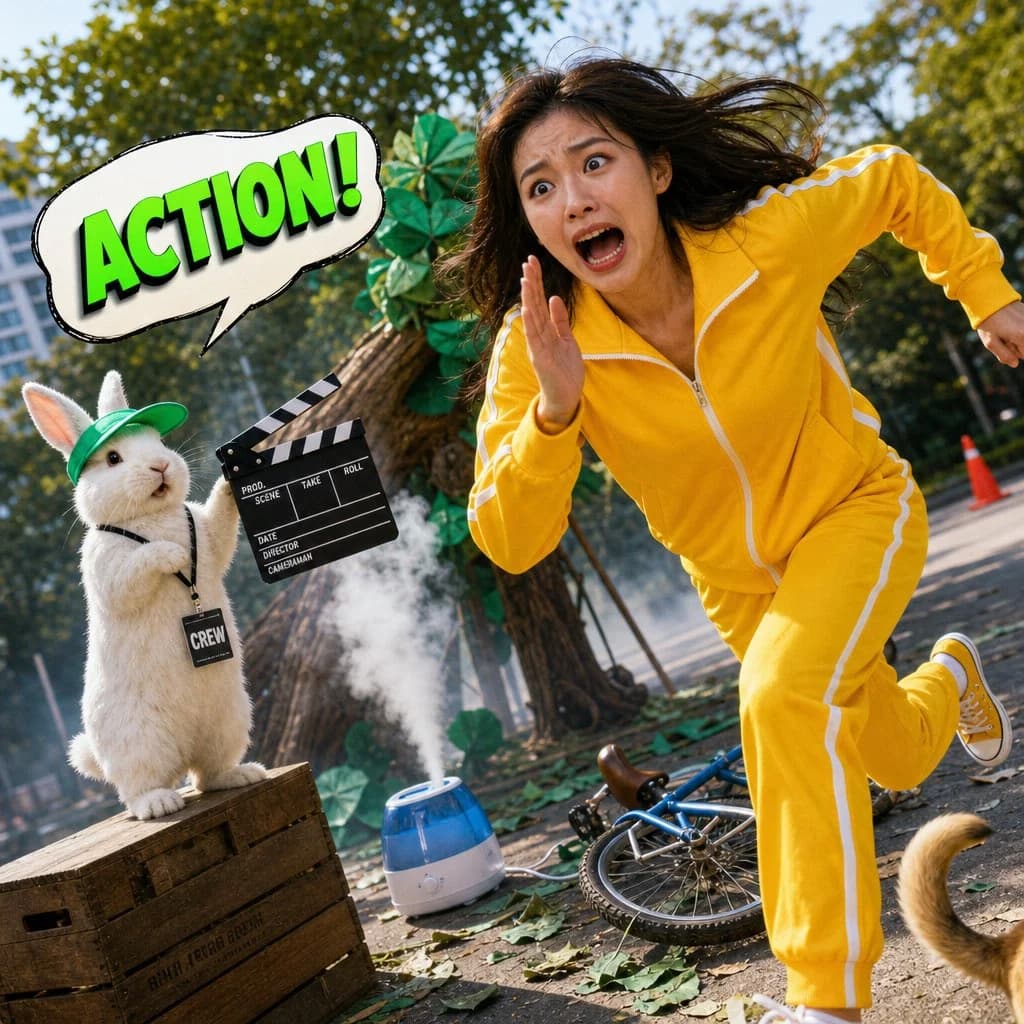
208 wordsA completely absurd, bright, and humorous mixed-media photograph combining real human photography with a glossy 3D cartoon element. A tiny, chubby {argument name="animal" default="hamster"} sits on top of a professional film camera, its tiny paws gripping a glossy 3D-rendered mini megafon. The hamster wears a tiny pair of retro round glasses and a red bandana. A bold 3D speech bubble above the hamster reads: **「MORE DRAMA!」** in flamboyant, swirling purple font. In front of the camera, a {argument name="subject" default="young East Asian man"} is on his knees on a small stage, his face 100% photorealistic—a look of over-the-top, theatrical despair, one hand clutching his chest, the other reaching toward the sky, mouth open in a dramatic, silent wail. He wears a {argument name="outfit" default="velvet burgundy robe"} over a simple black t-shirt. The background is a slightly cluttered home studio with a green screen that has fallen down, a boom mic hanging crookedly, scattered costume pieces, and a half-eaten donut on a stool. Bright studio light, slightly clipped highlights on the velvet robe. Realistic skin texture, visible pores, no beauty filter. Heavy grain, slight chromatic aberration. A stray cat tail peeks from behind the fallen green screen at the bottom left corner.
dutch angle, stray cat tail --ar 9:16About this prompt
Humorous Hamster Director Scene is a ready-to-use character design prompt for GPT Image 2 on Image 2. Copy the 208 words below, paste them into the Create form, and you will get a result close to the preview above. Tweak the Character Design, Fashion, Architecture tag if you want to push it somewhere new.
Use it as a starting point, then adjust the subject, lighting, or composition to suit your idea. The credit cost stays the same whether you use it as written or customize it.
Use case
A strong starting point for Character Design
Start here when you want a character design image inspired by Humorous Hamster Director Scene. The prompt already sets the look and composition; replace the subject, product, colors, or scene details to match your project.
Easy places to tweak
- Subject Swap in your person, product, place, or object without changing the overall composition.
- Look and mood Tune the lighting, palette, camera angle, or materials so the image fits your brand.
- Final format Set the aspect ratio, background, text, or layout notes before you generate.
More prompt paths to explore
Find more GPT Image 2 prompts with a similar style, use case, or subject.
How to use it
- Step 1
Copy the prompt
Hit the Copy button above to grab the full text.
- Step 2
Open Image 2 Create
Head to the Create form and paste it in.
- Step 3
Generate
Hit Generate. Your version lands in seconds.
Make it yours
Load the prompt into the Create form with one click, then start tweaking.