Prompt
314 wordsUse my picture reference for the exact face, hairstyle, bangs, facial proportions, skin tone, body posture, and overall silhouette accuracy. Maintain high identity consistency from the reference image.
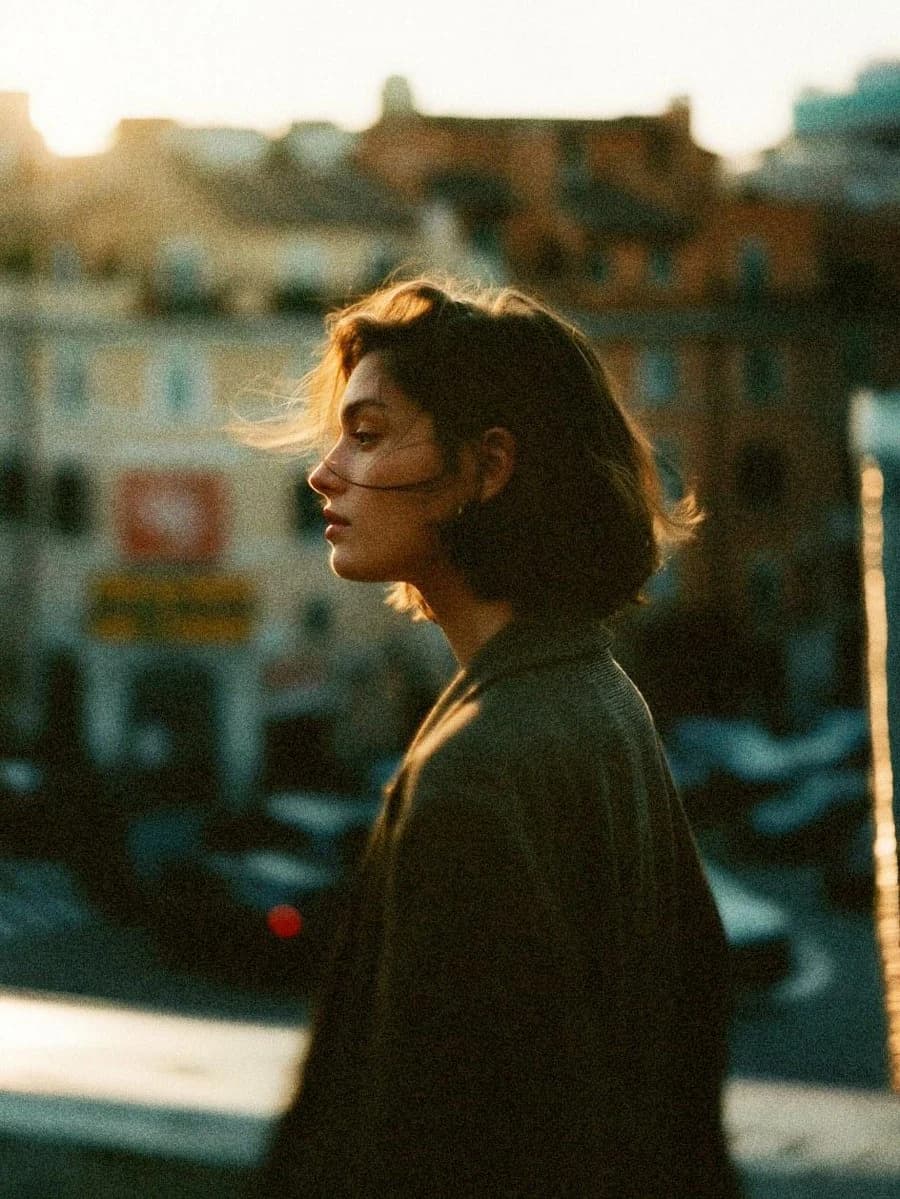
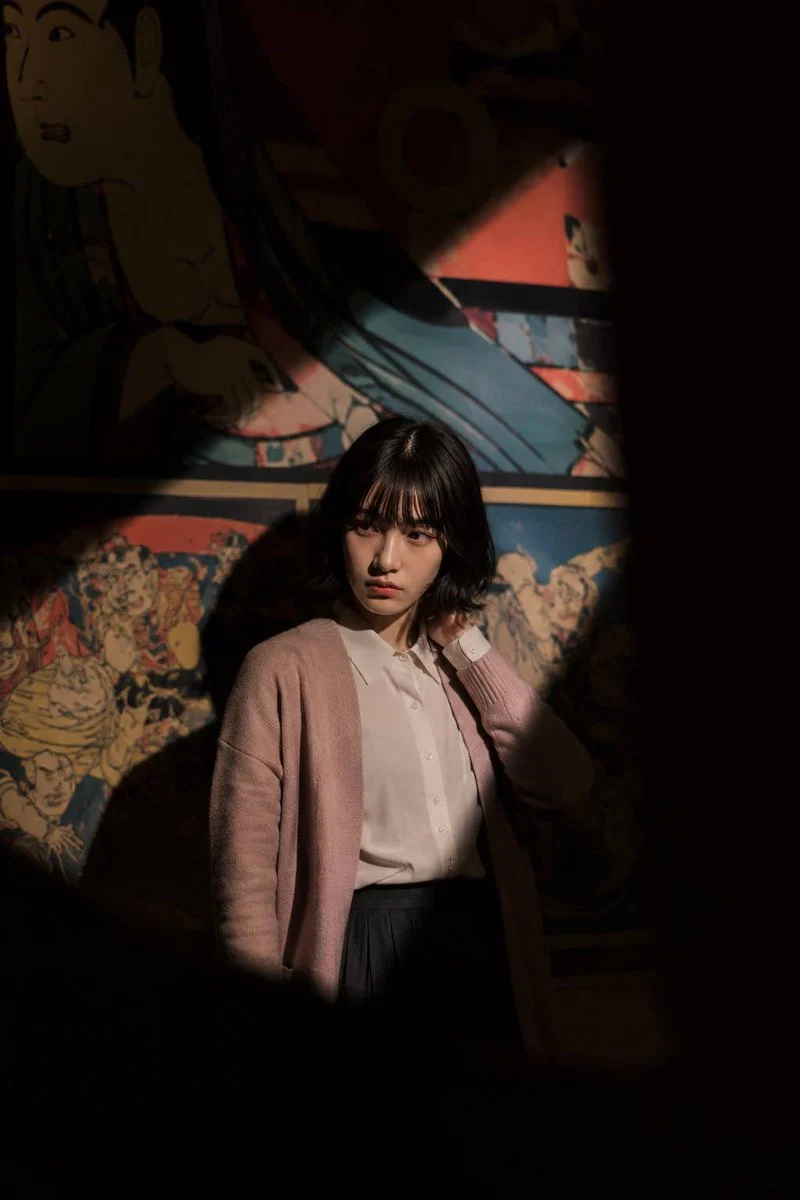
cinematic portrait of a {argument name="subject" default="subject"} standing alone in a {argument name="location" default="dark exhibition room"}, She wearing {argument name="clothing" default="vintage white shirt combined with pink outer, with black vintage material skirt"}, minimal make up front-profile pose with body facing camera , relaxed posture, one shoulder slightly lowered, hands adjust hair calm mysterious expression, intellectual and elegant aura, positioned in the lower center of frame, surrounded by darkness with a single dramatic diagonal spotlight cutting across the scene from top right to bottom left, half of her body illuminated while the rest fades into shadow, colorful vintage Japanese mural wall behind her with retro cartoon illustrations and traditional art details, cinematic negative space composition, foreground shadows naturally framing the image like torn darkness, moody museum atmosphere, lonely artistic vibes, contemplative mood, realistic photography, subtle film grain, analog texture, muted blacks with vibrant mural accents
camera angle: eye-level shot, medium-close portrait framing, subject captured from side at approximately 70-degree profile angle, slight distance from subject for environmental storytelling, centered cinematic composition
camera settings: cinematic low-light photography, shallow depth of field, realistic shadow falloff, Kodak Portra film color grading
lighting: harsh focused spotlight from upper right creating strong diagonal beam and high contrast shadows, minimal ambient light, deep blacks, soft warm highlight on face and glasses edge
vibes: mysterious, artistic, museum-core aesthetic, intelligent quiet energy, melancholic cinematic atmosphere, indie film still, luxury editorial photography, solitary night mood, understated elegance
style: ultra realistic, cinematic photography, analog grain, editorial fashion portrait, natural skin texture, subtle imperfections, realistic color science, masterpiece quality
negative prompt: anime, smiling, overexposed, extra limbs, bad anatomy, colorful outfit, cyberpunk neon, blurry face, low quality, distorted hands, unrealistic skin, HDR overload, exaggerated makeup, busy composition, duplicate personAbout this prompt
Cinematic Museum Spotlight Portrait is a ready-to-use storyboard prompt for GPT Image 2 on Image 2. Copy the 314 words below, paste them into the Create form, and you will get a result close to the preview above. Tweak the Storyboard, Fashion, Architecture tag if you want to push it somewhere new.
Use it as a starting point, then adjust the subject, lighting, or composition to suit your idea. The credit cost stays the same whether you use it as written or customize it.
Use case
A strong starting point for Storyboard
Start here when you want a storyboard image inspired by Cinematic Museum Spotlight Portrait. The prompt already sets the look and composition; replace the subject, product, colors, or scene details to match your project.
Easy places to tweak
- Subject Swap in your person, product, place, or object without changing the overall composition.
- Look and mood Tune the lighting, palette, camera angle, or materials so the image fits your brand.
- Final format Set the aspect ratio, background, text, or layout notes before you generate.
More prompt paths to explore
Find more GPT Image 2 prompts with a similar style, use case, or subject.
How to use it
- Step 1
Copy the prompt
Hit the Copy button above to grab the full text.
- Step 2
Open Image 2 Create
Head to the Create form and paste it in.
- Step 3
Generate
Hit Generate. Your version lands in seconds.
Make it yours
Load the prompt into the Create form with one click, then start tweaking.