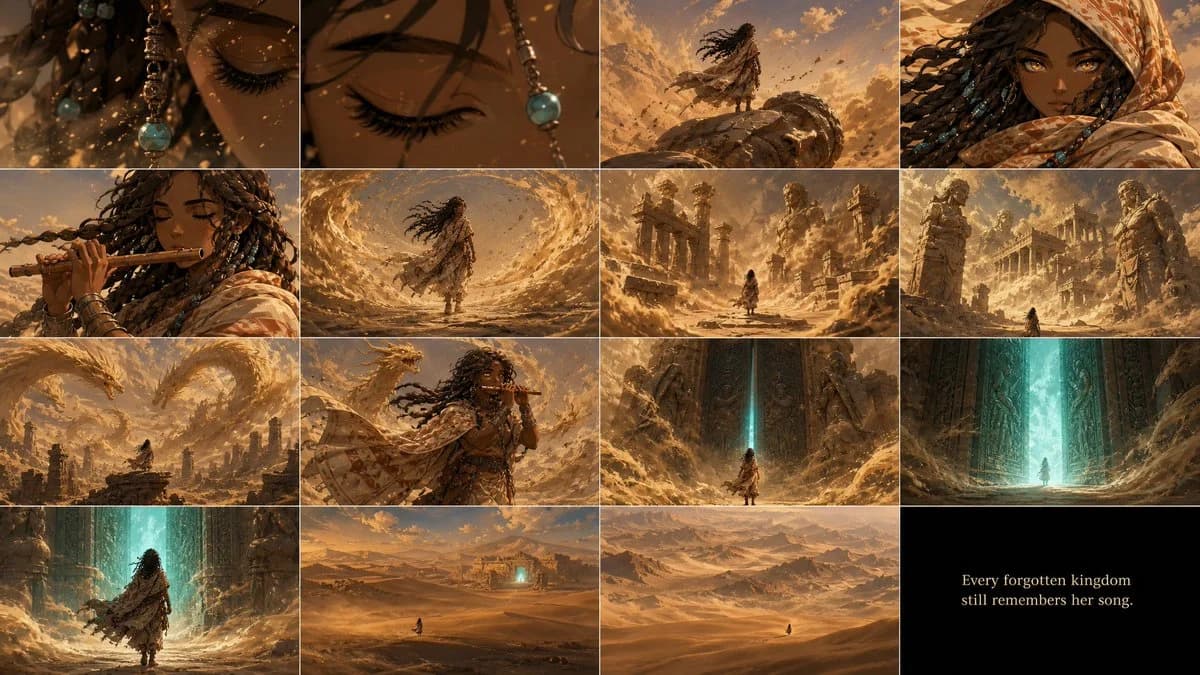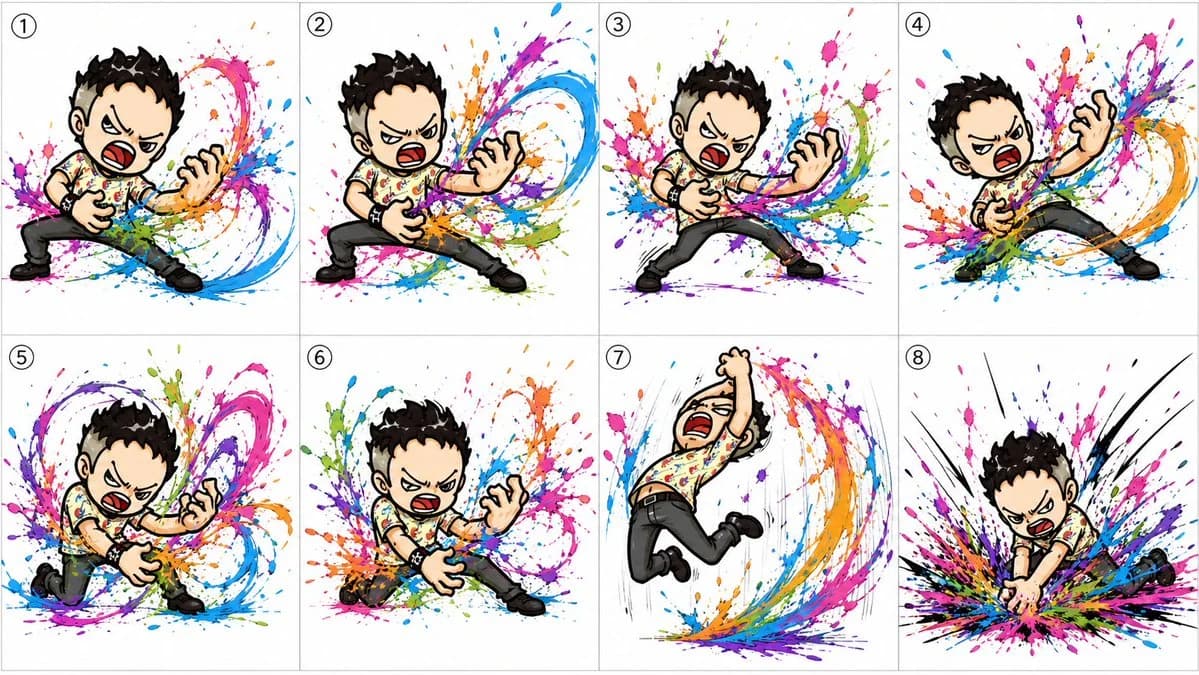
Prompt
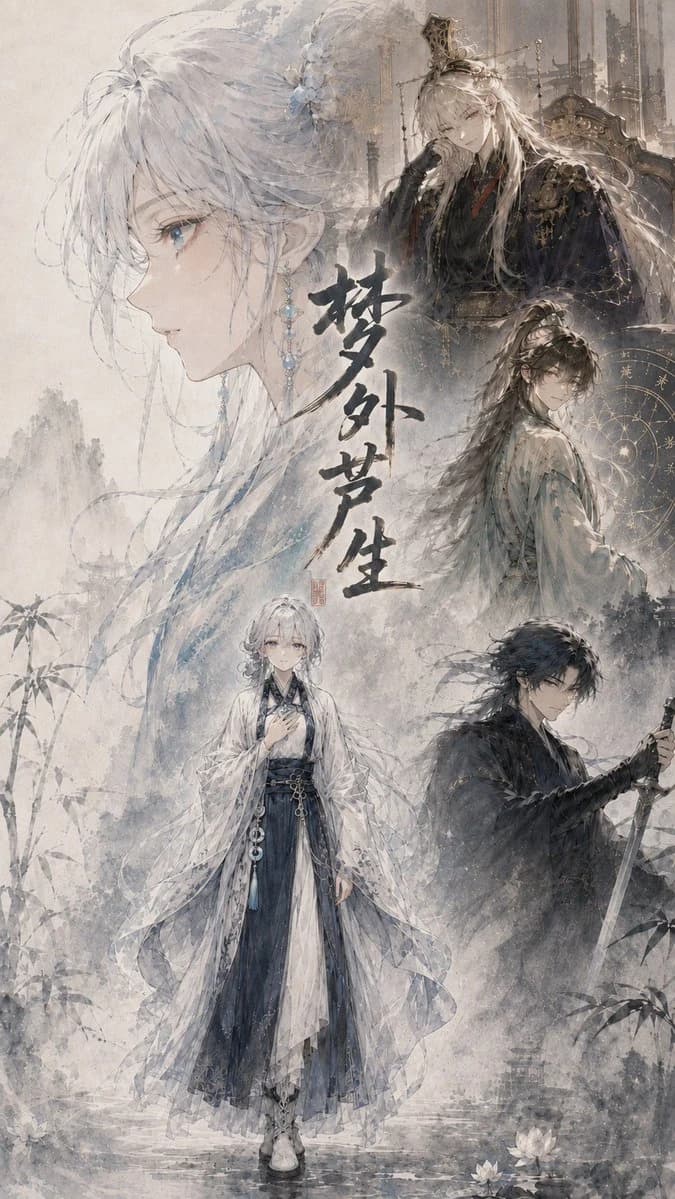
395 wordsGoal: Create a vertical cinematic fantasy light-novel cover illustration in delicate Chinese/Japanese ink-wash anime style, centered on {argument name="character name" default="the silver-haired heroine"} and a tragic xianxia atmosphere.
Canvas: Tall portrait cover, 2:3 aspect ratio, softly aged parchment background with mist, pale gray-blue ink textures, faint mountains, bamboo silhouettes, water ripples, lotus flowers near the bottom, and a dreamy high-detail watercolor finish.
Layout: Build a collage with exactly 5 visible character portraits/figures. 1) A very large translucent left-facing profile of the heroine fills the left half, with long white-silver hair, blue eyes, pale skin, loose strands, floral hair ornaments, and dangling blue crystal earrings. 2) A full-body heroine stands near the lower center, wearing layered white, translucent, and dark navy hanfu robes with flowing sleeves, sash ornaments, and boots, one hand held near her chest. 3) At the upper right, place an elegant pale blond/silver noble man seated on an ornate throne, wearing dark black-gold robes, a small crown, gloves, and elaborate royal accessories, with a cold expression. 4) At the middle right, place a long-haired male cultivator in pale robes turning back toward the viewer, backed by a golden circular astrological chart or celestial diagram. 5) At the lower right, place a black-haired swordsman in dark robes holding a drawn sword downward, looking serious and guarded.
Text content: Add large vertical expressive black ink calligraphy in the center reading {argument name="title text" default="夢外夢生"}, with a small red seal stamp beside or below it. The calligraphy should feel hand-brushed, dramatic, and slightly weathered.
Visual style: Ethereal cinematic wuxia poster, painterly anime faces, fine linework, pale desaturated palette of ivory, ash gray, mist blue, ink black, and muted gold. Use layered transparency so the large profile and background figures blend into the fog. Include ornate palace architecture faintly behind the upper-right throne figure, misty cliffs and ink splashes throughout, and soft falling specks like snow or dust.
Subject details: The heroine has {argument name="hair color" default="white-silver hair"}, delicate blue jewelry, melancholic eyes, and an elegant fragile presence. The clothing should look intricate but not modern, with flowing historical fantasy robes, embroidered patterns, tassels, beads, and semi-transparent veils.
Constraints: Keep the composition like a dramatic album or novel jacket cover, no modern objects, no photorealism, no extra characters beyond the exact 5 listed, no readable text except the central calligraphy and small seal, no watermark, no logo.About this prompt
Cinematic Wuxia Fantasy Cover is a ready-to-use storyboard prompt for GPT Image 2 on Image 2. Copy the 395 words below, paste them into the Create form, and you will get a result close to the preview above. Tweak the Infographic, Comic, Storyboard tag if you want to push it somewhere new.
Use it as a starting point, then adjust the subject, lighting, or composition to suit your idea. The credit cost stays the same whether you use it as written or customize it.
Use case
A strong starting point for Storyboard
Start here when you want a storyboard image inspired by Cinematic Wuxia Fantasy Cover. The prompt already sets the look and composition; replace the subject, product, colors, or scene details to match your project.
Easy places to tweak
- Subject Swap in your person, product, place, or object without changing the overall composition.
- Look and mood Tune the lighting, palette, camera angle, or materials so the image fits your brand.
- Final format Set the aspect ratio, background, text, or layout notes before you generate.
More prompt paths to explore
Find more GPT Image 2 prompts with a similar style, use case, or subject.
How to use it
- Step 1
Copy the prompt
Hit the Copy button above to grab the full text.
- Step 2
Open Image 2 Create
Head to the Create form and paste it in.
- Step 3
Generate
Hit Generate. Your version lands in seconds.
Make it yours
Load the prompt into the Create form with one click, then start tweaking.