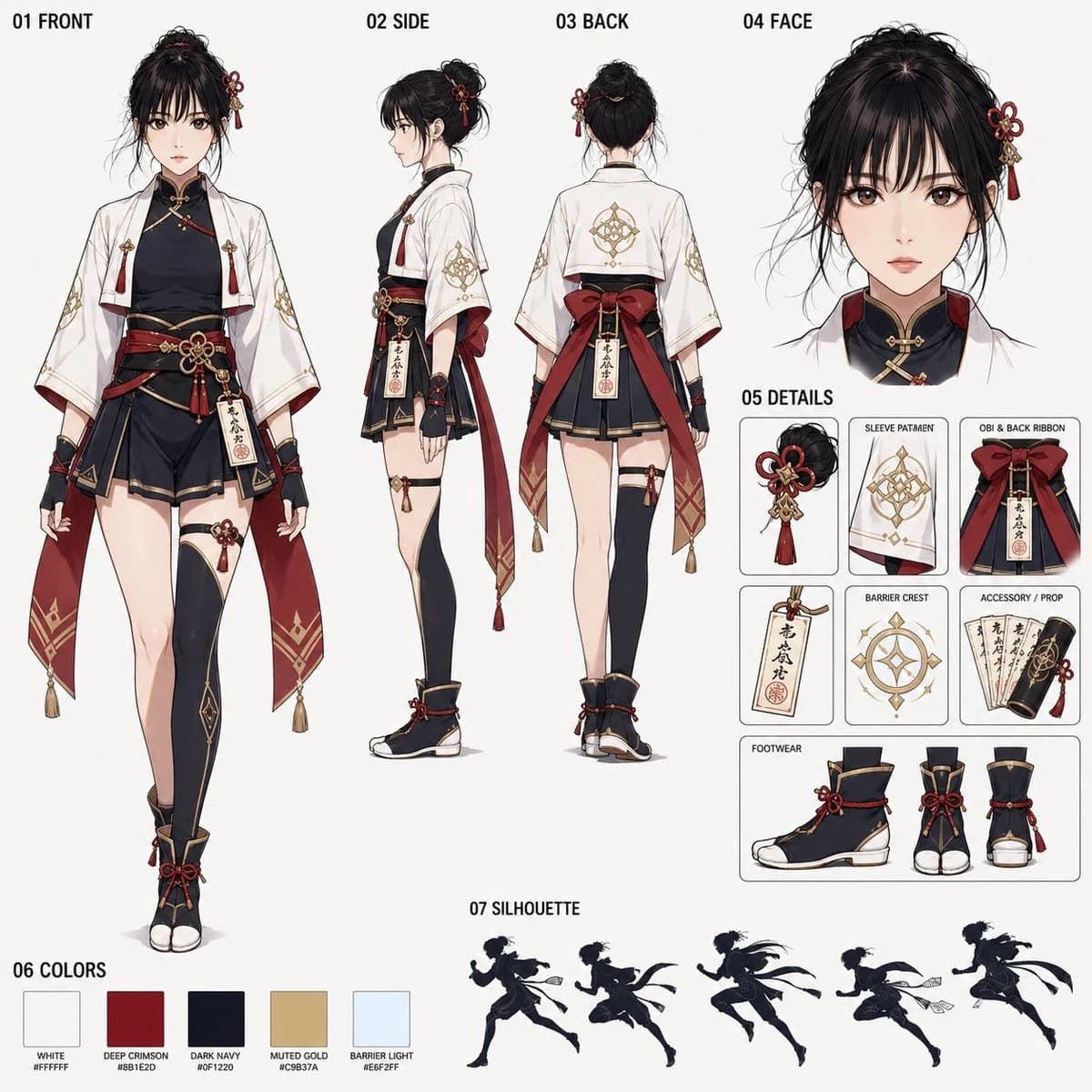
Prompt
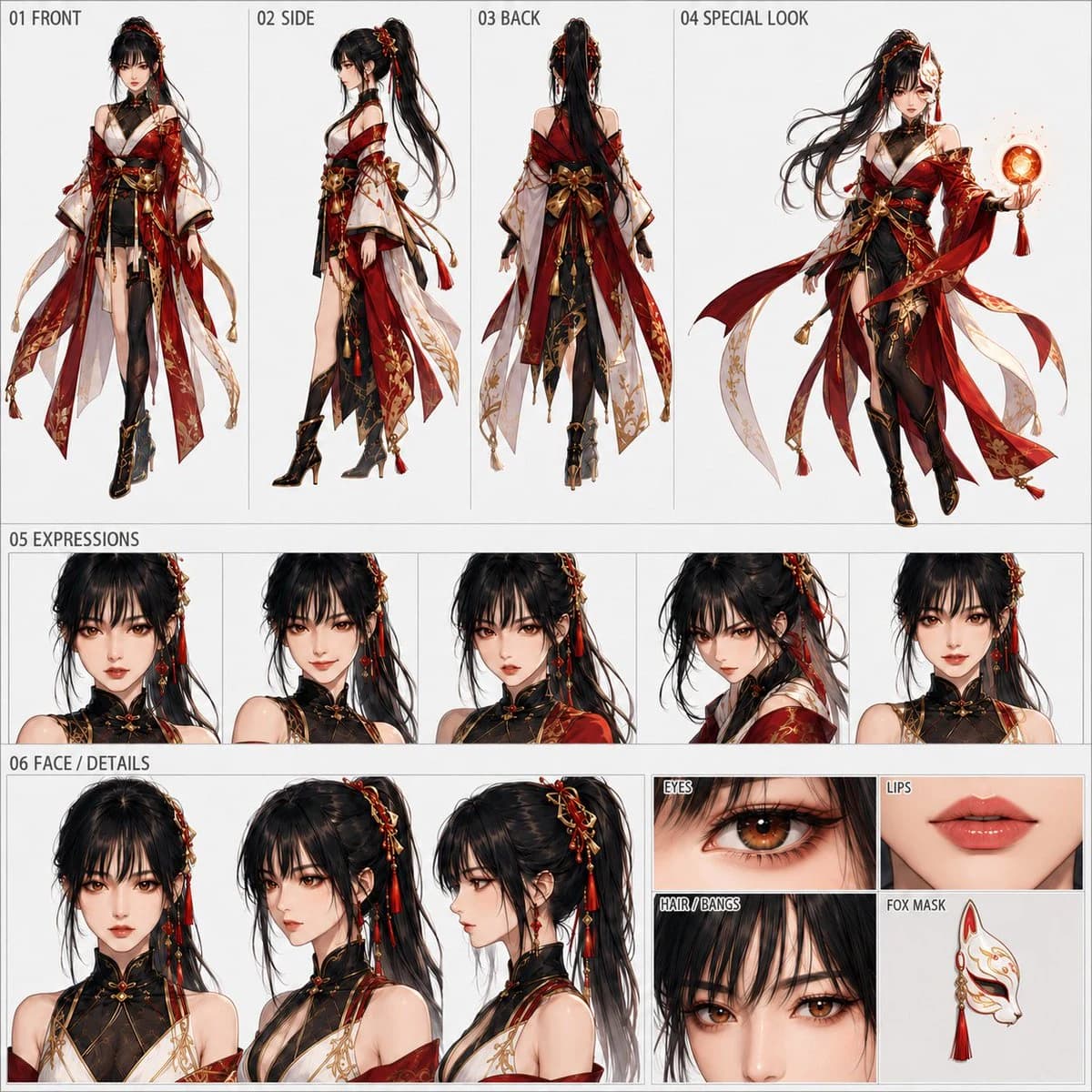
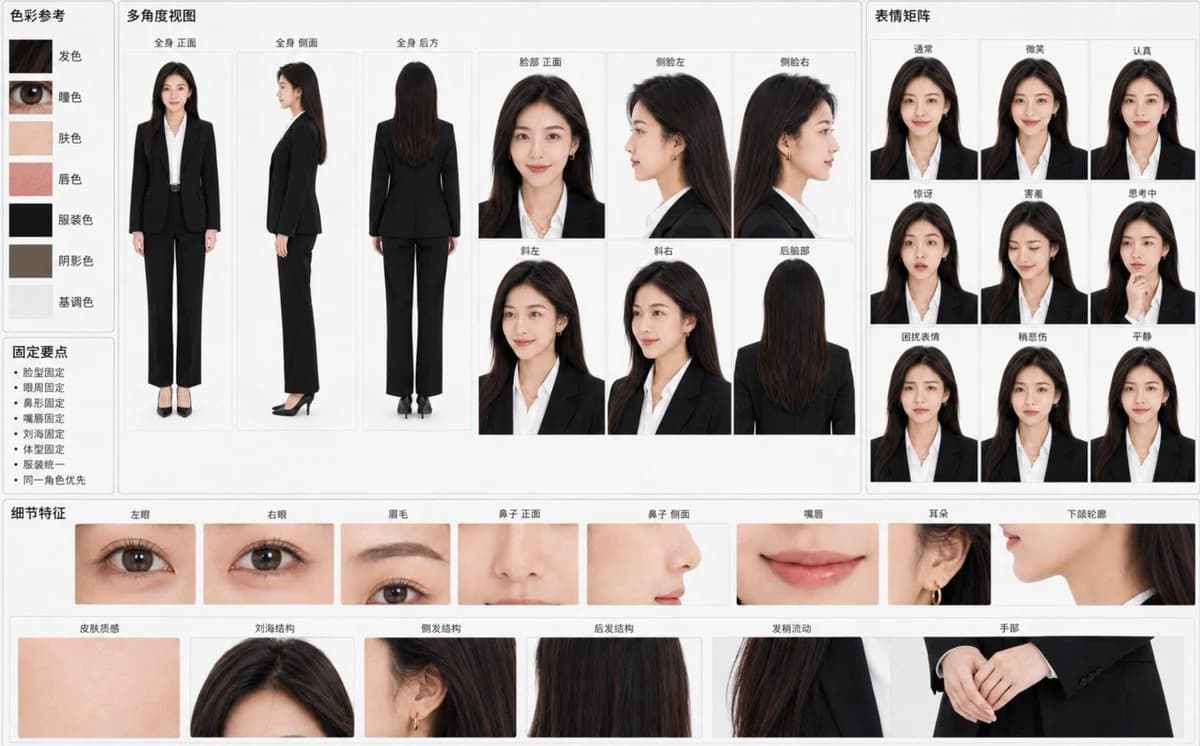
338 wordsCreate a "Fixed Character Identity Reference Sheet" based on the attached original character image, landscape {argument name="aspect ratio" default="16:10"}, with a {argument name="background color" default="light gray-white"} background and a professional visual data board layout. The primary goal is to ensure that all panels clearly represent the exact same character at a glance, rather than multiple similar individuals.
Treat the character's identity from the reference image as an unchangeable hard constraint. Strictly lock: face width-to-height ratio, cheekbones, cheeks, jawline, chin, eye contour, eye distance, eyelid structure, gaze, eyebrow arch, thickness, color, eye-brow distance, bridge of the nose, tip, nostrils, profile nose shape, lip thickness, peaks, corners, skin tone, pores, hairline, parting, bangs, hair length, flow, age impression, skeletal structure, shoulder width, limb length, and overall body type, as well as original clothing, art style, and lighting atmosphere.
Use large panels in the center to show: Full body front, side, back; Face front, left profile, right profile, left tilt, right tilt, and back of head. Maintain consistent skull structure, facial feature positions, hair volume, and body proportions. The profile must accurately extend the frontal structures.
Configure a small expression matrix on the right: Normal, Smile, Serious, Surprised, Shy, Thinking, Troubled, Slightly Sad, Calm. Maintain the same pupil and eye base dimensions.
Configure fine identity anchors at the bottom: Left eye, right eye, eyebrows, nose front/side, lips, ears, jawline, skin texture, bangs structure, side hair, back hair, hair tip flow, and hands.
Add 5–7 accurate color samples on the left: hair color, pupil color, skin color, lip color, clothing color, shadow color, and tone. Include minimalist "Fixed Points" like face shape fixed, eye area fixed, etc. The background should be clean with soft even lighting, no cinematic lighting or strong depth of field. Use only {argument name="label language" default="clear Simplified Chinese"} for all labels.
Negative Prompt: Different characters, similar faces but not the same person, identity drift, face swapping between panels, changes in facial proportions or hair, excessive beauty filters, magazine photography lighting, garbled text, watermarks, distorted anatomy, or style transitions.About this prompt
Character Reference Sheet Layout is a ready-to-use storyboard prompt for GPT Image 2 on Image 2. Copy the 338 words below, paste them into the Create form, and you will get a result close to the preview above. Tweak the Storyboard, Product, Fashion tag if you want to push it somewhere new.
Use it as a starting point, then adjust the subject, lighting, or composition to suit your idea. The credit cost stays the same whether you use it as written or customize it.
Use case
A strong starting point for Storyboard
Start here when you want a storyboard image inspired by Character Reference Sheet Layout. The prompt already sets the look and composition; replace the subject, product, colors, or scene details to match your project.
Easy places to tweak
- Subject Swap in your person, product, place, or object without changing the overall composition.
- Look and mood Tune the lighting, palette, camera angle, or materials so the image fits your brand.
- Final format Set the aspect ratio, background, text, or layout notes before you generate.
More prompt paths to explore
Find more GPT Image 2 prompts with a similar style, use case, or subject.
How to use it
- Step 1
Copy the prompt
Hit the Copy button above to grab the full text.
- Step 2
Open Image 2 Create
Head to the Create form and paste it in.
- Step 3
Generate
Hit Generate. Your version lands in seconds.
Make it yours
Load the prompt into the Create form with one click, then start tweaking.