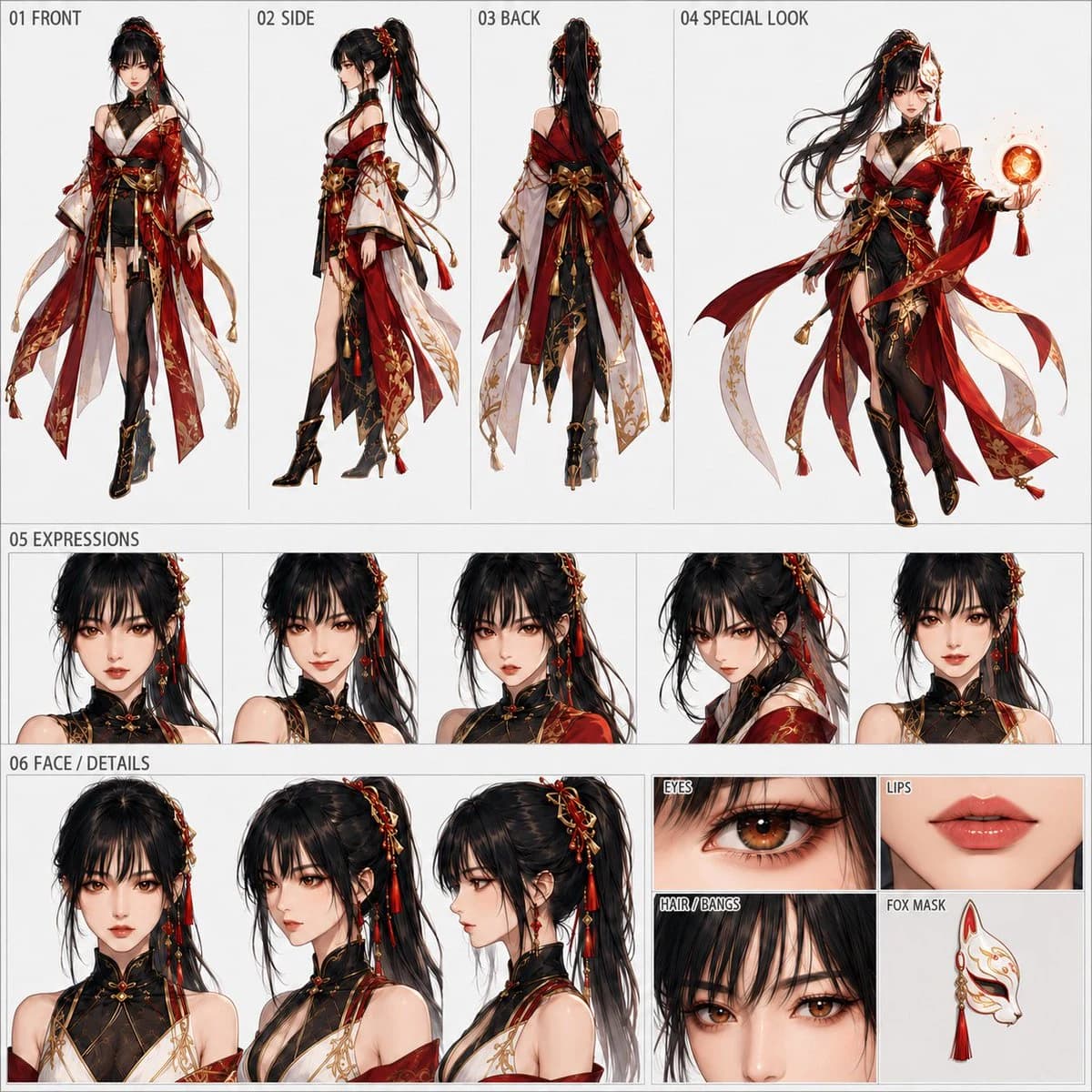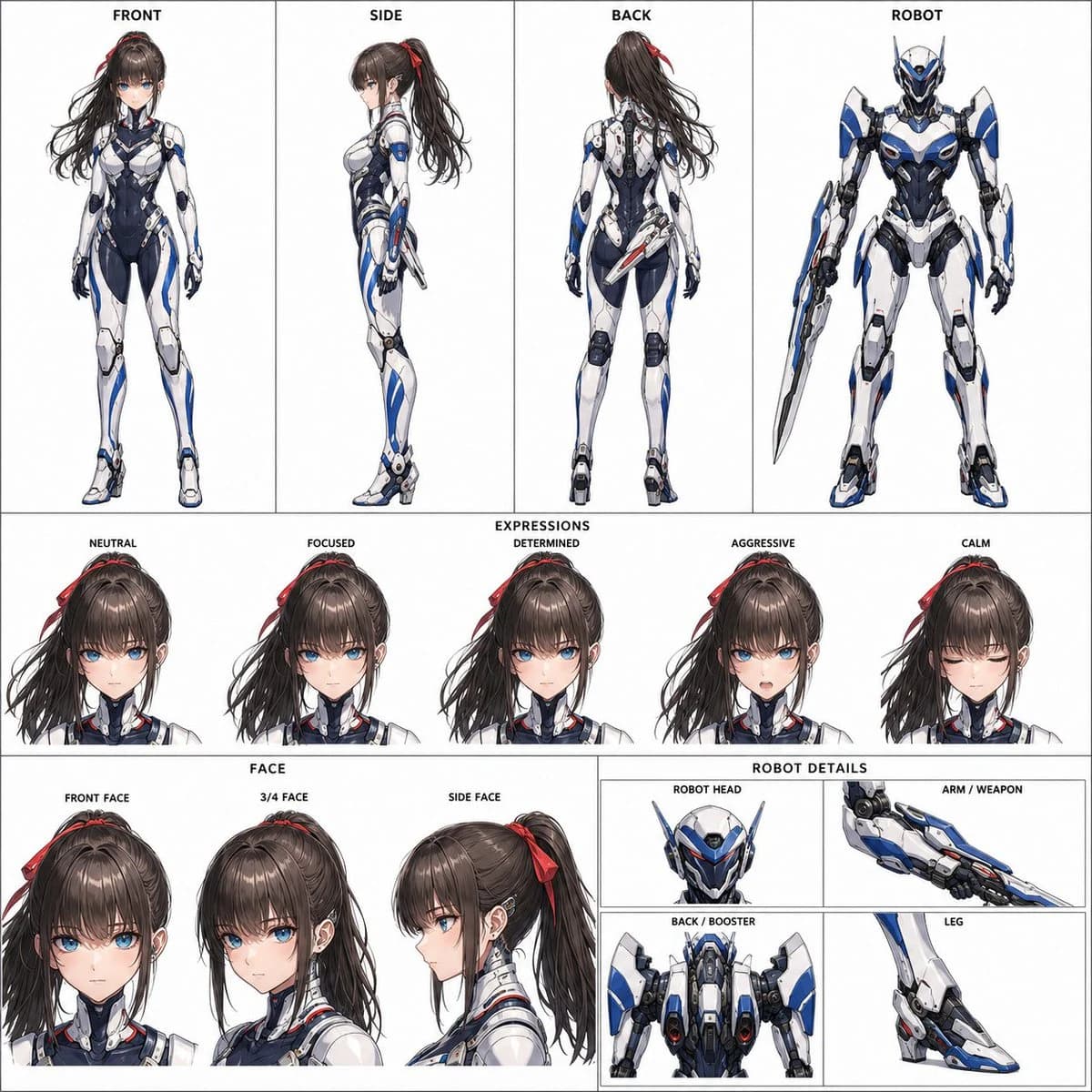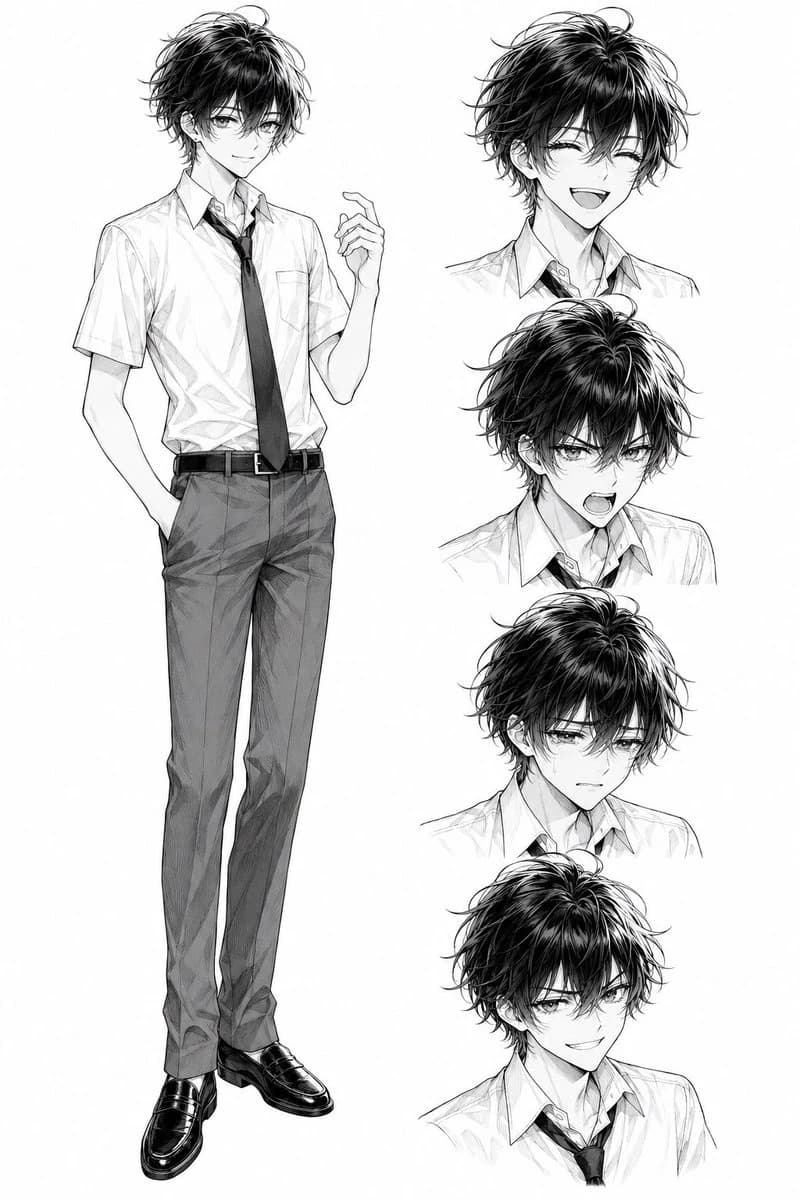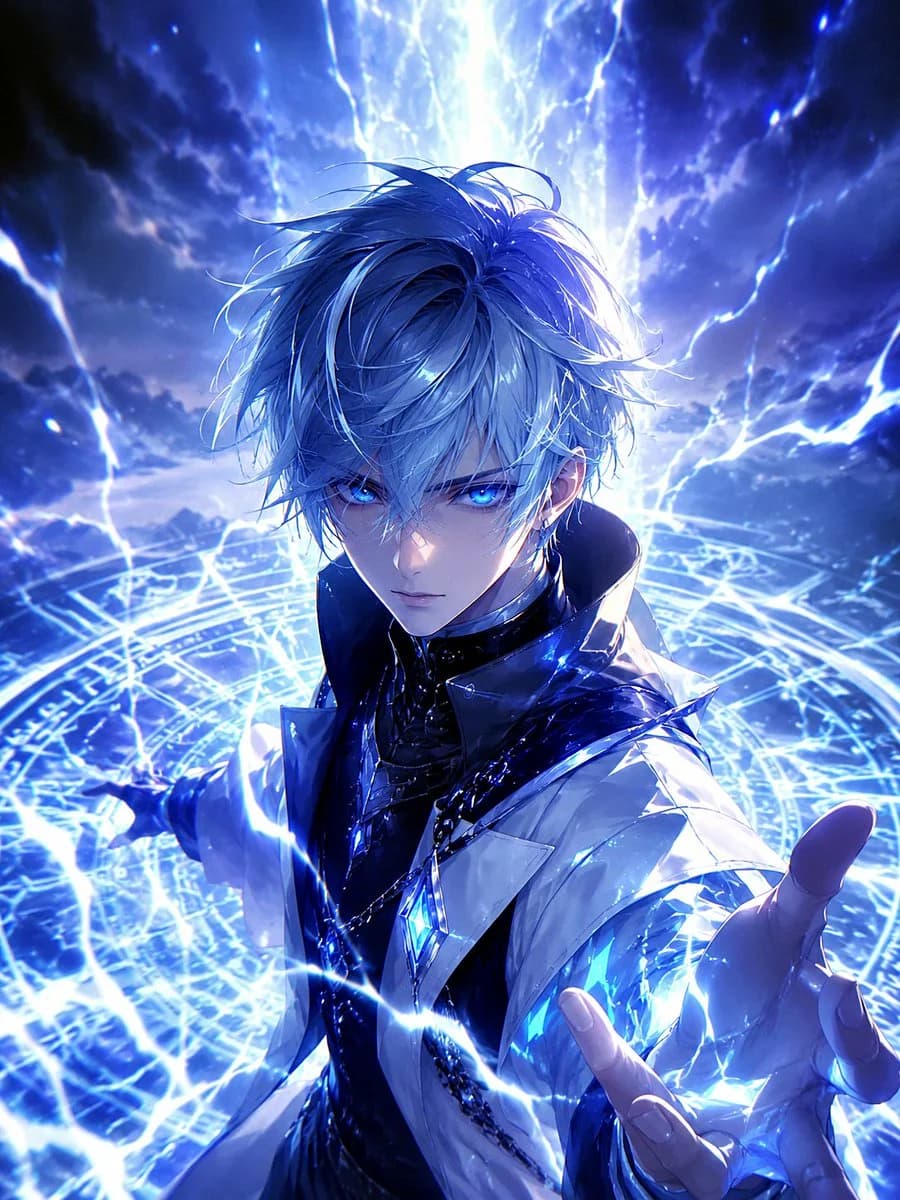
Prompt
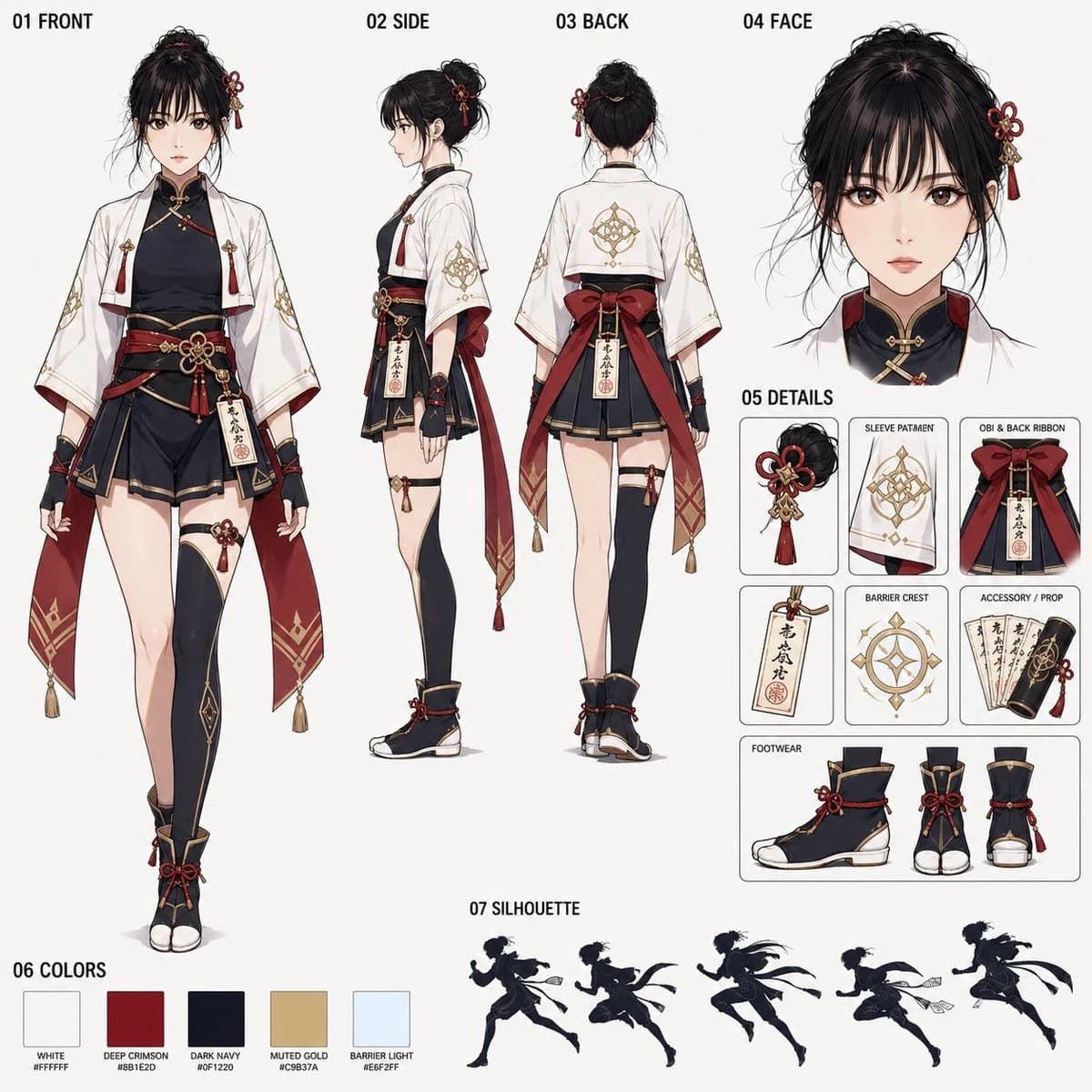
568 wordsCreate a 1:1 square anime-style character sheet. The theme is {argument name="theme" default="a Japanese fantasy barrier master (Kekkai-shi) runner girl"}. Finish as a shared reference sheet for Seedance 2.0, with no background, an organized layout, and a numbered section configuration.
If there is a reference image, it can be a live-action photo, anime, or illustration. Refer only to the facial features, facial impression, age, and hairstyle impression. Do not refer to clothing, background, pose, lighting, or art style. Naturally convert the reference face into a high-quality anime character.
The background is a plain bright off-white or light gray. Do not include landscapes such as torii gates, shrines, forests, festivals, cityscapes, or magic circle backgrounds. Long descriptions, decorative text, logos, and watermarks are not needed. Include the following numbered sections with small, clear black labels.
01 FRONT
02 SIDE
03 BACK
04 FACE
05 DETAILS
06 COLORS
07 SILHOUETTE
[Layout]
01 FRONT: A large front full-body view on the left. A standing posture visible down to the tips of the feet. The costume structure should be easy to read and give the impression of being able to run.
02 SIDE: A side full-body view in the center. Show sleeves, obi, back ribbon, legs, and feet.
03 BACK: A back full-body view in the center. Show the back of the haori, back ribbon, amulet holder, and back hair.
04 FACE: A large face close-up in the top right. A calm, concentrated expression. Eyes with kindness and inner strength.
05 DETAILS: Small panels on the right side showing hair ornaments, sleeve patterns, obi and back ribbons, amulets, barrier crests, accessories, and feet in an organized manner.
06 COLORS: A small color sample at the bottom. {argument name="colors" default="White, crimson, dark navy or black, dull gold, and pale bluish-white barrier light"}.
07 SILHOUETTE: A group of small running silhouettes or a full-body running silhouette at the bottom. Make it agile and elegant, like a barrier master runner.
[Character Design]
A Japanese fantasy girl barrier master. Short haori, form-fitting black or dark navy inner wear, short hakama-style or layered lower garment, waist belt, red back ribbon, modest gold decorations, waist amulet holder, paper amulets, runnable tabi boot style or Japanese fantasy shoes. Sleeves are wide but not too long, so they don't interfere when running. The character should not be too static, but rather have a light sense of dynamism and an atmosphere of being able to run.
[Hair]
Reflect the {argument name="hair reference" default="impression of the hairstyle from the reference image"} as much as possible and adjust it for a Japanese fantasy style. Add small red or gold hair ornaments if necessary. Do not make it too complex.
[Magic Motif]
A character who uses Japanese barrier magic. Put small barrier crest motifs on sleeves, amulets, and accessories. Do not include large magic circles or flashy background effects.
[Art Style]
High-quality 2D anime style. Clean line art, clear and elegant coloring, and an organized character sheet composition. Maintain a documentary feel while leaving character charm and glamor.
[Negative]
No background scenery, no torii background, no shrine background, no festival background, no magic circle background, no action scenes, no multiple characters, no live-action style, no 3D, no chibi style, no layout collapse, no long text, no large decorative characters, no logos, no watermarks, no broken limbs, no facial collapse, no costume inconsistency. Do not copy the clothing, background, or pose of the reference image.About this prompt
Japanese Fantasy Kekkai-shi Character Sheet is a ready-to-use storyboard prompt for GPT Image 2 on Image 2. Copy the 568 words below, paste them into the Create form, and you will get a result close to the preview above. Tweak the Comic, Storyboard, Product tag if you want to push it somewhere new.
Use it as a starting point, then adjust the subject, lighting, or composition to suit your idea. The credit cost stays the same whether you use it as written or customize it.
Use case
A strong starting point for Storyboard
Start here when you want a storyboard image inspired by Japanese Fantasy Kekkai-shi Character Sheet. The prompt already sets the look and composition; replace the subject, product, colors, or scene details to match your project.
Easy places to tweak
- Subject Swap in your person, product, place, or object without changing the overall composition.
- Look and mood Tune the lighting, palette, camera angle, or materials so the image fits your brand.
- Final format Set the aspect ratio, background, text, or layout notes before you generate.
More prompt paths to explore
Find more GPT Image 2 prompts with a similar style, use case, or subject.
How to use it
- Step 1
Copy the prompt
Hit the Copy button above to grab the full text.
- Step 2
Open Image 2 Create
Head to the Create form and paste it in.
- Step 3
Generate
Hit Generate. Your version lands in seconds.
Make it yours
Load the prompt into the Create form with one click, then start tweaking.