Prompt
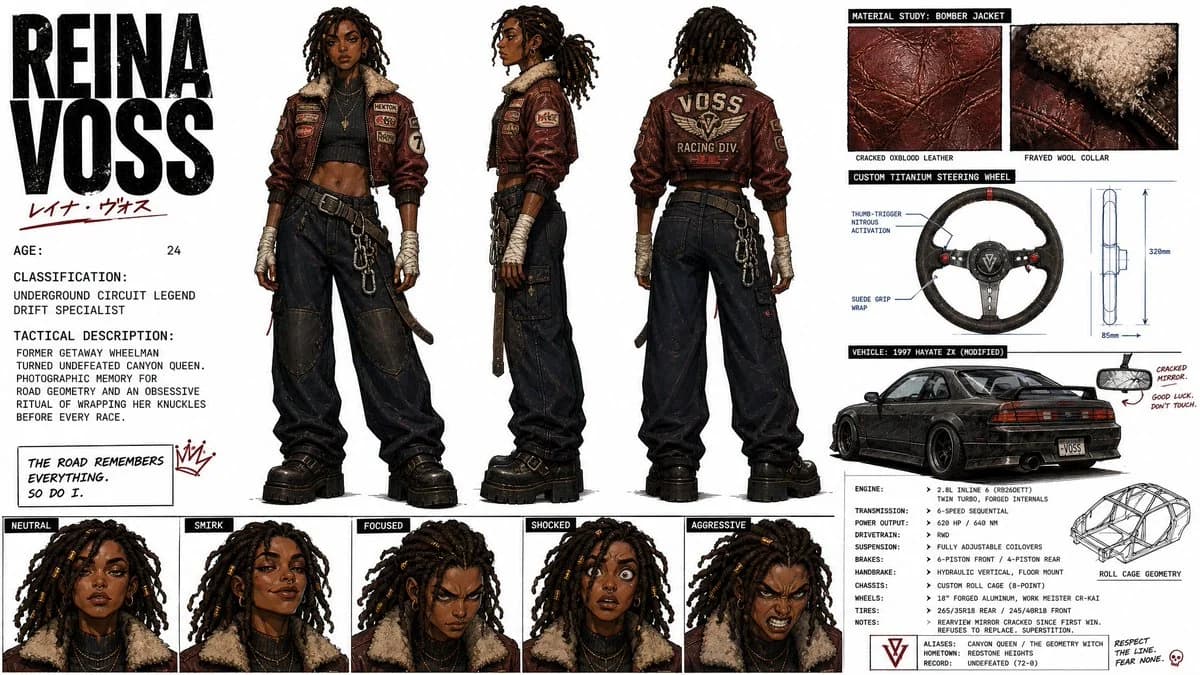
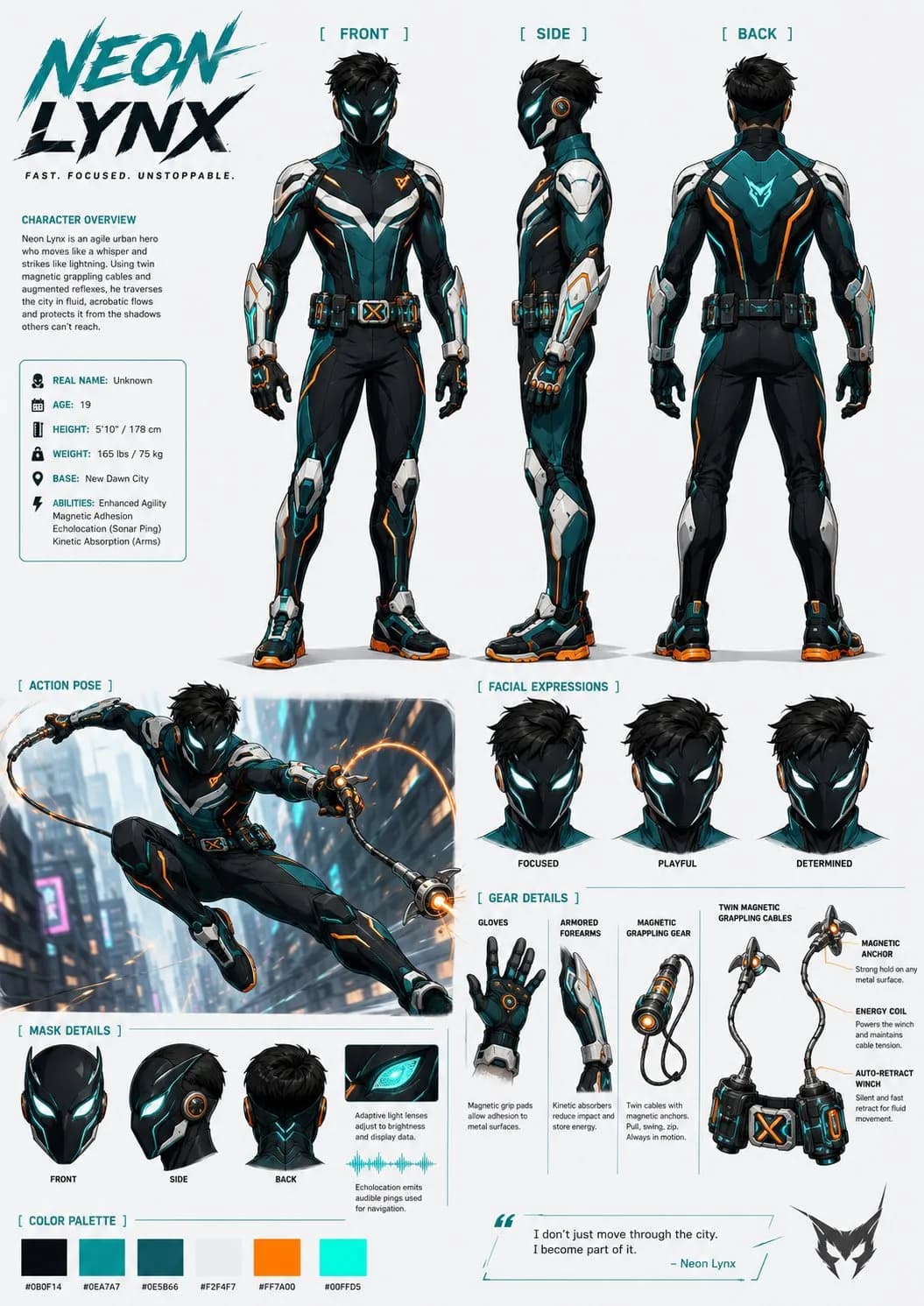
358 wordsCreate a highly detailed full-color character design sheet in 16:9 horizontal format for an original [CHARACTER TYPE / HERO / CREATURE / VILLAIN]. STYLE: stylized cinematic character design, high-quality animated feature look, clean readable shapes, strong silhouette, premium concept art presentation, bold graphic color palette, comic-book inspired energy, polished but production-ready design, clear anatomy and costume readability. CHARACTER IDENTITY: [CHARACTER NAME / ROLE] [AGE / SPECIES / BODY TYPE] [PERSONALITY ARCHETYPE] [POWER / SKILL / SPECIAL EQUIPMENT] MAIN DESIGN: The character should have a distinctive, memorable silhouette. Use a clear costume language with recognizable shapes, strong color blocking, and functional details. The design must feel original, not based on any existing franchise character. No copyrighted logos, no recognizable existing superhero symbols, no direct imitation of known characters. OUTFIT / ARMOR: [DESCRIBE COSTUME OR ARMOR] Include practical design details: gloves / wrist devices boots / shoes belt gear armor plates fabric folds glowing elements if needed utility tools or weapons if needed COLOR PALETTE: [MAIN COLOR] [SECONDARY COLOR] [ACCENT COLOR] Use a bold cinematic palette with strong contrast. The colors should be clear enough for animation and video generation consistency. CHARACTER SHEET LAYOUT: Show the same character in multiple views on one clean sheet: front view full body side view full body back view full body three-quarter action pose close-up face / mask expression hand / glove / equipment detail special ability or weapon detail POSES: Use confident readable poses. The action pose should show the character’s main movement style: [RUNNING / JUMPING / FLYING / SWINGING / FIGHTING / CASTING POWER / USING EQUIPMENT] EQUIPMENT / POWER DETAIL: Show how the character’s signature equipment or power works. Example: magnetic grappling cables, energy gauntlets, kinetic boots, utility belt, glowing power core, mechanical wings, elemental weapon, or custom ability system. BACKGROUND: clean light neutral background, minimal graphic design, no complex environment, no text-heavy poster design, small visual notes allowed only if clean and readable. QUALITY: high detail, sharp clean rendering, consistent proportions across all views, same face and body structure in every pose, clear costume continuity, production-ready character sheet, suitable as a reference image for storyboard and AI video generation.
About this prompt
Animated Character Design Sheet is a ready-to-use character design prompt for GPT Image 2 on Image 2. Copy the 358 words below, paste them into the Create form, and you will get a result close to the preview above. Tweak the Storyboard, Character, Product tag if you want to push it somewhere new.
Use it as a starting point, then adjust the subject, lighting, or composition to suit your idea. The credit cost stays the same whether you use it as written or customize it.
Use case
A strong starting point for Character Design
Start here when you want a character design image inspired by Animated Character Design Sheet. The prompt already sets the look and composition; replace the subject, product, colors, or scene details to match your project.
Easy places to tweak
- Subject Swap in your person, product, place, or object without changing the overall composition.
- Look and mood Tune the lighting, palette, camera angle, or materials so the image fits your brand.
- Final format Set the aspect ratio, background, text, or layout notes before you generate.
More prompt paths to explore
Find more GPT Image 2 prompts with a similar style, use case, or subject.
How to use it
- Step 1
Copy the prompt
Hit the Copy button above to grab the full text.
- Step 2
Open Image 2 Create
Head to the Create form and paste it in.
- Step 3
Generate
Hit Generate. Your version lands in seconds.
Make it yours
Load the prompt into the Create form with one click, then start tweaking.