Prompt
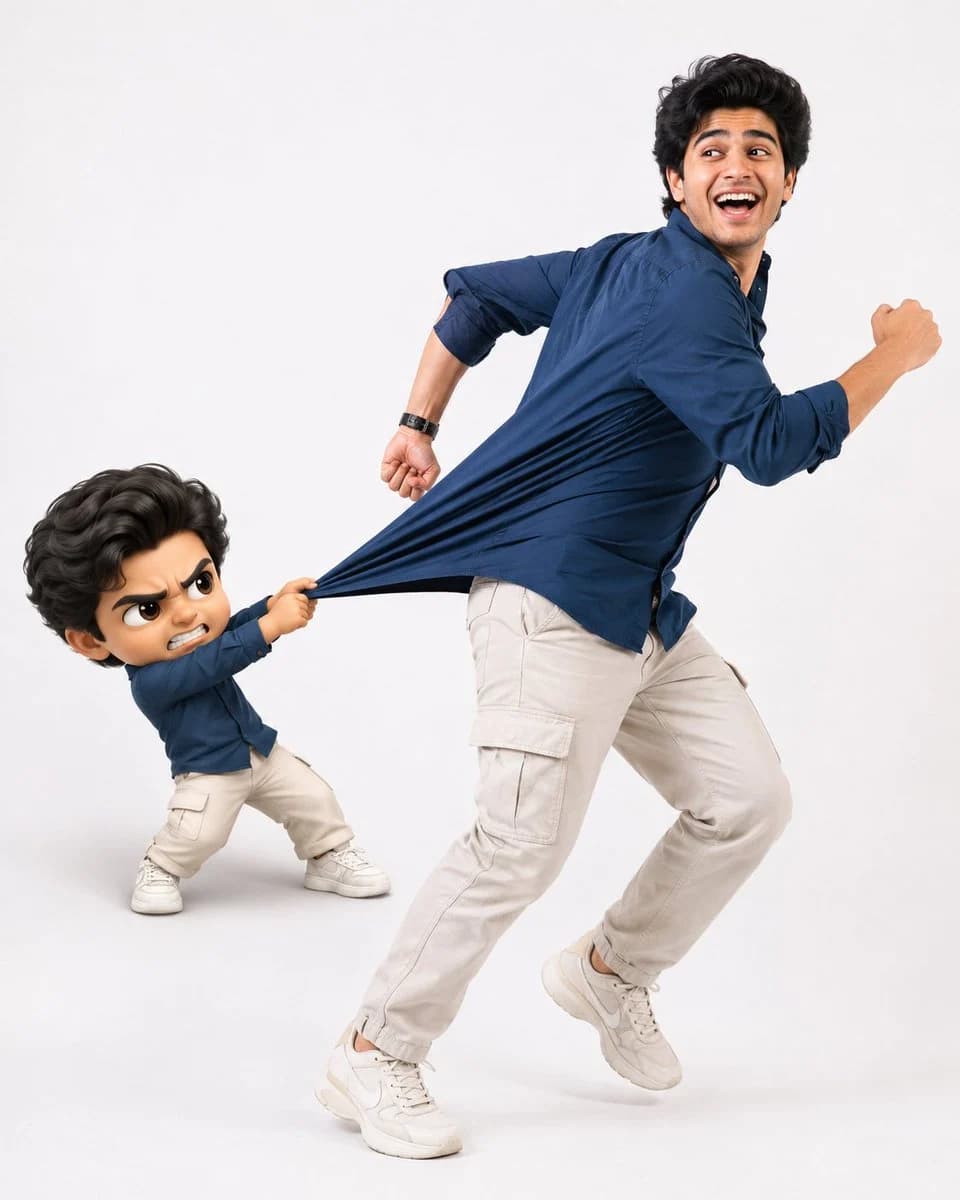
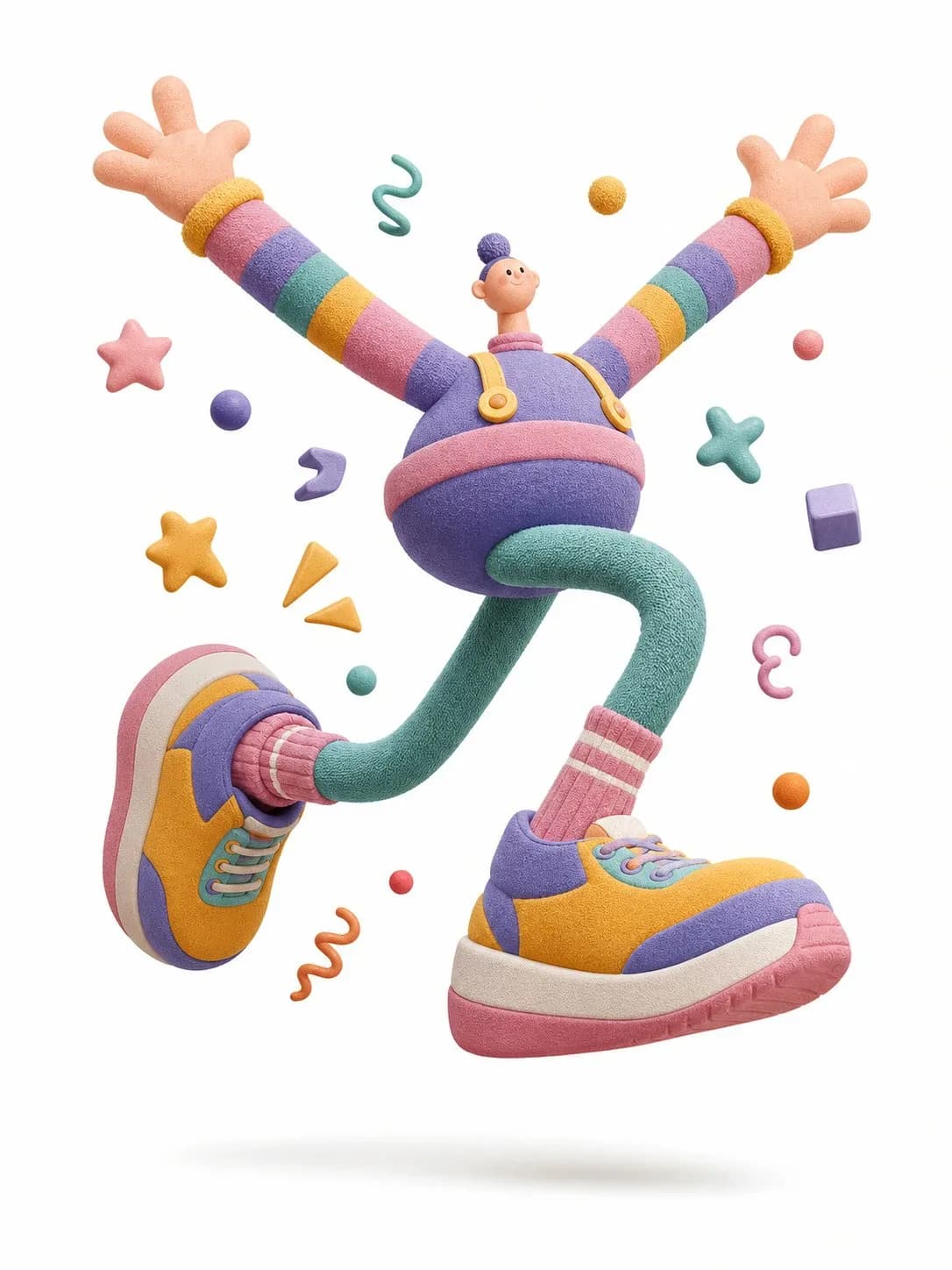
202 wordsOne complete 3D illustration, editorial exaggerated cartoon style, single standalone image, not a storyboard or multi-panel layout. Central character: a cartoon figure with a tiny head, chubby round torso, super-long limbs, huge hands and bulky shoes, slightly off-balance, caught mid-jump in a dramatic pose radiating tension and playful energy. The silhouette reads like a soft toy sculpture — plump, springy, and exaggerated, not anatomically realistic. Surface quality: matte rubber, fuzzy textile, knitted detail, clay-like feel, subtle fiber grain, handmade texture. Avoid shiny plastic, transparent glass, or high-spec reflections. Color: vibrant dopamine palette, high saturation, strong color contrasts, large bold flat fills — vivid but not neon-overexposed. Background: pure white, minimal staging, just a gentle oval drop shadow beneath the character, no elaborate setting. Decorative floating elements orbiting the character: stars, wavy lines, spheres, cubes, icons, abstract shapes — all sculpted as soft rubber or paper-like 3D props, amplifying motion and graphic energy. Lighting: soft studio setup, global illumination, diffused shadows, low contrast, polished commercial feel. Rendered in C4D or Blender: stylized soft-sculpture aesthetic, matte clay finish, knitted fabric surface, playful editorial tone, high resolution. — Scene: a pastel-toned acrobat throwing both arms up in a victorious airborne leap, wearing chunky multicolor sneakers
About this prompt
3D Acrobat Jumping Editorial Cartoon is a ready-to-use character design prompt for GPT Image 2 on Image 2. Copy the 202 words below, paste them into the Create form, and you will get a result close to the preview above. Tweak the Product Ad, Storyboard, Character tag if you want to push it somewhere new.
Use it as a starting point, then adjust the subject, lighting, or composition to suit your idea. The credit cost stays the same whether you use it as written or customize it.
Use case
A strong starting point for Character Design
Start here when you want a character design image inspired by 3D Acrobat Jumping Editorial Cartoon. The prompt already sets the look and composition; replace the subject, product, colors, or scene details to match your project.
Easy places to tweak
- Subject Swap in your person, product, place, or object without changing the overall composition.
- Look and mood Tune the lighting, palette, camera angle, or materials so the image fits your brand.
- Final format Set the aspect ratio, background, text, or layout notes before you generate.
More prompt paths to explore
Find more GPT Image 2 prompts with a similar style, use case, or subject.
How to use it
- Step 1
Copy the prompt
Hit the Copy button above to grab the full text.
- Step 2
Open Image 2 Create
Head to the Create form and paste it in.
- Step 3
Generate
Hit Generate. Your version lands in seconds.
Make it yours
Load the prompt into the Create form with one click, then start tweaking.