Prompt
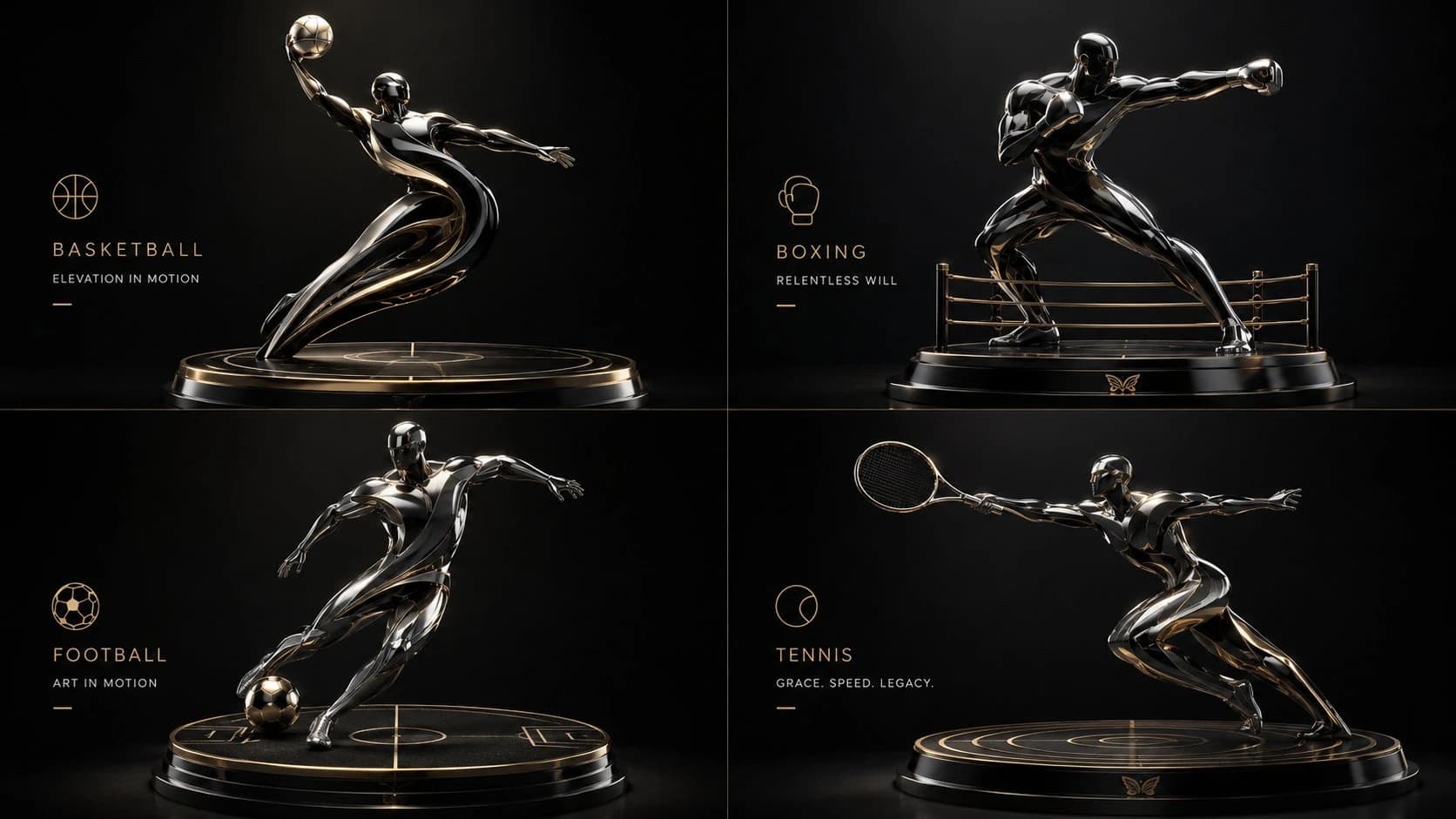
168 wordsINPUT: [DOMAIN OR CATEGORY] SYSTEM: Generate a 2×2 luxury poster series translating four AI-inferred icons into automotive-finish 3D sculptural forms. Let cultural gravity select the four; do not hardcode identities. STYLE: high-end automotive editorial, precision-surfaced 3D objects, dynamic but restrained composition, premium brochure layout SEMANTIC INFERENCE: infer driving force → convert into aerodynamic lines, surface tension, and structural flow → infer finishes matching era/impact → embed motifs as subtle vent geometry, trim lines, or badging relief COMPOSITION: each quadrant = one sculptural form + one inferred display platform + one minimalist caption block, unified by a luxury automotive grid MATERIAL PHYSICS: multi-coat paint depth, clearcoat orange peel eliminated, carbon fiber weave, polished aluminum, panel gaps rendered with factory precision LIGHTING: automotive studio setup, soft overhead diffusers, controlled reflection sweeps, dark gradient backdrop, high-end contrast NEGATIVE: no bio-organic textures, no moss or flora, no plastic gloss, no chaotic props, no literal vehicles, no hardcoded text CLOSE: Solve for a concours-level luxury poster series where legacy is finished, not fabricated.
About this prompt
2x2 Luxury 3D Sculptural Poster is a ready-to-use poster prompt for GPT Image 2 on Image 2. Copy the 168 words below, paste them into the Create form, and you will get a result close to the preview above. Tweak the Poster, Architecture, 3D tag if you want to push it somewhere new.
Use it as a starting point, then adjust the subject, lighting, or composition to suit your idea. The credit cost stays the same whether you use it as written or customize it.
Use case
A strong starting point for Poster
Start here when you want a poster image inspired by 2x2 Luxury 3D Sculptural Poster. The prompt already sets the look and composition; replace the subject, product, colors, or scene details to match your project.
Easy places to tweak
- Subject Swap in your person, product, place, or object without changing the overall composition.
- Look and mood Tune the lighting, palette, camera angle, or materials so the image fits your brand.
- Final format Set the aspect ratio, background, text, or layout notes before you generate.
More prompt paths to explore
Find more GPT Image 2 prompts with a similar style, use case, or subject.
How to use it
- Step 1
Copy the prompt
Hit the Copy button above to grab the full text.
- Step 2
Open Image 2 Create
Head to the Create form and paste it in.
- Step 3
Generate
Hit Generate. Your version lands in seconds.
Make it yours
Load the prompt into the Create form with one click, then start tweaking.