Prompt
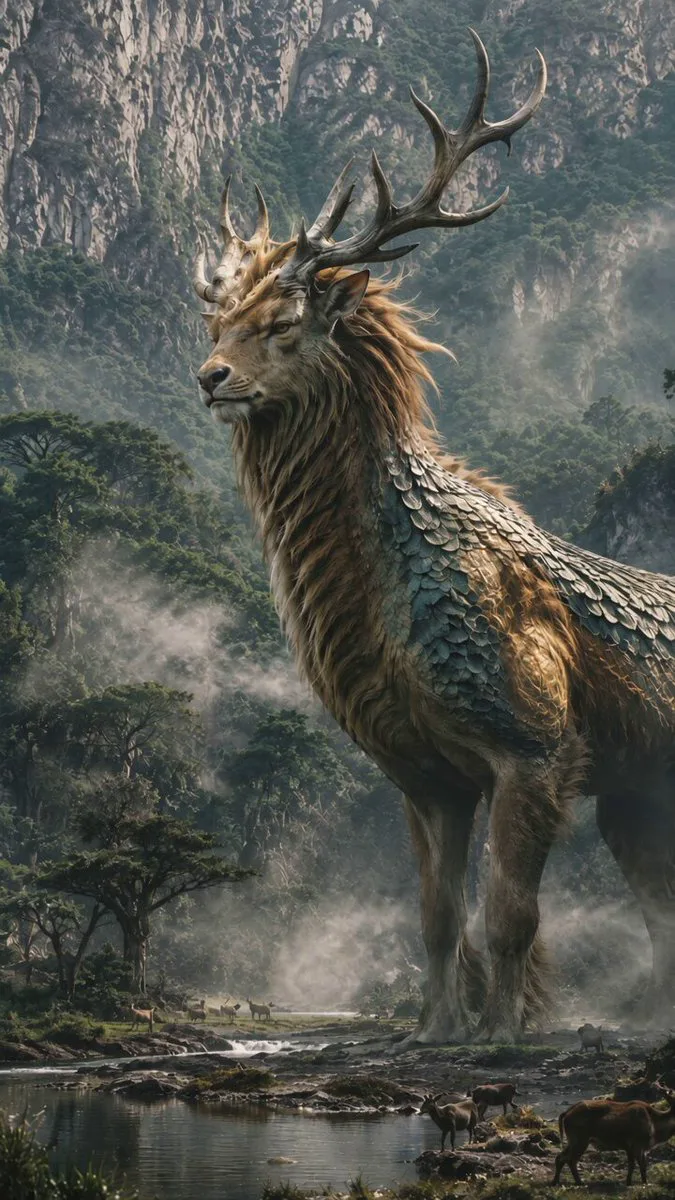
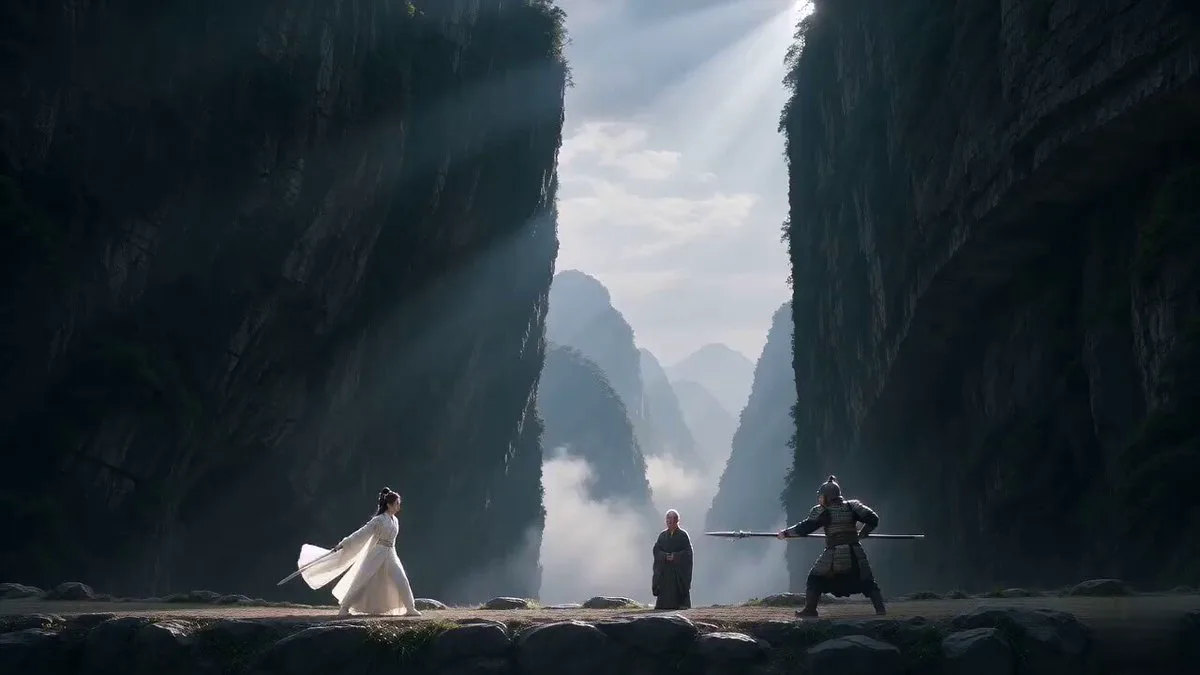
371 wordsTwo elite swordsmen face each other on a vast dark lake under storm clouds. The lake surface is calm like black glass, reflecting faint moonlight. IMPORTANT: Each character performs individually before any combat begins. SCENE 1 (0–4s): Introduction Performance — Sakura Warrior The female Sakura swordswoman (Image1) stands gracefully on a floating wooden platform. She slowly steps forward, showing calm mastery. She performs a controlled sword demonstration: slow elegant katana movements in the air, precise and fluid, with sakura petals forming around her blade. The camera focuses on her elegance, balance, and breathing control. No opponent interaction yet. SCENE 2 (4–8s): Introduction Performance — Three-Blade Warrior The male Three-Blade swordsman (Image2) stands on a separate floating platform across the lake. He performs his own combat demonstration: controlled dual stance transitions, shifting weight, and rapid footwork visualization without advancing. His swords are revealed one by one in a disciplined sequence. Green wind energy subtly flows around his movements. Camera focuses on strength, discipline, and precision. SCENE 3 (8–12s): Mutual Awareness Both characters stop their demonstrations and lock eyes across the lake. The atmosphere becomes tense. Wind intensifies. Water begins to ripple between them. Camera slowly zooms out to reveal distance and scale of the battlefield. SCENE 4 (12–16s): Water Run Engagement Both warriors simultaneously step onto the water surface, running across it with controlled speed. Each character creates independent ripples and splash trails. No shared motion path. Camera tracking shot follows their separate trajectories as they close distance. SCENE 5 (16–20s): First Clash They meet mid-air above the lake. A powerful collision of sakura-pink energy and green wind force explodes outward, distorting the water surface below like shattered glass. Camera performs slow 360 orbit around impact point. SCENE 6 (20–24s): Aftermath Both land on opposite sides of the lake, standing still. Mist slowly rises. The lake returns to silence. Final slow pull-back reveals the vast dark battlefield. Lighting: cinematic moonlight, volumetric fog, storm atmosphere, high contrast reflections. Style: cinematic wuxia realism, grounded physics, epic samurai duel tone. Audio: wind pressure, katana movement, water footsteps, distant thunder, impact shockwave. 4K Ultra HD, rich details, sharp clarity, cinematic texture, stable picture. Maintain face and clothing consistency, no distortion, high detail. Generate video without subtitles.
About this prompt
Samurai Duel on Dark Lake is a Cinematic Seedance 2.0 prompt with 371 words, structured around shot timing, camera direction, motion cues, and remixable scene details.
Use the preview clip when available to understand pacing, then treat the prompt text as a production brief you can adapt for your own subject, brand, or story.
Video prompt structure
Use it for Cinematic videos
Best for Seedance 2.0 generations that need Cinematic, VFX, Multi-Shot. Replace the subject, setting, product, dialogue, music, and timing before sending it to the generator.
Customize before generating
- Swap the subject. Keep the camera and timing structure, but change the character, product, or environment.
- Tighten the timeline. Shorten or expand shot blocks so they match the duration you want to render.
- Add reference media. Use first frames, last frames, images, video, or audio when the prompt depends on a specific look or rhythm.
More Seedance paths to explore
Browse adjacent styles and techniques from the same Seedance 2.0 prompt library.
How to use it
- Step 1
Copy or start from this prompt
Use the full prompt as a structured draft rather than rewriting the whole video brief.
- Step 2
Open Seedance 2.0
Send the text into the Seedance generator and choose text, image, or reference mode.
- Step 3
Adapt and render
Tune duration, aspect ratio, reference media, camera notes, and dialogue before generating.
Make it a Seedance video
Start from this prompt in the Seedance 2.0 generator, then adjust the scene, duration, aspect ratio, and reference media.