Prompt
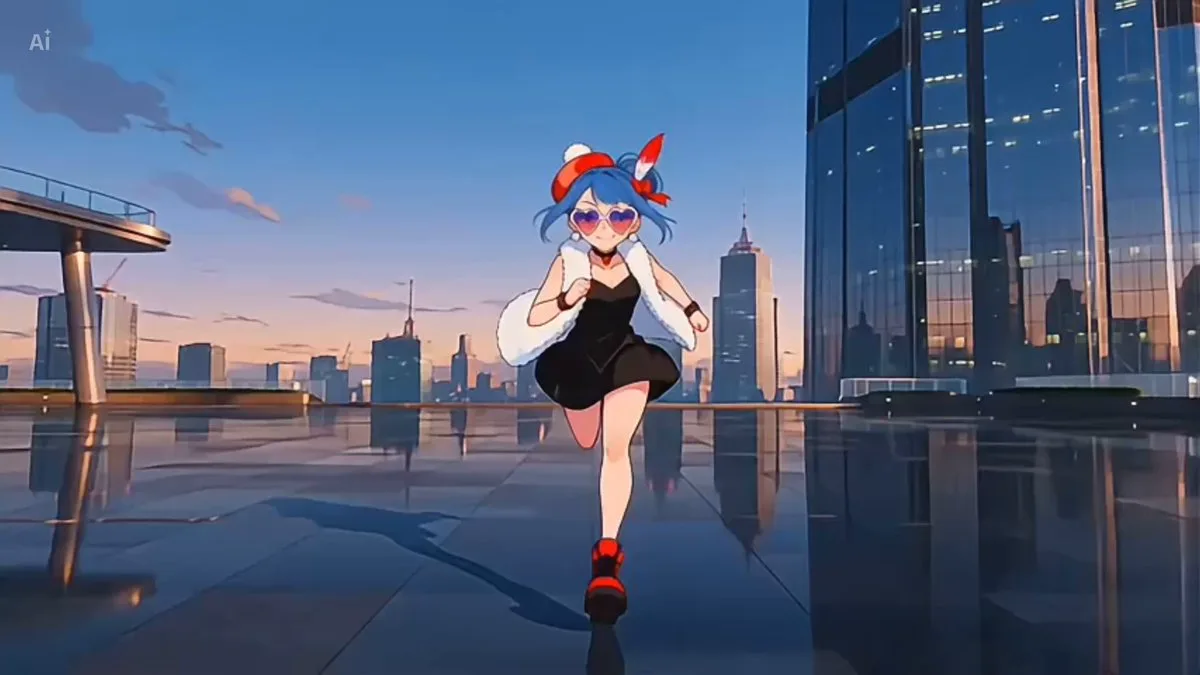
228 wordsThe character from the attached reference image dances playfully, rendered in exactly the same art style as the reference — whether photorealistic, anime, or 3D, match it faithfully. Keep the character's face, hairstyle, outfit and overall design perfectly consistent with the reference throughout the entire video. Background: a colorful pop-art style room — vivid candy-pink and sky-blue walls, oversized polka dots and star shapes, confetti accents, bright cheerful studio lighting. The character tilts their head side to side twice with fists near their cheeks, then crosses their arms and flicks them open with fluttering fingers while bouncing their shoulders, side-steps left and right poking their cheek with one finger, freezes completely for half a second as the music breaks to silence, then does a quick two-step making a small heart with their hands, spins half-turn and looks back over their shoulder with a wink and finger heart. Rhythmic, bouncy, K-pop idol energy but innocent and charming. Fixed camera, medium shot from waist up, slight low angle, clean composition, subtle film grain, 4K quality, 10 seconds. Audio: cute kawaii Japanese pop jingle at 120 BPM, ukulele and glockenspiel melody, handclaps on the beat, playful female scat vocals like "pa pa pa", bright and bouncy TV commercial style, the music cuts to one beat of complete silence when the character freezes, then kicks back in with energy for the finale.
About this prompt
Playful pop Style Dance is a Anime Seedance 2.0 prompt with 228 words, structured around shot timing, camera direction, motion cues, and remixable scene details.
Use the preview clip when available to understand pacing, then treat the prompt text as a production brief you can adapt for your own subject, brand, or story.
Video prompt structure
Use it for Anime videos
Best for Seedance 2.0 generations that need Anime, VFX, Multi-Shot. Replace the subject, setting, product, dialogue, music, and timing before sending it to the generator.
Customize before generating
- Swap the subject. Keep the camera and timing structure, but change the character, product, or environment.
- Tighten the timeline. Shorten or expand shot blocks so they match the duration you want to render.
- Add reference media. Use first frames, last frames, images, video, or audio when the prompt depends on a specific look or rhythm.
More Seedance paths to explore
Browse adjacent styles and techniques from the same Seedance 2.0 prompt library.
How to use it
- Step 1
Copy or start from this prompt
Use the full prompt as a structured draft rather than rewriting the whole video brief.
- Step 2
Open Seedance 2.0
Send the text into the Seedance generator and choose text, image, or reference mode.
- Step 3
Adapt and render
Tune duration, aspect ratio, reference media, camera notes, and dialogue before generating.
Make it a Seedance video
Start from this prompt in the Seedance 2.0 generator, then adjust the scene, duration, aspect ratio, and reference media.