Prompt
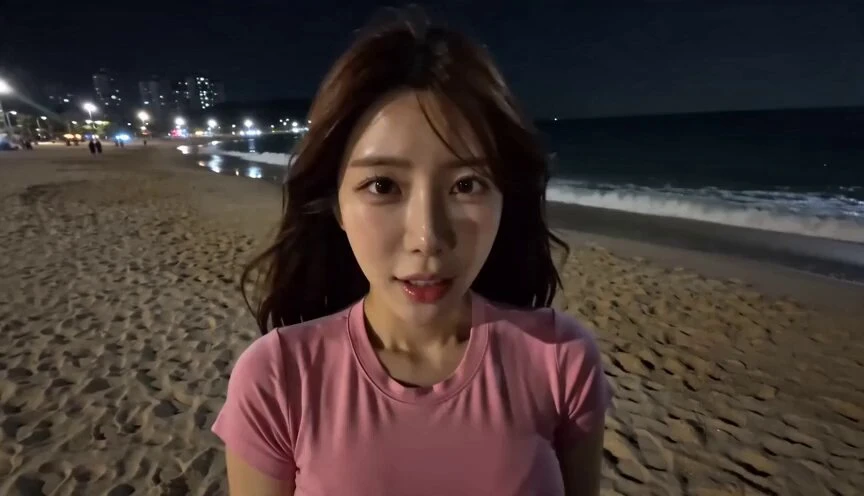
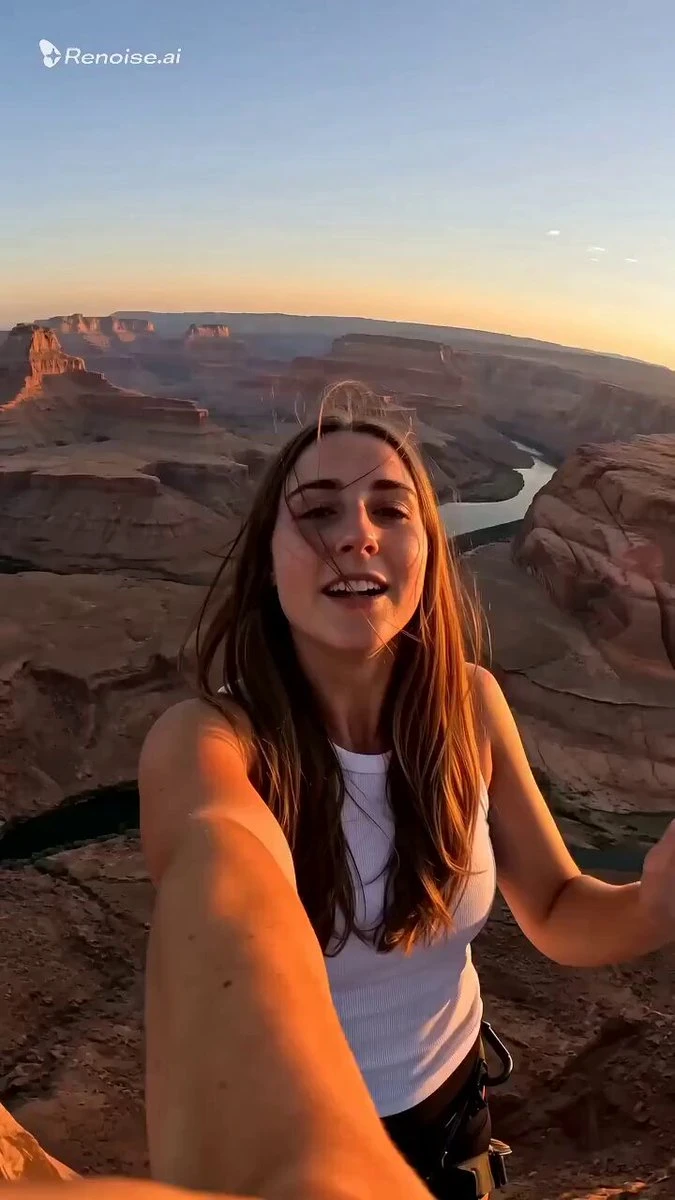
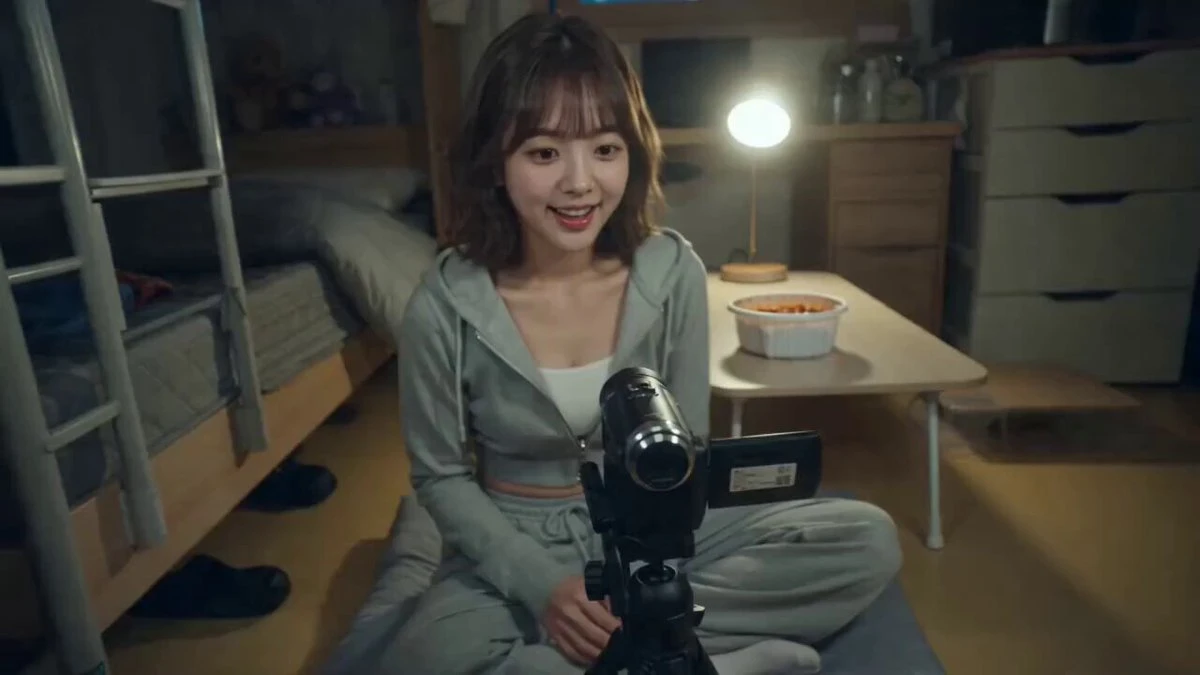
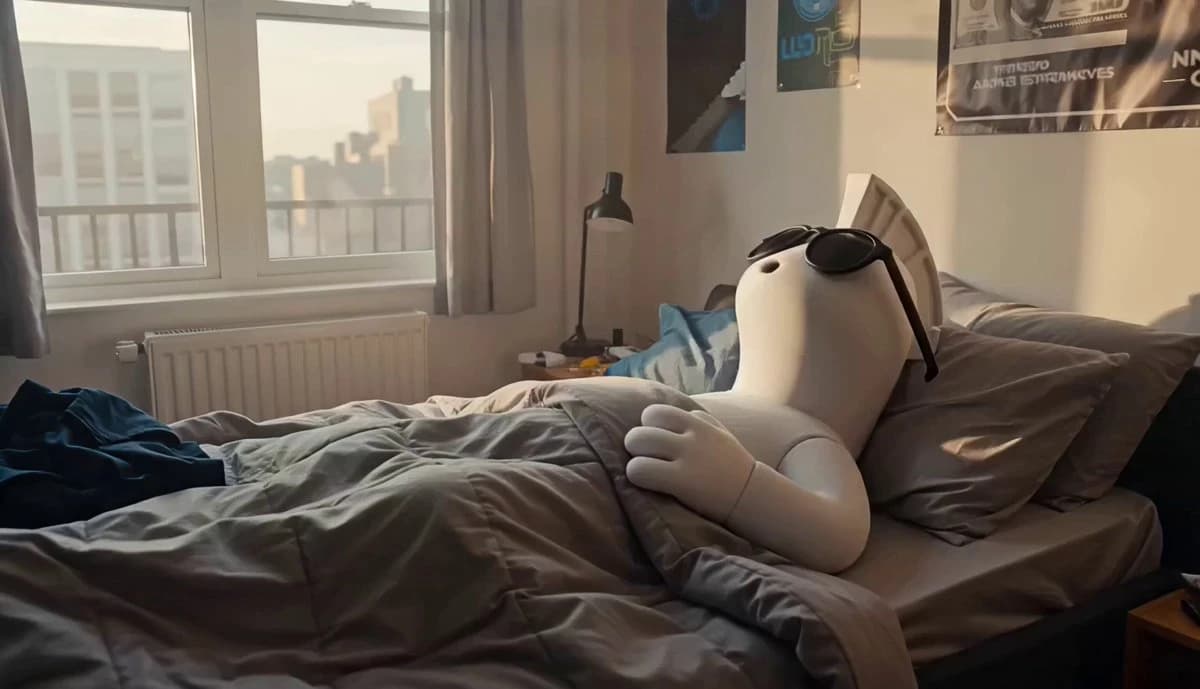
462 wordsPhotorealistic behind-the-scenes smartphone vlog footage of a crypto/web3 enthusiast and AI content creator. Faux vertical smartphone footage naturally cropped into 16:9. Authentic handheld phone aesthetic. No cinematic color grading, no HDR, no beauty filters. Feels like genuine casual vlog footage. Character: A white stylized 3D mascot-like character (exactly like the reference image <<<Image1>>> ) with a smooth white body, black sunglasses, and a distinctive white mohawk/crest on its head. The character has a simple, expressive face and moves in a slightly exaggerated but natural way. Maintain the exact same design, proportions, and identity from the reference image in every scene. Setting: A simple, slightly messy small apartment. Clothes on the chair, multiple monitors and gadgets on the desk, empty coffee cups, snack wrappers, tangled cables, and crypto-themed posters on the wall. Natural and lived-in feeling. Lighting: Starts with soft morning light coming through the window, gradually transitions into warm afternoon and evening indoor lighting. Natural smartphone exposure changes. Camera: Simulated smartphone footage with gentle handheld movement, natural walking, subtle autofocus breathing, occasional imperfect framing, and realistic phone compression. Feels like a friend casually filming. Style & Mood: Casual, relatable, and a bit funny. The character has the personality of a chill but passionate crypto and AI content creator — sometimes excited, sometimes chaotic, but always sincere. Scene Sequence: CUT 1 — Waking Up Morning. The character slowly wakes up in bed, still wearing sunglasses. It sits up, looks around the messy room, then dramatically falls back onto the pillow for a few seconds before forcing itself to get up. It stretches lazily. CUT 2 — Morning Coffee & Checking Charts The character walks to the kitchen (still in pajamas or oversized shirt), makes coffee, then sits in front of multiple monitors. It excitedly checks crypto charts and AI tools while talking to itself. It suddenly reacts to a big green candle. CUT 3 — Content Creation Chaos The character is at the desk trying to create content. It’s switching between different AI tools, recording voiceovers, and getting slightly overwhelmed with too many tabs open. It accidentally knocks over a cup while celebrating a good prompt. CUT 4 — Midday Break The character takes a break, eats instant noodles while scrolling through social feeds and community feeds on its phone. It laughs at a meme, then suddenly gets an idea and rushes back to the computer. CUT 5 — Evening Work Session Late afternoon turning into evening. The room is messier now. The character is deeply focused on editing a video using multiple AI tools. It talks to the camera while working, explaining what it’s doing in a casual way. CUT 6 — Late Night Wind Down Night time. The character is tired but satisfied. It cleans up a bit (half-heartedly), sits on
About this prompt
Crypto Creator Daily Vlog Mascot Animation is a Lifestyle Seedance 2.0 prompt with 462 words, structured around shot timing, camera direction, motion cues, and remixable scene details.
Use the visual preview, when available, to understand the composition, then treat the prompt text as a production brief you can adapt for your own subject, brand, or story.
Video prompt structure
Use it for Lifestyle videos
Best for Seedance 2.0 generations that need Lifestyle, Multi-Shot, Dialogue. Replace the subject, setting, product, dialogue, music, and timing before sending it to the generator.
Customize before generating
- Swap the subject. Keep the camera and timing structure, but change the character, product, or environment.
- Tighten the timeline. Shorten or expand shot blocks so they match the duration you want to render.
- Add reference media. Use first frames, last frames, images, video, or audio when the prompt depends on a specific look or rhythm.
More Seedance paths to explore
Browse adjacent styles and techniques from the same Seedance 2.0 prompt library.
How to use it
- Step 1
Copy or start from this prompt
Use the full prompt as a structured draft rather than rewriting the whole video brief.
- Step 2
Open Seedance 2.0
Send the text into the Seedance generator and choose text, image, or reference mode.
- Step 3
Adapt and render
Tune duration, aspect ratio, reference media, camera notes, and dialogue before generating.
Make it a Seedance video
Start from this prompt in the Seedance 2.0 generator, then adjust the scene, duration, aspect ratio, and reference media.