Prompt
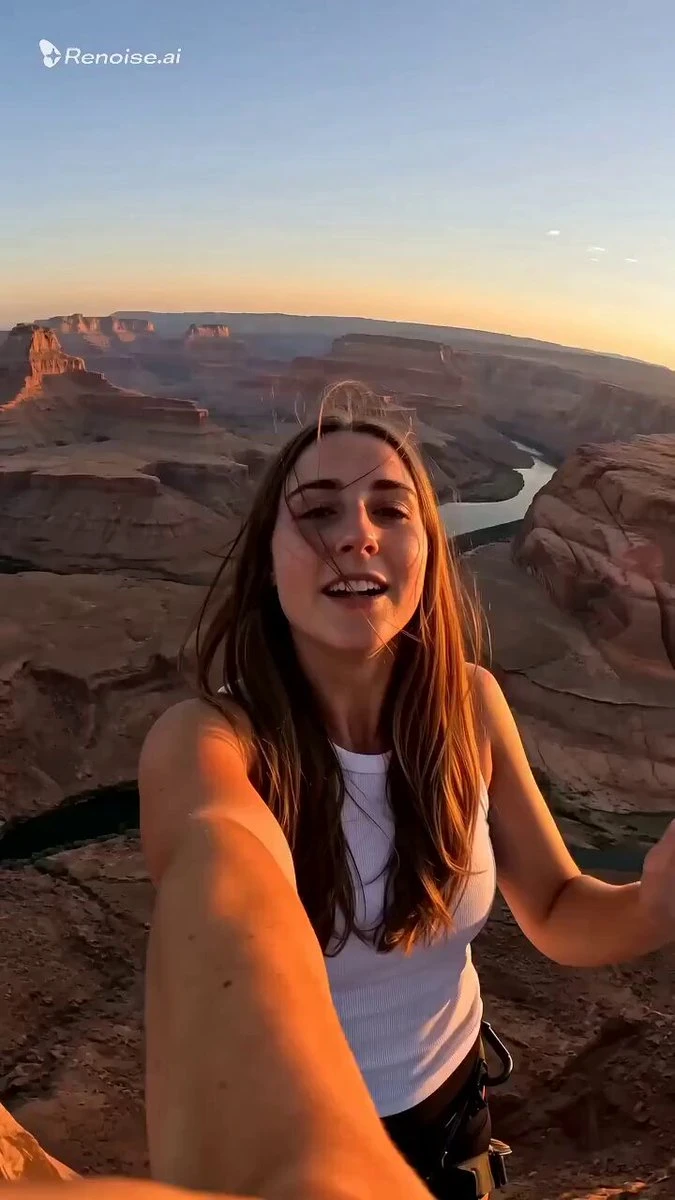
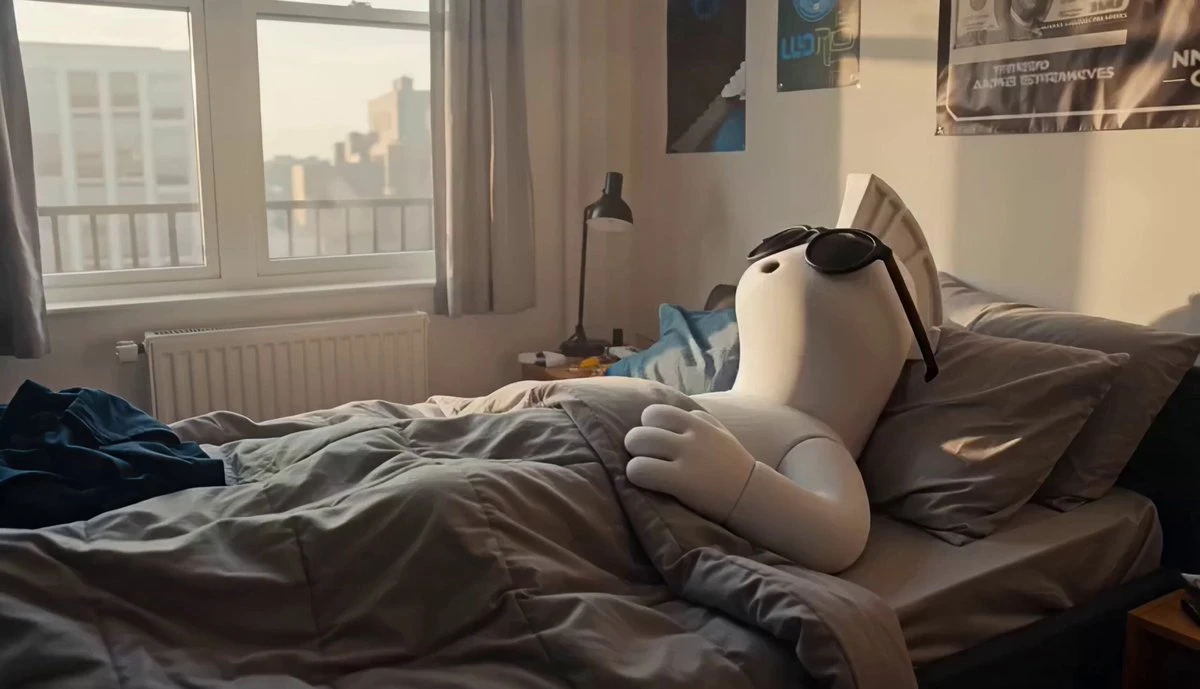
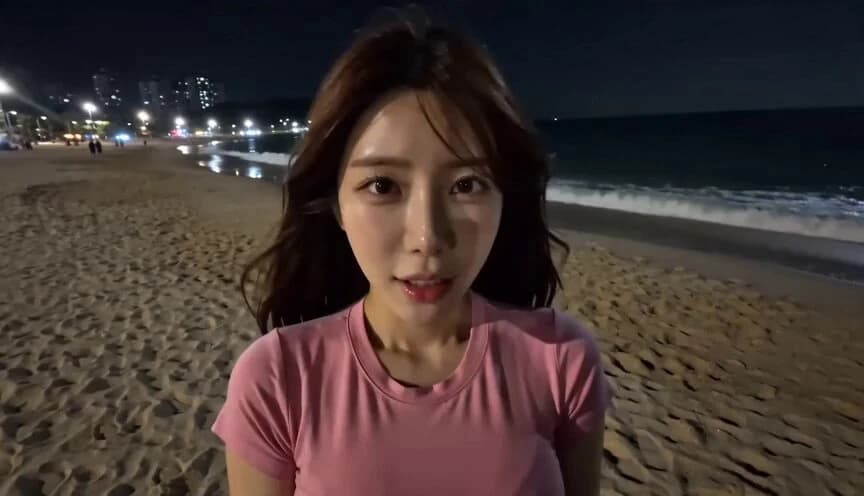
238 wordsImage 1: Woman Image 2: Man CAMERA Shot in the style of a handheld DV 16mm tape camcorder. The footage is filmed entirely from Image 2's point of view, with him holding the camcorder himself. Maintain authentic handheld imperfections throughout: natural hand shake off-center framing delayed autofocus clumsy zoom-ins and zoom-outs self-camera shots where faces are sometimes partially cut off imperfect framing that occasionally loses the subject Every shot is either a selfie shot or first-person POV filmed by Image 2. The camcorder itself never appears on screen. SCENE Image 1 and Image 2 are at Gangneung Beach at night. Image 1 hugs Image 2 from the front, lifting him into her arms. The camera is filmed from Image 2's perspective while being carried. Image 1: "That confession you made earlier... was it real... or not?" "Be clear. Tell me honestly." Image 2: "Whyyy~~ Can't I joke around~~?" Still carrying Image 2 in his arms, Image 1 suddenly runs into the ocean. Image 2: "Hey! Hey!! Don't do it!!!" The camera shakes violently as they rush into the water, and the video abruptly ends. LOOK A DV 16mm tape camcorder travel footage aesthetic: soft, slightly blurry digital tape image quality subtle tape noise highlights that bloom slightly under natural light minor automatic exposure fluctuations muted, low-contrast colors realistic skin tones AUDIO Natural nighttime ocean waves. Audio recorded with an old camcorder, including noticeable tape hiss and recording noise.
About this prompt
POV Handheld DV Camcorder Beach is a Lifestyle Seedance 2.0 prompt with 238 words, structured around shot timing, camera direction, motion cues, and remixable scene details.
Use the visual preview, when available, to understand the composition, then treat the prompt text as a production brief you can adapt for your own subject, brand, or story.
Video prompt structure
Use it for Lifestyle videos
Best for Seedance 2.0 generations that need Lifestyle, Multi-Shot, Dialogue. Replace the subject, setting, product, dialogue, music, and timing before sending it to the generator.
Customize before generating
- Swap the subject. Keep the camera and timing structure, but change the character, product, or environment.
- Tighten the timeline. Shorten or expand shot blocks so they match the duration you want to render.
- Add reference media. Use first frames, last frames, images, video, or audio when the prompt depends on a specific look or rhythm.
More Seedance paths to explore
Browse adjacent styles and techniques from the same Seedance 2.0 prompt library.
How to use it
- Step 1
Copy or start from this prompt
Use the full prompt as a structured draft rather than rewriting the whole video brief.
- Step 2
Open Seedance 2.0
Send the text into the Seedance generator and choose text, image, or reference mode.
- Step 3
Adapt and render
Tune duration, aspect ratio, reference media, camera notes, and dialogue before generating.
Make it a Seedance video
Start from this prompt in the Seedance 2.0 generator, then adjust the scene, duration, aspect ratio, and reference media.