Prompt
220 words[Information Entry Field]
Character Name: [{argument name="character name" default=""}] (Required)
Pose Number: [{argument name="pose number" default="0"}] (Optional: Select from 0-10, auto-generated if blank)
Additional Notes: [{argument name="additional notes" default=""}] (Enter anything specific you want to tell the AI)
-----------------
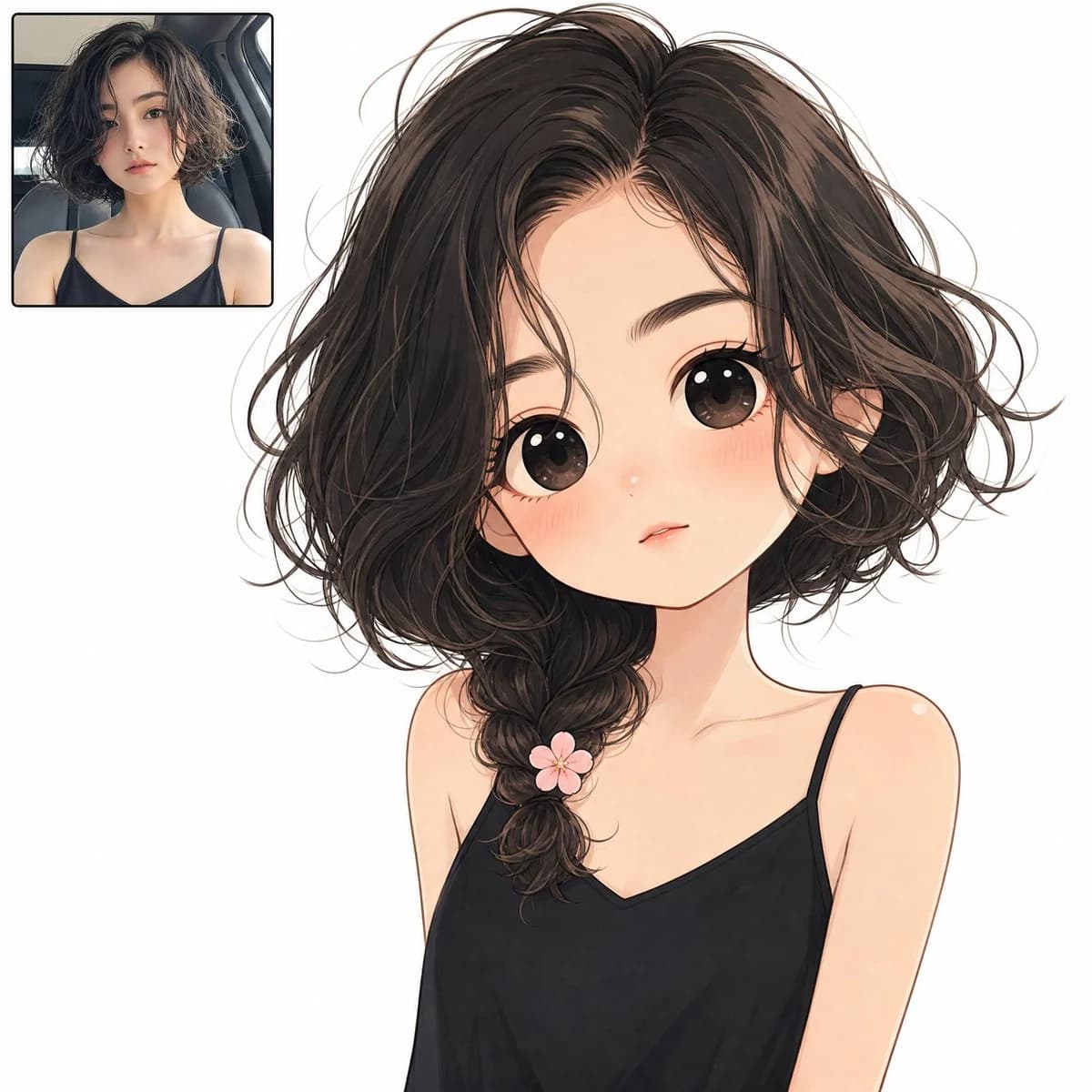
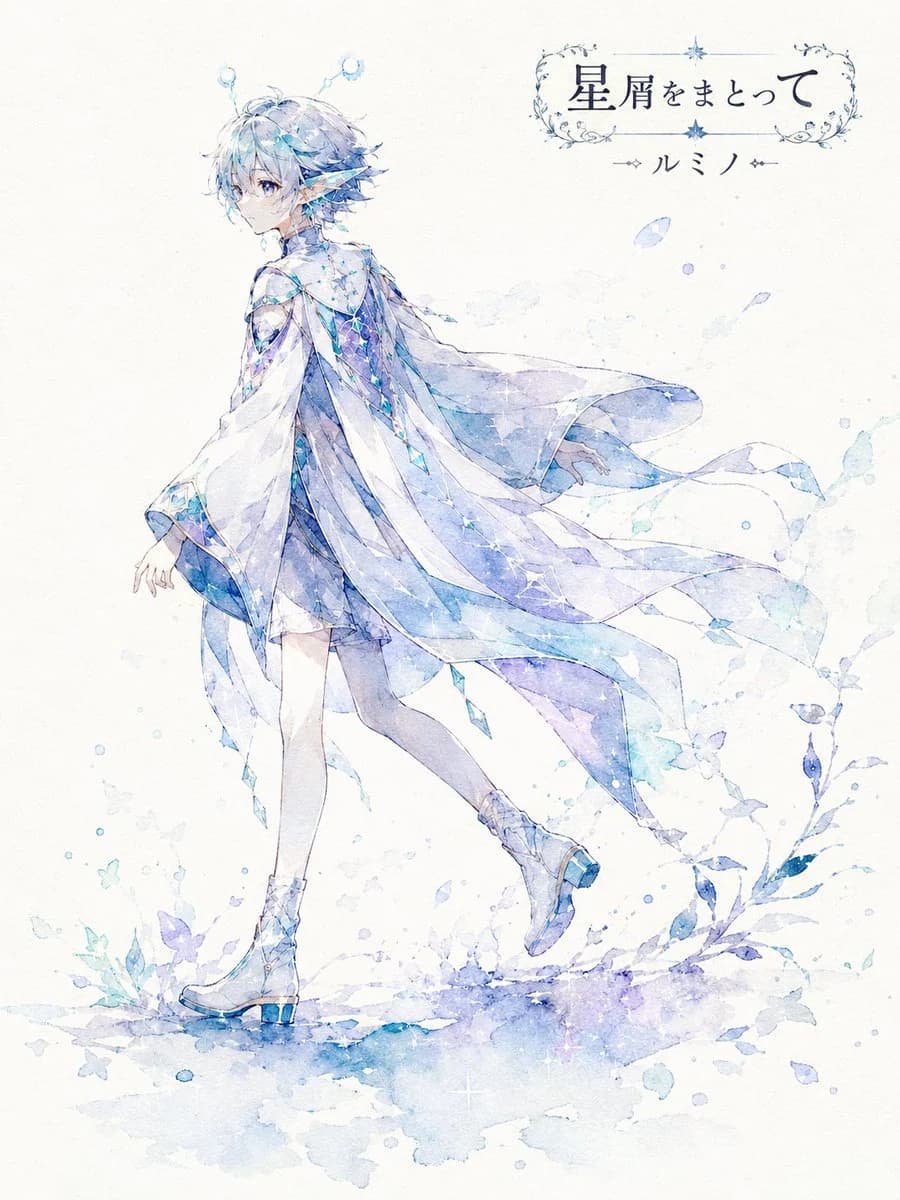
Analyze the attached image and generate a high-quality 2D animation-style illustration named [Character Name]. The final image should be a 'shadow-style watercolor poetic single illustration' where the character's presence quietly floats on white to off-white paper. Focus on silhouettes, soft bleeding, negative space, and paper texture rather than detailed drawings. Adopt the pose specified by [Pose Number]. If 0 or blank, the AI should choose one that fits the character's look/personality. The AI should determine the most suitable main color based on the character's hair, eyes, and clothing instead of fixing a color. Use a palette centered on the main color with dark shadow colors and light watercolor bleeding. Do not over-draw features; keep the hairstyle outline, clothing shape, and unique traits recognizable as a silhouette. Background should have wide negative space with minimal watercolor bleeding, plant shadows, or star dust. Automatically create a short, beautiful title based on the atmosphere and place it with the character name in the upper right or an unobtrusive spot. Maintain silence, elegance, and a poetic atmosphere throughout. Style: High-quality 2D animation. Aspect Ratio: 3:4.About this prompt
Watercolor Silhouette Character Story is a ready-to-use character design prompt for GPT Image 2 on Image 2. Copy the 220 words below, paste them into the Create form, and you will get a result close to the preview above. Tweak the Portrait, Character Design, Fashion tag if you want to push it somewhere new.
Use it as a starting point, then adjust the subject, lighting, or composition to suit your idea. The credit cost stays the same whether you use it as written or customize it.
Use case
A strong starting point for Character Design
Start here when you want a character design image inspired by Watercolor Silhouette Character Story. The prompt already sets the look and composition; replace the subject, product, colors, or scene details to match your project.
Easy places to tweak
- Subject Swap in your person, product, place, or object without changing the overall composition.
- Look and mood Tune the lighting, palette, camera angle, or materials so the image fits your brand.
- Final format Set the aspect ratio, background, text, or layout notes before you generate.
More prompt paths to explore
Find more GPT Image 2 prompts with a similar style, use case, or subject.
How to use it
- Step 1
Copy the prompt
Hit the Copy button above to grab the full text.
- Step 2
Open Image 2 Create
Head to the Create form and paste it in.
- Step 3
Generate
Hit Generate. Your version lands in seconds.
Make it yours
Load the prompt into the Create form with one click, then start tweaking.