Prompt
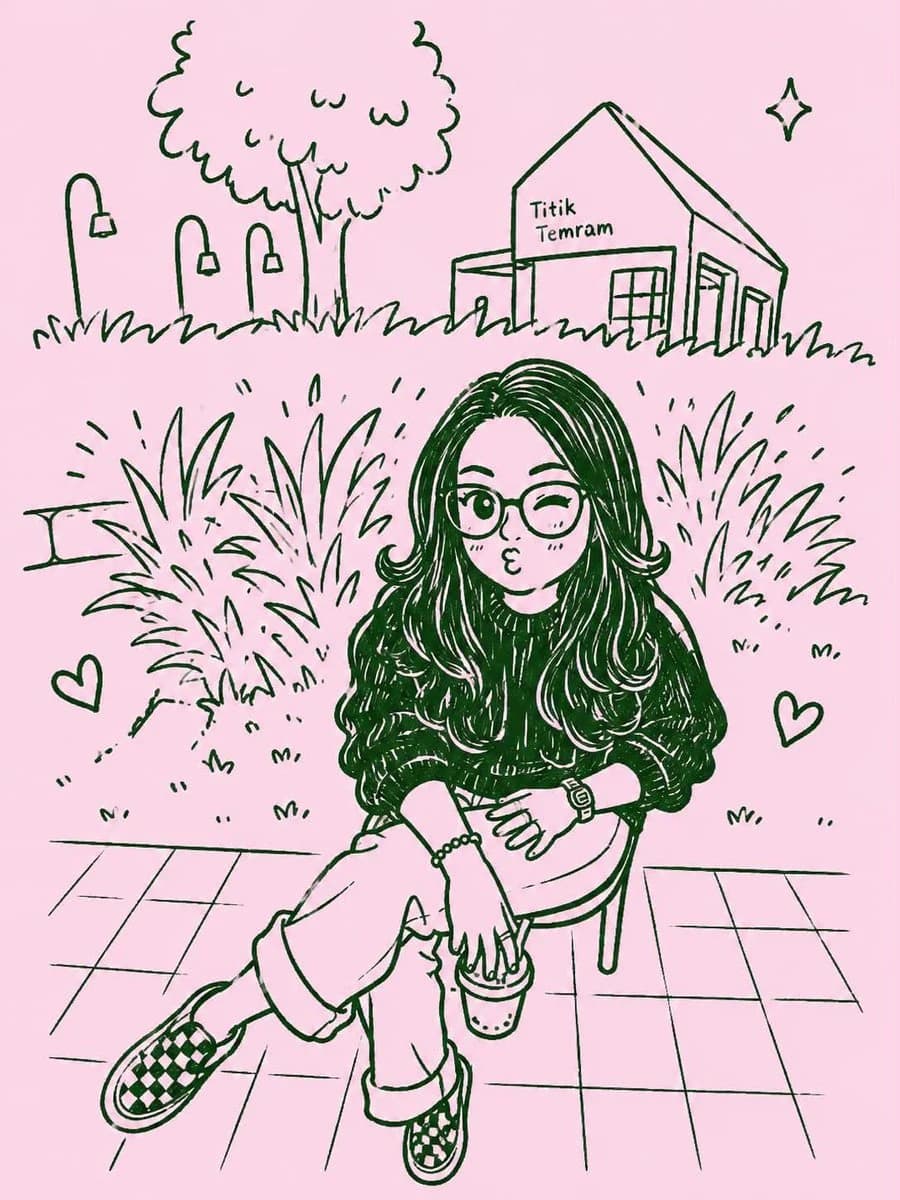
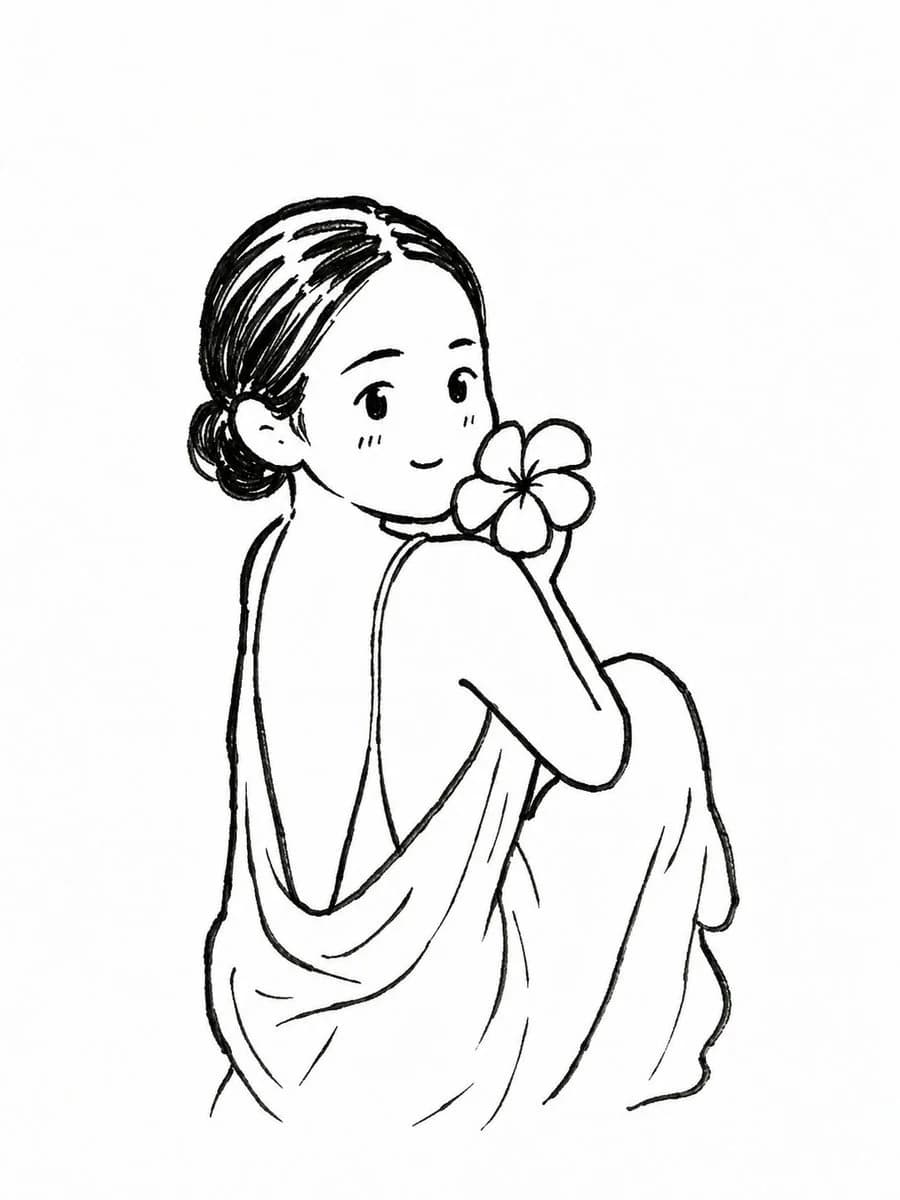
122 wordsTransform the uploaded photo into a cute black-and-white hand-drawn {argument name="illustration style" default="chibi doodle illustration"}. Preserve the exact pose, composition, facial expressions, clothing, sunglasses, and antler headband while converting the mother and child into adorable cartoon characters with oversized heads, tiny bodies, round eyes, soft smiles, and simplified features. Use clean black ink linework on a pure white background with subtle sketch hatching, playful hand-drawn texture, tiny hearts, sparkles, and cute doodle accents around them. Maintain the warm hug, joyful family connection, and candid photo-booth perspective. Kawaii manga-inspired art style, minimalist monochrome palette, sticker-pack aesthetic, wholesome children's storybook illustration, charming sketchbook drawing, expressive faces, soft rounded shapes, cozy and heartwarming mood, highly detailed line art, cute social media avatar style, masterpiece quality.About this prompt
Hand-Drawn Chibi Doodle Illustration is a ready-to-use character design prompt for GPT Image 2 on Image 2. Copy the 122 words below, paste them into the Create form, and you will get a result close to the preview above. Tweak the Social Media, Portrait, Character Design tag if you want to push it somewhere new.
Use it as a starting point, then adjust the subject, lighting, or composition to suit your idea. The credit cost stays the same whether you use it as written or customize it.
Use case
A strong starting point for Character Design
Start here when you want a character design image inspired by Hand-Drawn Chibi Doodle Illustration. The prompt already sets the look and composition; replace the subject, product, colors, or scene details to match your project.
Easy places to tweak
- Subject Swap in your person, product, place, or object without changing the overall composition.
- Look and mood Tune the lighting, palette, camera angle, or materials so the image fits your brand.
- Final format Set the aspect ratio, background, text, or layout notes before you generate.
More prompt paths to explore
Find more GPT Image 2 prompts with a similar style, use case, or subject.
How to use it
- Step 1
Copy the prompt
Hit the Copy button above to grab the full text.
- Step 2
Open Image 2 Create
Head to the Create form and paste it in.
- Step 3
Generate
Hit Generate. Your version lands in seconds.
Make it yours
Load the prompt into the Create form with one click, then start tweaking.