Prompt
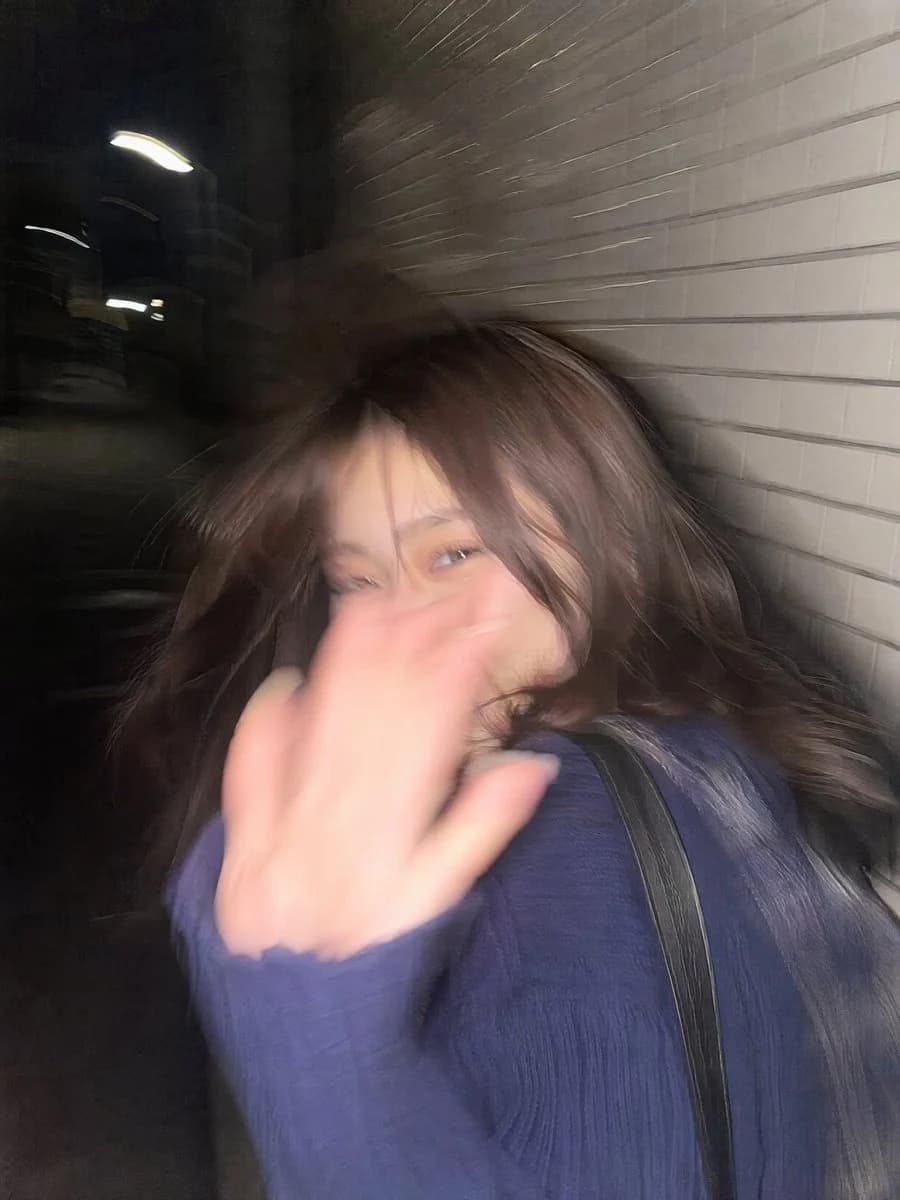
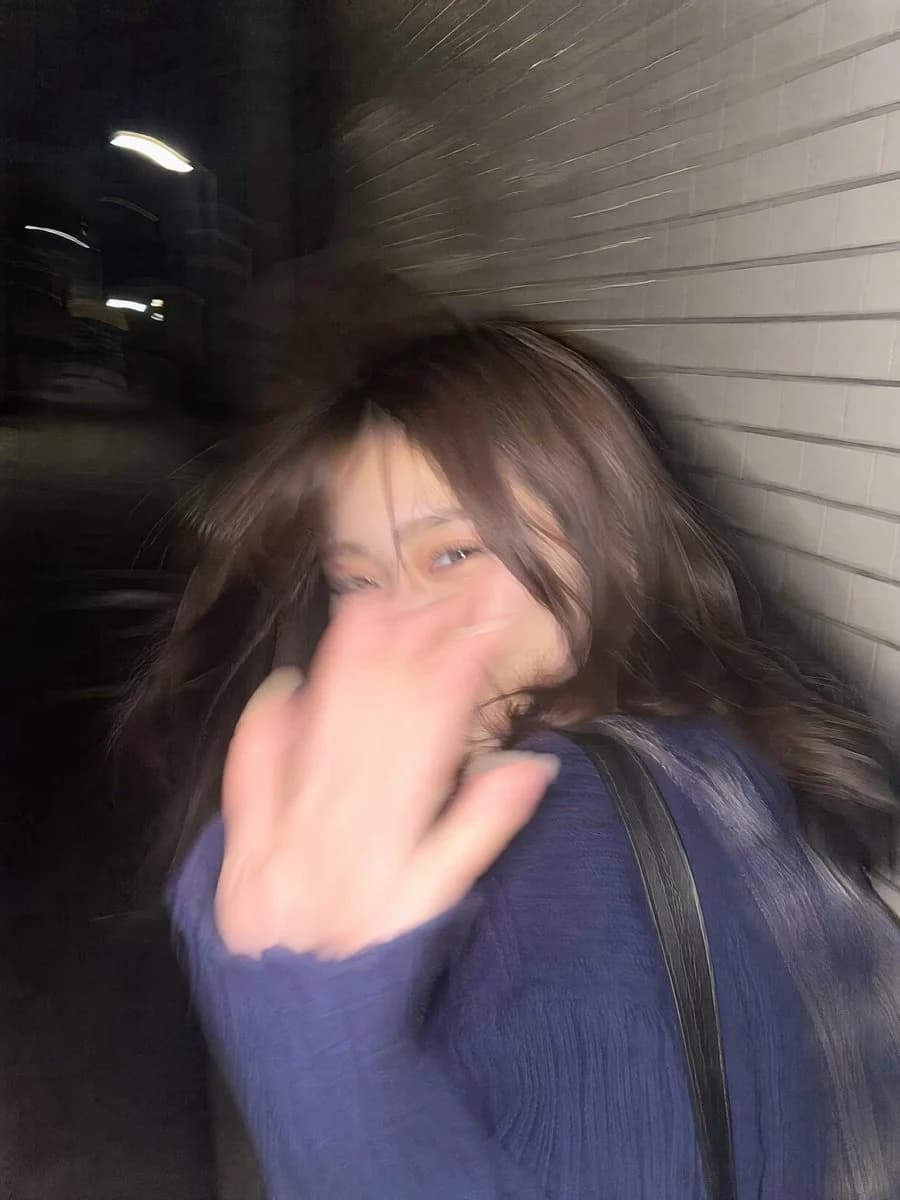
94 wordsUltra-realistic candid smartphone photo, 3:4 vertical. Original non-identifiable young woman inspired only by general proportions/vibe. {argument name="location" default="Night Tokyo sidewalk"} beside {argument name="background" default="white ceramic tile wall"}. Mid-walk, half-profile, turning back in surprise, {argument name="action" default="hand raised toward lens"}, shy restrained smile, continuing forward, imperfect framing, nearly exiting frame. Flash fired during motion. Strong handheld shake, heavy directional blur, smeared facial details, blurred hand and hair, ghosting, streaked tile wall, deep darkness around. Harsh flash highlights, blown exposure, hard shadows. Raw accidental snapshot, intrusive, playful, fleeting memory. Extremely noisy, heavily blurred, authentic phone-camera look.About this prompt
Tokyo Sidewalk Motion Blur Snapshot is a ready-to-use social media prompt for GPT Image 2 on Image 2. Copy the 94 words below, paste them into the Create form, and you will get a result close to the preview above. Tweak the Social Media, Portrait, Travel tag if you want to push it somewhere new.
Use it as a starting point, then adjust the subject, lighting, or composition to suit your idea. The credit cost stays the same whether you use it as written or customize it.
Use case
A strong starting point for Social Media
Start here when you want a social media image inspired by Tokyo Sidewalk Motion Blur Snapshot. The prompt already sets the look and composition; replace the subject, product, colors, or scene details to match your project.
Easy places to tweak
- Subject Swap in your person, product, place, or object without changing the overall composition.
- Look and mood Tune the lighting, palette, camera angle, or materials so the image fits your brand.
- Final format Set the aspect ratio, background, text, or layout notes before you generate.
More prompt paths to explore
Find more GPT Image 2 prompts with a similar style, use case, or subject.
How to use it
- Step 1
Copy the prompt
Hit the Copy button above to grab the full text.
- Step 2
Open Image 2 Create
Head to the Create form and paste it in.
- Step 3
Generate
Hit Generate. Your version lands in seconds.
Make it yours
Load the prompt into the Create form with one click, then start tweaking.