Prompt
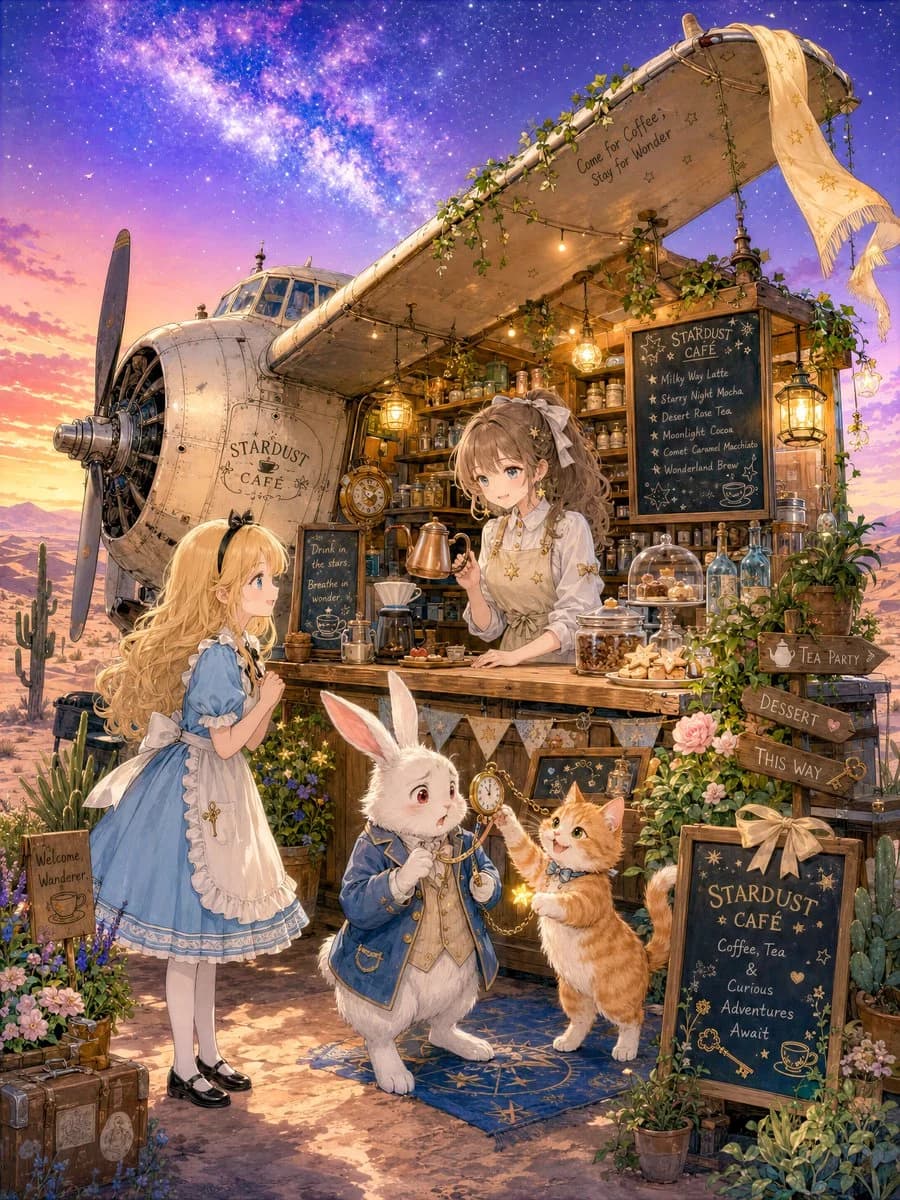
441 wordsCreate a highly detailed vertical fantasy storybook illustration in a soft anime watercolor style: a magical desert café built into the side of an old crashed propeller airplane at twilight, with a glowing Milky Way sky overhead and warm lantern light spilling from the café counter. The setting is called {argument name="cafe name" default="STARDUST CAFÉ"}; show the name painted on the airplane fuselage and on a chalkboard sign. The airplane nose and large propeller dominate the left side, while the right wing extends overhead as a canopy covered with ivy, hanging bulbs, star ornaments, glass lanterns, and a pale scarf with gold stars draped from the wingtip. On the underside of the wing, write the small hand-lettered phrase “Come for Coffee, Stay for Wonder.” The café counter is packed with tiny details: brass coffee kettles, glass jars, teacups, baked cookies, cloches, bottles, shelves of ingredients, a vintage clock, coffee drippers, plants, and magical trinkets. Include exactly four main characters: 1) {argument name="girl character" default="Alice"}, a blonde young girl in a blue dress with a white apron, black shoes, white stockings, and a bow, standing at the left and looking curiously toward the café; 2) {argument name="rabbit character" default="the White Rabbit"}, an anxious white rabbit in a blue waistcoat and jacket, holding a pocket watch and looking hurried; 3) {argument name="cat character" default="orange cat waiter"}, a standing orange tabby cat in a small bow tie, blocking the rabbit’s path and gesturing insistently; 4) {argument name="barista character" default="a gentle brown-haired café girl"}, a smiling barista behind the counter with wavy hair, a cream blouse, star earrings, and a star-pattern apron, offering freshly brewed coffee and pastries. Make the rabbit look like he wants to say he has no time, while the cat waiter clearly refuses to let him leave, and Alice is enchanted by the coffee and baked sweets. Add exactly five readable sign areas: 1) airplane/fuselage logo “STARDUST CAFÉ,” 2) wing phrase “Come for Coffee, Stay for Wonder,” 3) main menu chalkboard listing “Milky Way Latte,” “Starry Night Mocha,” “Desert Rose Tea,” “Moonlight Cocoa,” “Comet Caramel Macchiato,” and “Wonderland Brew,” 4) wooden directional signposts reading “TEA PARTY,” “DESSERT,” and “THIS WAY,” and 5) front chalkboard reading “STARDUST CAFÉ / Coffee, Tea & Curious Adventures Await.” Surround the scene with desert cacti, roses, wildflowers, old suitcases, small crates, a welcome sign, potted plants, and a blue starry rug under the rabbit and cat. Use a warm golden-pink sunset horizon fading into deep violet-blue galaxy sky, with mountains in the distance, dust, sparkles, soft rim light, intricate linework, cozy fairy-tale atmosphere, 5k detail, no modern objects, no photorealism, no extra characters, and no watermark.About this prompt
Stardust Airplane Café is a ready-to-use poster prompt for GPT Image 2 on Image 2. Copy the 441 words below, paste them into the Create form, and you will get a result close to the preview above. Tweak the Poster, Product, Food tag if you want to push it somewhere new.
Use it as a starting point, then adjust the subject, lighting, or composition to suit your idea. The credit cost stays the same whether you use it as written or customize it.
Use case
A strong starting point for Poster
Start here when you want a poster image inspired by Stardust Airplane Café. The prompt already sets the look and composition; replace the subject, product, colors, or scene details to match your project.
Easy places to tweak
- Subject Swap in your person, product, place, or object without changing the overall composition.
- Look and mood Tune the lighting, palette, camera angle, or materials so the image fits your brand.
- Final format Set the aspect ratio, background, text, or layout notes before you generate.
More prompt paths to explore
Find more GPT Image 2 prompts with a similar style, use case, or subject.
How to use it
- Step 1
Copy the prompt
Hit the Copy button above to grab the full text.
- Step 2
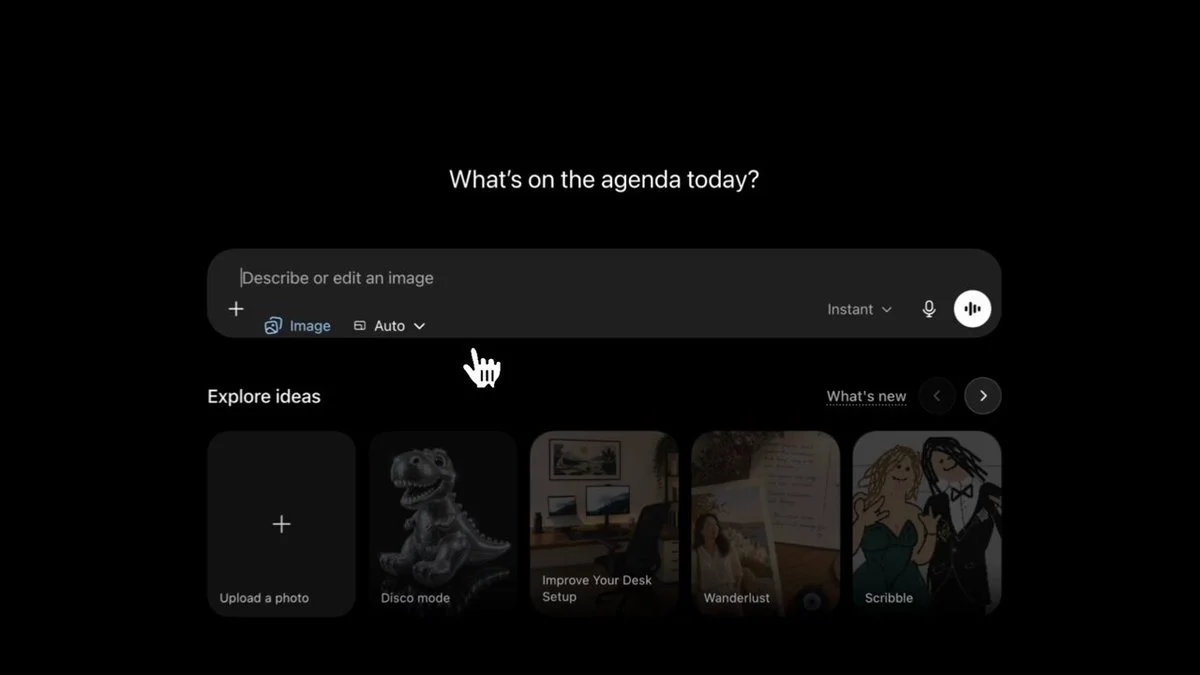
Open Image 2 Create
Head to the Create form and paste it in.
- Step 3
Generate
Hit Generate. Your version lands in seconds.
Make it yours
Load the prompt into the Create form with one click, then start tweaking.