Prompt
555 wordsCreate a single vertical anime animation development board for an original emotional short film titled “The Girl and the Paper Boat”. The output must be ONE combined image containing: 1. an anime character design sheet 2. a cinematic storyboard page IMPORTANT: Create fully original anime characters. Do not imitate Studio Ghibli characters directly. Do not resemble any copyrighted anime characters. Keep the designs unique, soft, nostalgic, and emotionally warm. STYLE: Premium anime pre-production board. Mix loose hand-drawn storyboard sketches with beautiful semi-rendered anime keyframes. Use soft watercolor-style anime lighting, warm sunset colors, gentle shadows, red storyboard borders, blue motion arrows, handwritten production notes, timing notes, and lens notes. The board should feel like a real anime studio planning sheet. LAYOUT: Clean vertical composition with 2 sections. SECTION A — CHARACTER DESIGN SHEET Girl: A gentle anime girl with soft dark hair tied in a loose short ponytail, warm brown eyes, soft round facial features, and a peaceful expression. She wears: - a light cream summer blouse - a faded sky-blue skirt - white socks - simple brown shoes - a small cloth shoulder bag She should feel: quiet, kind, nostalgic, peaceful, emotionally warm. Show: - front view - side profile - back view - 3/4 angle - expressions: thoughtful, soft smile, emotional, calm - pose holding a folded paper boat - pose kneeling by a pond - pose sitting beside the cat Cat: A tiny fluffy orange-and-white village cat with soft fur, big expressive eyes, tiny paws, and a curious innocent look. The cat should feel: curious, playful, comforting, peaceful. Show: - front view - side profile - back view - 3/4 angle - expressions: curious, playful, sleepy, trusting - sitting pose - pawing at paper boat pose - curled resting pose beside the girl Add tiny handwritten notes and soft pastel anime color swatches. SECTION B — STORYBOARD Create 8 cinematic anime storyboard panels arranged in a neat grid. Keep character designs consistent across all panels. Each panel should include handwritten camera notes, blue motion arrows, timing notes, and lens notes. STORY BEATS: 1. Wide shot of a peaceful old anime village on a mountain at golden hour, with a pond in the foreground and the whole village visible below. 2. The girl sits beside the pond folding a paper boat while a tiny cat watches beside her. 3. Close-up of the girl gently placing the paper boat onto the still pond water. 4. The paper boat begins floating slowly across the pond, creating soft ripples. 5. The cat walks along the pond edge and reaches a paw toward the floating paper boat. 6. The girl smiles softly while watching the cat play near the boat. 7. The girl sits quietly with the cat beside her as they watch the paper boat drift across the pond. 8. Wide emotional ending shot from the mountain viewpoint showing the girl and cat near the pond, with the full old village below, warm sunset light, and a peaceful nostalgic atmosphere. ENVIRONMENT: Old anime mountain village. Visible village rooftops and narrow streets below. Small quiet pond near the mountain edge. Stone path. Wooden fences. Soft grass. Warm golden sunset. Gentle breeze. Peaceful nostalgic countryside atmosphere. FINAL GOAL: Make this feel like a beautiful emotional anime film development board with calm old-village nostalgia, peaceful healing energy, and cinematic storytelling.
About this prompt
Original Anime Dev Board is a ready-to-use poster prompt for GPT Image 2 on Image 2. Copy the 555 words below, paste them into the Create form, and you will get a result close to the preview above. Tweak the Poster, Storyboard, Product tag if you want to push it somewhere new.
Use it as a starting point, then adjust the subject, lighting, or composition to suit your idea. The credit cost stays the same whether you use it as written or customize it.
Use case
A strong starting point for Poster
Start here when you want a poster image inspired by Original Anime Dev Board. The prompt already sets the look and composition; replace the subject, product, colors, or scene details to match your project.
Easy places to tweak
- Subject Swap in your person, product, place, or object without changing the overall composition.
- Look and mood Tune the lighting, palette, camera angle, or materials so the image fits your brand.
- Final format Set the aspect ratio, background, text, or layout notes before you generate.
More prompt paths to explore
Find more GPT Image 2 prompts with a similar style, use case, or subject.
How to use it
- Step 1
Copy the prompt
Hit the Copy button above to grab the full text.
- Step 2
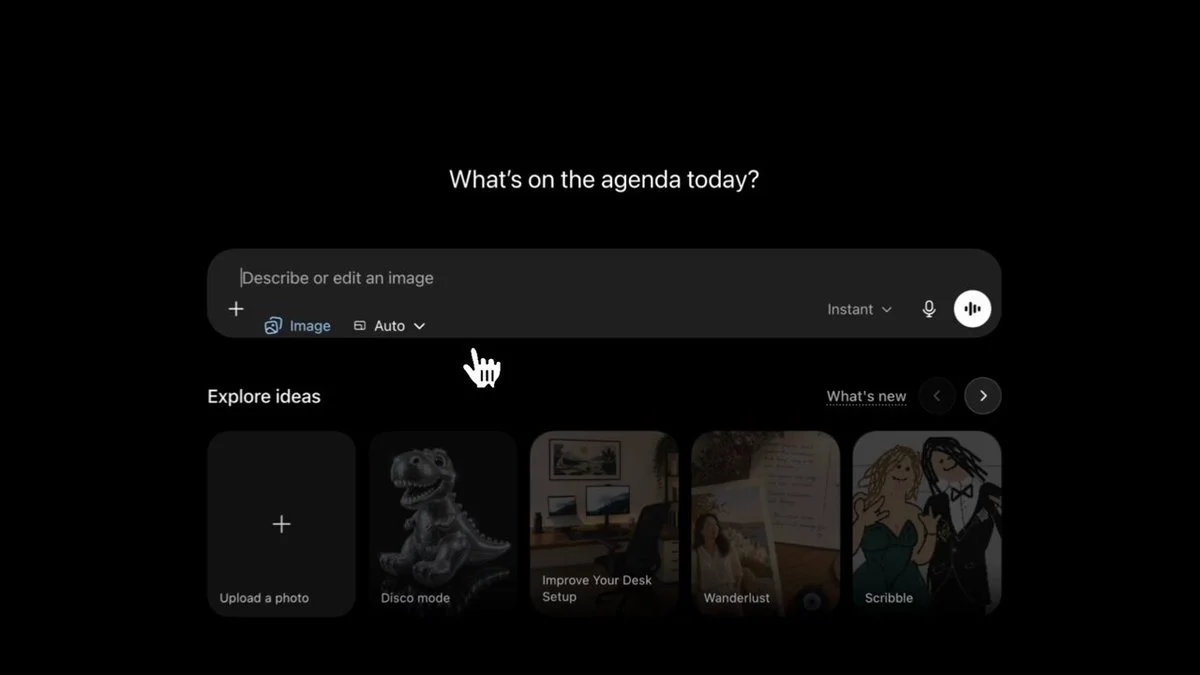
Open Image 2 Create
Head to the Create form and paste it in.
- Step 3
Generate
Hit Generate. Your version lands in seconds.
Make it yours
Load the prompt into the Create form with one click, then start tweaking.