Prompt
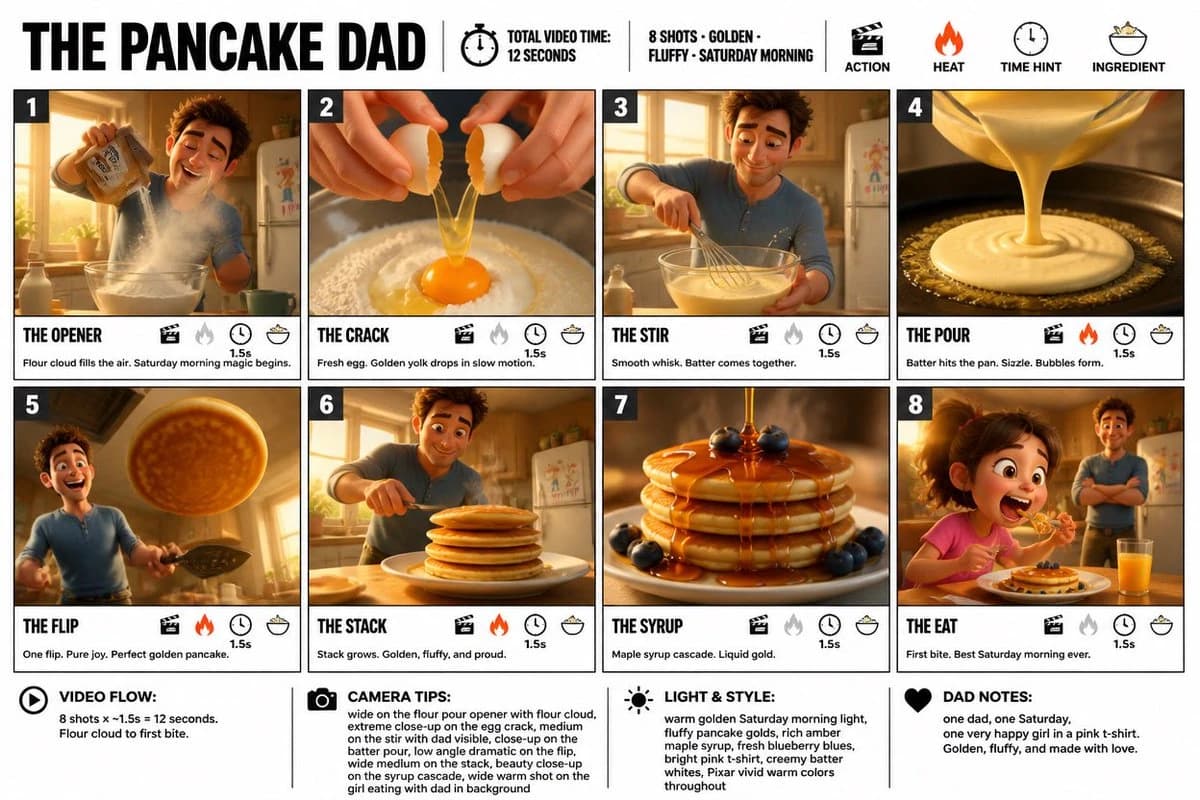
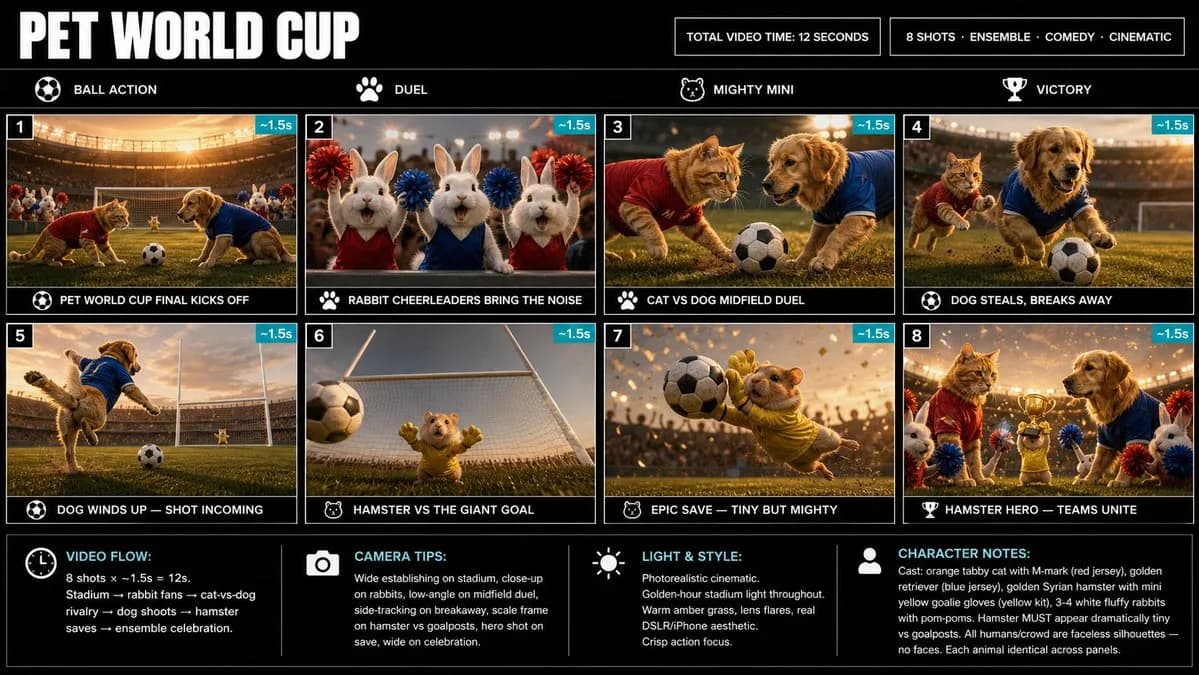
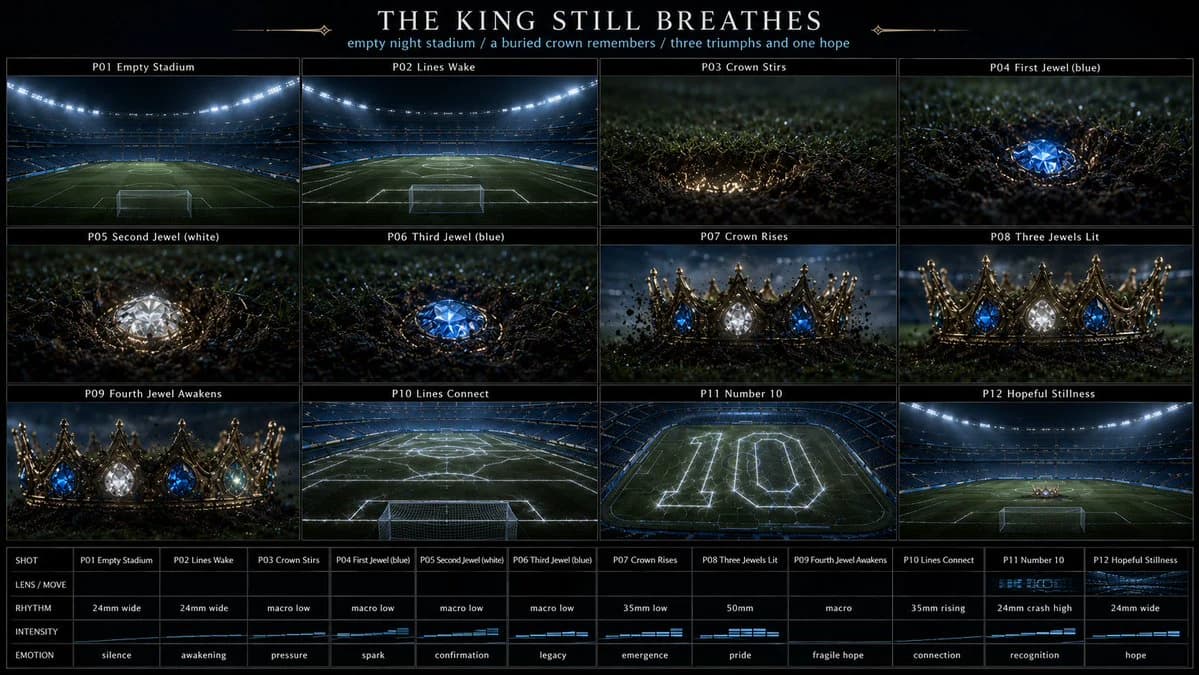
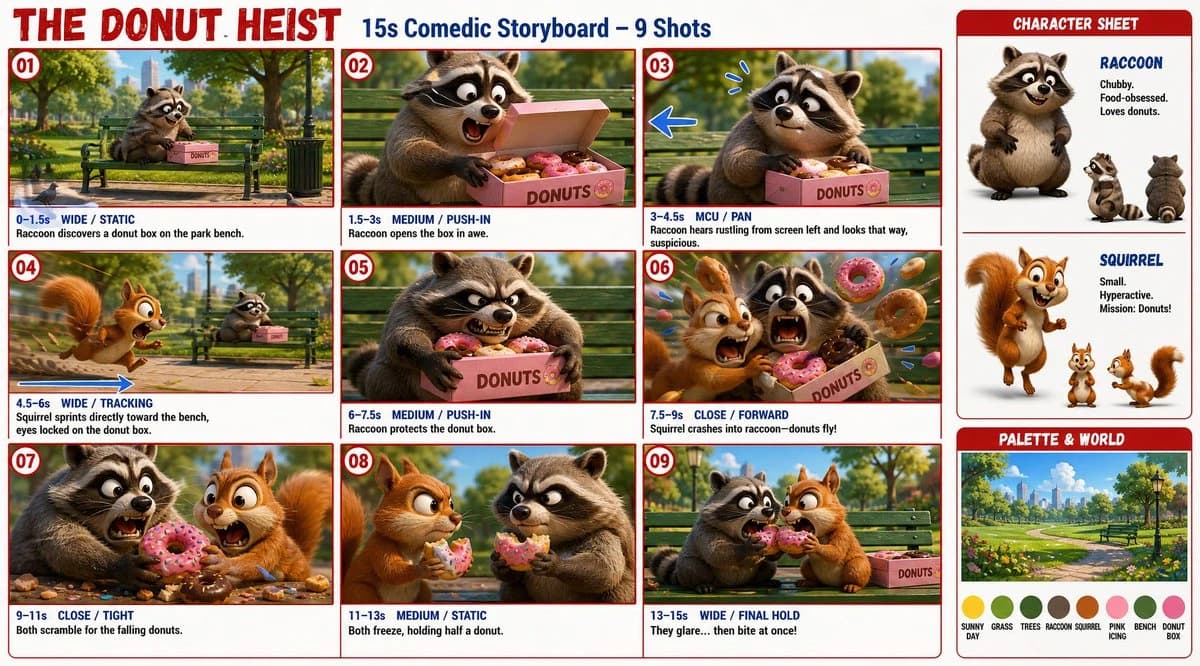
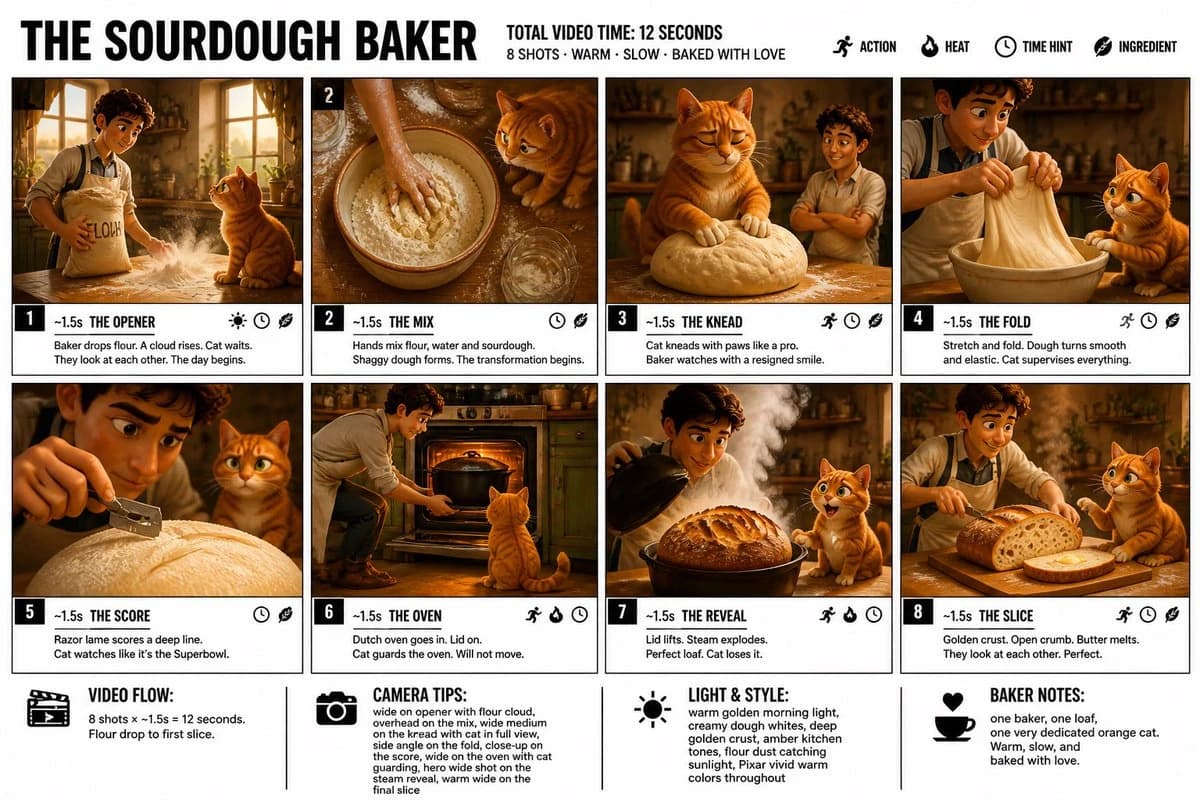
682 words“Create a crisp, clean infographic storyboard poster for THE SOURDOUGH BAKER. Wide 16:9 layout, white background, black borders, bold black typography, premium Pixar 3D stylized rendering, bright warm colors — creamy dough whites, golden crust browns, warm flour dust, rich amber kitchen light, pops of green from herbs on the windowsill. Top header: THE SOURDOUGH BAKER TOTAL VIDEO TIME: 12 SECONDS 8 SHOTS · WARM · SLOW · BAKED WITH LOVE Legend icons: ACTION, HEAT, TIME HINT, INGREDIENT Same Pixar-style young male baker throughout — flour-dusted white apron, warm rustic kitchen, wooden counter, morning light streaming through the window. And one recurring character — a fluffy orange cat who takes the craft extremely seriously and is present in every single panel. 8 panels: Panel 1 — THE OPENER: Wide shot. Baker walks into his kitchen at dawn carrying a large flour bag under one arm. He drops it onto the wooden counter sending a dramatic puff of white flour into the warm morning light — flour cloud catching the golden sunlight beautifully. The orange cat is already sitting on the counter waiting, completely unbothered by the flour cloud, staring directly at the baker. They look at each other. The day begins. You know exactly what's about to happen. Panel 2 — THE MIX: Overhead locked shot. Baker's hands mixing flour, water and sourdough starter together in a large ceramic bowl — shaggy dough forming, the transformation beginning. The orange cat sits at the edge of the counter, head tilted, watching the bowl with complete concentration. Panel 3 — THE KNEAD: The hero comedy panel. Baker steps aside. The orange cat is on the counter, both front paws pressing and kneading the dough exactly like cats do in real life — slow rhythmic biscuit-making motion, eyes half closed in pure contentment. Baker watches from the side with a resigned smile. The cat is completely unbothered and deeply committed to the process. Panel 4 — THE FOLD: Side angle. Baker performs the stretch and fold — pulling the dough up and folding it over itself, the dough becoming smooth and elastic. Close-up on hands and dough. The orange cat watches from beside the bowl, one paw resting on the counter edge, supervising every movement. Panel 5 — THE SCORE: Close-up dramatic shot. Baker holds a razor lame above the risen dough, scoring a deep curved line across the surface — the blade catching the light. The orange cat sits in the background perfectly framed, watching with complete intensity as if this is the most important moment of the day. It is. Panel 6 — THE OVEN: Wide shot. Baker slides the dough inside the cast iron dutch oven, closes the heavy lid, slides it into the glowing oven. The orange cat sits directly in front of the oven door, staring at it, waiting. Will not move. Will never move. Panel 7 — THE REVEAL: The hero frame. Baker lifts the dutch oven lid — an enormous cloud of steam erupts upward, and beneath it the most perfect golden sourdough loaf, deeply scored crust cracked open, caramelized and blistered. The orange cat stands up on its hind legs trying to see over the counter edge, eyes wide, completely losing its composure for the first time. Panel 8 — THE SLICE: Wide warm shot. Baker slices through the loaf — perfect open crumb revealed inside, steam still rising, golden crust crackling. Butter placed on the warm slice, melting instantly. The orange cat sits beside the cutting board, one paw raised toward the bread. Baker looks at the cat. Cat looks at the bread. Baker smiles. Perfect ending. Footer: VIDEO FLOW: 8 shots × ~1.5s = 12 seconds. Flour drop to first slice. CAMERA TIPS: wide on opener with flour cloud, overhead on the mix, wide medium on the knead with cat in full view, side angle on the fold, close-up on the score, wide on the oven with cat guarding, hero wide shot on the steam reveal, warm wide on the final slice LIGHT & STYLE: warm golden morning light, creamy dough whites, deep golden crust.”
About this prompt
Sourdough Baker Storyboard is a ready-to-use ui mockup prompt for GPT Image 2 on Image 2. Copy the 682 words below, paste them into the Create form, and you will get a result close to the preview above. Tweak the Infographic, UI, Mockup tag if you want to push it somewhere new.
Use it as a starting point, then adjust the subject, lighting, or composition to suit your idea. The credit cost stays the same whether you use it as written or customize it.
Use case
A strong starting point for UI Mockup
Start here when you want a ui mockup image inspired by Sourdough Baker Storyboard. The prompt already sets the look and composition; replace the subject, product, colors, or scene details to match your project.
Easy places to tweak
- Subject Swap in your person, product, place, or object without changing the overall composition.
- Look and mood Tune the lighting, palette, camera angle, or materials so the image fits your brand.
- Final format Set the aspect ratio, background, text, or layout notes before you generate.
More prompt paths to explore
Find more GPT Image 2 prompts with a similar style, use case, or subject.
How to use it
- Step 1
Copy the prompt
Hit the Copy button above to grab the full text.
- Step 2
Open Image 2 Create
Head to the Create form and paste it in.
- Step 3
Generate
Hit Generate. Your version lands in seconds.
Make it yours
Load the prompt into the Create form with one click, then start tweaking.