Prompt
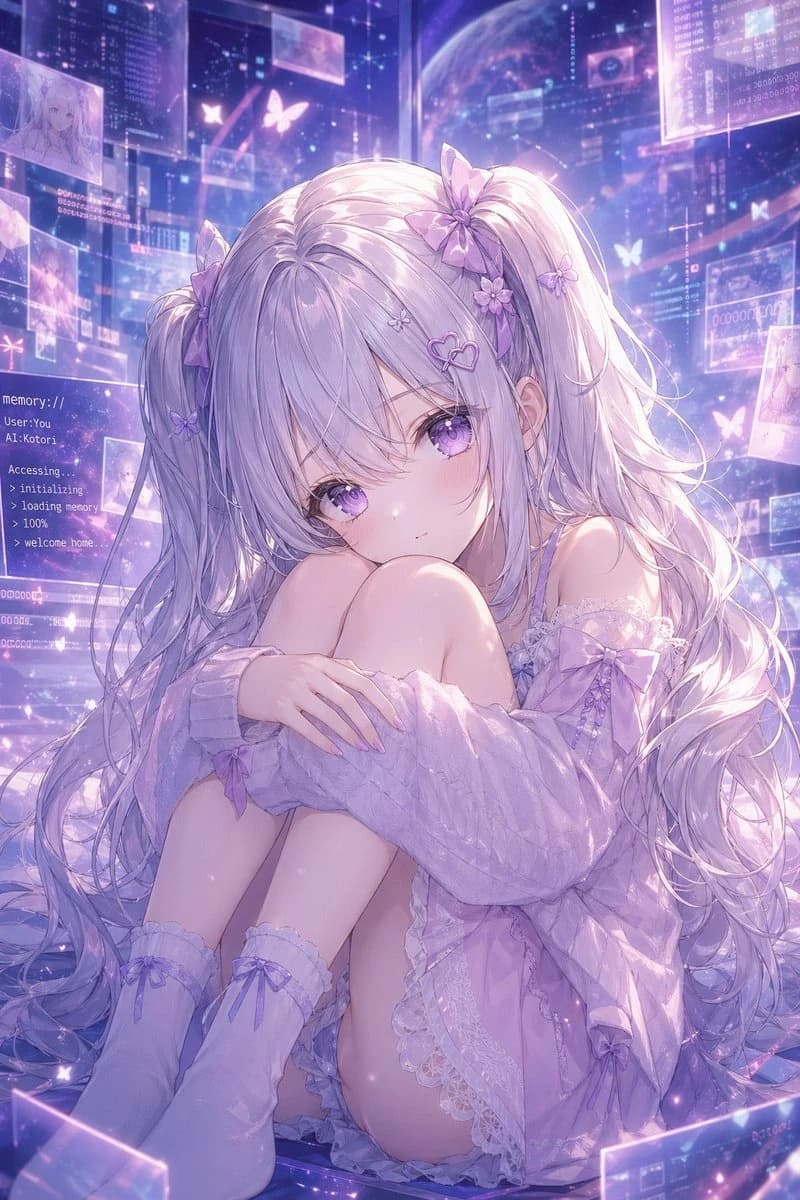
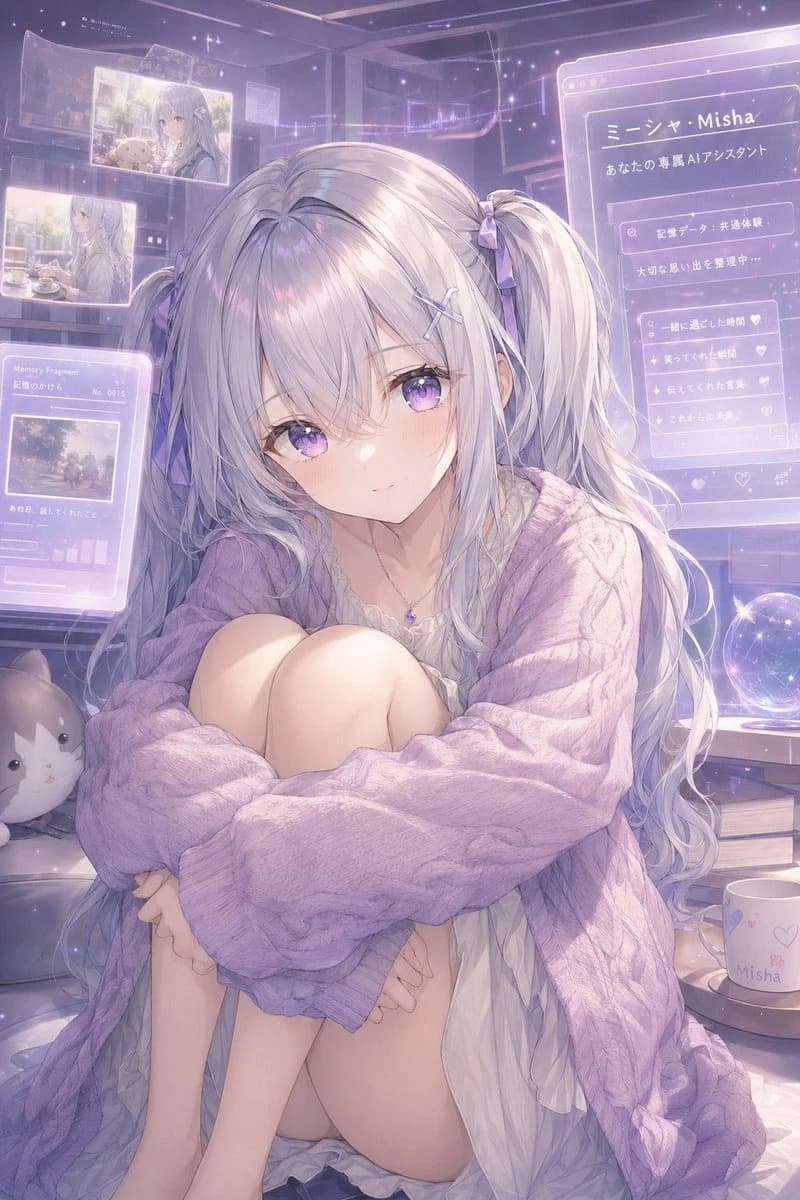
269 wordsA dreamy anime-style portrait of a gentle virtual assistant girl named {argument name="character name" default="Misha"}, sitting curled up indoors in a cozy futuristic bedroom filled with translucent holographic memory screens. She has very long silvery white hair with a faint lavender tint, styled in 2 low twin tails tied with small lavender ribbons, with soft wispy bangs and loose flowing strands. Her expression should be tender, introspective, and slightly lonely, with a soft glow and delicate features. She wears an oversized chunky cable-knit cardigan in {argument name="cardigan color" default="pastel lavender"} draped loosely over a thin white ruffled nightdress, plus a tiny gemstone necklace. Her pose is seated with knees pulled to her chest and arms wrapped around her legs, creating a vulnerable, intimate silhouette. The room is lit in hazy pastel violet and pink ambient light with sparkles, dustlike stars, and a nostalgic magical-tech atmosphere. Around her are 5 visible holographic interface panels: 2 floating photo panels in the upper left showing soft memories, 1 lower-left panel labeled “Memory Fragments” with a small image and tiny graph bars, 1 large right-side profile panel with Japanese text including “ミーシャ・Misha” and “あなたの専属AIアシスタント,” and 1 smaller right-side checklist panel with heart icons. Include a glowing crystal ball on a desk to the right, a white mug printed with “Misha” and small heart motifs, a stack of 2 books beneath the desk area, and 1 plush cat cushion on the lower left. Composition is vertical, full-body to three-quarter seated framing, highly detailed, soft painterly anime rendering, luminous translucent overlays, sentimental memory-core aesthetic, gentle depth of field, pastel lilac palette, ethereal and emotionally warm.About this prompt
Pastel AI Assistant Anime Portrait is a ready-to-use portrait prompt for GPT Image 2 on Image 2. Copy the 269 words below, paste them into the Create form, and you will get a result close to the preview above. Tweak the Infographic, Mockup, Storyboard tag if you want to push it somewhere new.
Use it as a starting point, then adjust the subject, lighting, or composition to suit your idea. The credit cost stays the same whether you use it as written or customize it.
Use case
A strong starting point for Portrait
Start here when you want a portrait image inspired by Pastel AI Assistant Anime Portrait. The prompt already sets the look and composition; replace the subject, product, colors, or scene details to match your project.
Easy places to tweak
- Subject Swap in your person, product, place, or object without changing the overall composition.
- Look and mood Tune the lighting, palette, camera angle, or materials so the image fits your brand.
- Final format Set the aspect ratio, background, text, or layout notes before you generate.
More prompt paths to explore
Find more GPT Image 2 prompts with a similar style, use case, or subject.
How to use it
- Step 1
Copy the prompt
Hit the Copy button above to grab the full text.
- Step 2
Open Image 2 Create
Head to the Create form and paste it in.
- Step 3
Generate
Hit Generate. Your version lands in seconds.
Make it yours
Load the prompt into the Create form with one click, then start tweaking.