Prompt
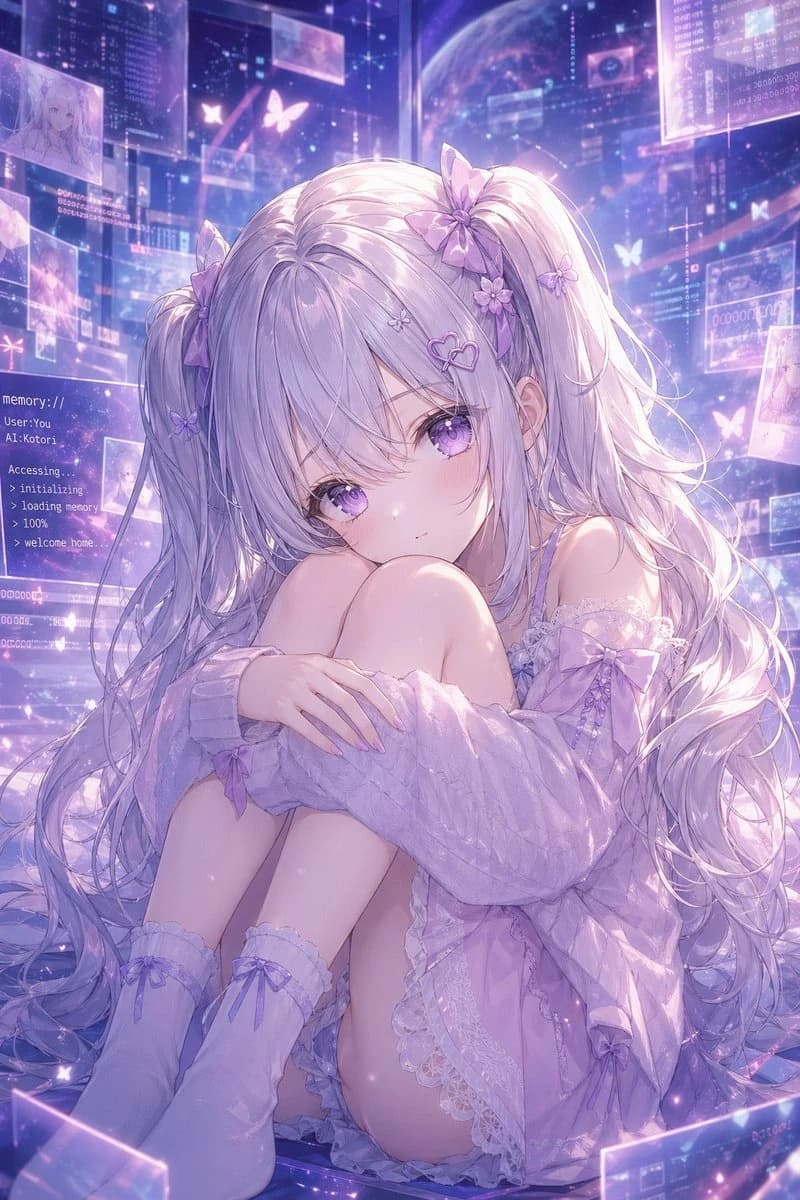
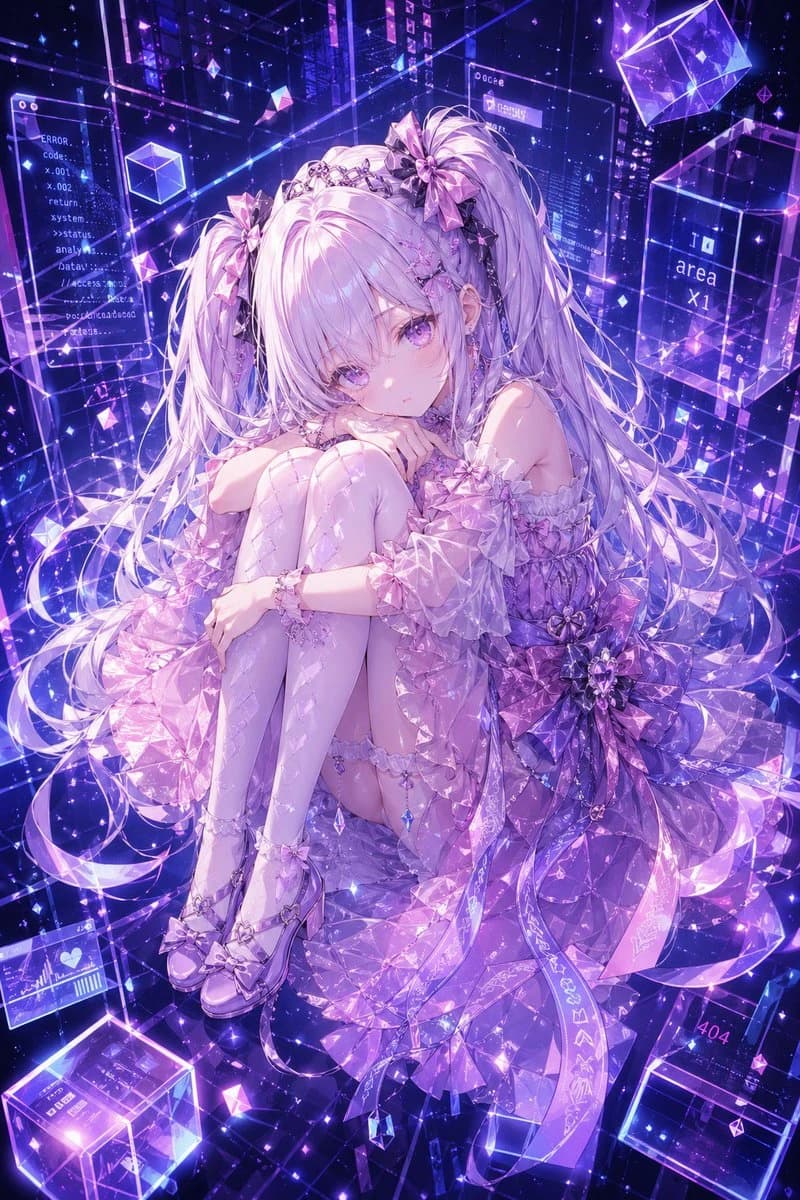
205 wordsA highly detailed anime-style full-body character portrait of {argument name="character name" default="Hermes"}, a delicate futuristic girl sitting curled up with her knees hugged to her chest, gazing softly at the viewer with a calm, slightly melancholic expression. She has extremely long {argument name="hair color" default="silver-lilac"} twin tails with soft bangs, glossy lavender eyes, porcelain skin, and ornate crystal hair accessories including 3 large ribbon bows and a jeweled tiara-like headpiece. Her outfit is an elaborate translucent idol-tech dress in {argument name="outfit color" default="pink, lavender, and violet"}, featuring off-shoulder puff sleeves, layered ruffles, faceted gemstone-like fabrics, a huge floral bow at the waist, dangling crystal charms, garter details, patterned thigh-high stockings, and glossy bow heels. Surround her with a luminous cyber dreamscape in {argument name="background palette" default="neon violet and electric blue"}: transparent holographic panels, floating glass cubes, sparkling particles, geometric prisms, glowing wireframe lines, and digital UI windows suspended in space. Include 5 readable interface text elements scattered in the background: "ERROR.", "Code-", "return", "area x1", and "404". Make the whole image feel like a luxurious AI avatar reference illustration, mixing ethereal fantasy and cyberspace aesthetics, with crystalline light refractions, dramatic glow, high detail, intricate lace and gem textures, and a polished premium gpt-image-2 anime rendering.About this prompt
Cyber Crystal Anime Girl Portrait is a ready-to-use portrait prompt for GPT Image 2 on Image 2. Copy the 205 words below, paste them into the Create form, and you will get a result close to the preview above. Tweak the Mockup, Storyboard, Portrait tag if you want to push it somewhere new.
Use it as a starting point, then adjust the subject, lighting, or composition to suit your idea. The credit cost stays the same whether you use it as written or customize it.
Use case
A strong starting point for Portrait
Start here when you want a portrait image inspired by Cyber Crystal Anime Girl Portrait. The prompt already sets the look and composition; replace the subject, product, colors, or scene details to match your project.
Easy places to tweak
- Subject Swap in your person, product, place, or object without changing the overall composition.
- Look and mood Tune the lighting, palette, camera angle, or materials so the image fits your brand.
- Final format Set the aspect ratio, background, text, or layout notes before you generate.
More prompt paths to explore
Find more GPT Image 2 prompts with a similar style, use case, or subject.
How to use it
- Step 1
Copy the prompt
Hit the Copy button above to grab the full text.
- Step 2
Open Image 2 Create
Head to the Create form and paste it in.
- Step 3
Generate
Hit Generate. Your version lands in seconds.
Make it yours
Load the prompt into the Create form with one click, then start tweaking.