Prompt
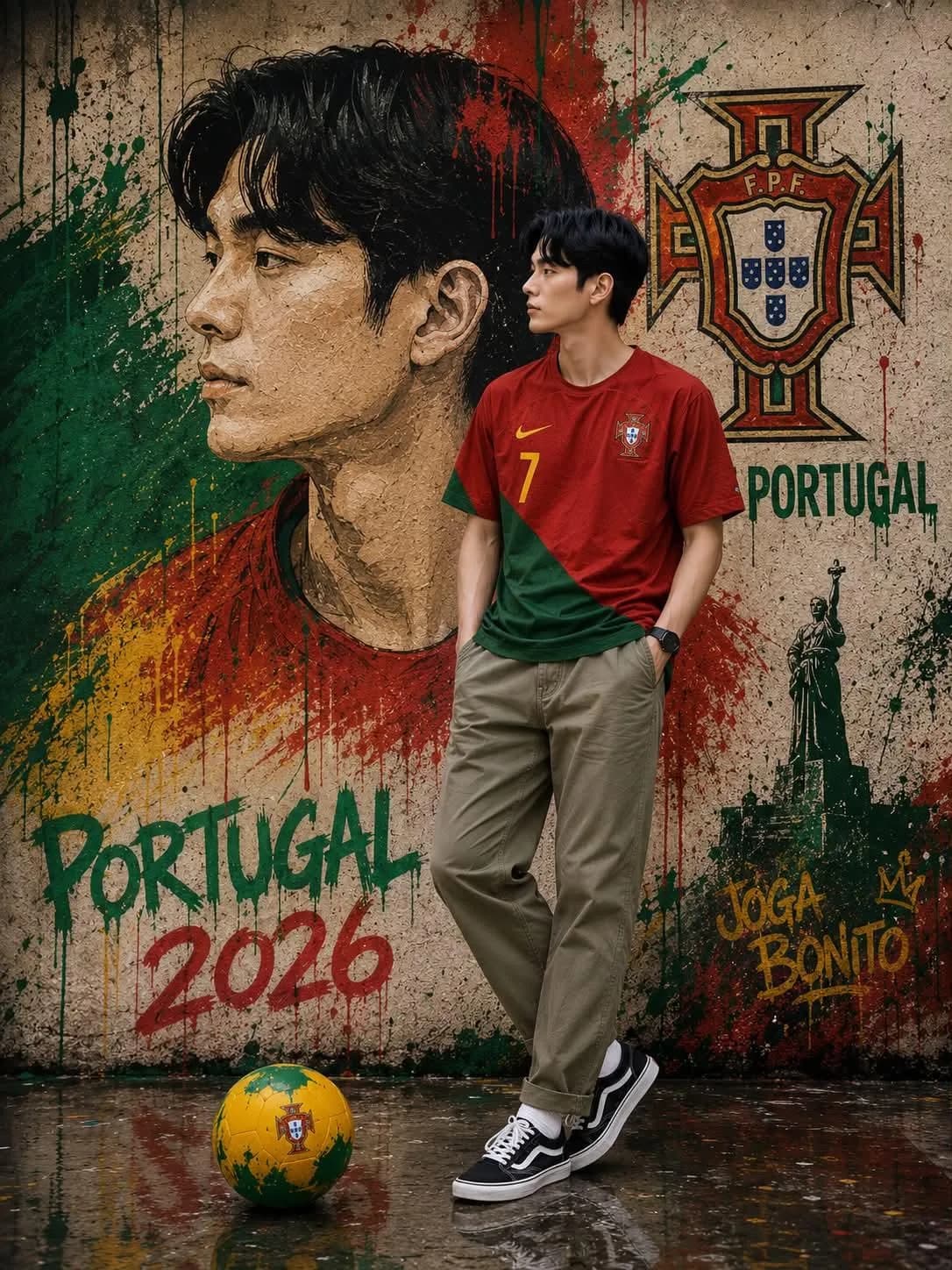
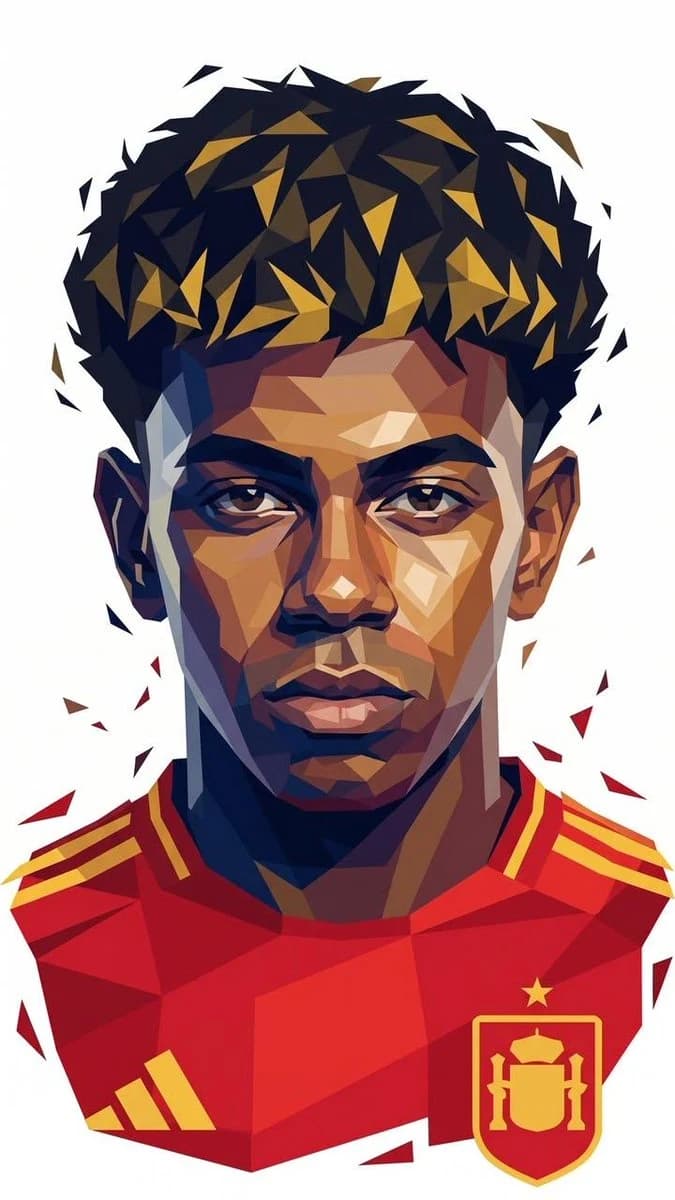
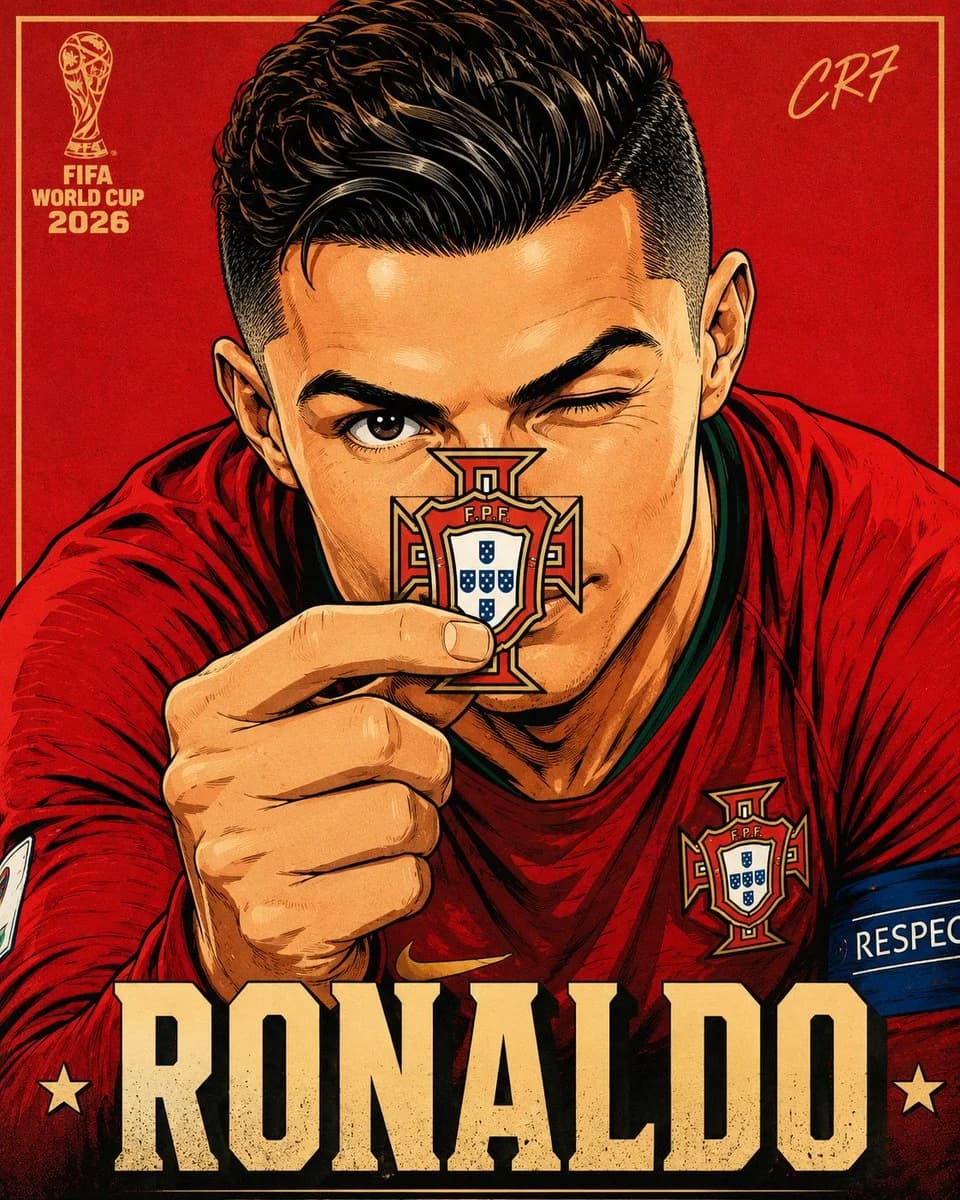
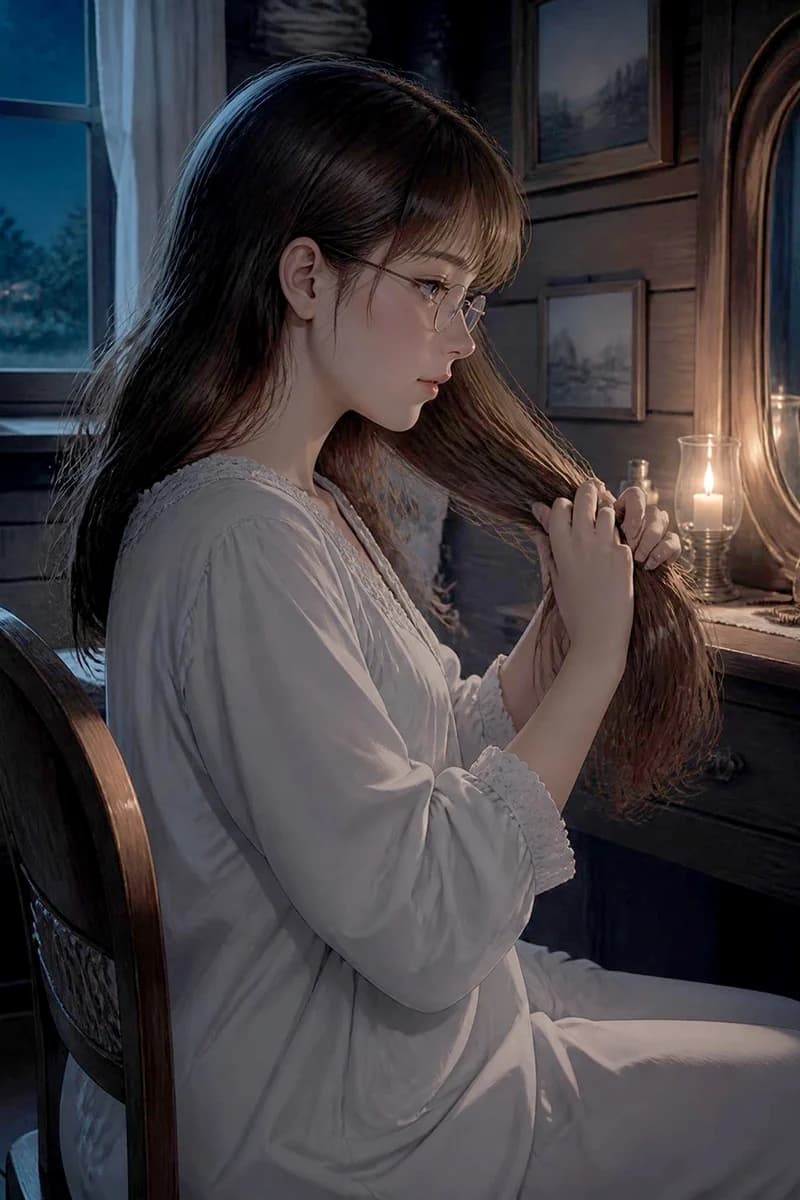
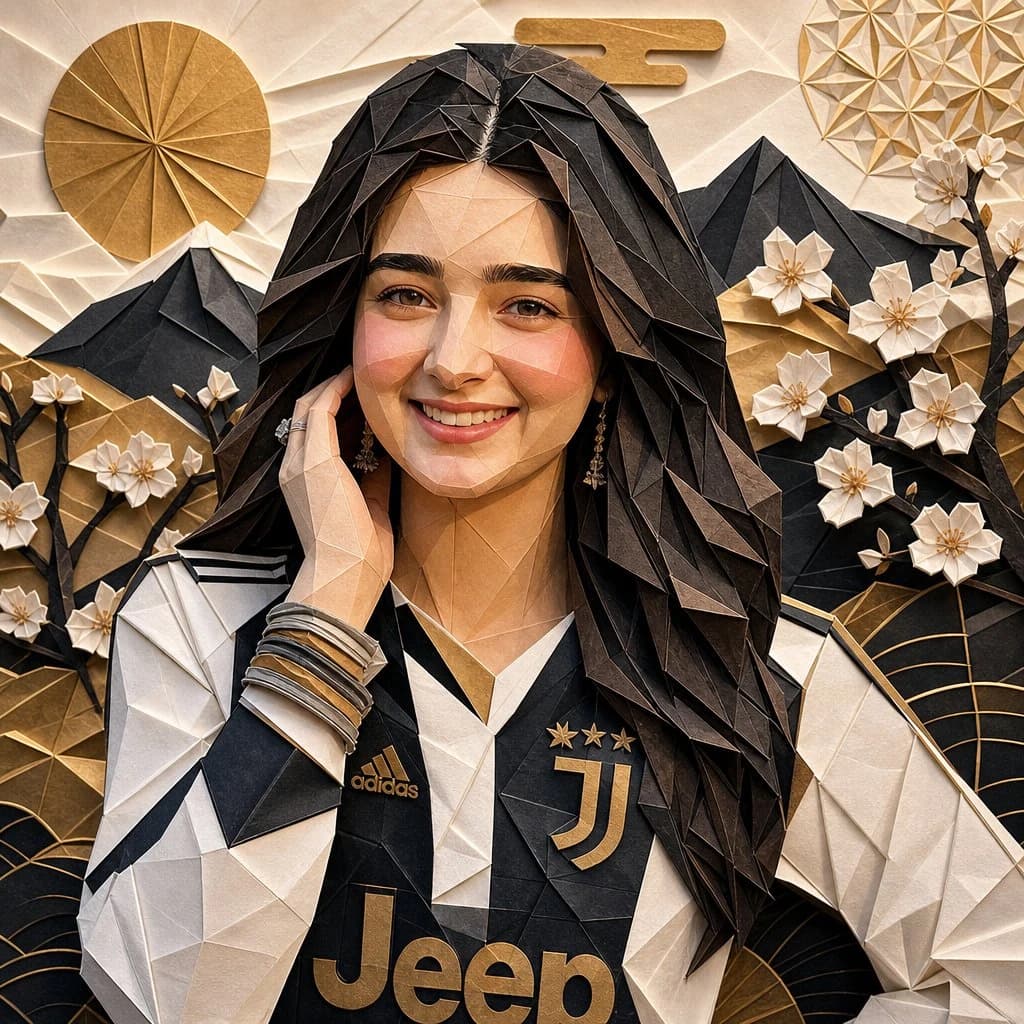
115 wordsUltra-detailed origami paper art portrait of given picture, entirely crafted from meticulously folded paper layers and intricate geometric origami shapes. Realistic paper texture with visible creases and handcrafted folds, defining a low-poly facial structure. Elegant Japanese-inspired aesthetic. Layered paper background featuring delicate cherry blossoms, majestic mountains, stylized sun motifs, and abstract folded patterns. Luxurious gold, black, cream, and white color palette. she wears a football jersey made from artfully folded paper fabric. Dramatic cinematic studio lighting, casting ultra-realistic shadows and creating profound depth. A highly detailed handcrafted paper sculpture, presented in a premium gallery artwork style. Sharp focus, sophisticated composition, and tactile paper texture. Masterpiece quality, 8k ultra detailed. Toy-free, no plastic, no CGI look.
About this prompt
Origami Portrait Illustration is a ready-to-use portrait prompt for GPT Image 2 on Image 2. Copy the 115 words below, paste them into the Create form, and you will get a result close to the preview above. Tweak the Portrait, Sports, World Cup 2026 AI tag if you want to push it somewhere new.
Use it as a starting point, then adjust the subject, lighting, or composition to suit your idea. The credit cost stays the same whether you use it as written or customize it.
Use case
A strong starting point for Portrait
Start here when you want a portrait image inspired by Origami Portrait Illustration. The prompt already sets the look and composition; replace the subject, product, colors, or scene details to match your project.
Easy places to tweak
- Subject Swap in your person, product, place, or object without changing the overall composition.
- Look and mood Tune the lighting, palette, camera angle, or materials so the image fits your brand.
- Final format Set the aspect ratio, background, text, or layout notes before you generate.
More prompt paths to explore
Find more GPT Image 2 prompts with a similar style, use case, or subject.
How to use it
- Step 1
Copy the prompt
Hit the Copy button above to grab the full text.
- Step 2
Open Image 2 Create
Head to the Create form and paste it in.
- Step 3
Generate
Hit Generate. Your version lands in seconds.
Make it yours
Load the prompt into the Create form with one click, then start tweaking.