Prompt
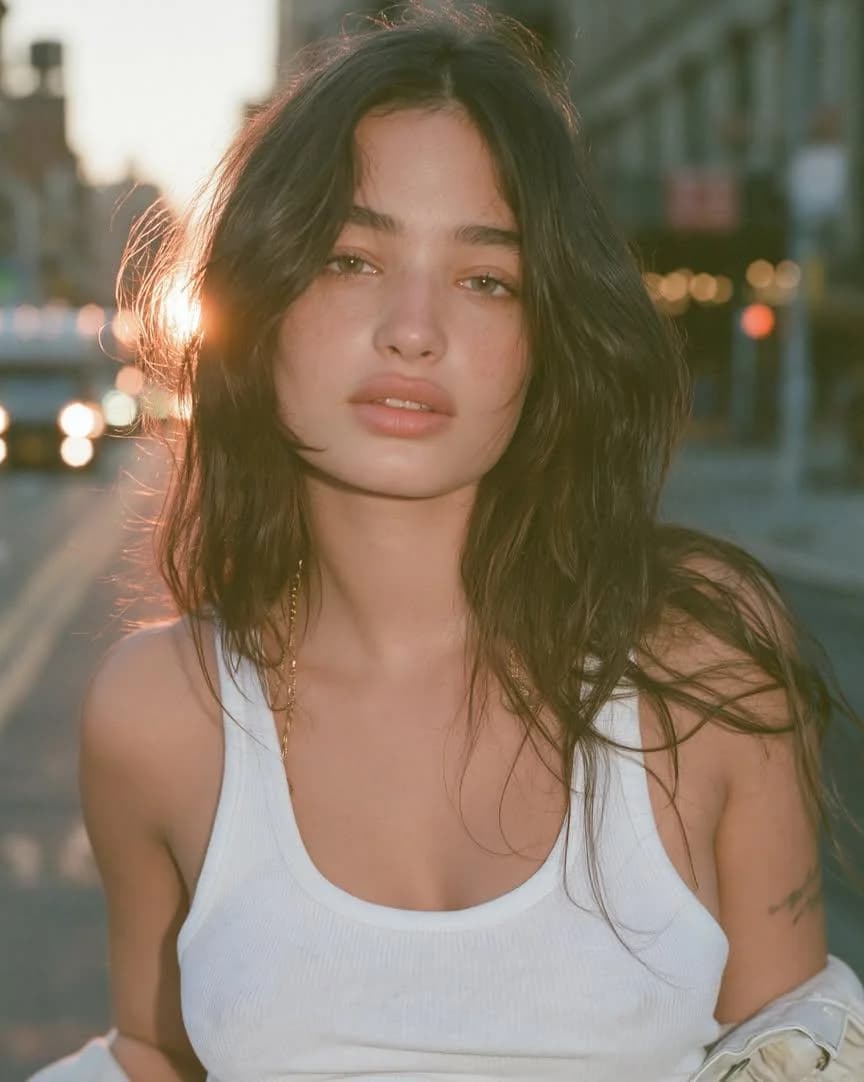
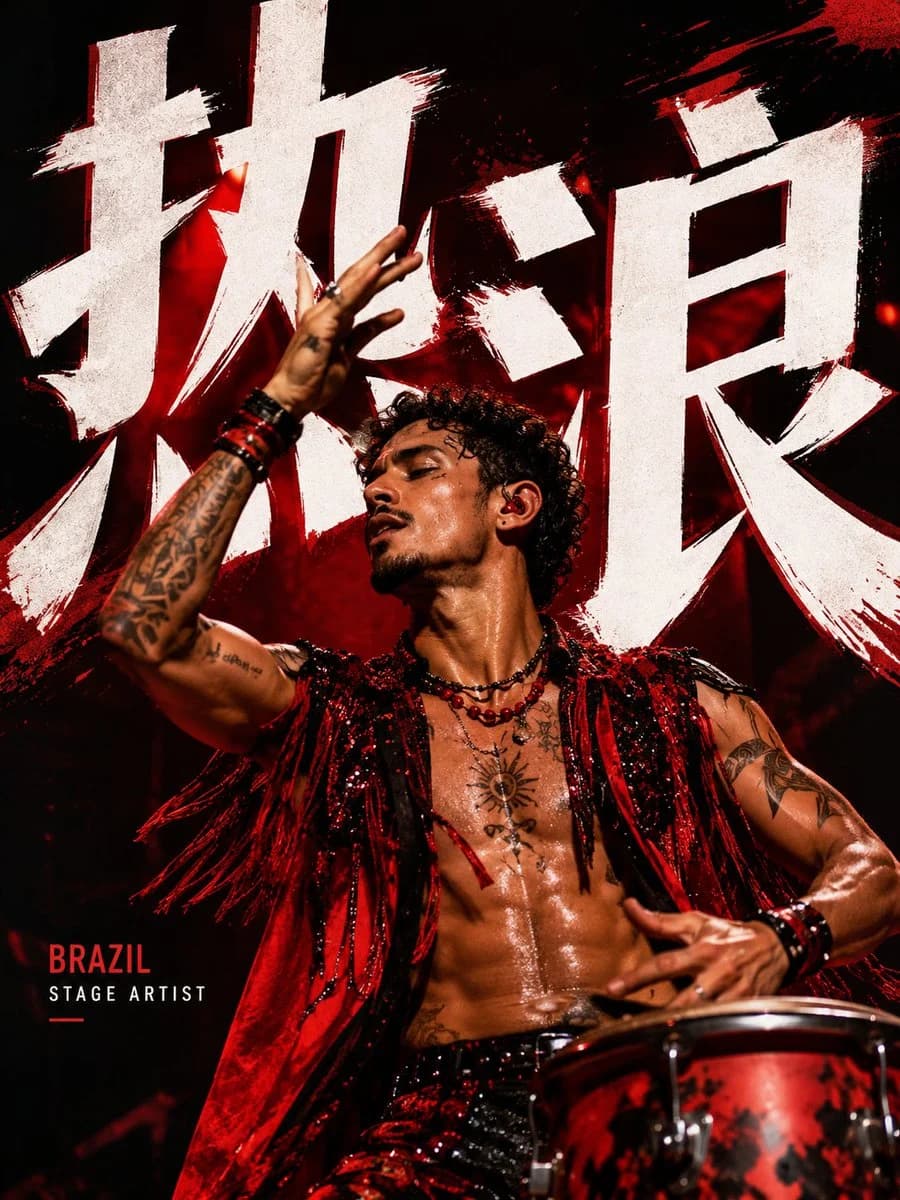
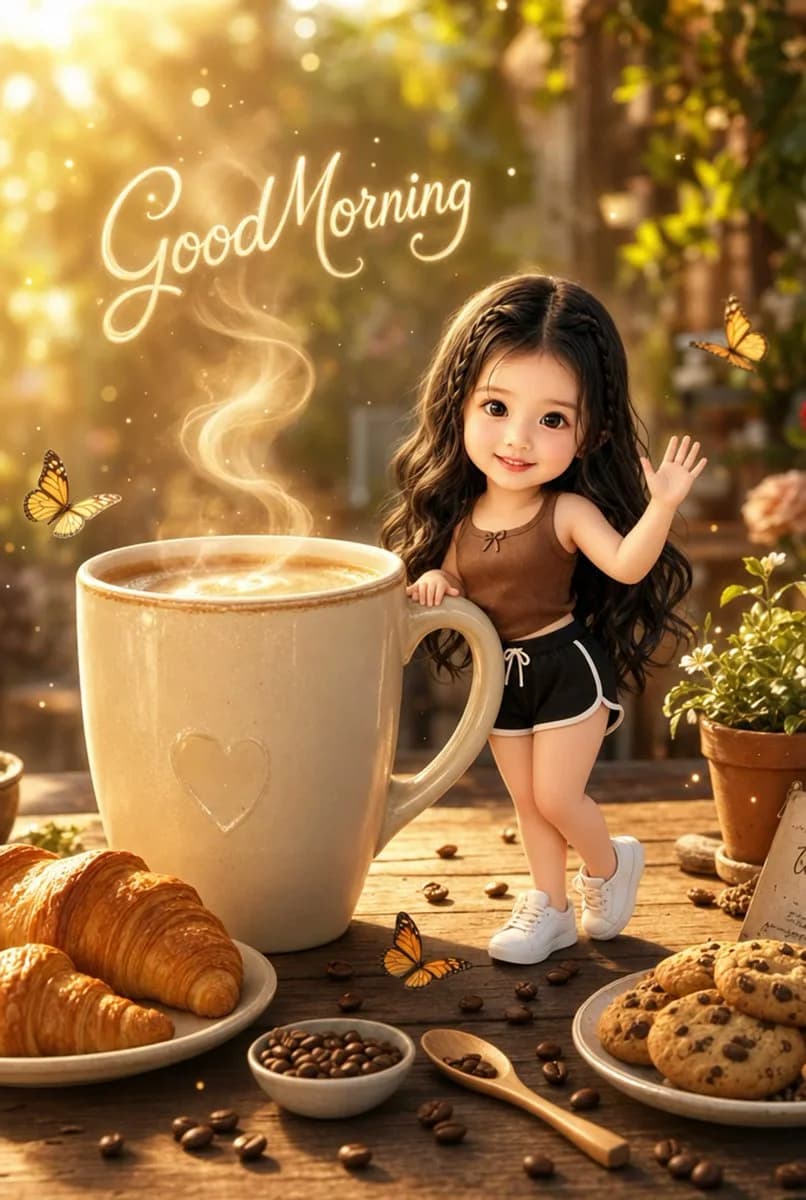
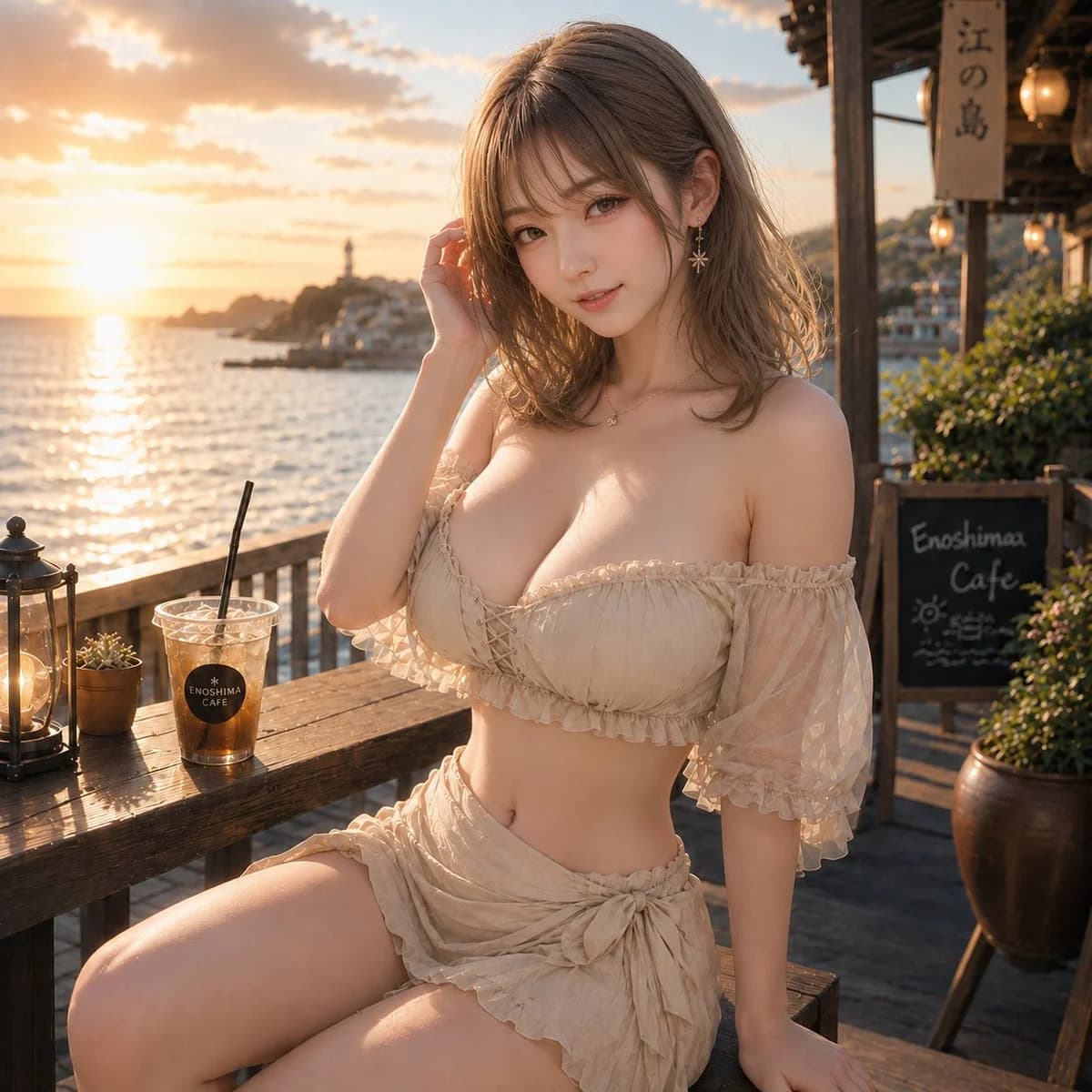
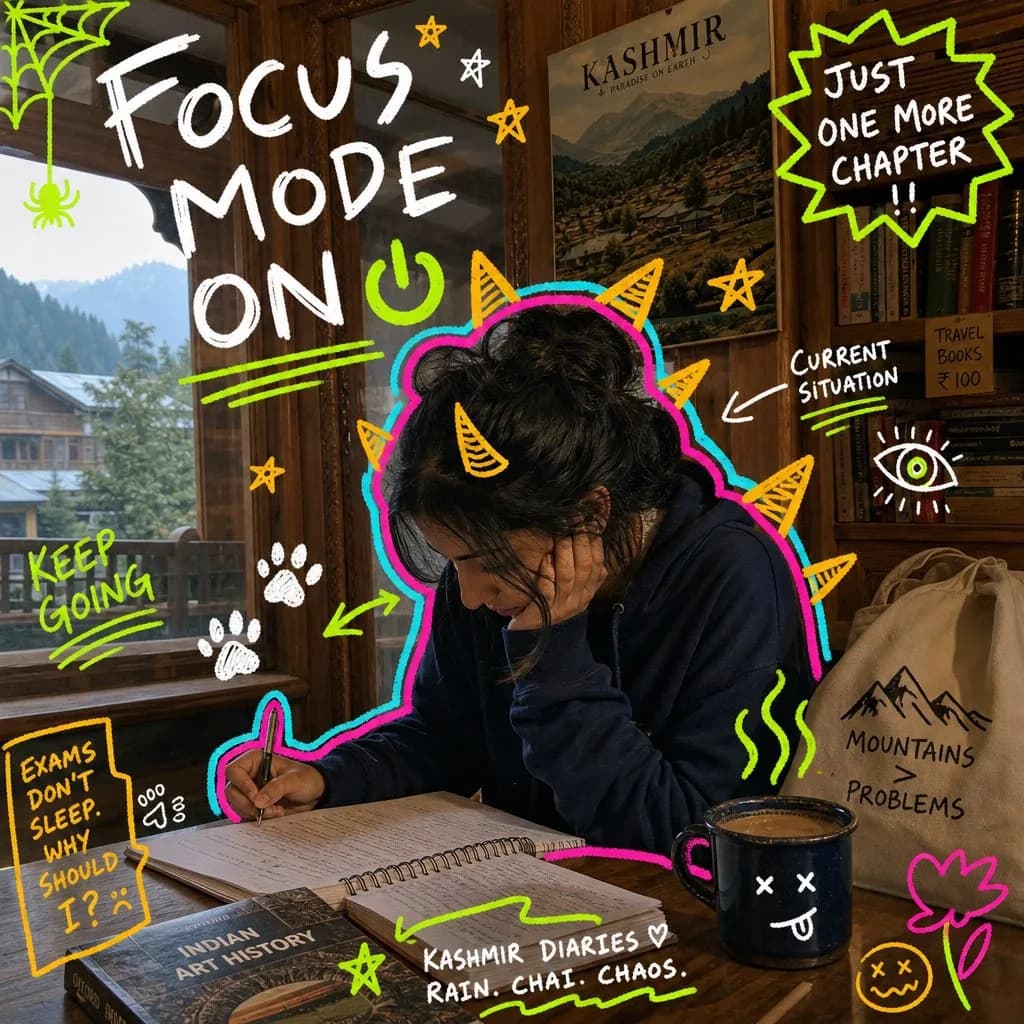
405 wordsCreate a 9:16 image in the "Neon Doodle Gallery Snapshot" style. Subject: [SUBJECT]. Subject action: [SUBJECT_ACTION]. Prop or product: [PRODUCT_OR_PROP]. Location: [kashmir]. Background elements: [wooden interior ]. Main handwritten text: "[Focus mode on]". Secondary handwritten text: "[keep going]". Accent symbol: [ACCENT_SYMBOL]. Wardrobe style: [WARDROBE_STYLE]. Use a realistic candid phone-photo as the base layer. The setting should feel specific and ordinary: visible walls, art, shelves, labels, tables, lamps, posters, people, bags, shadows, grain, and imperfect handheld framing. Draw a loud digital marker layer directly on top of the photo. Wrap the main subject with a thick hot-pink contour and a cyan offset glow. Add yellow-orange monster spikes, horns, rays, fins, or sunburst shapes around the silhouette. Scatter rough hand-drawn symbols around the frame: stars, paw prints, spiderweb corners, halos, abstract eyes, plants, flowers, scribble underlines, tally marks, arrows, hearts, and sticker-like blobs. Place rough uppercase handwritten marker text in open areas, using white, yellow, or lime green. The text should feel funny, personal, distracted, and student-made. Preserve the contrast between a real candid photo and chaotic handmade doodles. Avoid watermarks, usernames, platform logos, creator IDs, app marks, QR codes, clean vector-only illustration, fully illustrated backgrounds, polished ad layout, luxury editorial styling, perfect typography, empty sterile locations, identifiable celebrities, and tiny unreadable text. --- VARIABLES --- [ACCENT_SYMBOL] — star, paw print, spiderweb, halo, abstract eye, plant, flower, underline, arrow, tally mark, or scribble [BACKGROUND_ELEMENTS] — real photo details such as wall art, labels, shelves, posters, tables, lamps, signage, crowds, fabric, shadows, and phone-camera grain [LOCATION] — art gallery, campus hallway, library, studio critique room, classroom, night market, cafe, bookstore, museum, or city wall [MAIN_TEXT] — large hand-drawn caption or emotional headline [PRODUCT_OR_PROP] — notebook, tote bag, coffee, phone, headphones, sketchbook, jacket, snack, poster, camera, book, or exhibition card [SECONDARY_TEXT] — small handwritten notes, repeated words, short joke, date-like label, or study annotation [SUBJECT] — main person, group, student, artist, friend, commuter, shopper, or quiet candid figure [SUBJECT_ACTION] — looking at art, studying, walking, waiting, browsing, reacting, hiding, laughing, or holding a prop [WARDROBE_STYLE] — casual student streetwear, oversized shirt, hoodie, tote bag, loose trousers, jacket, headphones, sneakers, or art-school layers --- NEGATIVE PROMPT --- watermark, username, creator ID, platform logo, app mark, QR code, clean vector poster, fully illustrated scene, polished advertising layout, luxury editorial shoot, sterile studio, perfect typography, perfect sticker sheet, subtle doodles, empty background, corporate mascot, identifiable celebrity, real public figure, tiny unreadable text
About this prompt
Neon Doodle Gallery Snapshot Template is a ready-to-use portrait prompt for GPT Image 2 on Image 2. Copy the 405 words below, paste them into the Create form, and you will get a result close to the preview above. Tweak the Portrait, Product, Food tag if you want to push it somewhere new.
Use it as a starting point, then adjust the subject, lighting, or composition to suit your idea. The credit cost stays the same whether you use it as written or customize it.
Use case
A strong starting point for Portrait
Start here when you want a portrait image inspired by Neon Doodle Gallery Snapshot Template. The prompt already sets the look and composition; replace the subject, product, colors, or scene details to match your project.
Easy places to tweak
- Subject Swap in your person, product, place, or object without changing the overall composition.
- Look and mood Tune the lighting, palette, camera angle, or materials so the image fits your brand.
- Final format Set the aspect ratio, background, text, or layout notes before you generate.
More prompt paths to explore
Find more GPT Image 2 prompts with a similar style, use case, or subject.
How to use it
- Step 1
Copy the prompt
Hit the Copy button above to grab the full text.
- Step 2
Open Image 2 Create
Head to the Create form and paste it in.
- Step 3
Generate
Hit Generate. Your version lands in seconds.
Make it yours
Load the prompt into the Create form with one click, then start tweaking.