Prompt
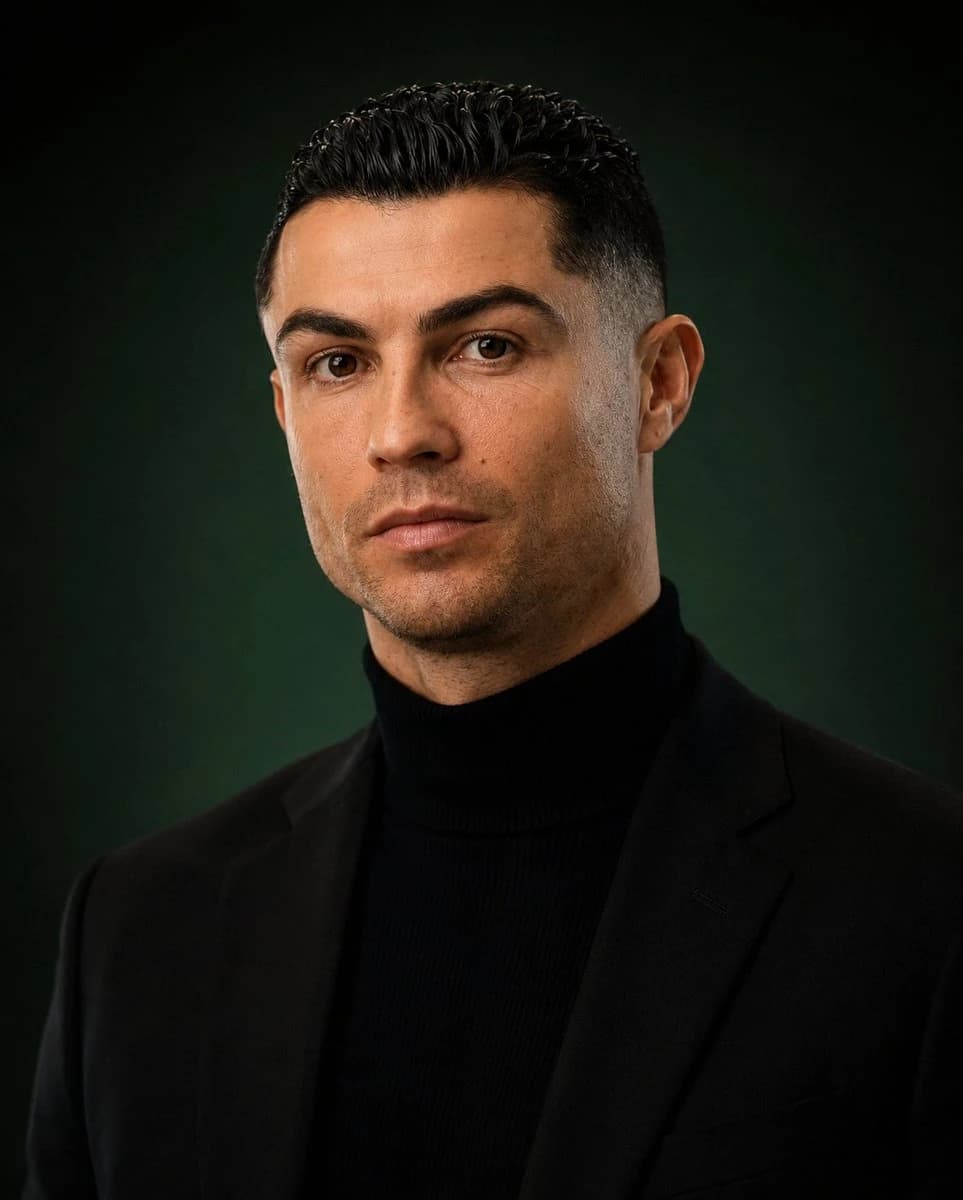
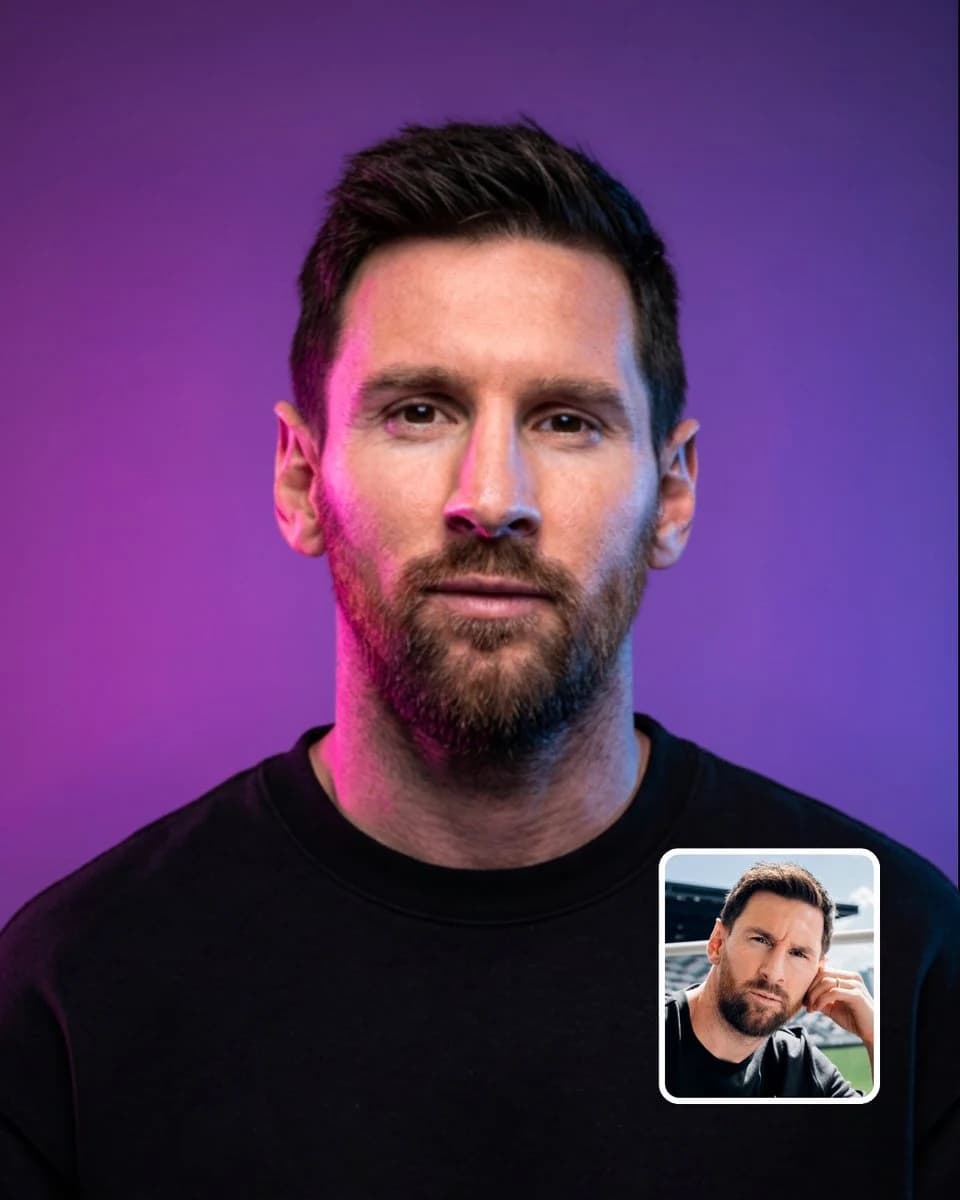
260 wordsCreate an ultra-realistic cinematic neon studio portrait of the person in the uploaded reference image. Preserve the subject's exact identity, facial structure, hairstyle, hairline, eyes, nose, lips, jawline, skin texture, facial hair, ears, and all unique facial details with extremely high identity consistency. Do not beautify, reshape, age, or alter the face.
Centered front-facing head-and-shoulders composition, subject looking directly into the camera with a calm, confident, neutral expression. Perfectly symmetrical passport-style framing transformed into premium cinematic editorial photography. The subject wears a {argument name="clothing" default="plain oversized black crewneck sweatshirt with no logos, text, or graphics"}.
Studio background is a {argument name="background" default="smooth purple-to-violet gradient with a subtle soft glow"}. Strong {argument name="lighting" default="magenta-pink neon light"} illuminates the left side of the face and neck, while cool blue-cyan rim light illuminates the right side. Soft neutral key light from the front preserves natural skin tones and realistic facial details. Beautiful neon color separation, controlled highlights, soft shadows, subtle atmospheric glow.
Shot on an 85mm portrait lens, f/2.0, eye-level camera, tight medium close-up, shallow depth of field, razor-sharp eyes, realistic pores, individual hair strands, natural skin imperfections, detailed fabric texture, professional color grading, HDR, premium sports editorial campaign, cinematic studio photography, photorealistic, 8K.
IMPORTANT: use the uploaded image only as the identity reference. Keep the exact same person and recognizable facial identity. Do not copy the original background, clothing, pose, or lighting. Generate a clean neon studio portrait.
No inset reference image, no picture-in-picture, no small photo in the corner, no border, no frame, no watermark, no captions, no text, no logos.About this prompt
Neon Studio Identity Consistency Portrait is a ready-to-use portrait prompt for GPT Image 2 on Image 2. Copy the 260 words below, paste them into the Create form, and you will get a result close to the preview above. Tweak the Product Ad, Social Media, Portrait tag if you want to push it somewhere new.
Use it as a starting point, then adjust the subject, lighting, or composition to suit your idea. The credit cost stays the same whether you use it as written or customize it.
Use case
A strong starting point for Portrait
Start here when you want a portrait image inspired by Neon Studio Identity Consistency Portrait. The prompt already sets the look and composition; replace the subject, product, colors, or scene details to match your project.
Easy places to tweak
- Subject Swap in your person, product, place, or object without changing the overall composition.
- Look and mood Tune the lighting, palette, camera angle, or materials so the image fits your brand.
- Final format Set the aspect ratio, background, text, or layout notes before you generate.
More prompt paths to explore
Find more GPT Image 2 prompts with a similar style, use case, or subject.
How to use it
- Step 1
Copy the prompt
Hit the Copy button above to grab the full text.
- Step 2
Open Image 2 Create
Head to the Create form and paste it in.
- Step 3
Generate
Hit Generate. Your version lands in seconds.
Make it yours
Load the prompt into the Create form with one click, then start tweaking.