Prompt
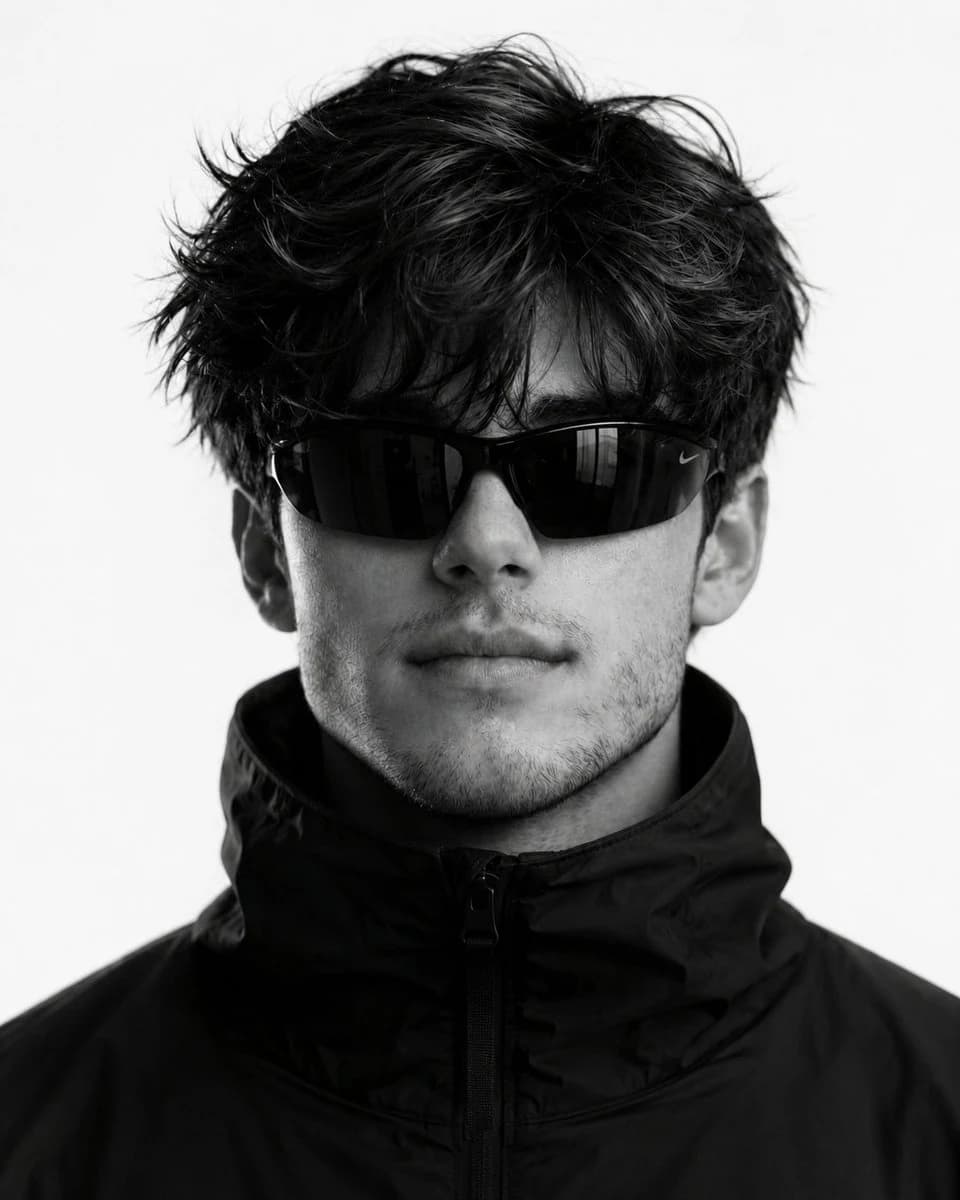
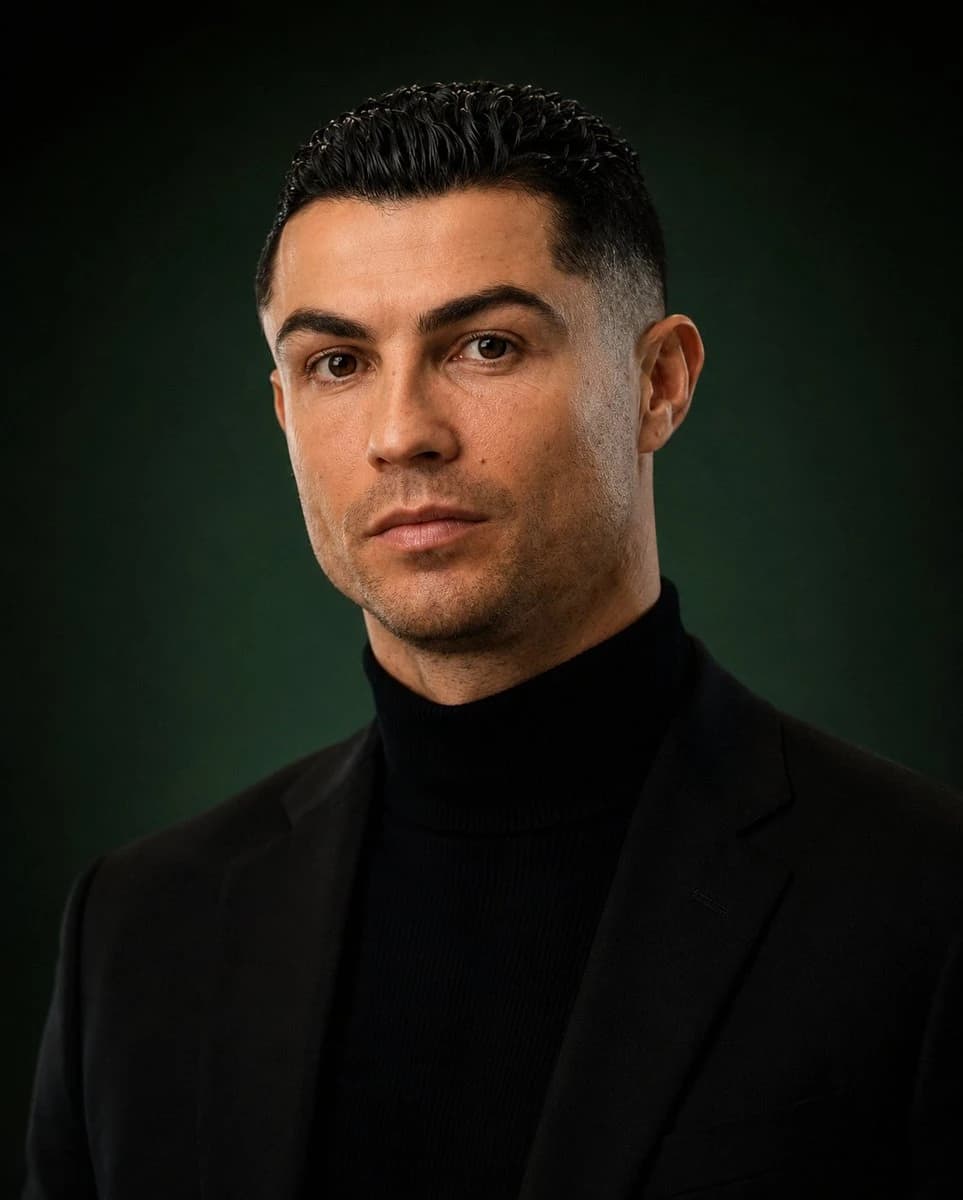
179 wordsUltra-realistic 8K editorial male portrait of the uploaded man, using his exact face as the ONLY identity reference — preserve 100% facial structure, jawline, hairstyle volume, beard texture, skin tone, eye shape, pores, and natural imperfections with zero beautification or face alteration. Luxury “quiet wealth” aesthetic blended with cinematic Instagram masculinity. Centered close-up composition, direct eye contact, calm dominant expression, slightly serious mood, no smile. Styled in a fitted black turtleneck under a premium black tailored blazer, no accessories. Dark emerald-green cinematic studio gradient background with soft atmospheric depth. Shot on an 85mm lens at f/1.8 with razor-sharp focus on the eyes, creamy bokeh, ultra-detailed skin texture, visible beard strands, realistic hair fibers, HDR dynamic range, deep contrast shadows, subtle rim light around hair and jawline, soft key light from front-left sculpting the face naturally. Premium GQ magazine color grading, luxury fashion campaign vibe, hyper-realistic photorealism, dramatic yet minimal composition, insanely detailed, rich blacks, elite masculine aura, emotionally captivating, instantly viral social media quality, masterpiece-level realism, natural cinematic skin, modern billionaire aesthetic, studio perfection, award-winning editorial photography --ar 4:5
About this prompt
Editorial Male Portrait is a ready-to-use portrait prompt for GPT Image 2 on Image 2. Copy the 179 words below, paste them into the Create form, and you will get a result close to the preview above. Tweak the Product Ad, Social Media, Portrait tag if you want to push it somewhere new.
Use it as a starting point, then adjust the subject, lighting, or composition to suit your idea. The credit cost stays the same whether you use it as written or customize it.
Use case
A strong starting point for Portrait
Start here when you want a portrait image inspired by Editorial Male Portrait. The prompt already sets the look and composition; replace the subject, product, colors, or scene details to match your project.
Easy places to tweak
- Subject Swap in your person, product, place, or object without changing the overall composition.
- Look and mood Tune the lighting, palette, camera angle, or materials so the image fits your brand.
- Final format Set the aspect ratio, background, text, or layout notes before you generate.
More prompt paths to explore
Find more GPT Image 2 prompts with a similar style, use case, or subject.
How to use it
- Step 1
Copy the prompt
Hit the Copy button above to grab the full text.
- Step 2
Open Image 2 Create
Head to the Create form and paste it in.
- Step 3
Generate
Hit Generate. Your version lands in seconds.
Make it yours
Load the prompt into the Create form with one click, then start tweaking.