Prompt
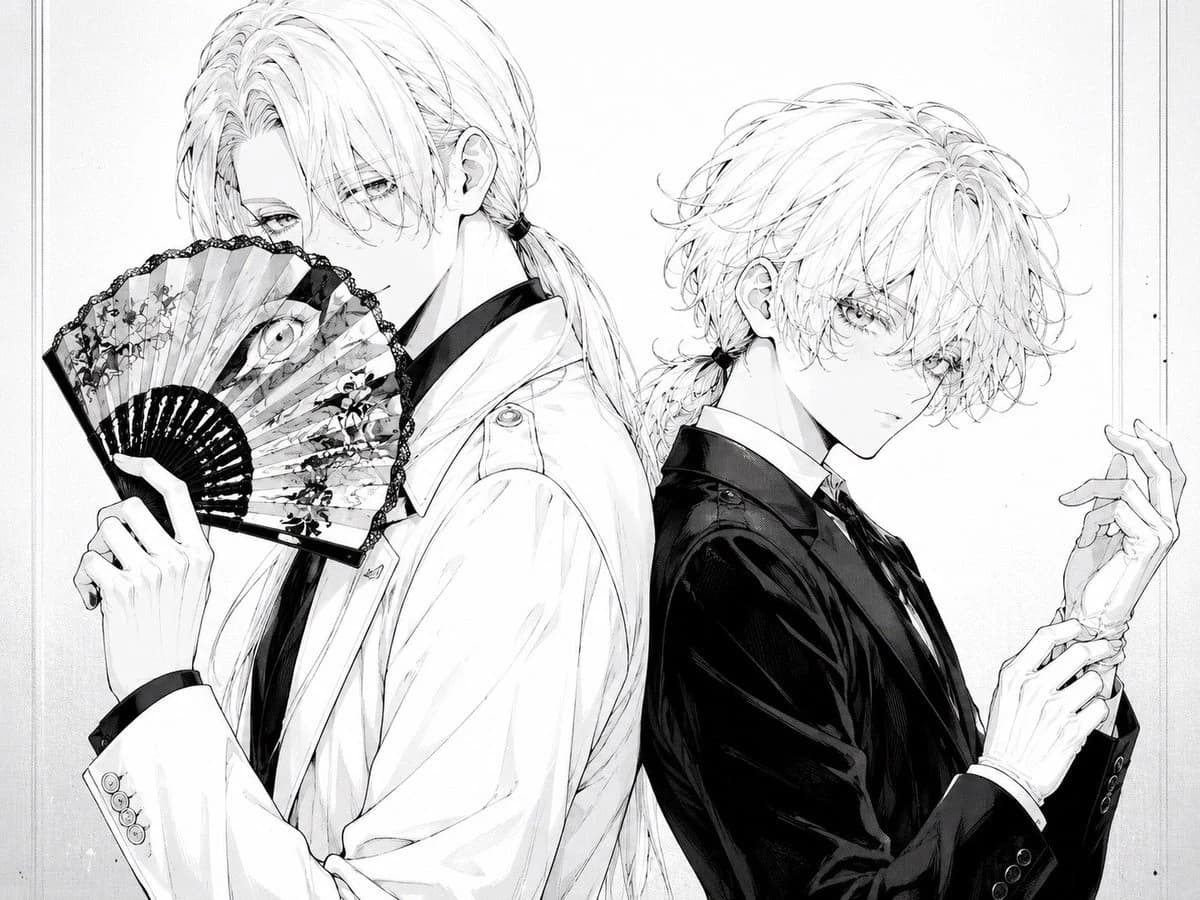
256 wordsCreate a monochrome manga-style illustration of two elegant androgynous young men standing back-to-back in a refined fashion portrait. The left figure is taller, shown from mid-thigh up in a white suit jacket over a dark shirt and tie, with long pale hair tied in a low ponytail and loose bangs covering one eye; he holds an open ornate folding fan in front of his mouth and nose, the fan decorated with floral patterns, lace-like black edging, and a single large eye motif near the center. The right figure is slightly shorter, wearing a glossy black suit jacket with a white shirt and dark tie, with tousled pale wavy hair tied into a small low ponytail; he turns his face toward the viewer with delicate lashes and a calm, mysterious expression while adjusting or holding one wrist with slim elegant hands. Use fine black-and-white ink linework, soft grayscale shading, intricate hair strands, delicate facial features, high-fashion gothic elegance, subtle paper texture, and a clean off-white background with a thin double-line rectangular border near the edges. Keep the composition tightly framed, centered, balanced, and text-free, with exactly two characters and one visible folding fan. Allow the figures’ pale hair to remain mostly white with fine graphite shading. Character mood: poised, secretive, beautiful, slightly melancholic. Optional customization: make the left figure’s suit {argument name="left suit color" default="white"}, the right figure’s suit {argument name="right suit color" default="black"}, the characters’ hair {argument name="hair color" default="pale platinum blonde"}, and the fan motif {argument name="fan motif" default="floral pattern with a single large eye"}.About this prompt
Monochrome Gothic Twin Portrait is a ready-to-use portrait prompt for GPT Image 2 on Image 2. Copy the 256 words below, paste them into the Create form, and you will get a result close to the preview above. Tweak the Social Media, Portrait, Fashion tag if you want to push it somewhere new.
Use it as a starting point, then adjust the subject, lighting, or composition to suit your idea. The credit cost stays the same whether you use it as written or customize it.
Use case
A strong starting point for Portrait
Start here when you want a portrait image inspired by Monochrome Gothic Twin Portrait. The prompt already sets the look and composition; replace the subject, product, colors, or scene details to match your project.
Easy places to tweak
- Subject Swap in your person, product, place, or object without changing the overall composition.
- Look and mood Tune the lighting, palette, camera angle, or materials so the image fits your brand.
- Final format Set the aspect ratio, background, text, or layout notes before you generate.
More prompt paths to explore
Find more GPT Image 2 prompts with a similar style, use case, or subject.
How to use it
- Step 1
Copy the prompt
Hit the Copy button above to grab the full text.
- Step 2
Open Image 2 Create
Head to the Create form and paste it in.
- Step 3
Generate
Hit Generate. Your version lands in seconds.
Make it yours
Load the prompt into the Create form with one click, then start tweaking.