Prompt
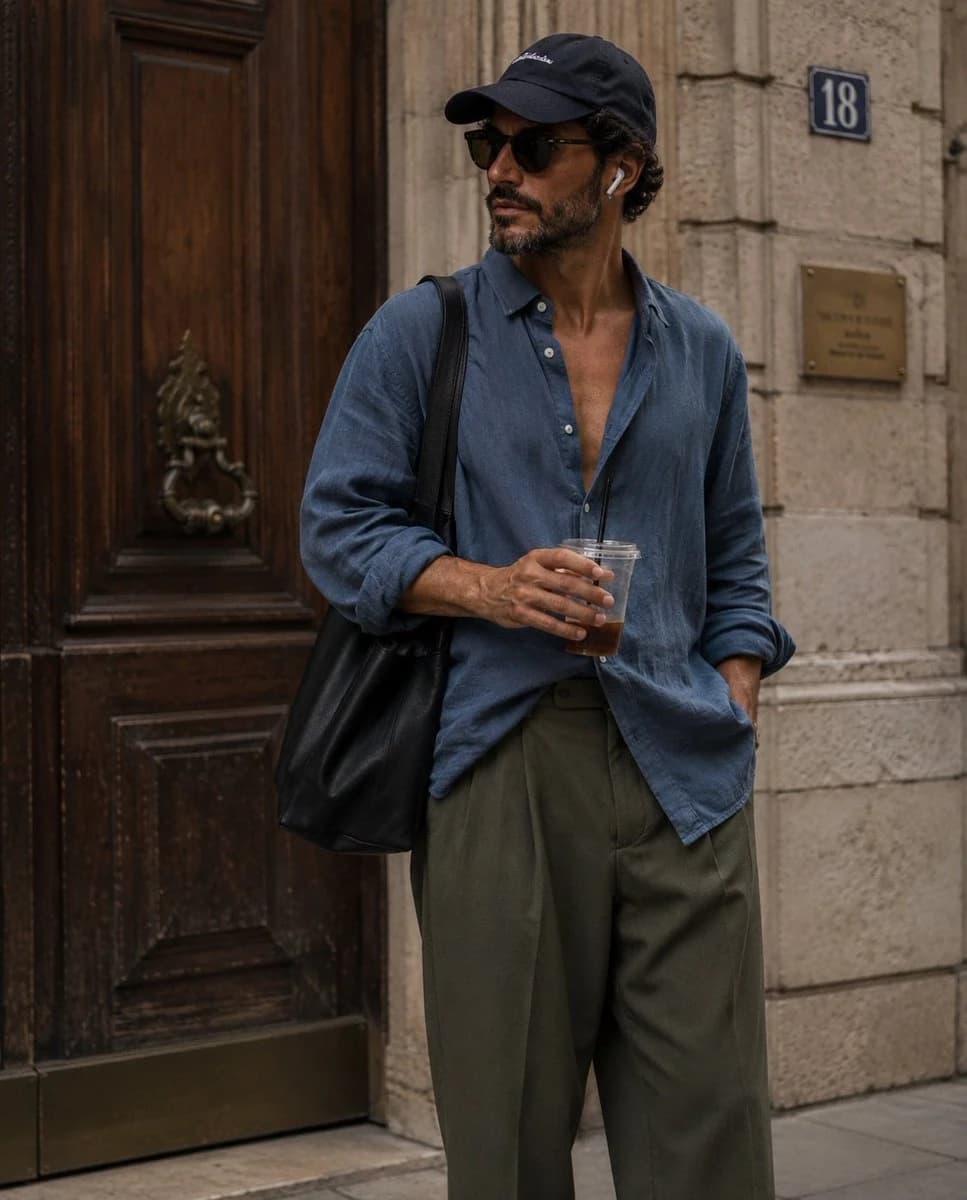
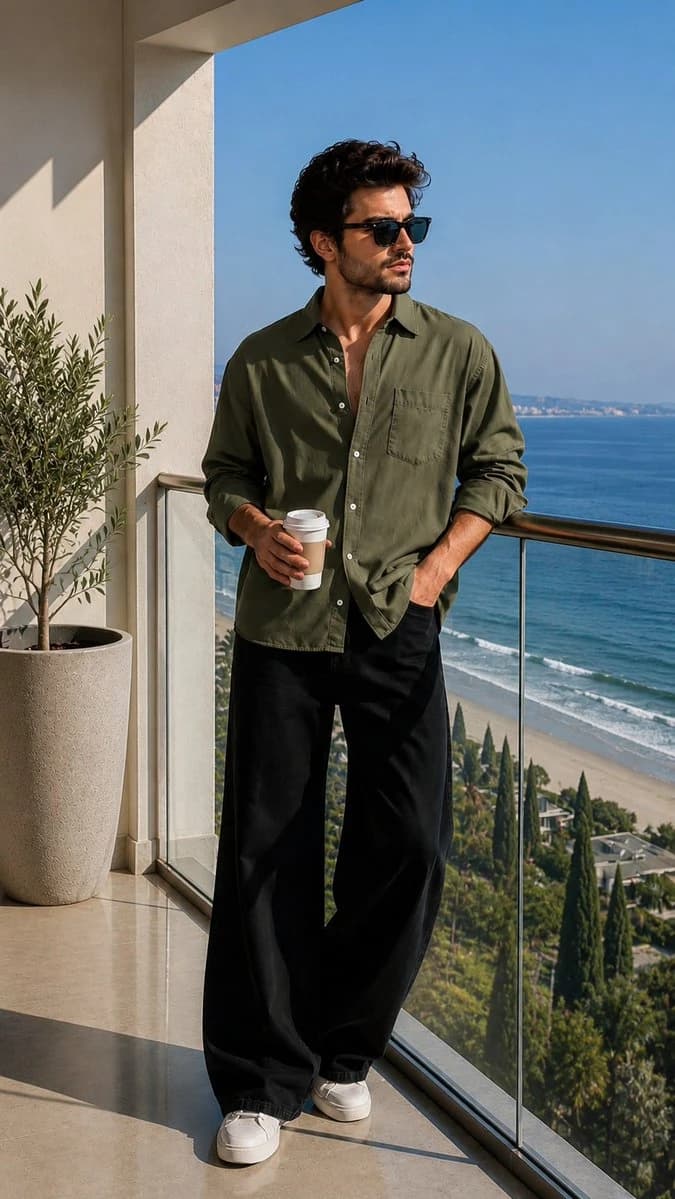
186 wordsUltra-realistic luxury lifestyle fashion portrait of a handsome young man standing on a modern oceanfront balcony during bright morning sunlight. He is wearing an {argument name="shirt color" default="olive-green"} linen button-down shirt with sleeves casually rolled up, {argument name="trousers" default="oversized black wide-leg trousers"}, white minimalist sneakers, and premium black sunglasses. He holds a takeaway coffee cup in one hand while the other hand rests in his pocket.
The balcony features elegant cream-colored architecture, polished marble flooring, a glass railing, and a tall potted olive tree beside him. Behind him is a breathtaking panoramic coastline with deep blue ocean water, sandy beach, gentle waves, and lush greenery below. Clear blue sky with no clouds.
Full-body composition, relaxed confident pose, looking away from the camera toward the horizon, luxury vacation aesthetic, old-money style, quiet luxury fashion campaign, natural sunlight casting soft shadows, crisp details, realistic skin texture, high-end editorial photography, travel magazine cover quality.
Shot on a full-frame camera, 85mm lens, f/2.8, ISO 100, HDR, ultra-sharp focus, cinematic color grading, realistic reflections on glass railing, depth and perspective preserved, professional fashion photography, 8K resolution, photorealistic, Instagram luxury influencer style.About this prompt
Luxury Lifestyle Fashion Portrait is a ready-to-use social media prompt for GPT Image 2 on Image 2. Copy the 186 words below, paste them into the Create form, and you will get a result close to the preview above. Tweak the Product Ad, Social Media, UI tag if you want to push it somewhere new.
Use it as a starting point, then adjust the subject, lighting, or composition to suit your idea. The credit cost stays the same whether you use it as written or customize it.
Use case
A strong starting point for Social Media
Start here when you want a social media image inspired by Luxury Lifestyle Fashion Portrait. The prompt already sets the look and composition; replace the subject, product, colors, or scene details to match your project.
Easy places to tweak
- Subject Swap in your person, product, place, or object without changing the overall composition.
- Look and mood Tune the lighting, palette, camera angle, or materials so the image fits your brand.
- Final format Set the aspect ratio, background, text, or layout notes before you generate.
More prompt paths to explore
Find more GPT Image 2 prompts with a similar style, use case, or subject.
How to use it
- Step 1
Copy the prompt
Hit the Copy button above to grab the full text.
- Step 2
Open Image 2 Create
Head to the Create form and paste it in.
- Step 3
Generate
Hit Generate. Your version lands in seconds.
Make it yours
Load the prompt into the Create form with one click, then start tweaking.