Prompt
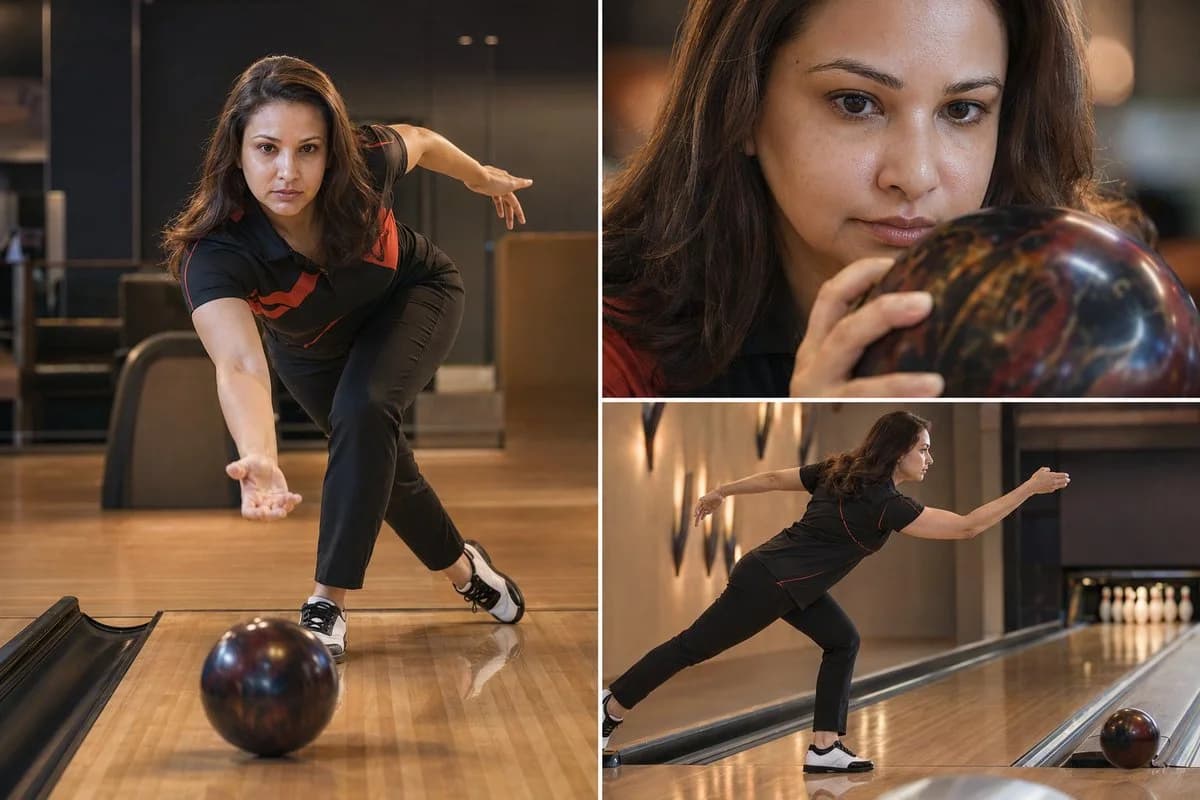
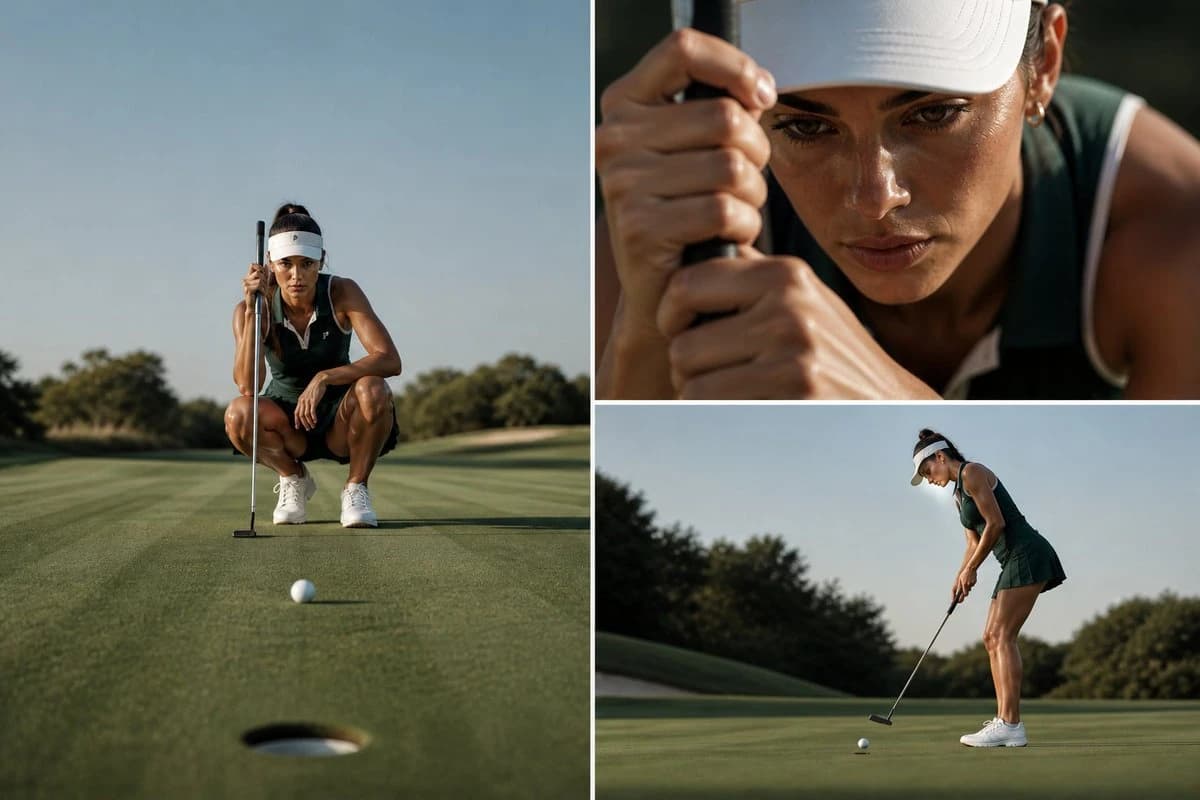
172 wordsThree-image luxury golf editorial collage featuring a professional female golfer on a pristine putting green, soft natural daylight, minimalistic and high-end sports photography style, ultra-realistic, cinematic color grading, clean composition, no text, no logos Layout: asymmetrical grid (one large frame + two smaller frames) Frame 1 (Left – Hero Wide Shot): Full-body low-angle shot of the golfer crouching and lining up a putt, golf ball in foreground near the hole, strong leading lines on the green, balanced composition, calm and focused posture, expansive sky background Frame 2 (Top Right – Close-Up Detail): Extreme close-up of her face and hands gripping the putter, intense concentration, visible skin texture and slight sweat glow, shallow depth of field, blurred background Frame 3 (Bottom Right – Action Shot): Side angle of golfer completing the putt, smooth follow-through, golf ball rolling across the green, natural motion feel, soft shadows, realistic lighting Style Keywords: luxury sports campaign, editorial photography, Nike-style aesthetic, muted green tones, sharp focus, 85mm lens look, depth of field, cinematic lighting, premium composition, 4K, hyper-realistic
About this prompt
Luxury Golf Editorial Collage is a ready-to-use portrait prompt for GPT Image 2 on Image 2. Copy the 172 words below, paste them into the Create form, and you will get a result close to the preview above. Tweak the Product Ad, Portrait, Sports tag if you want to push it somewhere new.
Use it as a starting point, then adjust the subject, lighting, or composition to suit your idea. The credit cost stays the same whether you use it as written or customize it.
Use case
A strong starting point for Portrait
Start here when you want a portrait image inspired by Luxury Golf Editorial Collage. The prompt already sets the look and composition; replace the subject, product, colors, or scene details to match your project.
Easy places to tweak
- Subject Swap in your person, product, place, or object without changing the overall composition.
- Look and mood Tune the lighting, palette, camera angle, or materials so the image fits your brand.
- Final format Set the aspect ratio, background, text, or layout notes before you generate.
More prompt paths to explore
Find more GPT Image 2 prompts with a similar style, use case, or subject.
How to use it
- Step 1
Copy the prompt
Hit the Copy button above to grab the full text.
- Step 2
Open Image 2 Create
Head to the Create form and paste it in.
- Step 3
Generate
Hit Generate. Your version lands in seconds.
Make it yours
Load the prompt into the Create form with one click, then start tweaking.