Prompt
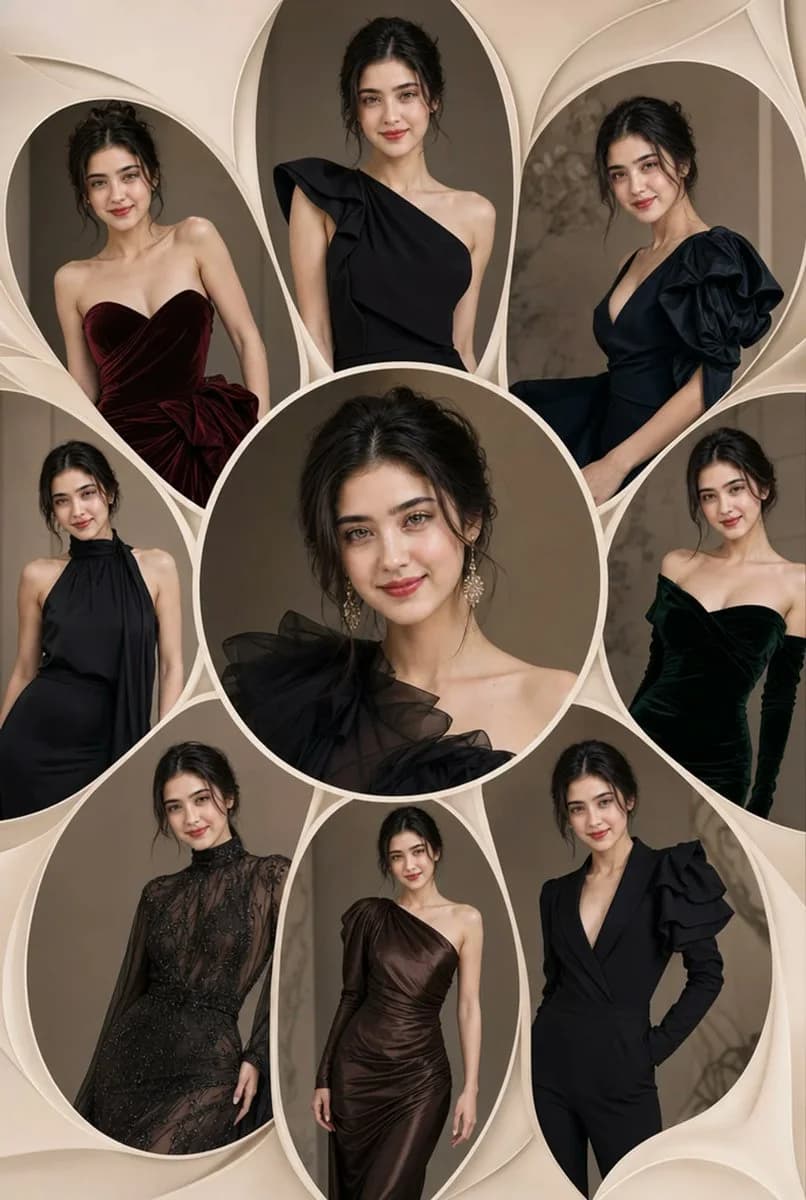
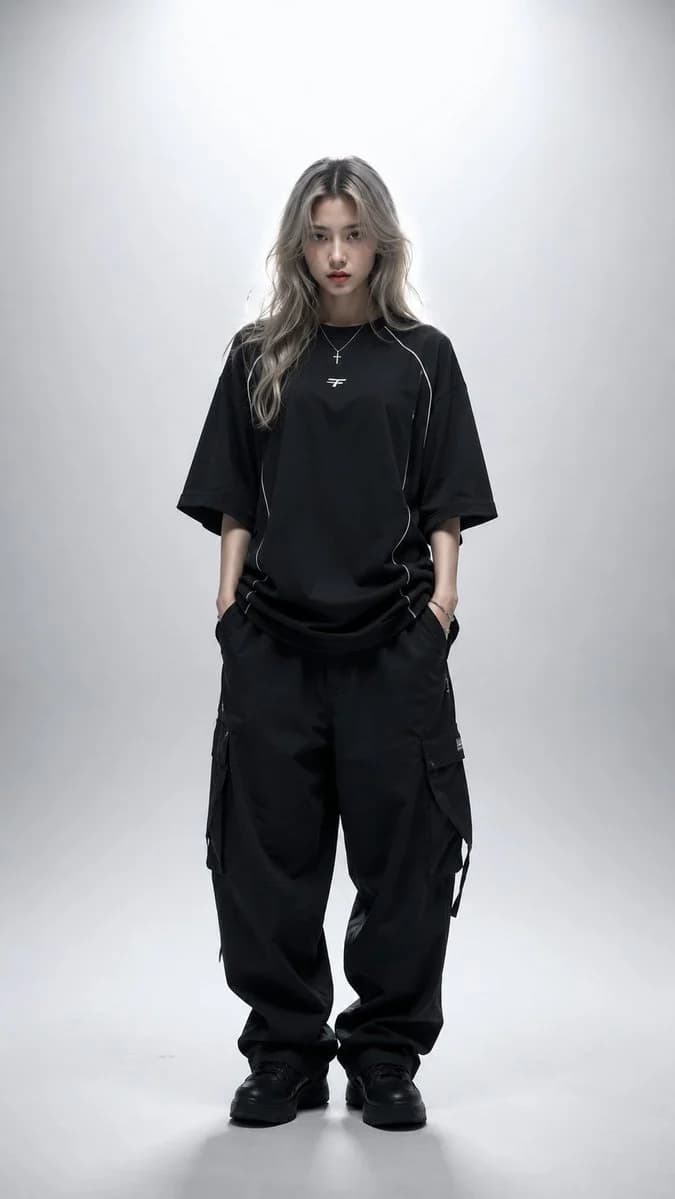
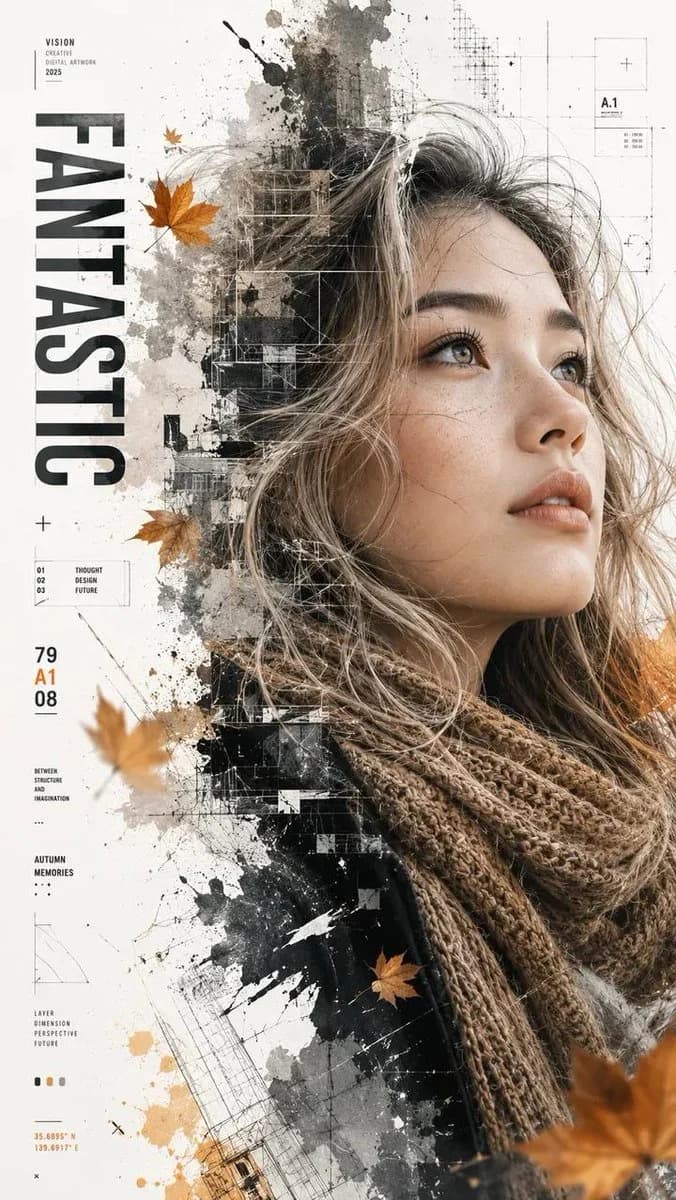
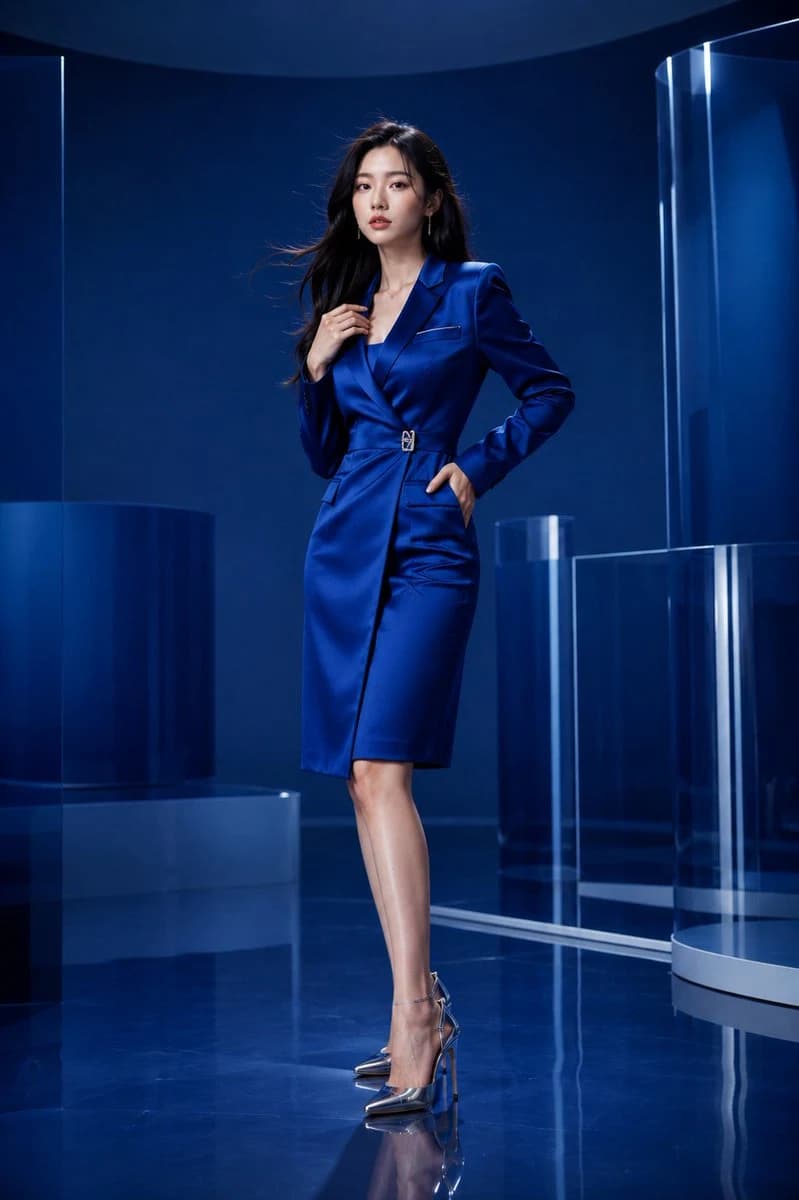
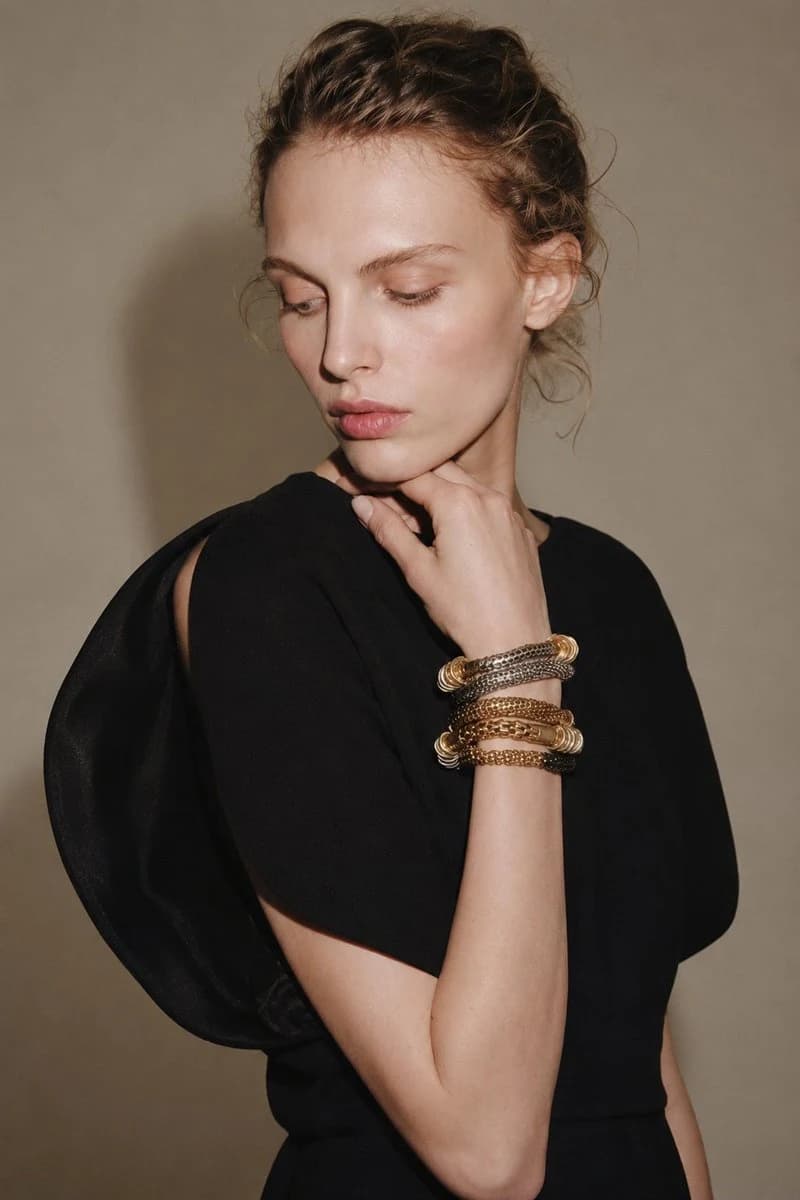
402 wordsCreate a realistic vertical high-end fashion studio portrait of a model aged {argument name="model age" default="over 21"}, with a {argument name="background color" default="warm beige"} wall as the backdrop. The composition is from waist to head, with the model positioned slightly to the right of center. She has an elegant expression, looking to the left rather than directly at the camera, with lips slightly parted and glossy lip gloss. Her makeup is natural and light, with exquisite brows, light peach eyeshadow, hydrated glowing skin, and highlighted cheekbones. Her hair is light brown to dark gold, styled in a loose bun with a slight wet look, with wisps of hair at the temples, behind the ears, and at the nape of the neck. The overall look is simple, modern, with a runway feel, showing natural texture and stray hairs. She wears {argument name="clothing style" default="a dramatic black sculptural top or dress"} with a minimalist matte texture. The garment features an asymmetrical architectural silhouette: one side has smooth, rounded shoulder panels with cut-outs on the upper arms, a simple high neckline, and soft pleats creating volume at the shoulders and upper body. The black fabric contrasts sharply with her warm skin tone and neutral background. Her pose is elegant and contemplative: one arm crossed at the waist, the other hand raised to her chin, fingers relaxing and lightly touching the jawline. Her raised wrist is adorned with stacked luxury bracelets in mixed materials, including gold, silver, and bronze chains, coiled bangles, polished rings, and woven metal ornaments. These bracelets should be delicate and shiny, serving as a focal point near her face. The background is clean and bright: a smooth beige wall with soft shadows cast behind the model. Lighting should be warm, directional, and fashionable, coming from the front left, creating strong yet aesthetic highlights on the model's face, forehead, lips, bracelets, hands, arms, and black clothing. Add soft shadows on the wall and under the sculptural shoulder silhouette. Use realistic skin textures, clear jewelry details, clean fabric edges, and subtle high-fashion contrast. Style: Realistic luxury fashion editorial photography, adult model, black sculptural designer top, stacked metal bracelets, sleek wet-look hair, warm beige studio wall, contemplative side-gaze, dramatic directional lighting, exquisite runway atmosphere, realistic skin texture, sharp jewelry details, portrait aspect ratio, high detail, no text, no watermark, no logo, no other people, no deformed bodies, no cartoon style, no overexposure, no cluttered elements.About this prompt
Luxury Fashion Studio Portrait is a ready-to-use ad creative prompt for GPT Image 2 on Image 2. Copy the 402 words below, paste them into the Create form, and you will get a result close to the preview above. Tweak the Product Ad, Ad Creative, Storyboard tag if you want to push it somewhere new.
Use it as a starting point, then adjust the subject, lighting, or composition to suit your idea. The credit cost stays the same whether you use it as written or customize it.
Use case
A strong starting point for Ad Creative
Start here when you want a ad creative image inspired by Luxury Fashion Studio Portrait. The prompt already sets the look and composition; replace the subject, product, colors, or scene details to match your project.
Easy places to tweak
- Subject Swap in your person, product, place, or object without changing the overall composition.
- Look and mood Tune the lighting, palette, camera angle, or materials so the image fits your brand.
- Final format Set the aspect ratio, background, text, or layout notes before you generate.
More prompt paths to explore
Find more GPT Image 2 prompts with a similar style, use case, or subject.
How to use it
- Step 1
Copy the prompt
Hit the Copy button above to grab the full text.
- Step 2
Open Image 2 Create
Head to the Create form and paste it in.
- Step 3
Generate
Hit Generate. Your version lands in seconds.
Make it yours
Load the prompt into the Create form with one click, then start tweaking.