Prompt
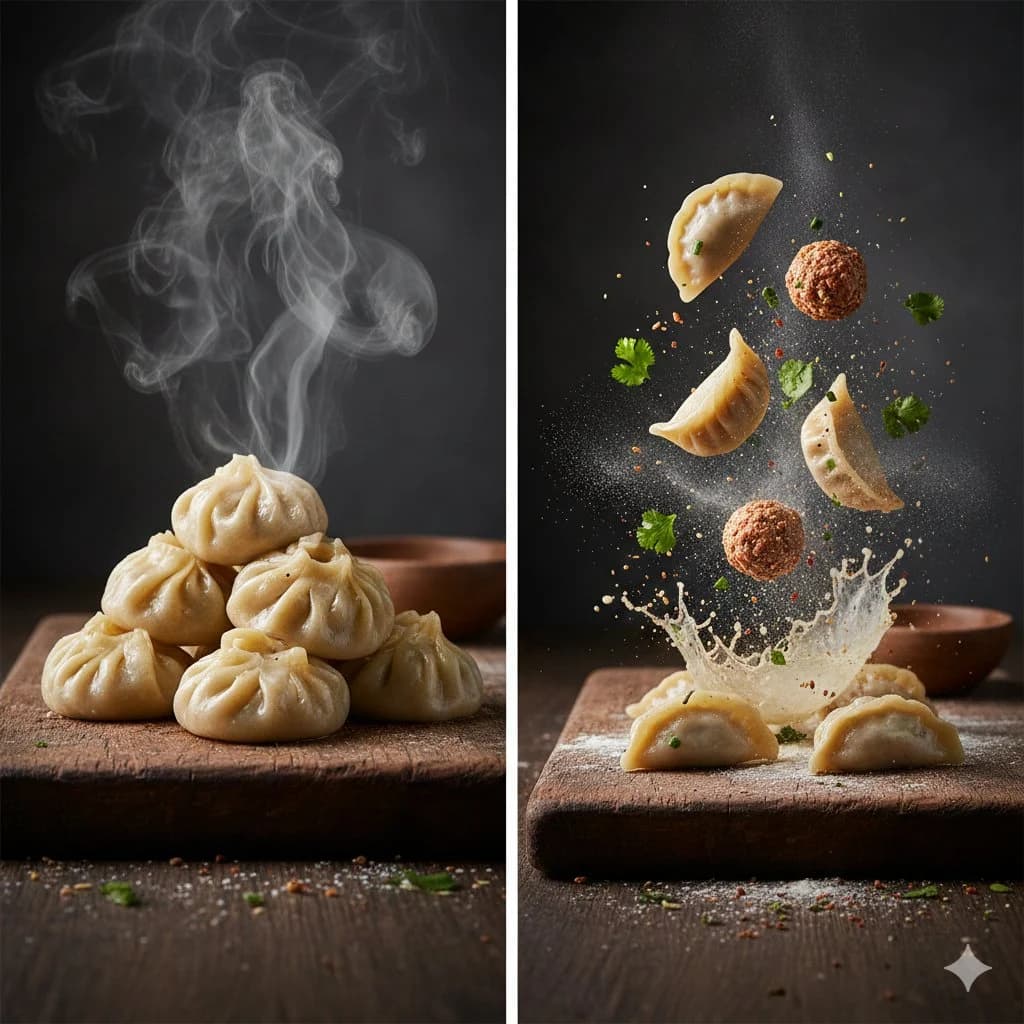
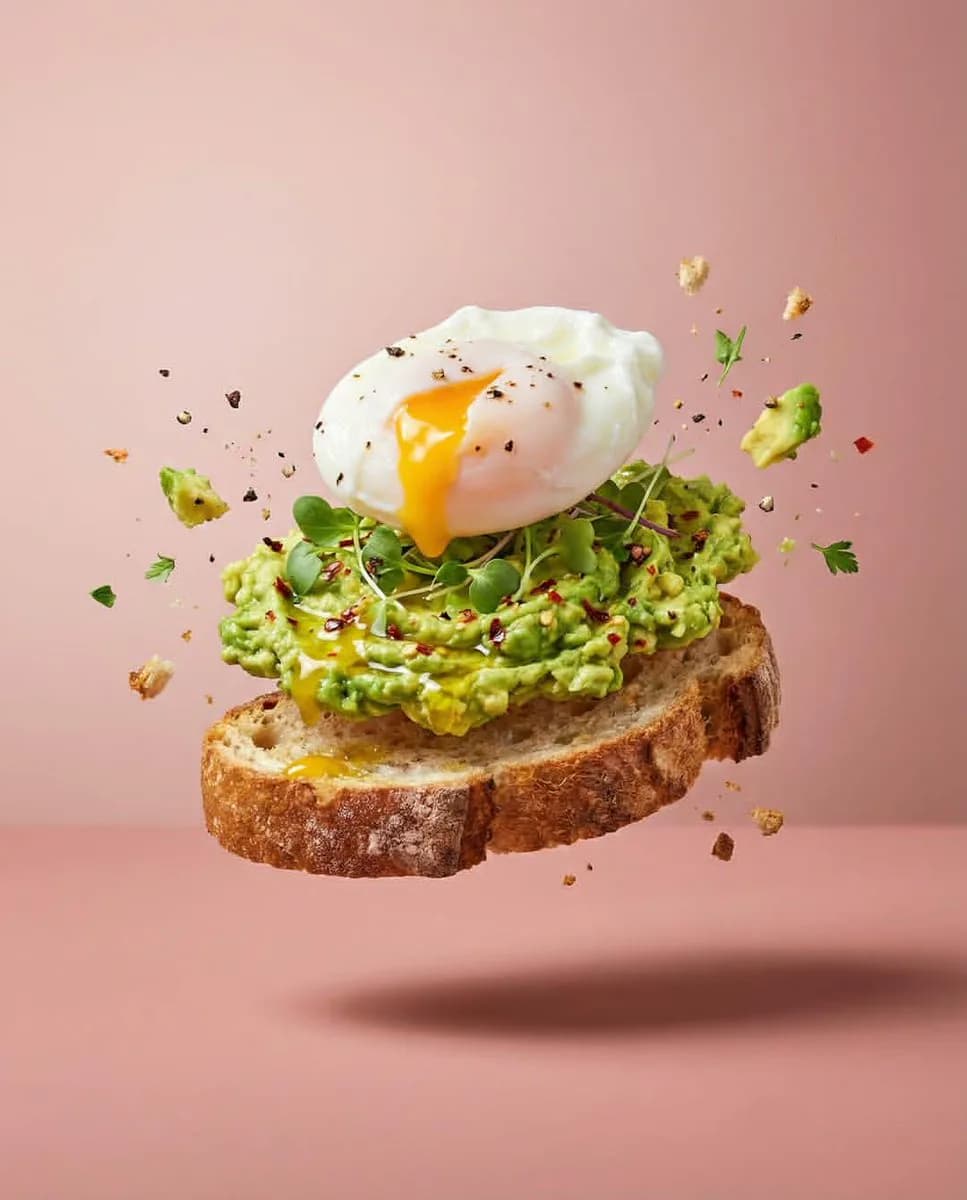
121 wordsA professional studio food photography series showcasing deconstructed dishes captured mid-air in dramatic high-speed levitation. Set against a seamless dusty pink backdrop with soft, even studio lighting, the ingredients burst and float in dynamic formations. Featured dishes include a suspended tiramisu with its components (scoops of gelato, ladyfingers, mascarpone cream, and coffee beans) hovering in the air, borscht elements (beets, rye bread slices, fresh herbs) floating above a ceramic bowl of soup resting on a wooden board, and a sourdough toast topped with mashed avocado and a runny poached egg caught mid-split. Fine details like flying crumbs, spice particles, scattered herbs, and liquid droplets should be razor-sharp with a shallow depth of field. Soft shadows fall beneath the main suspended elements.
About this prompt
Levitating Food Photography Set is a ready-to-use e-commerce prompt for GPT Image 2 on Image 2. Copy the 121 words below, paste them into the Create form, and you will get a result close to the preview above. Tweak the Product Ad, E-commerce, Product tag if you want to push it somewhere new.
Use it as a starting point, then adjust the subject, lighting, or composition to suit your idea. The credit cost stays the same whether you use it as written or customize it.
Use case
A strong starting point for E-commerce
Start here when you want a e-commerce image inspired by Levitating Food Photography Set. The prompt already sets the look and composition; replace the subject, product, colors, or scene details to match your project.
Easy places to tweak
- Subject Swap in your person, product, place, or object without changing the overall composition.
- Look and mood Tune the lighting, palette, camera angle, or materials so the image fits your brand.
- Final format Set the aspect ratio, background, text, or layout notes before you generate.
More prompt paths to explore
Find more GPT Image 2 prompts with a similar style, use case, or subject.
How to use it
- Step 1
Copy the prompt
Hit the Copy button above to grab the full text.
- Step 2
Open Image 2 Create
Head to the Create form and paste it in.
- Step 3
Generate
Hit Generate. Your version lands in seconds.
Make it yours
Load the prompt into the Create form with one click, then start tweaking.