Prompt
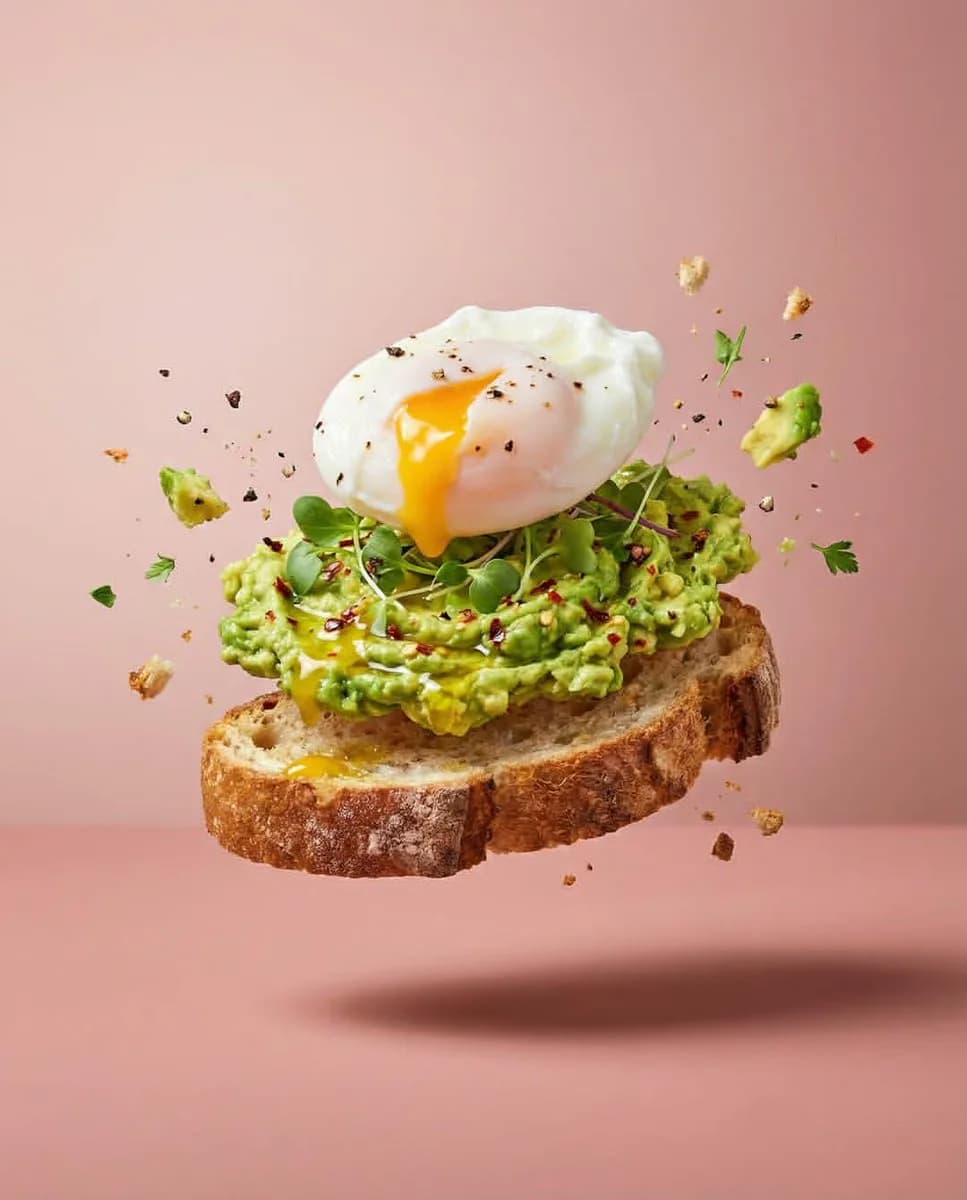
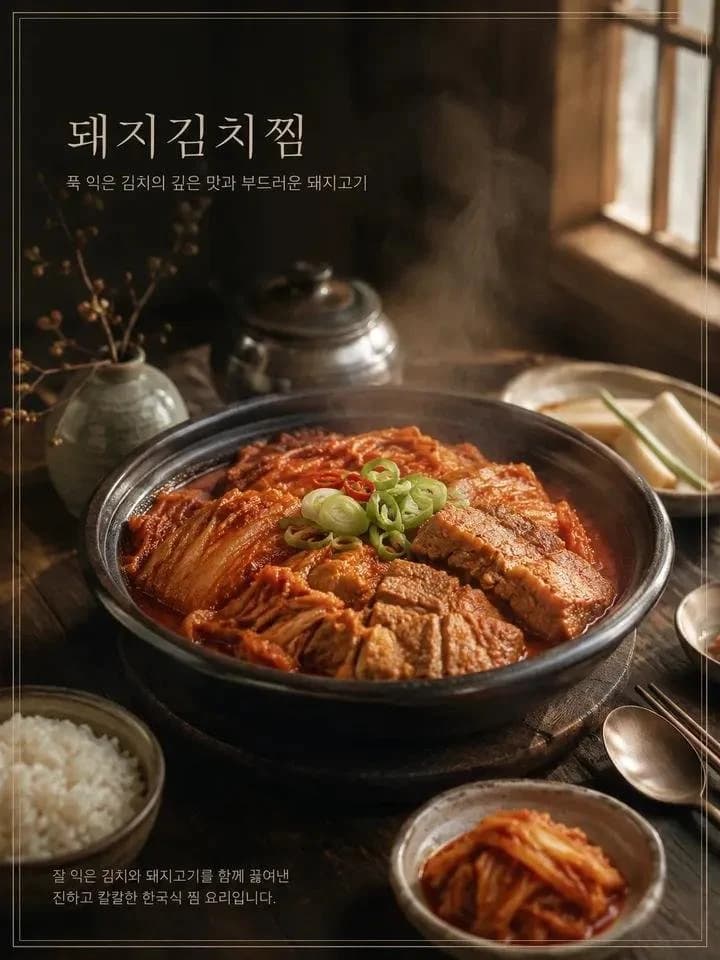
185 wordsCreate a realistic, premium cinematic food photography image of {argument name="menu name" default="[Menu Name]"} in a vertical 3:4 aspect ratio. If a reference food photo is provided, match its ingredients, shape, plating, colours, textures, and composition exactly; otherwise, create a realistic version based on the menu name. Plate the dish elegantly on a rustic wooden table with suitable props. Use soft natural window light coming from the upper-right, warm highlights, cool soft shadows, shallow depth of field, subtle film grain, realistic textures, rising steam, and a 50mm lens perspective with a slightly top-down eye-level angle. Follow the rule of thirds. Display the menu name in {argument name="language" default="Korean"} at the upper-left in a thin, elegant Gungsuh-style font, with a short emotional {argument name="language" default="Korean"} tagline below it and a concise {argument name="language" default="Korean"} description of the dish in the lower-left. Use subtle colours for all text. Add a thin double rectangular border around the image, perfectly aligned and unbroken. Do not include any other text, logos, prices, or watermarks. The overall style should feel luxurious, warm, natural, and editorial, like a high-end gourmet food advertisement.About this prompt
Cinematic Food Photography Menu is a ready-to-use e-commerce prompt for GPT Image 2 on Image 2. Copy the 185 words below, paste them into the Create form, and you will get a result close to the preview above. Tweak the Product Ad, E-commerce, Product tag if you want to push it somewhere new.
Use it as a starting point, then adjust the subject, lighting, or composition to suit your idea. The credit cost stays the same whether you use it as written or customize it.
Use case
A strong starting point for E-commerce
Start here when you want a e-commerce image inspired by Cinematic Food Photography Menu. The prompt already sets the look and composition; replace the subject, product, colors, or scene details to match your project.
Easy places to tweak
- Subject Swap in your person, product, place, or object without changing the overall composition.
- Look and mood Tune the lighting, palette, camera angle, or materials so the image fits your brand.
- Final format Set the aspect ratio, background, text, or layout notes before you generate.
More prompt paths to explore
Find more GPT Image 2 prompts with a similar style, use case, or subject.
How to use it
- Step 1
Copy the prompt
Hit the Copy button above to grab the full text.
- Step 2
Open Image 2 Create
Head to the Create form and paste it in.
- Step 3
Generate
Hit Generate. Your version lands in seconds.
Make it yours
Load the prompt into the Create form with one click, then start tweaking.