Prompt
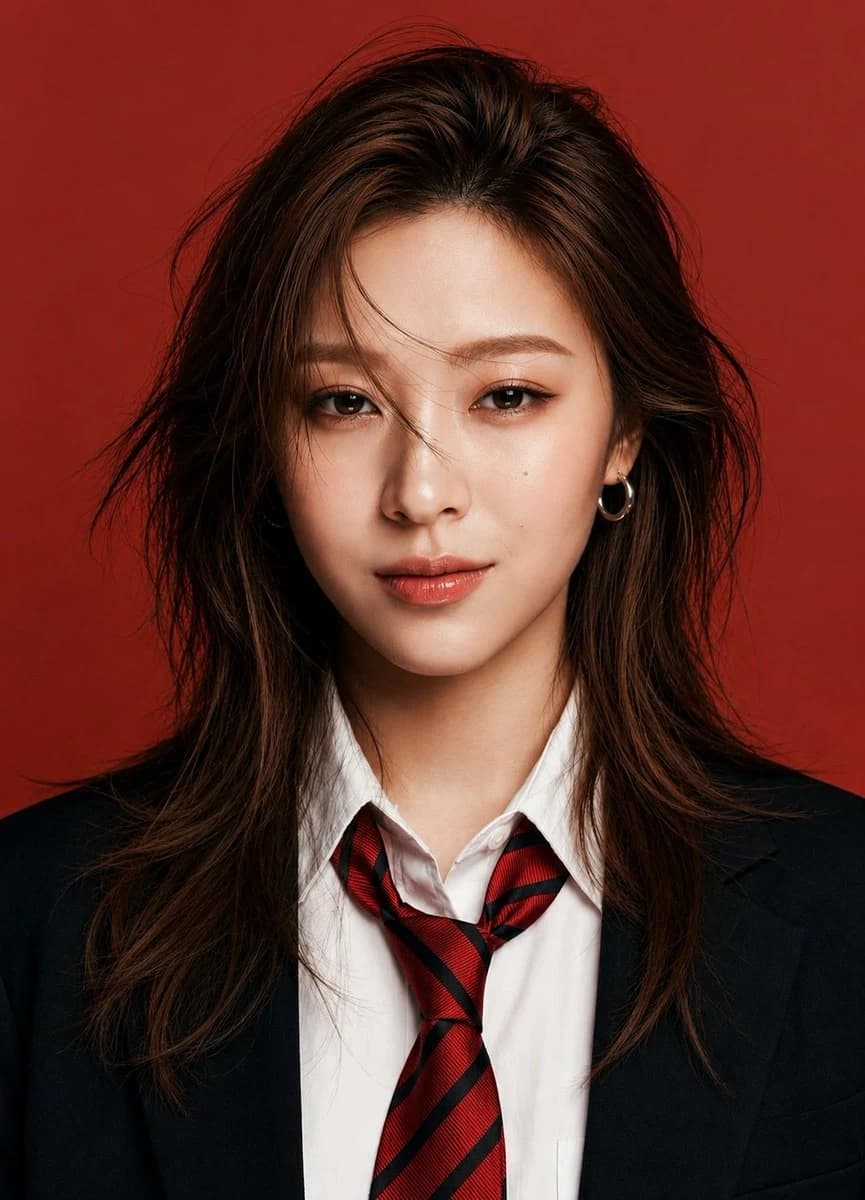
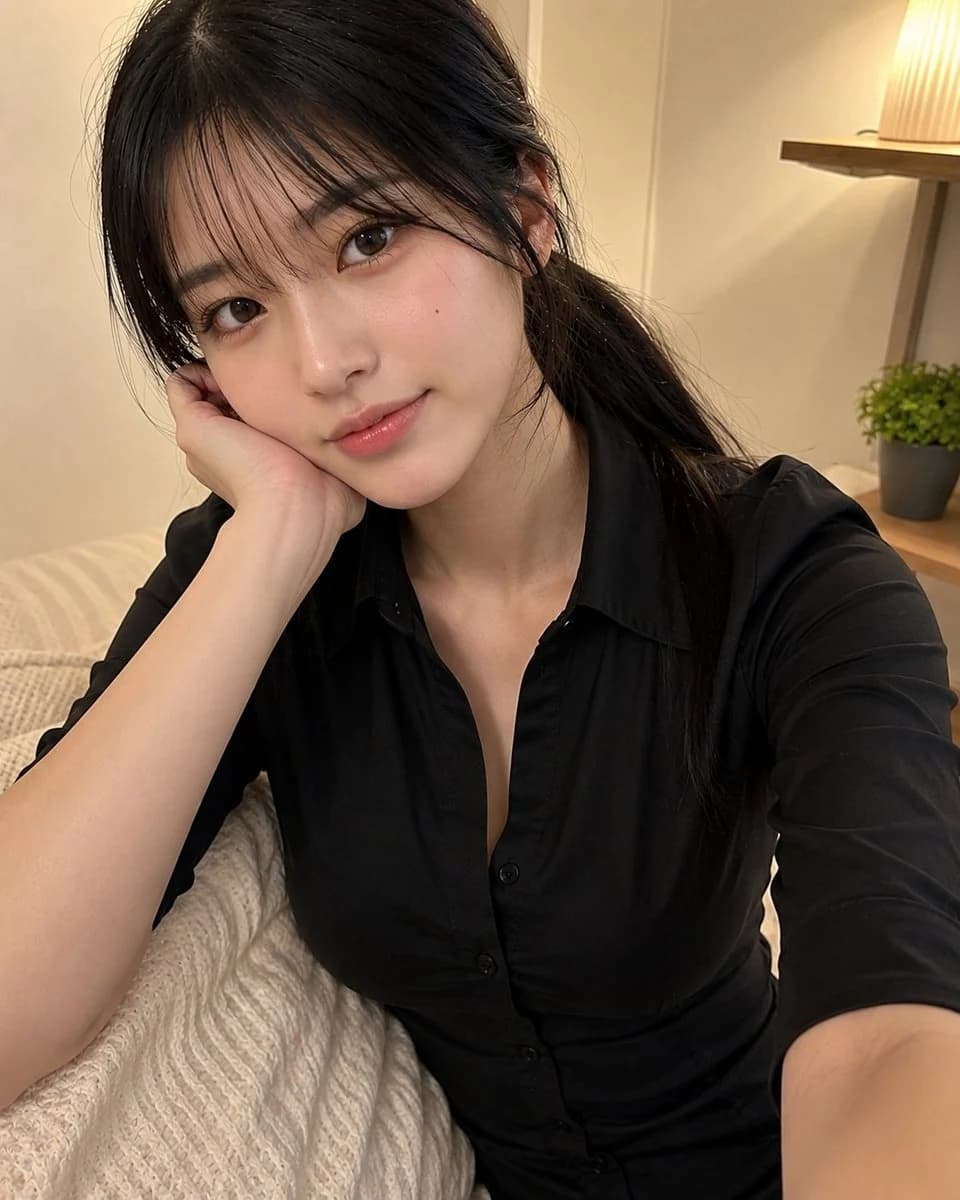
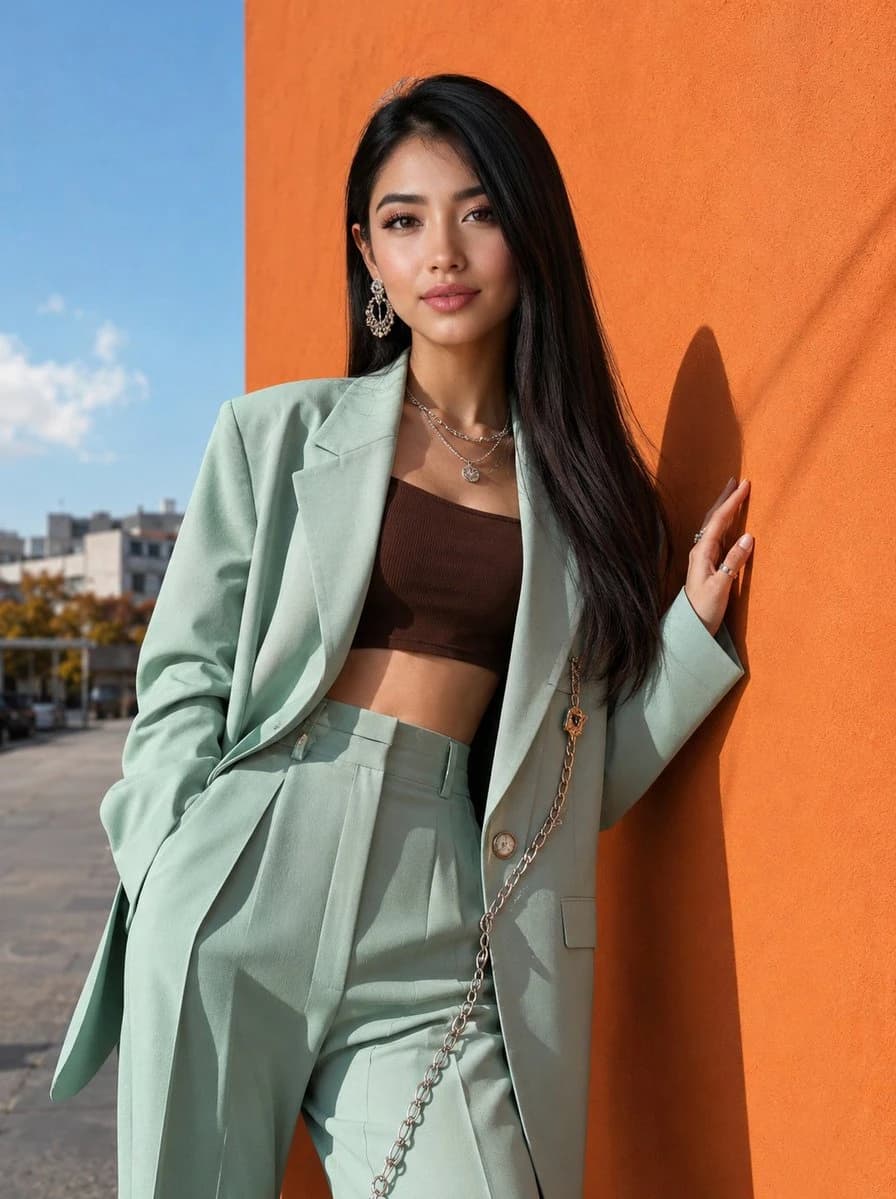
193 wordsUsing the provided reference image, create an ultra-realistic Korean street-fashion editorial portrait of a stylish young woman posing outdoors beside a bold orange wall under bright natural sunlight. She is wearing an oversized pastel mint green blazer with structured tailoring, matching high-waisted wide-leg trousers, and a fitted dark brown cropped tube top. Add luxury silver accessories including statement earrings, layered necklaces, rings, and a decorative chain detail attached to the blazer. She has long sleek straight dark brown hair, flawless porcelain skin, soft glam makeup with nude matte lips, sharp brows, and a confident elegant expression. Relaxed fashion pose with one hand against the wall, modern chic attitude. Background features clear blue sky, soft urban scenery, cinematic sunlight shadows, and vibrant color contrast between the orange wall and mint outfit. High-fashion editorial photography, Vogue Korea inspired, luxury street style aesthetic, ultra-detailed fabric textures, realistic skin detail, sharp focus, soft depth of field, premium color grading, photorealistic, 85mm lens, 8k. Negative Prompt: low quality, blurry, bad anatomy, distorted face, extra fingers, bad hands, oversaturated colors, messy hair, duplicate accessories, cartoon, anime, watermark, logo, text, noisy image, low resolution, unrealistic skin, poorly drawn features. 1744x2336
About this prompt
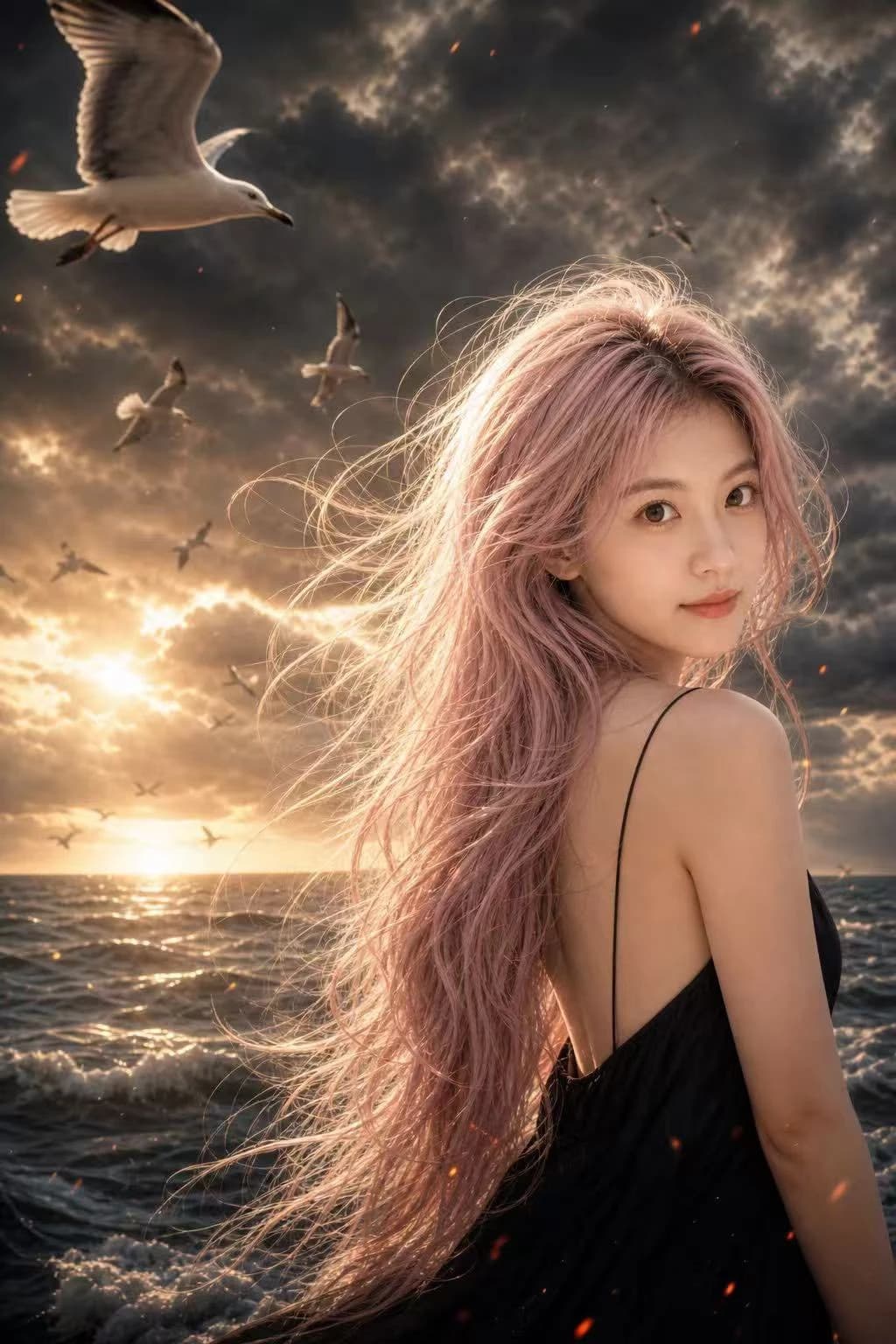
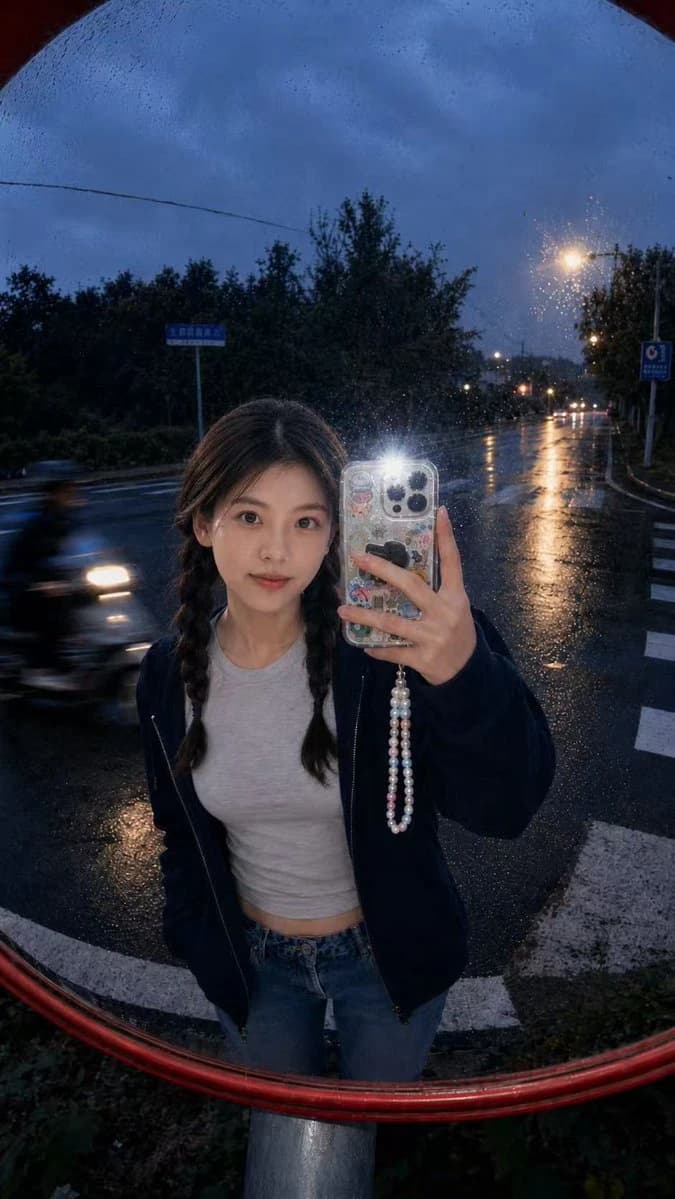
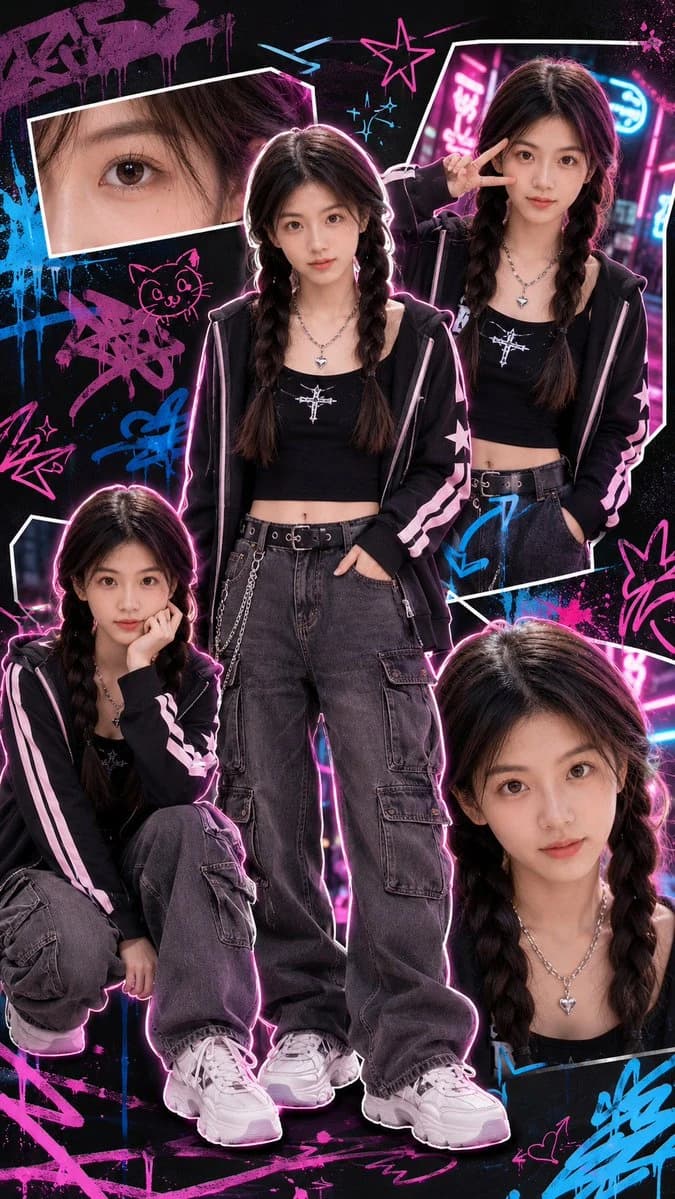
Korean Beauty Identity Portrait is a ready-to-use portrait prompt for GPT Image 2 on Image 2. Copy the 193 words below, paste them into the Create form, and you will get a result close to the preview above. Tweak the Portrait, Fashion, Beauty tag if you want to push it somewhere new.
Use it as a starting point, then adjust the subject, lighting, or composition to suit your idea. The credit cost stays the same whether you use it as written or customize it.
Use case
A strong starting point for Portrait
Start here when you want a portrait image inspired by Korean Beauty Identity Portrait. The prompt already sets the look and composition; replace the subject, product, colors, or scene details to match your project.
Easy places to tweak
- Subject Swap in your person, product, place, or object without changing the overall composition.
- Look and mood Tune the lighting, palette, camera angle, or materials so the image fits your brand.
- Final format Set the aspect ratio, background, text, or layout notes before you generate.
More prompt paths to explore
Find more GPT Image 2 prompts with a similar style, use case, or subject.
How to use it
- Step 1
Copy the prompt
Hit the Copy button above to grab the full text.
- Step 2
Open Image 2 Create
Head to the Create form and paste it in.
- Step 3
Generate
Hit Generate. Your version lands in seconds.
Make it yours
Load the prompt into the Create form with one click, then start tweaking.