Prompt
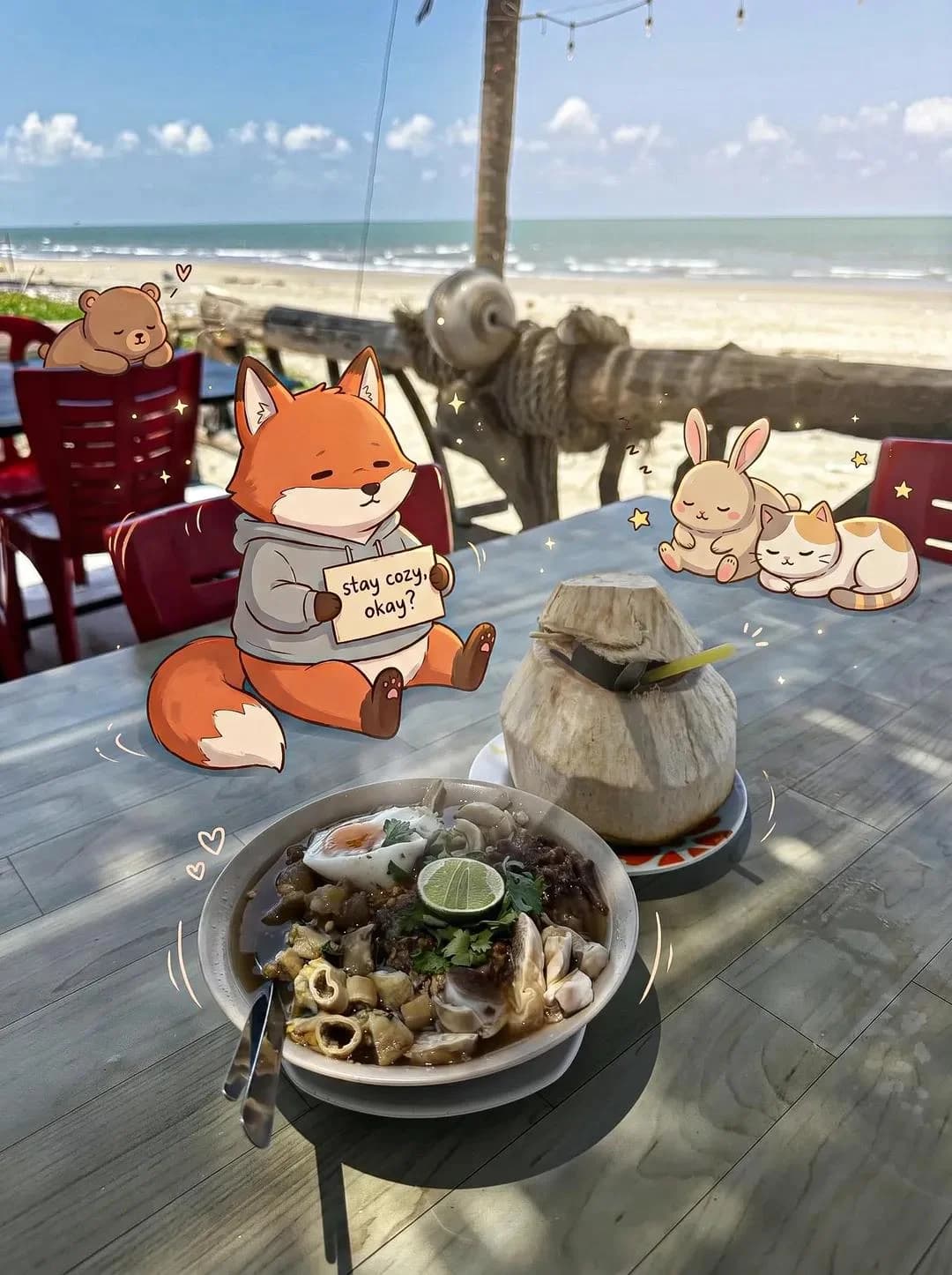
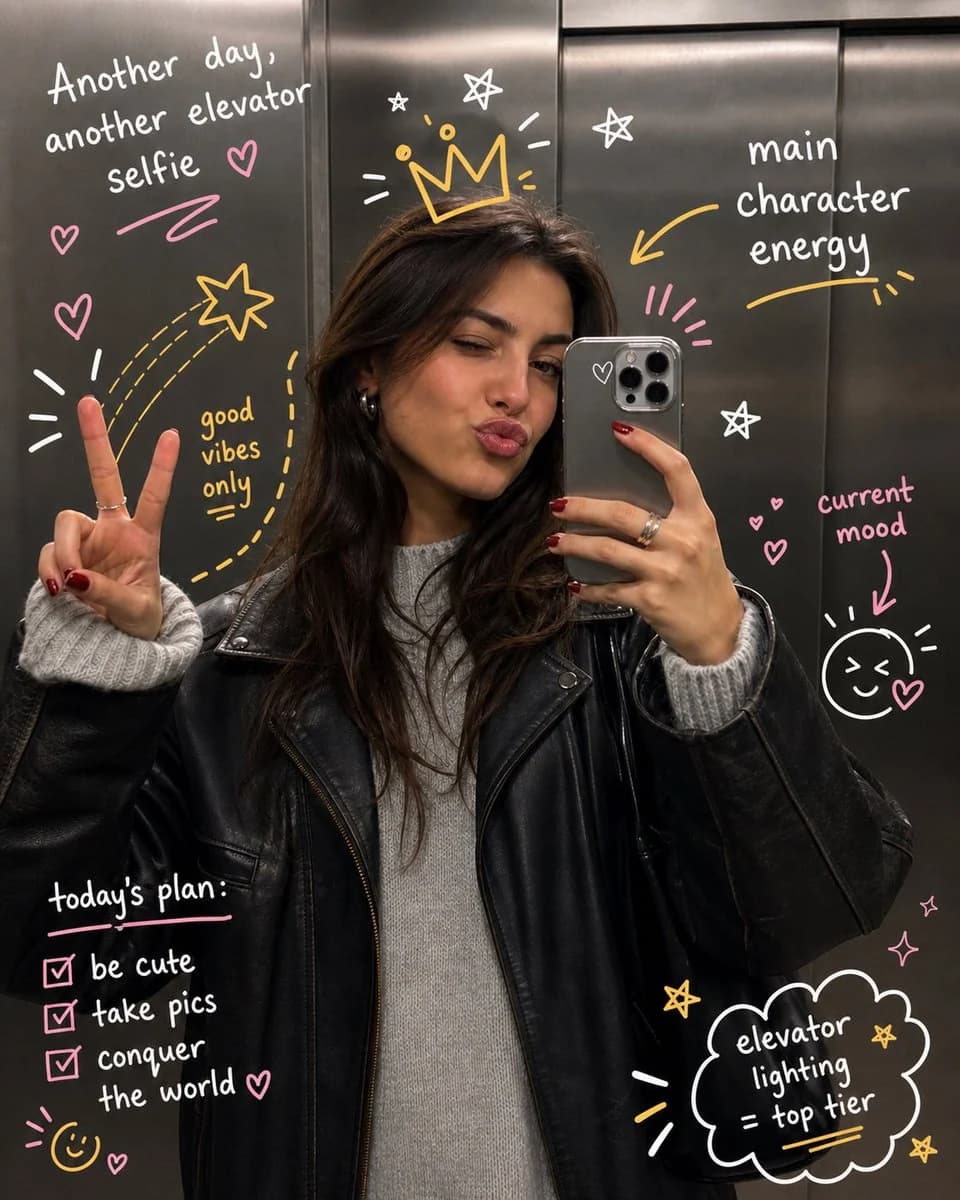
151 wordsprompt: Take the uploaded photo and keep the subject completely unchanged — same face, pose, framing, and lighting, no warping or distortion. Layer expressive hand-drawn illustrations on top that playfully interact with the person or scene. Have the doodles react to what's in the frame: follow gestures, amplify movement, trace body outlines, or bring in imaginative details that feel connected to the moment. The sketches should look deliberate, like someone drew straight onto the print with spontaneous yet thoughtful pen strokes. Go for a loose, slightly rough drawing style — wobbly lines, organic curves, a sketchbook aesthetic. Add handwritten words or short captions that fit the vibe of the image: make them clever, context-specific, and genuinely playful rather than generic filler. Keep the illustrated additions from overwhelming the original photo. Aim for a balanced final composition with crisp, high-res output and a color palette that feels native to the original scene.
About this prompt
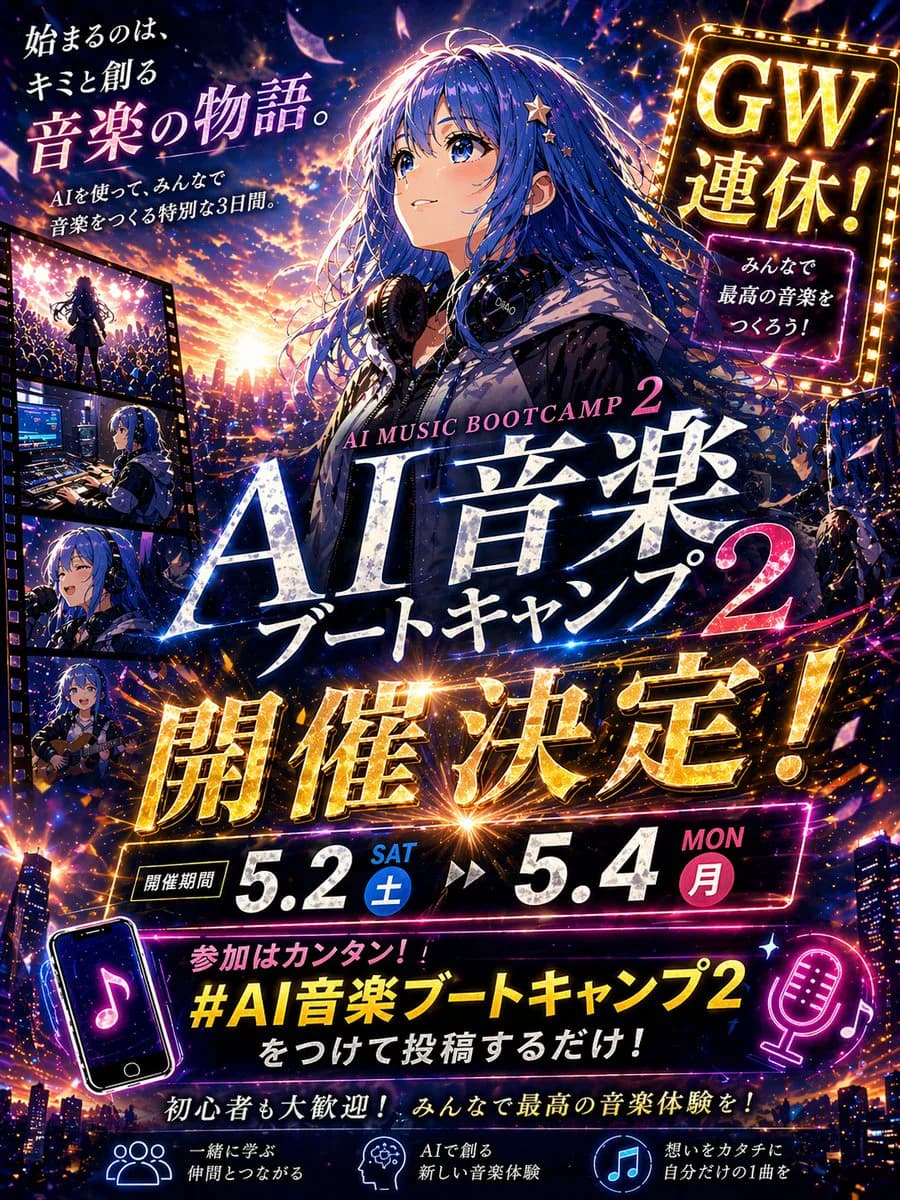
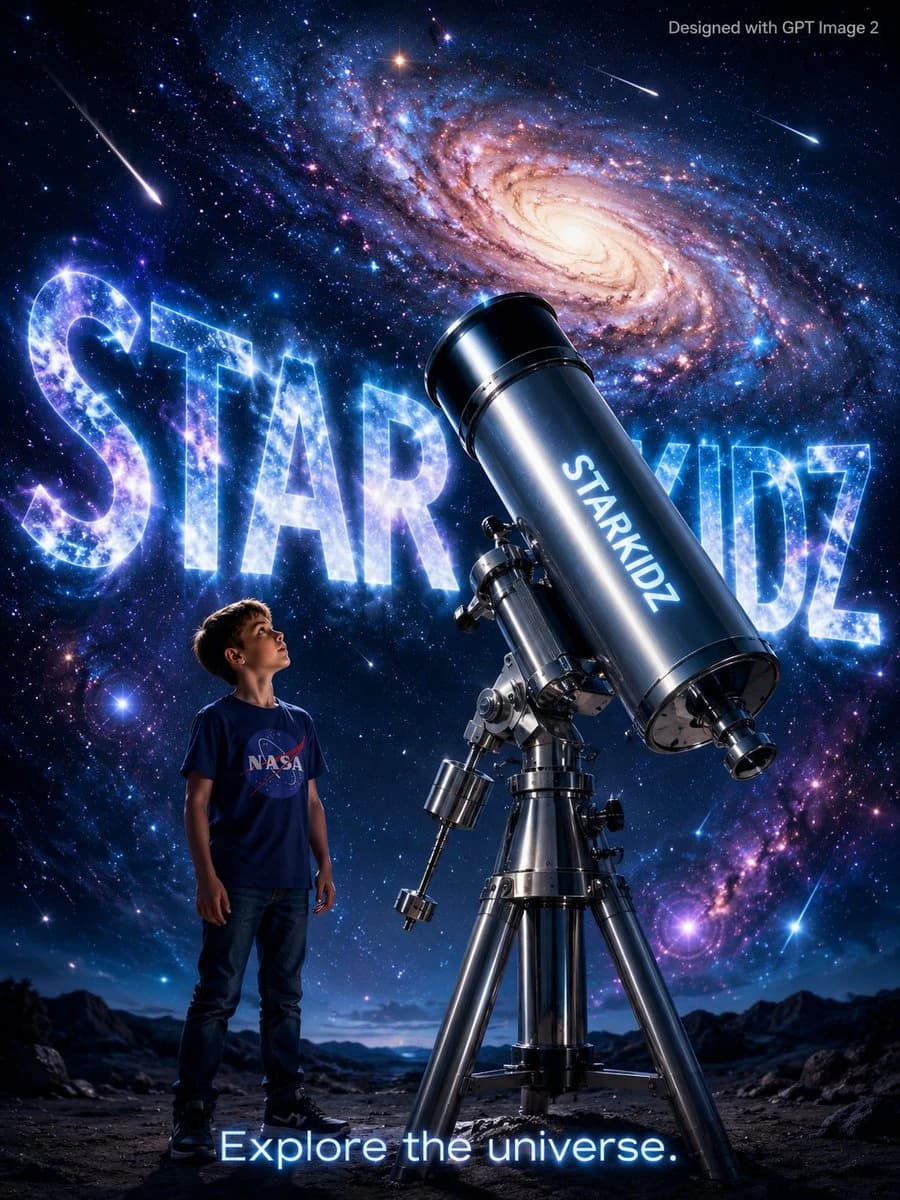
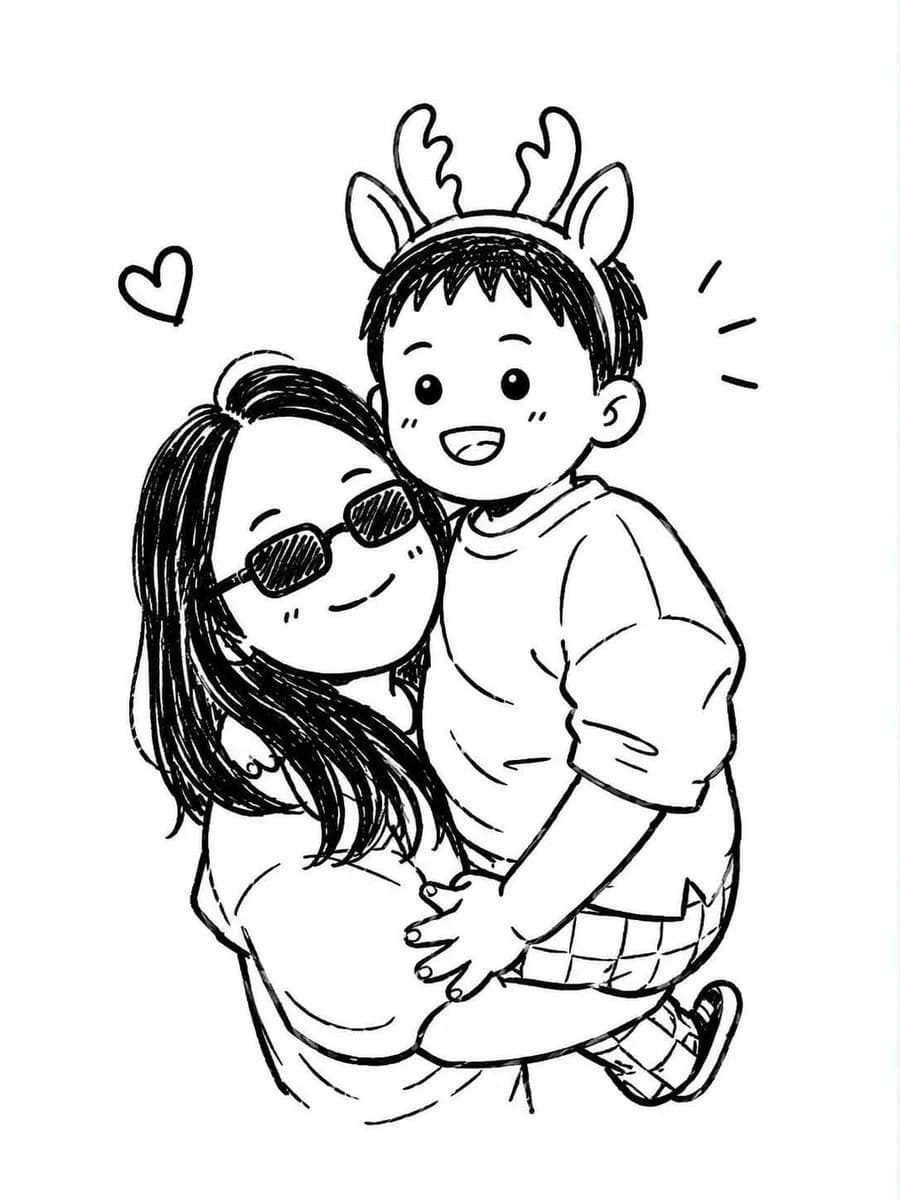
Hand-drawn Doodle Art Overlay is a ready-to-use poster prompt for GPT Image 2 on Image 2. Copy the 151 words below, paste them into the Create form, and you will get a result close to the preview above. Tweak the Social Media, Poster, Illustration tag if you want to push it somewhere new.
Use it as a starting point and keep iterating: change the subject, lighting, or composition until it looks right. The credit cost stays the same whether you run it as-is or remix it.
Use case
A strong starting point for Poster
Start here when you want a poster image in the same direction as Hand-drawn Doodle Art Overlay. The prompt already sets the look and structure; swap in your own subject, product, colors, or scene details for the brief you have in mind.
Easy places to tweak
- Subject Swap in your person, product, place, or object without changing the overall composition.
- Look and mood Tune the lighting, palette, camera angle, or materials so the image fits your brand.
- Final format Set the aspect ratio, background, text, or layout notes before you generate.
More prompt paths to explore
Find more GPT Image 2 prompts with a similar style, use case, or subject.
How to use it
- Step 1
Copy the prompt
Hit the Copy button above to grab the full text.
- Step 2
Open Image 2 Create
Head to the Create form and paste it in.
- Step 3
Generate
Hit Generate. Your version lands in seconds.
Make it yours
Load the prompt into the Create form with one click, then start tweaking.