Prompt
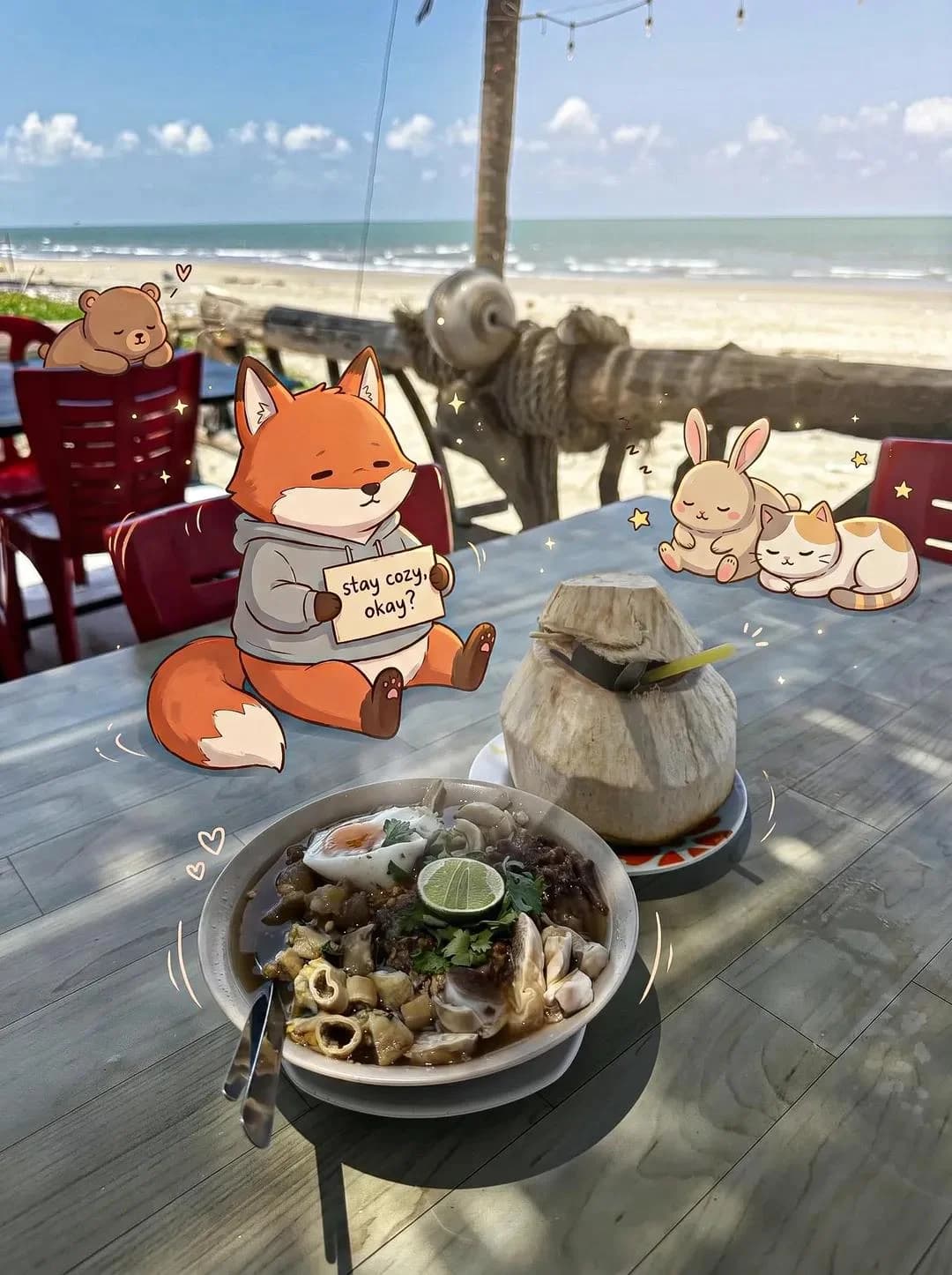
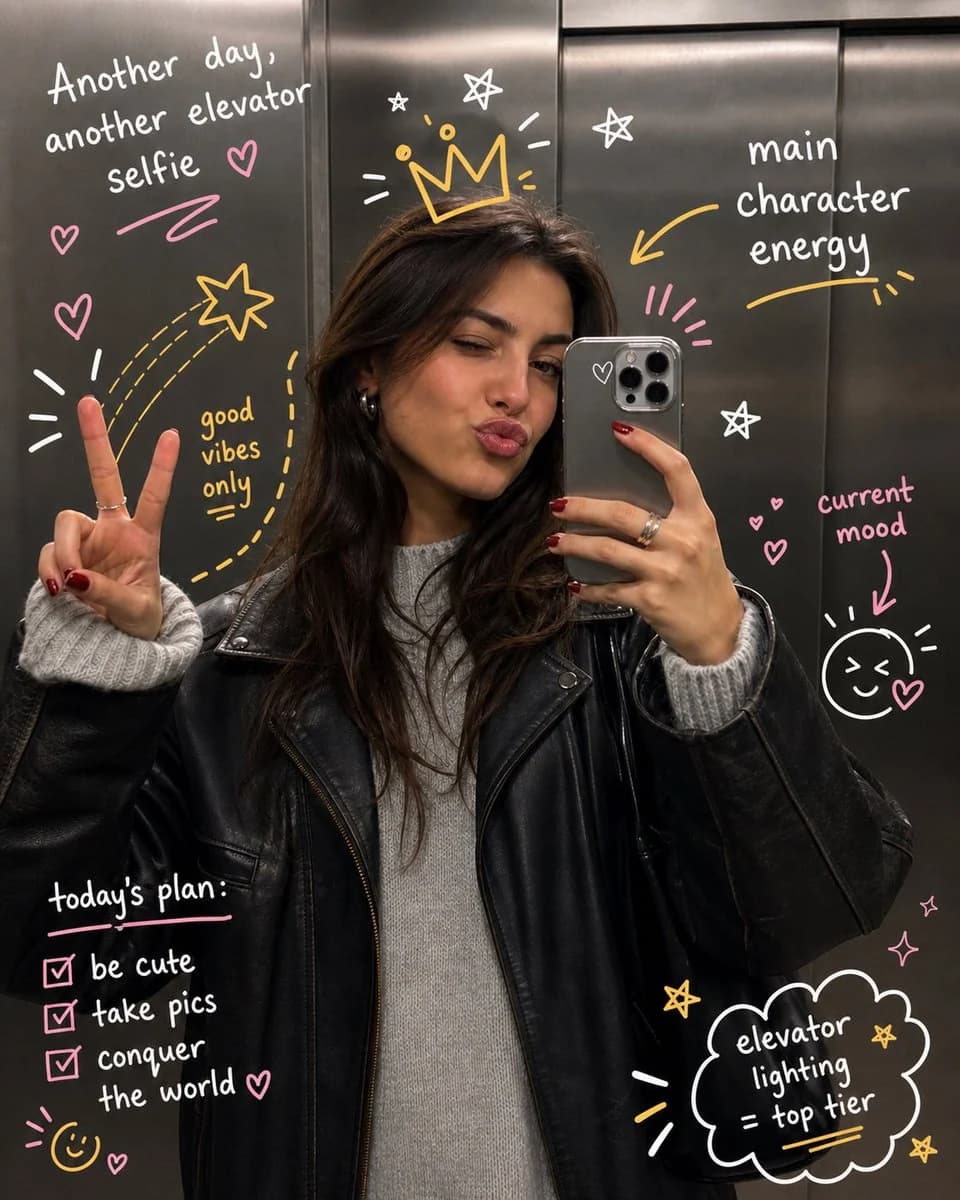
151 Wörterprompt: Take the uploaded photo and keep the subject completely unchanged — same face, pose, framing, and lighting, no warping or distortion. Layer expressive hand-drawn illustrations on top that playfully interact with the person or scene. Have the doodles react to what's in the frame: follow gestures, amplify movement, trace body outlines, or bring in imaginative details that feel connected to the moment. The sketches should look deliberate, like someone drew straight onto the print with spontaneous yet thoughtful pen strokes. Go for a loose, slightly rough drawing style — wobbly lines, organic curves, a sketchbook aesthetic. Add handwritten words or short captions that fit the vibe of the image: make them clever, context-specific, and genuinely playful rather than generic filler. Keep the illustrated additions from overwhelming the original photo. Aim for a balanced final composition with crisp, high-res output and a color palette that feels native to the original scene.
Über diesen Prompt
Handgezeichneter Doodle-Art-Overlay ist ein sofort nutzbarer Poster-Prompt für GPT Image 2 in Image 2. Kopiere die 151 Wörter unten, füge sie in das Create-Formular ein und du erhältst ein Ergebnis nahe an der Vorschau. Passe die Tags Social Media, Poster, Illustration an, wenn du ihn in eine neue Richtung schieben möchtest.
Nutze ihn als Ausgangspunkt und iteriere weiter: ändere Motiv, Licht oder Komposition, bis es passt. Die Credit-Kosten bleiben gleich, egal ob du ihn direkt nutzt oder remixst.
Einsatzbereich
Guter Startpunkt für Poster
Starte hier, wenn du ein Poster-Bild in der Richtung von Handgezeichneter Doodle-Art-Overlay bauen möchtest. Der Prompt legt Look und Aufbau bereits fest; tausche nur Motiv, Produkt, Farben oder Szenendetails für dein eigenes Projekt aus.
Was sich schnell anpassen lässt
- Motiv Tausche Person, Produkt, Ort oder Objekt aus und behalte die Grundkomposition bei.
- Look Passe Licht, Farbwelt, Kamerawinkel oder Materialdetails an deine Marke an.
- Format Lege Seitenverhältnis, Hintergrund, Text und Layout-Hinweise vor dem Generieren fest.
Ähnliche Prompt-Richtungen
Entdecke weitere GPT Image 2 Prompts mit ähnlichem Stil, Einsatzbereich oder Motiv.
So nutzt du ihn
- Schritt 1
Prompt kopieren
Klicke oben auf Kopieren, um den vollständigen Text zu übernehmen.
- Schritt 2
Image 2 Create öffnen
Wechsle zum Create-Formular und füge ihn ein.
- Schritt 3
Generieren
Klicke auf Generate. Deine Version ist in Sekunden fertig.
Mach ihn zu deinem
Lade den Prompt mit einem Klick ins Create-Formular und passe ihn direkt an.