Prompt
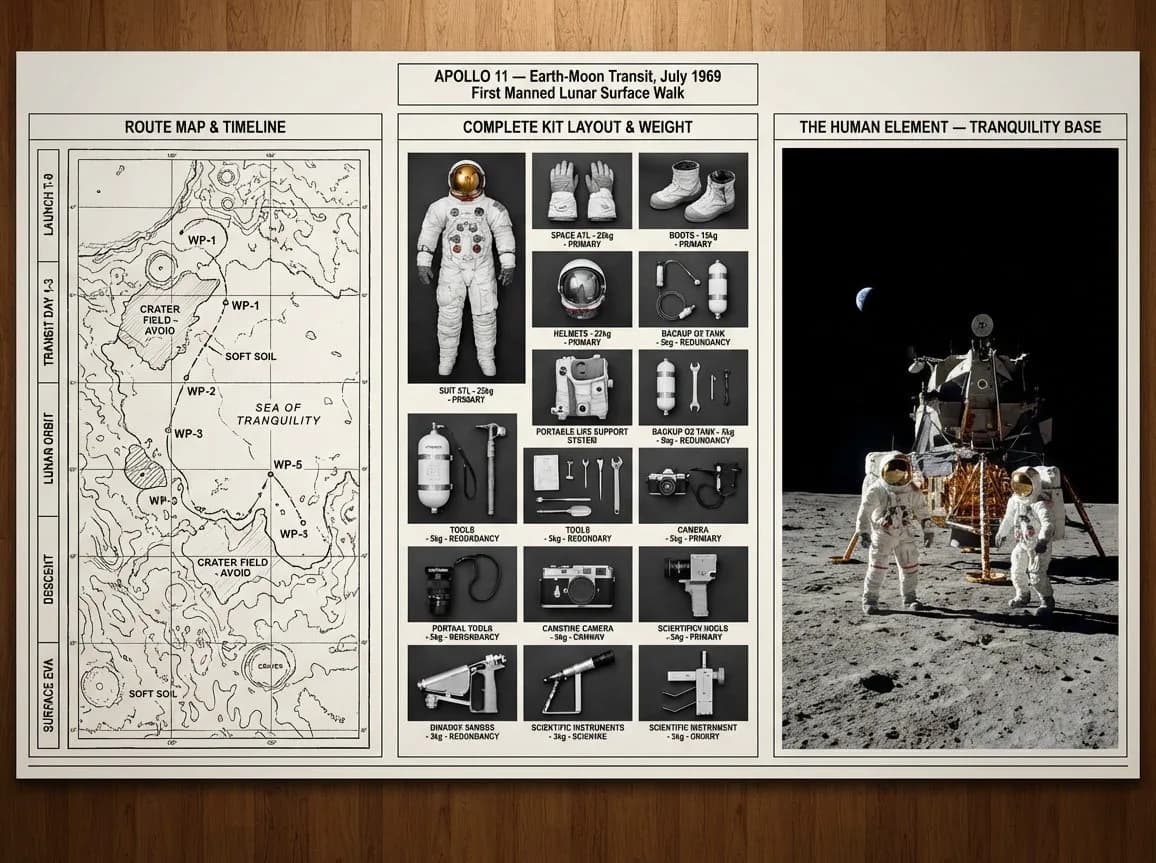
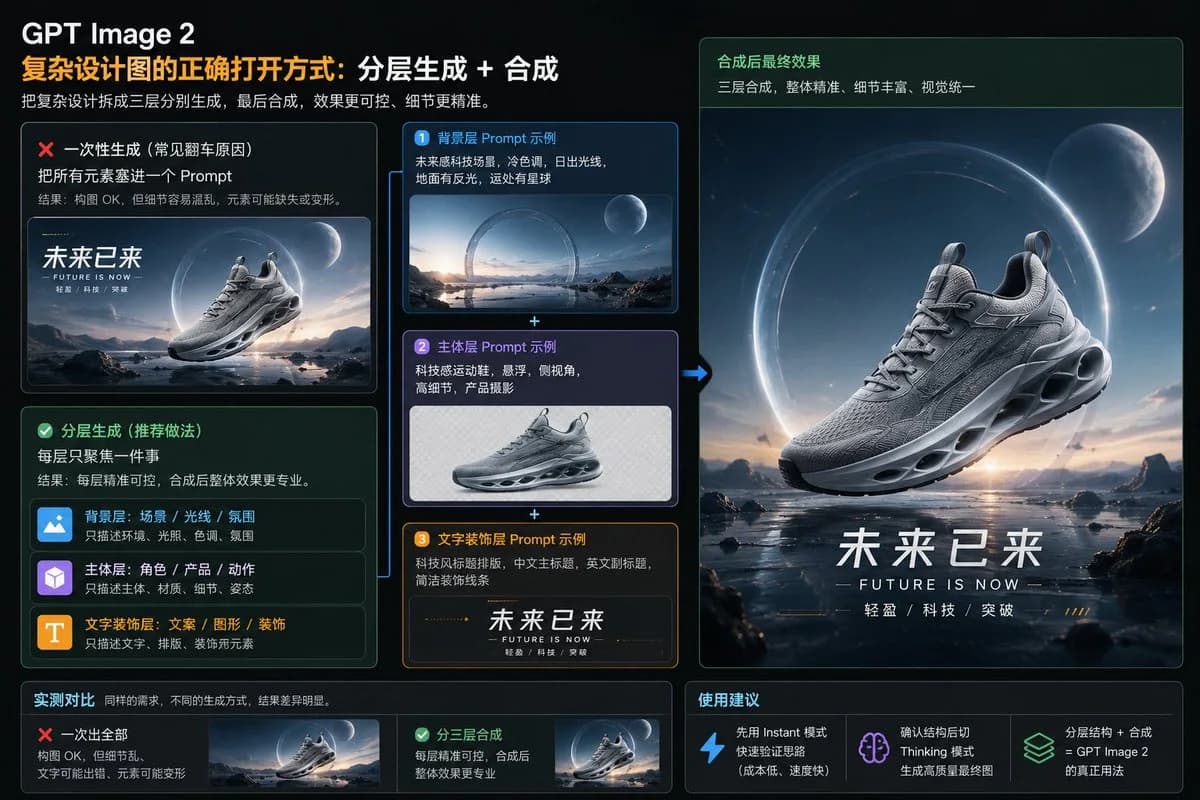
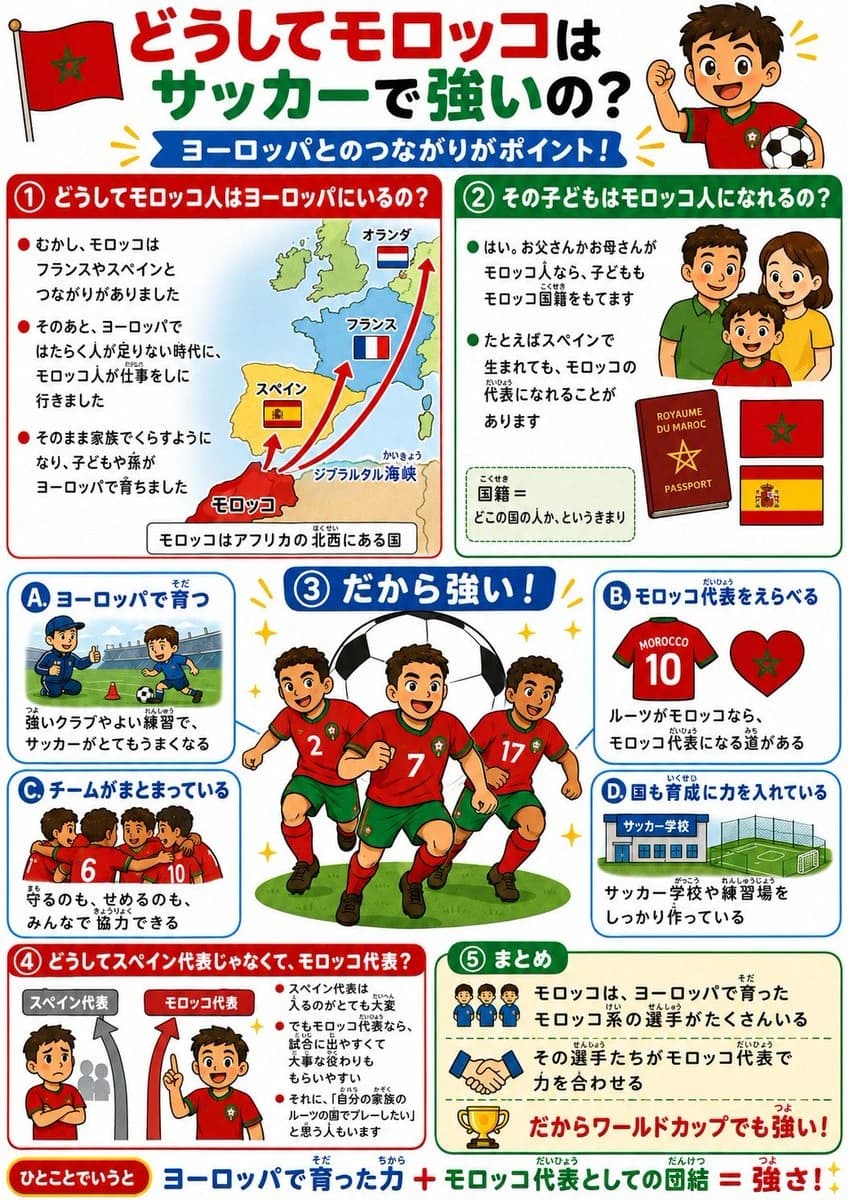
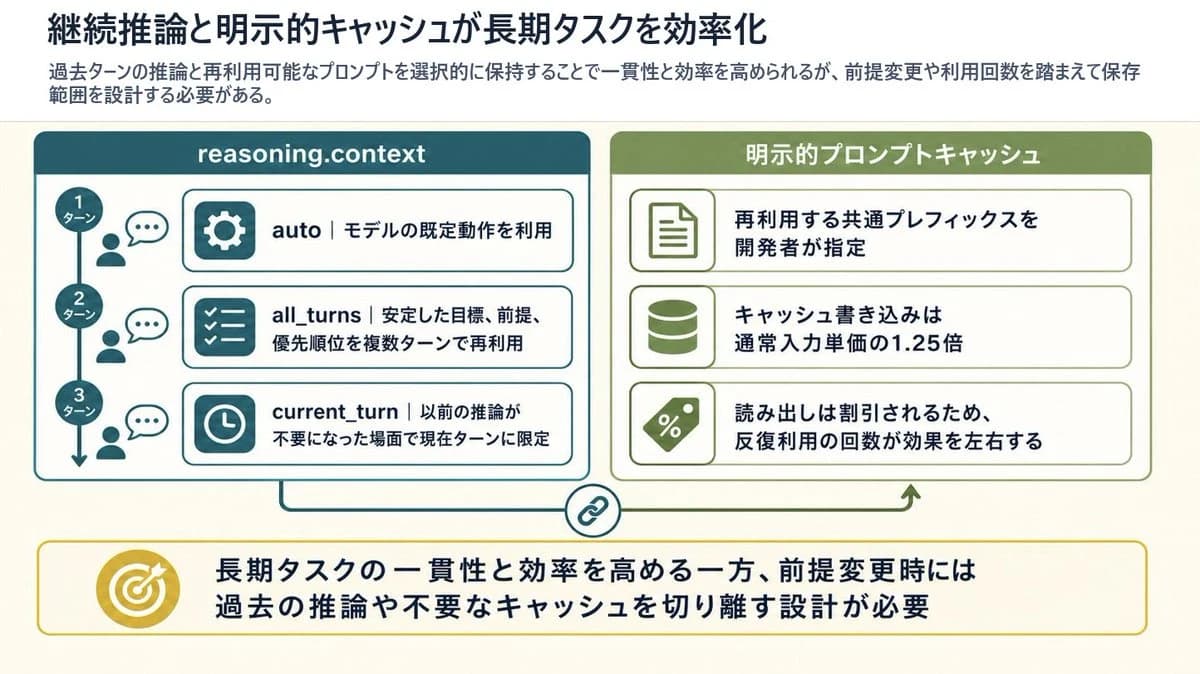
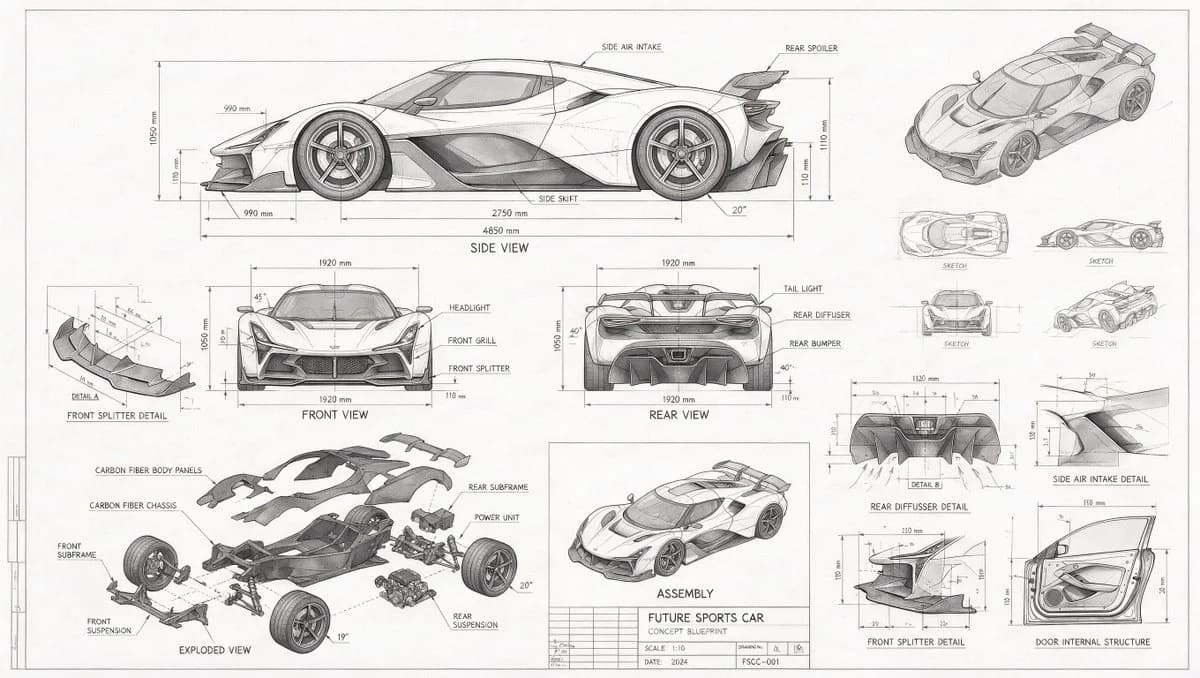
73 wordsA technical drawing of a {argument name="subject" default="futuristic sports car"} in blueprint style. Include line drawings of the sports car from the front, side, and rear views, exploded parts sketches, parts assembly diagrams, and structural diagrams of disassembled components. Use abundant lines and measurement values to indicate the dimensions of each part, with grayscale tones expressing the overall sketch relationship. In addition to the main design, also show scattered thumbnails from different angles.About this prompt
Futuristic Sports Car Blueprint is a ready-to-use infographic prompt for GPT Image 2 on Image 2. Copy the 73 words below, paste them into the Create form, and you will get a result close to the preview above. Tweak the Infographic, Sports tag if you want to push it somewhere new.
Use it as a starting point, then adjust the subject, lighting, or composition to suit your idea. The credit cost stays the same whether you use it as written or customize it.
Use case
A strong starting point for Infographic
Start here when you want a infographic image inspired by Futuristic Sports Car Blueprint. The prompt already sets the look and composition; replace the subject, product, colors, or scene details to match your project.
Easy places to tweak
- Subject Swap in your person, product, place, or object without changing the overall composition.
- Look and mood Tune the lighting, palette, camera angle, or materials so the image fits your brand.
- Final format Set the aspect ratio, background, text, or layout notes before you generate.
More prompt paths to explore
Find more GPT Image 2 prompts with a similar style, use case, or subject.
How to use it
- Step 1
Copy the prompt
Hit the Copy button above to grab the full text.
- Step 2
Open Image 2 Create
Head to the Create form and paste it in.
- Step 3
Generate
Hit Generate. Your version lands in seconds.
Make it yours
Load the prompt into the Create form with one click, then start tweaking.