Prompt
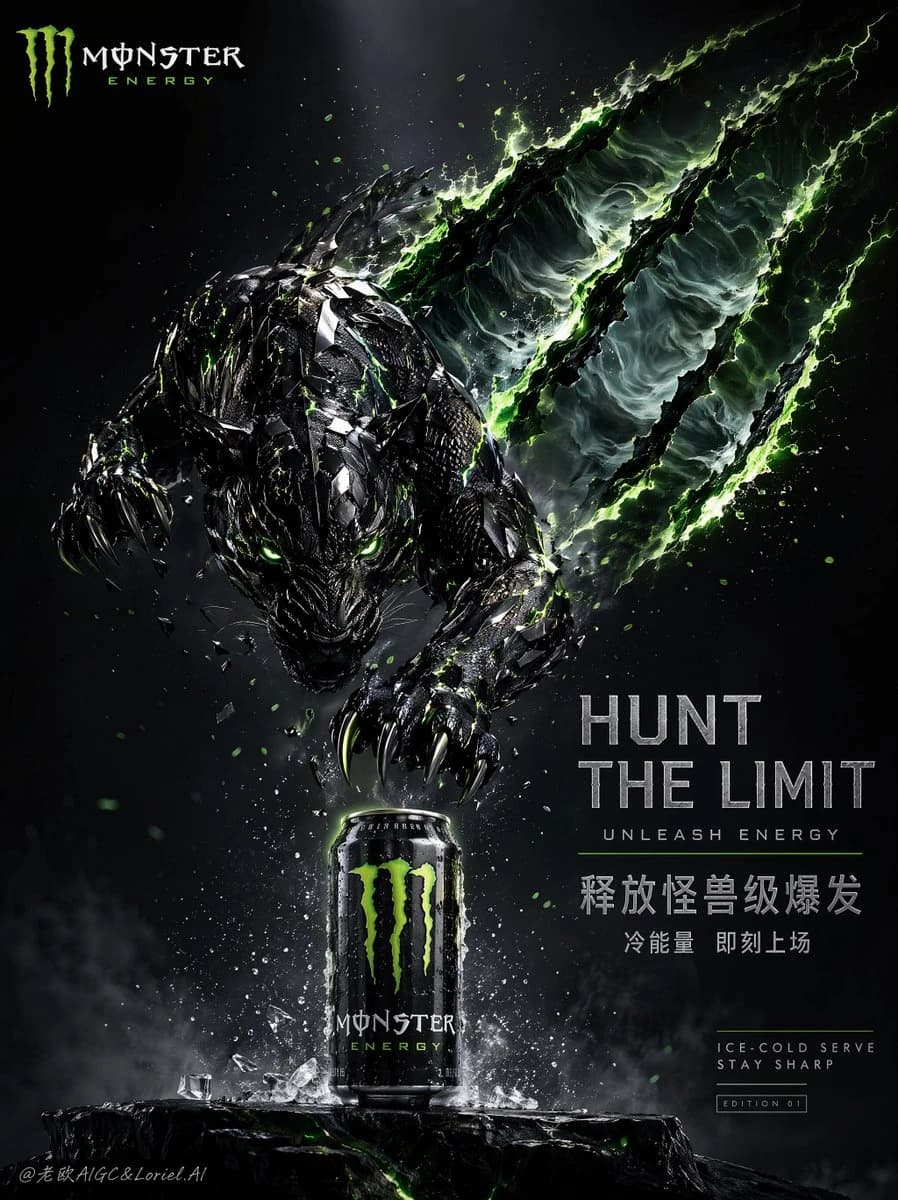
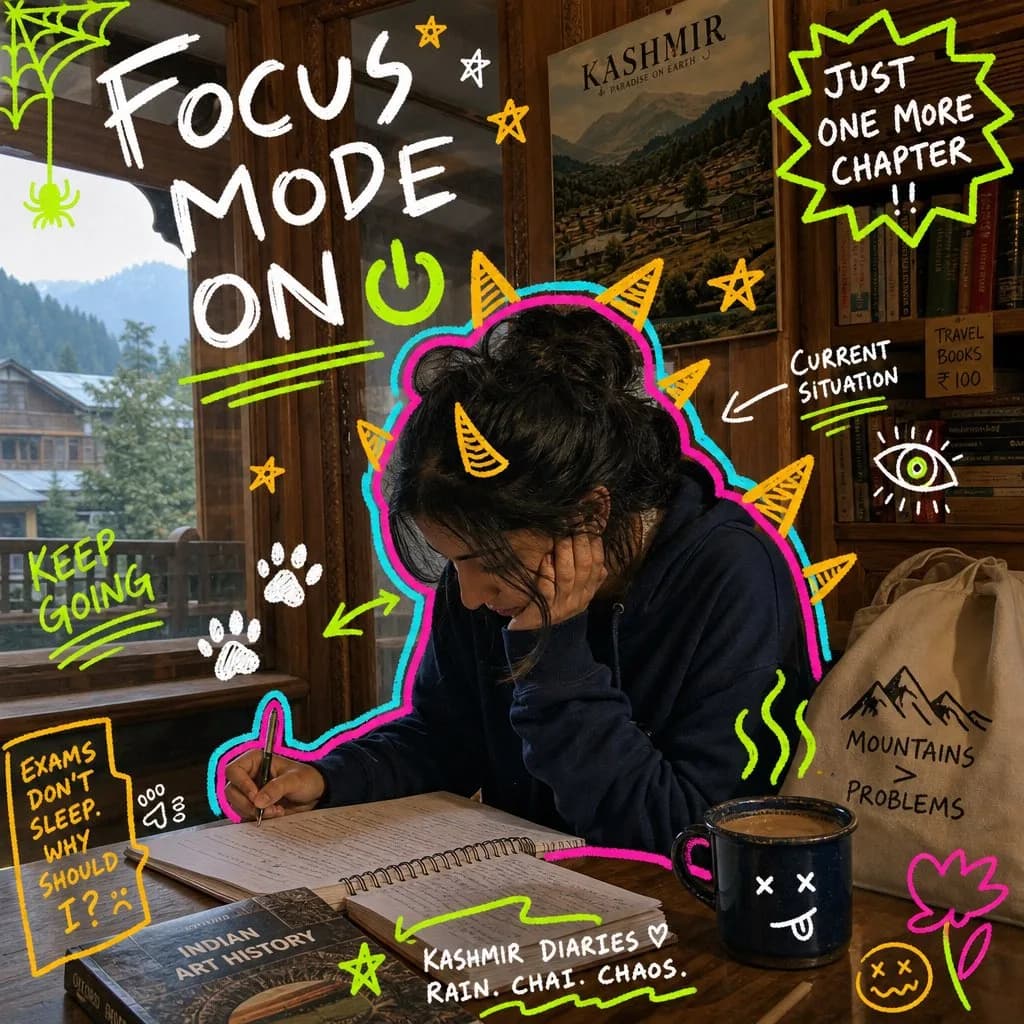
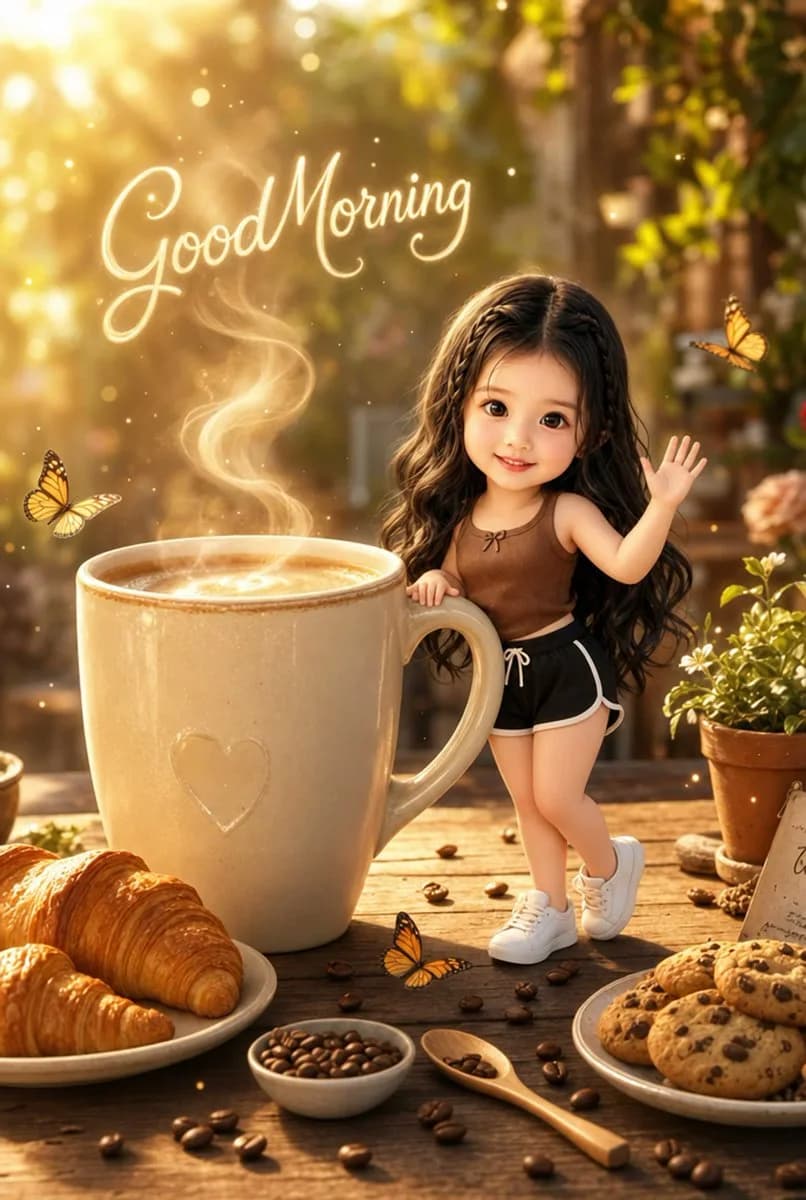
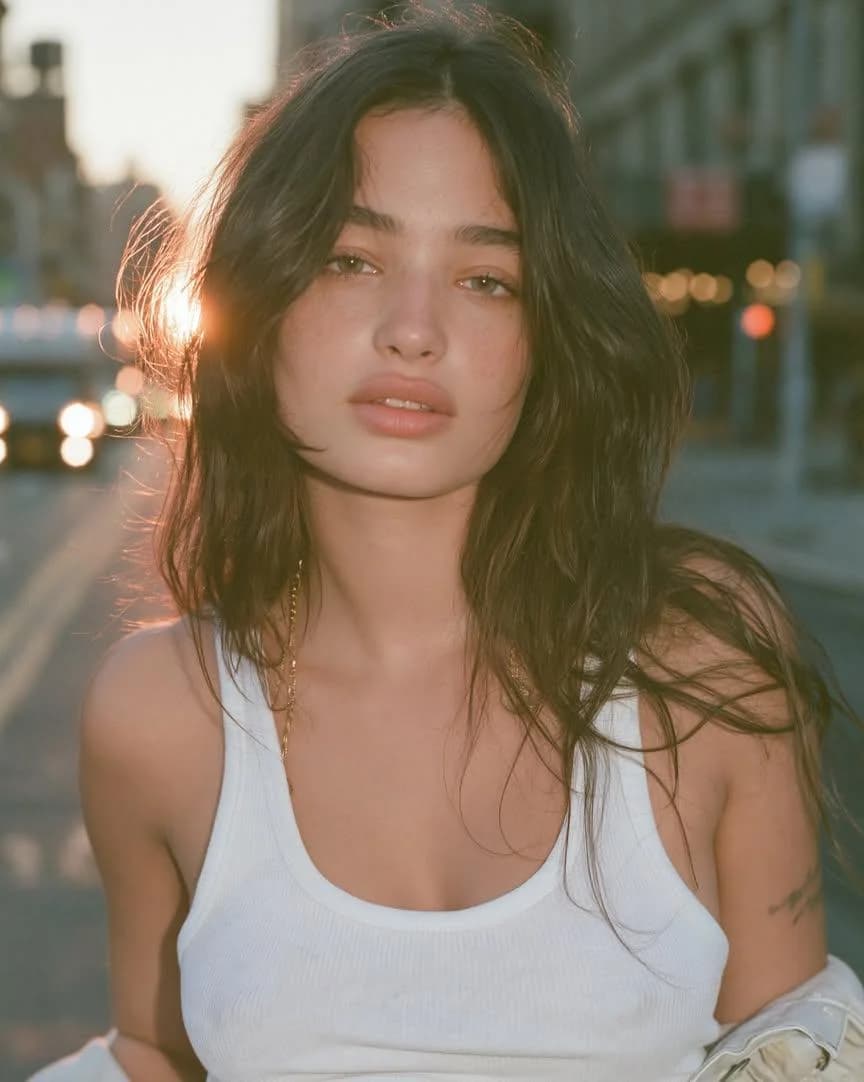
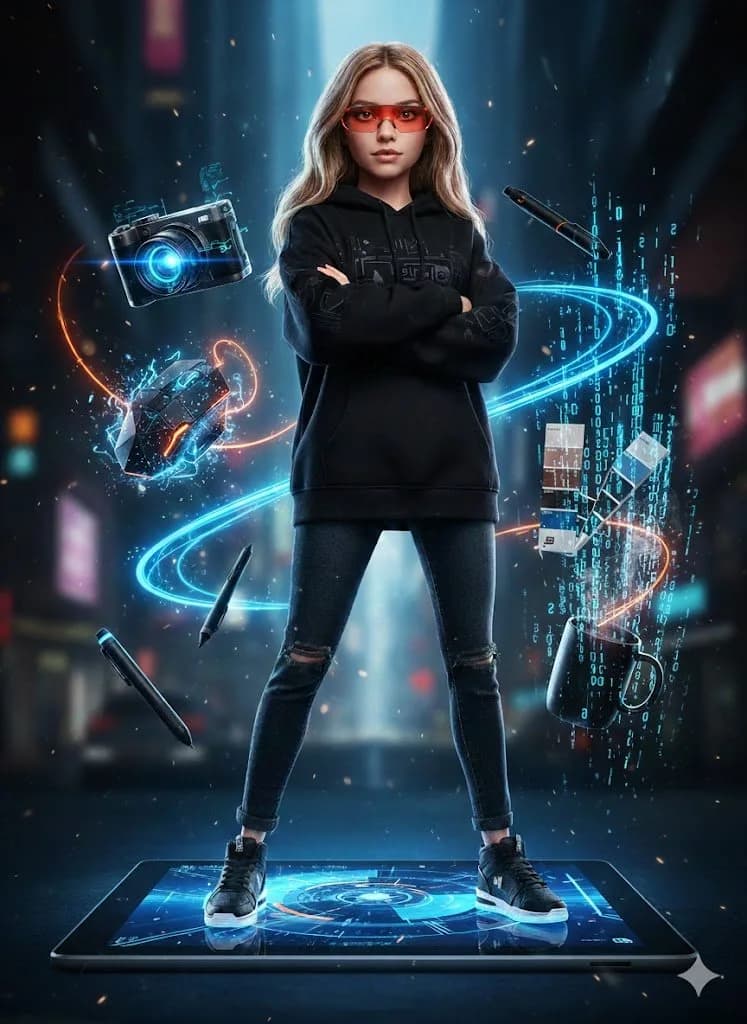
135 wordsUltra-realistic full-body portrait of a woman posed exactly as in the reference photo, stylized as a sleek female action figure. She stands with arms folded across her chest on top of a massive Microsoft Surface Tablet, dressed in urban streetwear — black hoodie, jeans, sneakers — with sharp red tech glasses. Floating around her in a dynamic layout are designer tools: a next-gen camera with a blue holographic glow, a geometric mouse with electric sparks, a digital stylus leaving wireframe trails, a Pantone color guide in bold blue and black, and a minimal black coffee cup with binary code steam rising from it. Bold blue-and-orange color palette with dramatic lighting throughout. Cyberpunk vibe, neon details, particle effects scattered across the scene. Visual style blends 3D animation with tech photography. Crisp focus, cinematic lighting, 8k resolution.
About this prompt
Doll-ification Concept Portrait is a ready-to-use portrait prompt for GPT Image 2 on Image 2. Copy the 135 words below, paste them into the Create form, and you will get a result close to the preview above. Tweak the Mockup, Portrait, Product tag if you want to push it somewhere new.
Use it as a starting point, then adjust the subject, lighting, or composition to suit your idea. The credit cost stays the same whether you use it as written or customize it.
Use case
A strong starting point for Portrait
Start here when you want a portrait image inspired by Doll-ification Concept Portrait. The prompt already sets the look and composition; replace the subject, product, colors, or scene details to match your project.
Easy places to tweak
- Subject Swap in your person, product, place, or object without changing the overall composition.
- Look and mood Tune the lighting, palette, camera angle, or materials so the image fits your brand.
- Final format Set the aspect ratio, background, text, or layout notes before you generate.
More prompt paths to explore
Find more GPT Image 2 prompts with a similar style, use case, or subject.
How to use it
- Step 1
Copy the prompt
Hit the Copy button above to grab the full text.
- Step 2
Open Image 2 Create
Head to the Create form and paste it in.
- Step 3
Generate
Hit Generate. Your version lands in seconds.
Make it yours
Load the prompt into the Create form with one click, then start tweaking.