Prompt
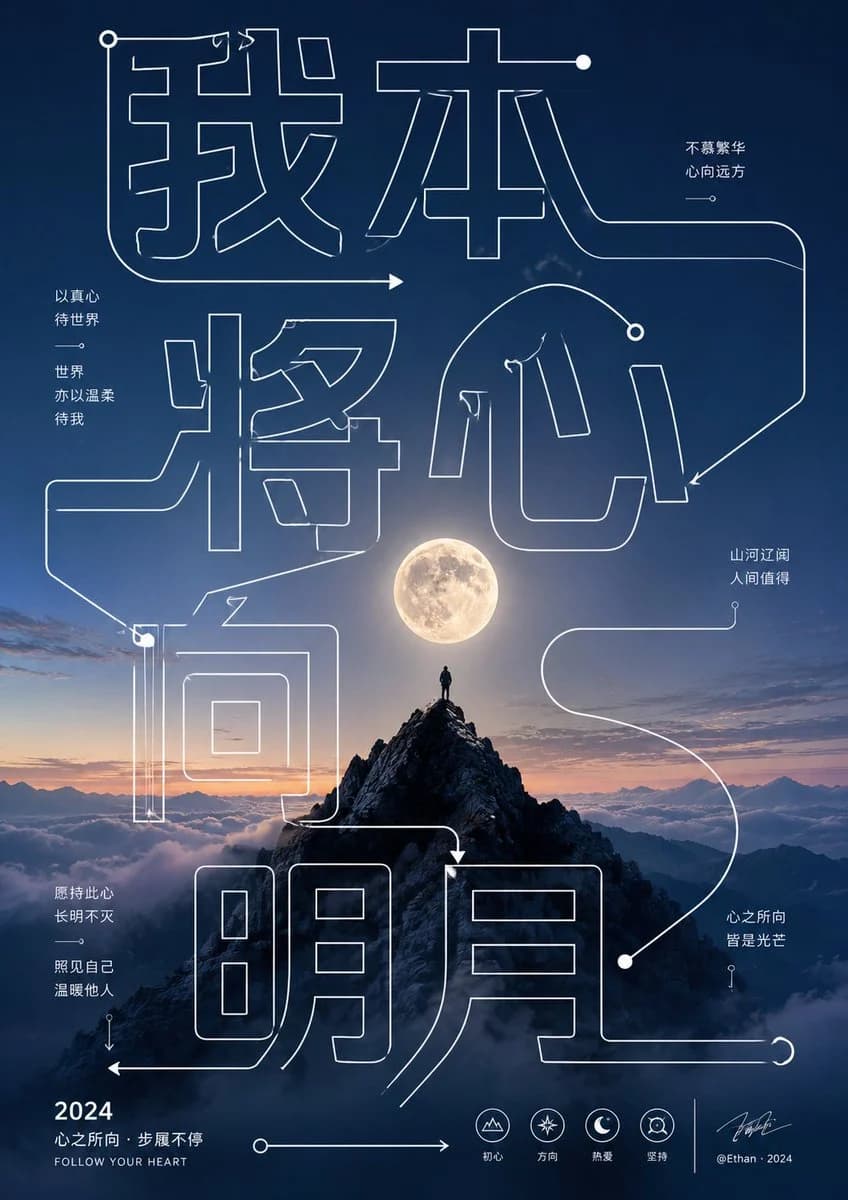
141 wordsDeconstruct the theme keywords into giant hollow single-line glyphs and guiding strokes. The lines span the entire frame and weave between the foreground and background of the main subject. The glyph interiors remain transparent, allowing the background and subject to be visible. Use uniform line thickness, right-angle turns, long arcs, arrow endpoints, and dot nodes to form a reading path from the top title to the central subject and then to the bottom info area, appearing like both text and a roadmap. A small amount of body text should be divided into clean sans-serif blocks, placed near character white space or on both sides of the subject, with clear hierarchy. Small info tags and signatures can be at the bottom. All text serves the rhythm and scale without overpowering the main subject.\n\nText: {argument name="text" default="I give my heart to the moon"}About this prompt
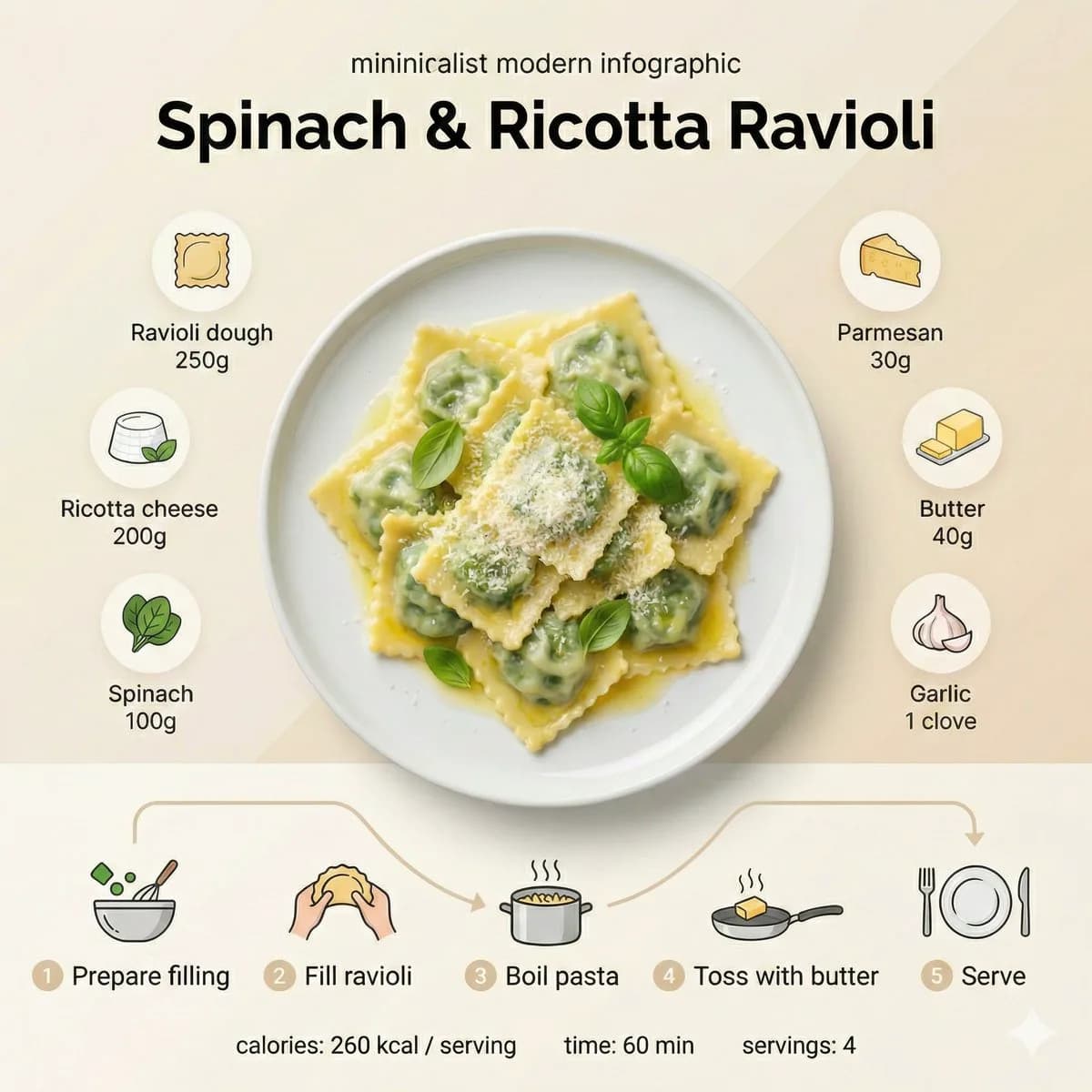
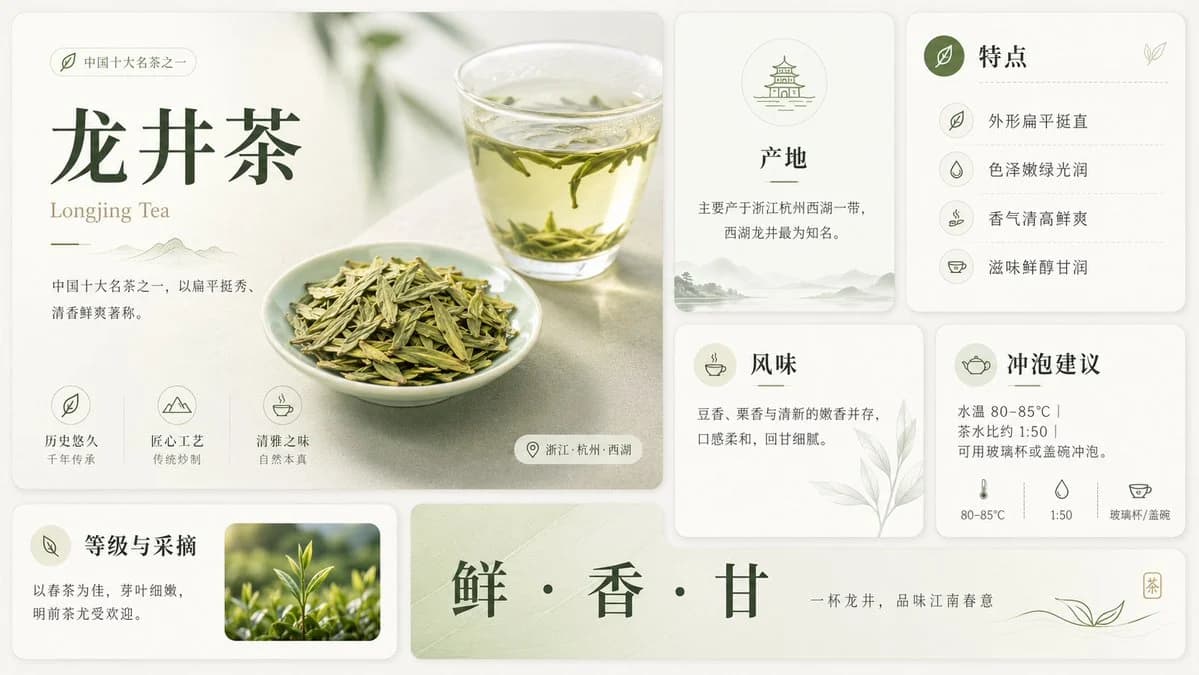
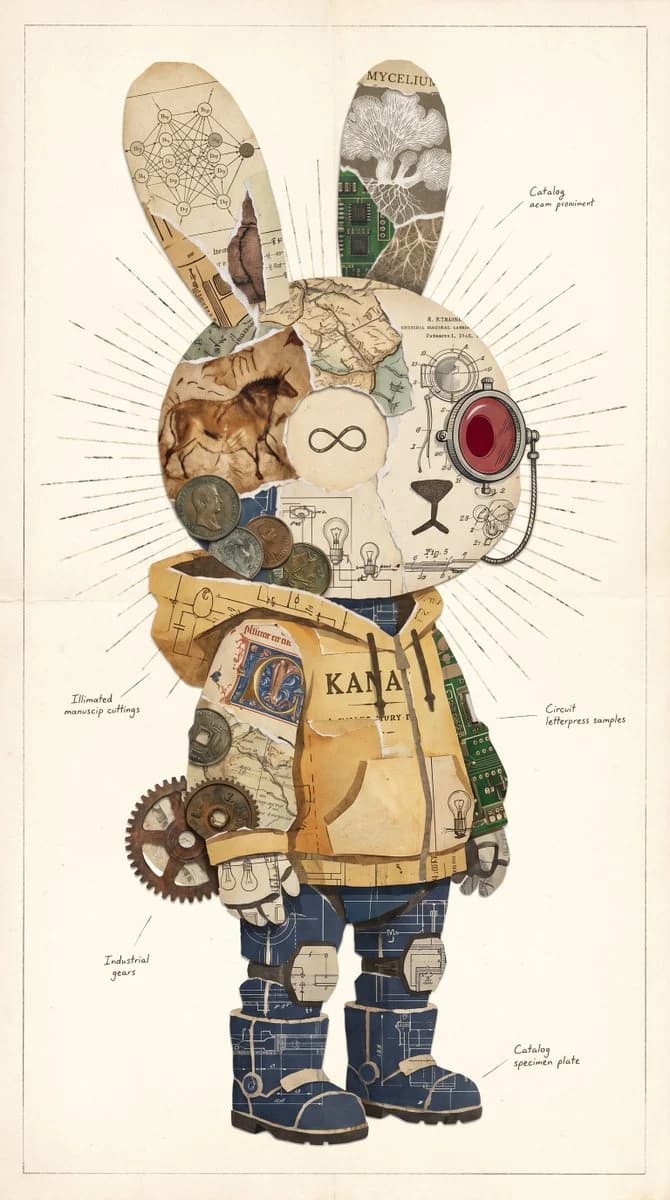
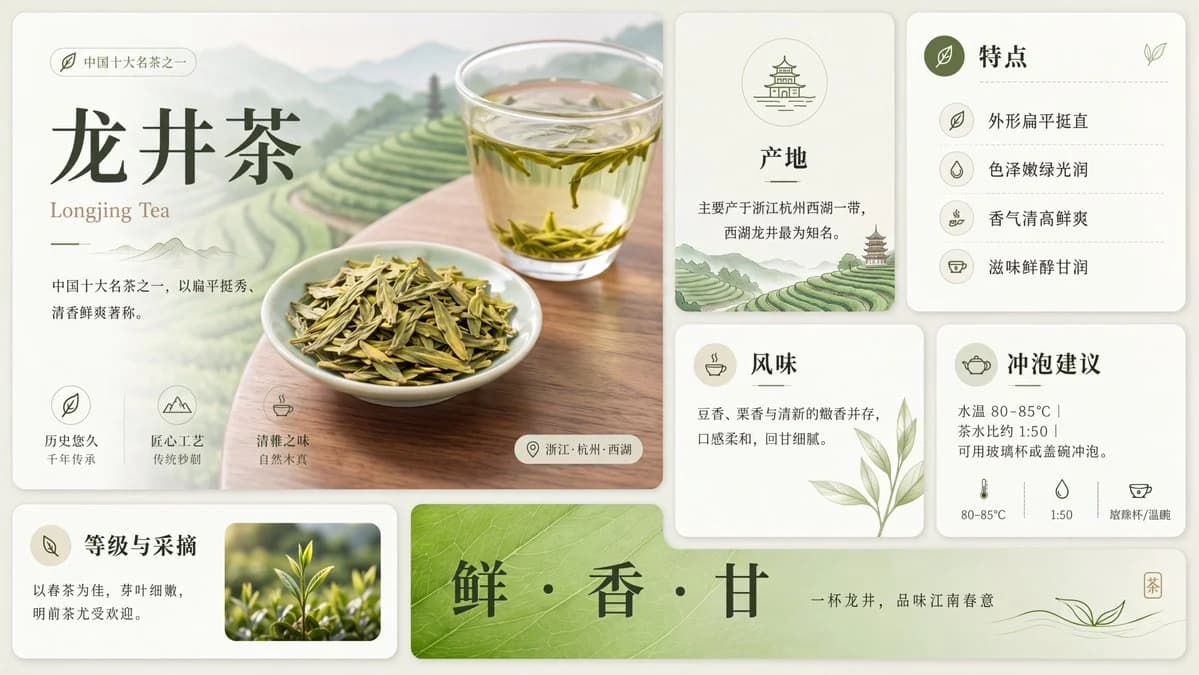
Artistic Hollow Line Font Redraw is a ready-to-use infographic prompt for GPT Image 2 on Image 2. Copy the 141 words below, paste them into the Create form, and you will get a result close to the preview above. Tweak the Infographic, Minimalist tag if you want to push it somewhere new.
Use it as a starting point, then adjust the subject, lighting, or composition to suit your idea. The credit cost stays the same whether you use it as written or customize it.
Use case
A strong starting point for Infographic
Start here when you want a infographic image inspired by Artistic Hollow Line Font Redraw. The prompt already sets the look and composition; replace the subject, product, colors, or scene details to match your project.
Easy places to tweak
- Subject Swap in your person, product, place, or object without changing the overall composition.
- Look and mood Tune the lighting, palette, camera angle, or materials so the image fits your brand.
- Final format Set the aspect ratio, background, text, or layout notes before you generate.
More prompt paths to explore
Find more GPT Image 2 prompts with a similar style, use case, or subject.
How to use it
- Step 1
Copy the prompt
Hit the Copy button above to grab the full text.
- Step 2
Open Image 2 Create
Head to the Create form and paste it in.
- Step 3
Generate
Hit Generate. Your version lands in seconds.
Make it yours
Load the prompt into the Create form with one click, then start tweaking.