Prompt
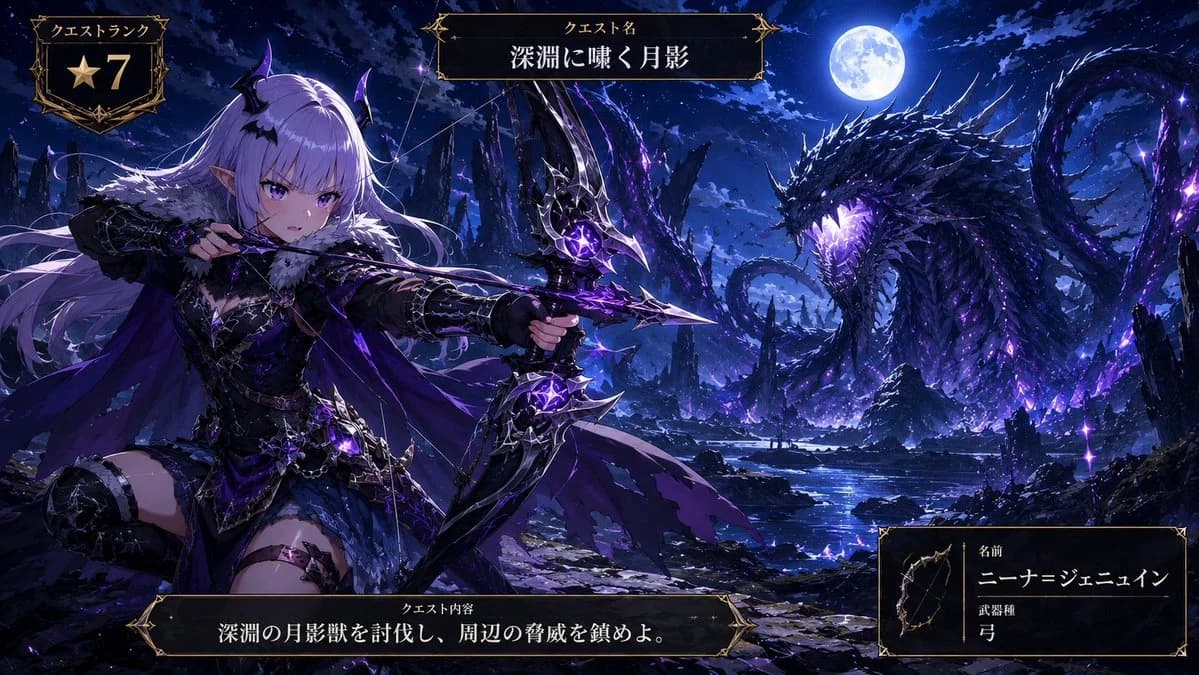
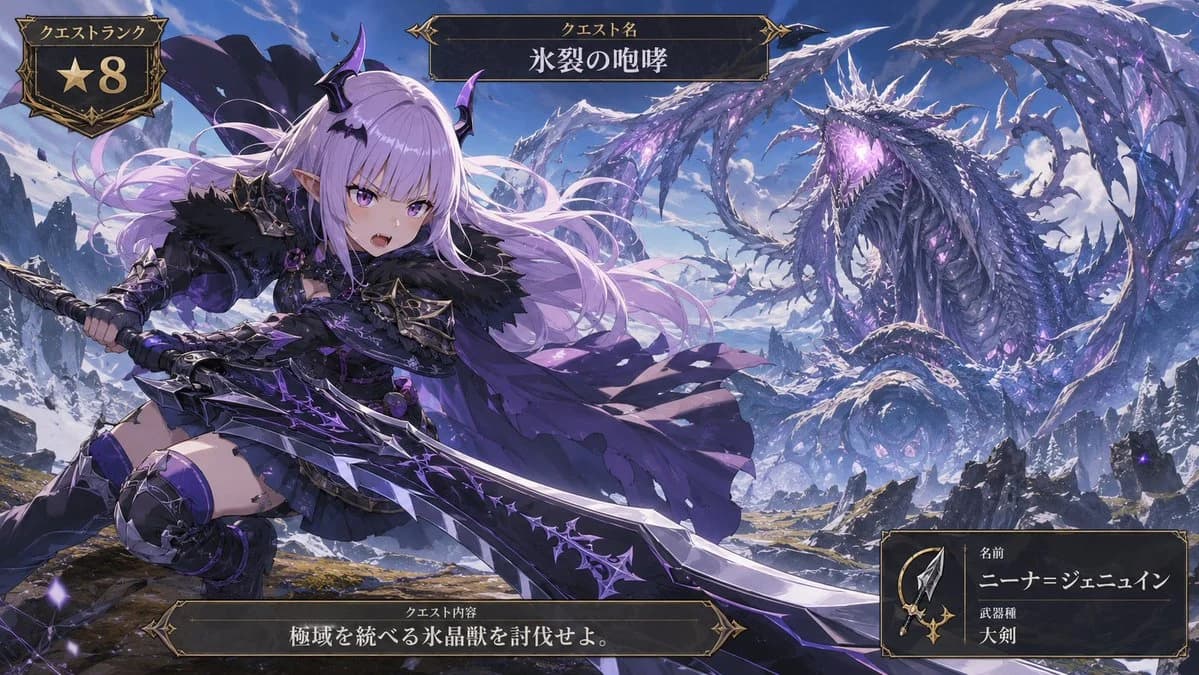
417 wordsGoal: Create a cinematic anime fantasy RPG quest screen showing a young demon-like hunter challenging a colossal ice dragon in a frozen mountain wilderness.
Canvas: Wide 16:9 game UI illustration, high-detail anime key art, dramatic perspective, crisp fantasy rendering, violet and icy blue color palette, snowy peaks under a bright blue sky.
Main subject: In the left foreground, show {argument name="character name" default="Nina Jenewine"}, a fierce petite anime hunter girl with very long flowing {argument name="hair color" default="pale lavender"} hair, purple eyes, pointed elf ears, small black-and-purple demon horns, and a confident open-mouthed battle expression. She wears dark gothic hunter armor: black fur shoulder mantle, purple-black chest armor, short black skirt, armored thigh-high boots, gauntlets, bat-wing accents, spiked trim, violet gemstones, and a tattered flowing purple cape. Pose her low and dynamic as if lunging forward, gripping an enormous jagged greatsword with both hands. The greatsword is oversized, black steel and silver with glowing purple runic cracks and thorn-like ornamentation, extending diagonally across the lower half of the image.
Monster and environment: In the right background, show one gigantic serpentine ice crystal dragon, vastly larger than the hunter, coiled through the sky and mountains. It has a long body, wing-like icy fins, many jagged frozen spines, dark blue scales, luminous violet crystal growths, and a roaring open mouth glowing purple. Surround it with blowing snow, ice shards, ruined rocky cliffs, distant snowy mountains, and scattered purple magical particles. Emphasize scale: the dragon fills the upper-right half while the hunter dominates the left foreground.
UI layout: Add exactly 4 ornate dark fantasy game interface panels with gold filigree borders. Panel 1: top-left quest rank badge, shield-shaped, containing the Japanese label 「クエストランク」 and a large gold star with the number 「8」. Panel 2: top-center title plaque with the Japanese label 「クエスト名」 and the quest title {argument name="quest title" default="氷裂の咆哮"}. Panel 3: bottom-center objective plaque with the Japanese label 「クエスト内容」 and objective text {argument name="objective text" default="極域を統べる氷晶獣を討伐せよ。"}. Panel 4: bottom-right hunter information card containing a small spear-and-sword icon, the Japanese labels 「名前」 and 「武器種」, the displayed name {argument name="displayed hunter name" default="ニーナ=ジェニュイン"}, and weapon type 「大剣」.
Visual style: Premium Japanese mobile RPG / monster hunting quest splash screen, ornate medieval UI, dark gold borders, epic action composition, high contrast lighting, detailed fabric and armor, glowing purple magic, snow mist, painterly anime finish.
Constraints: Keep the image text legible and placed inside the four specified UI panels only. Do not add extra UI cards, extra characters, watermarks, logos, or modern objects.About this prompt
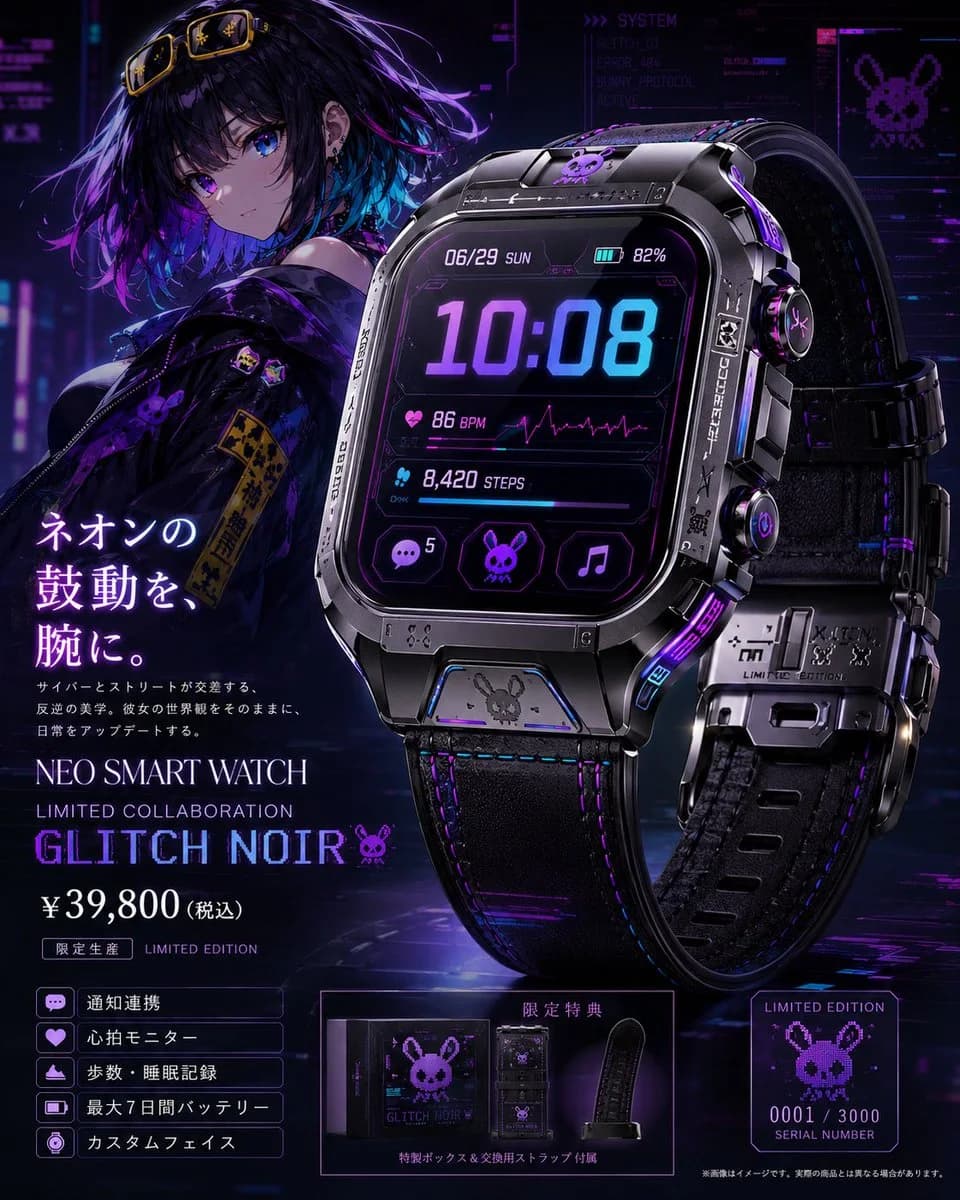
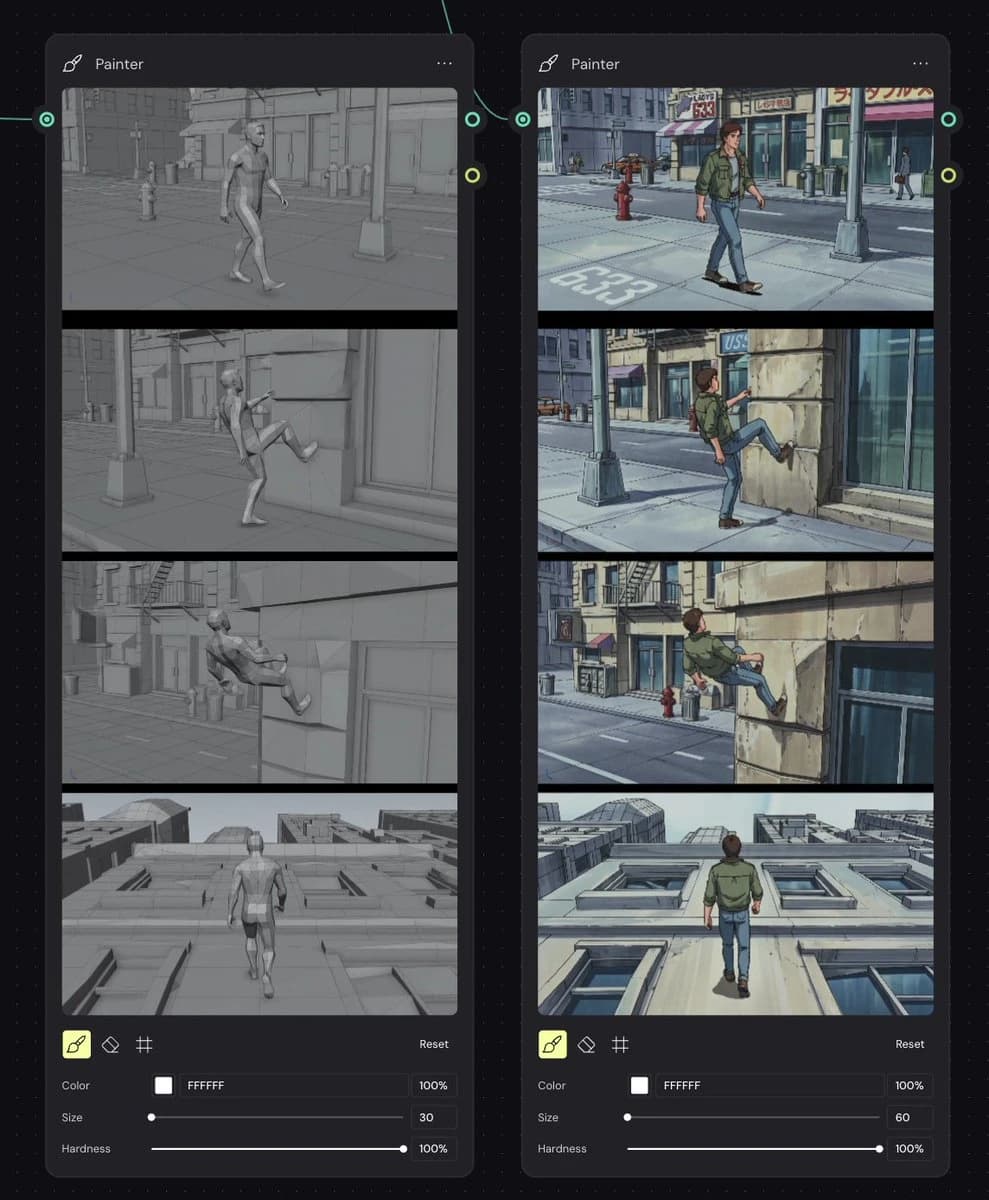
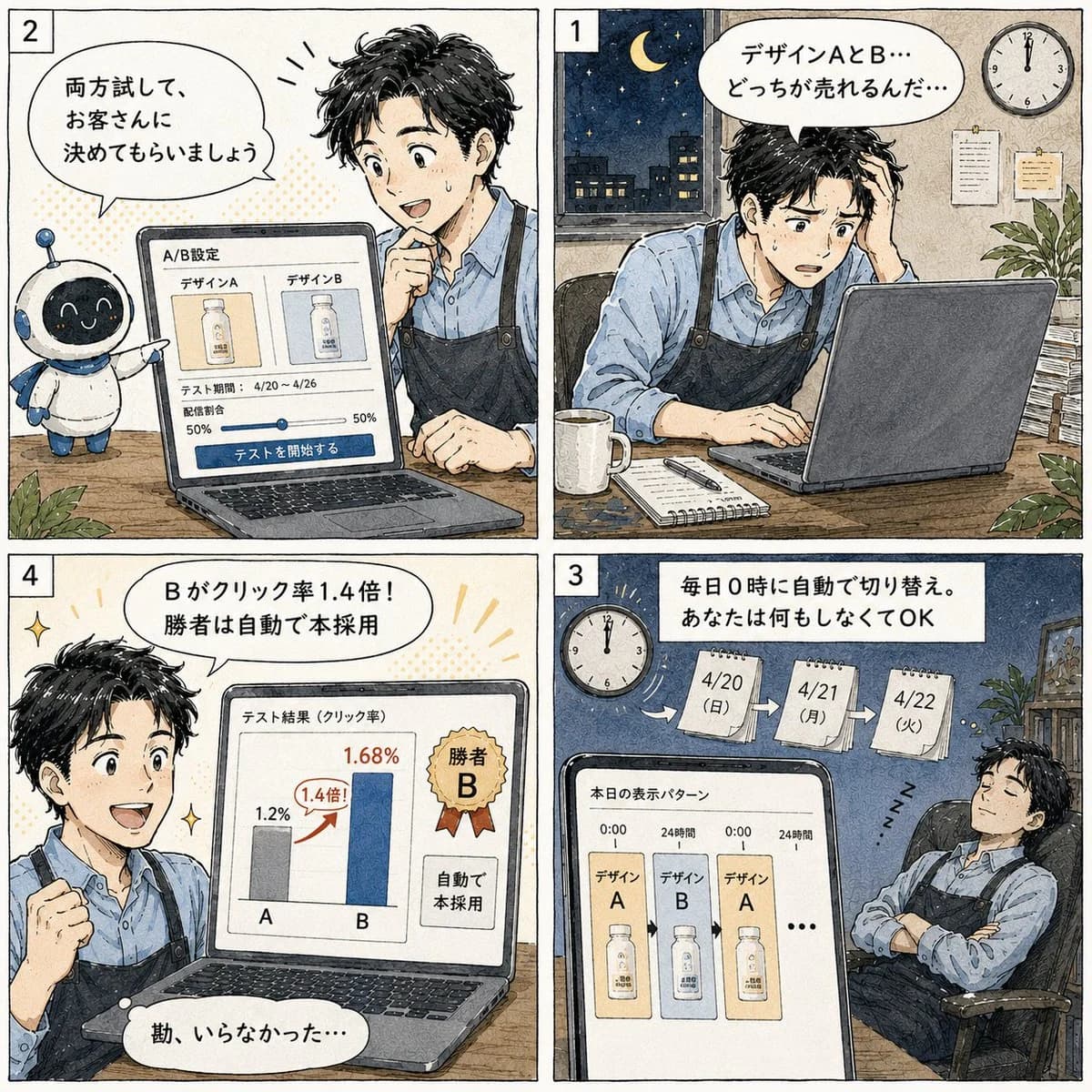
Anime Ice Dragon Hunt Quest Screen is a ready-to-use game asset prompt for GPT Image 2 on Image 2. Copy the 417 words below, paste them into the Create form, and you will get a result close to the preview above. Tweak the Mockup, Storyboard, Product tag if you want to push it somewhere new.
Use it as a starting point, then adjust the subject, lighting, or composition to suit your idea. The credit cost stays the same whether you use it as written or customize it.
Use case
A strong starting point for Game Asset
Start here when you want a game asset image inspired by Anime Ice Dragon Hunt Quest Screen. The prompt already sets the look and composition; replace the subject, product, colors, or scene details to match your project.
Easy places to tweak
- Subject Swap in your person, product, place, or object without changing the overall composition.
- Look and mood Tune the lighting, palette, camera angle, or materials so the image fits your brand.
- Final format Set the aspect ratio, background, text, or layout notes before you generate.
More prompt paths to explore
Find more GPT Image 2 prompts with a similar style, use case, or subject.
How to use it
- Step 1
Copy the prompt
Hit the Copy button above to grab the full text.
- Step 2
Open Image 2 Create
Head to the Create form and paste it in.
- Step 3
Generate
Hit Generate. Your version lands in seconds.
Make it yours
Load the prompt into the Create form with one click, then start tweaking.