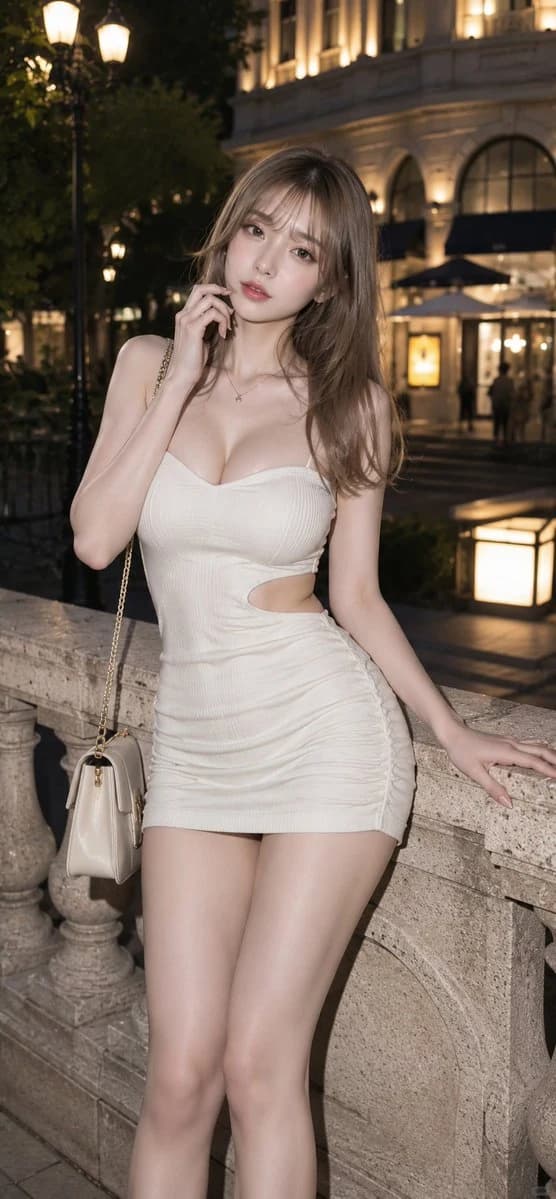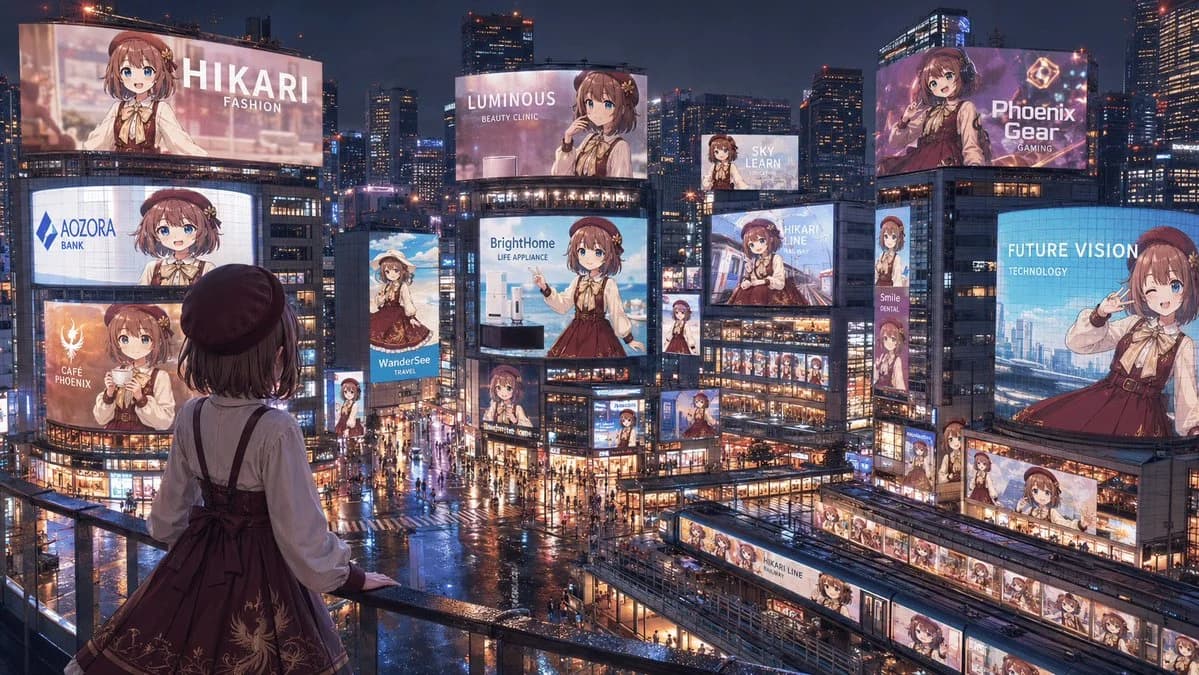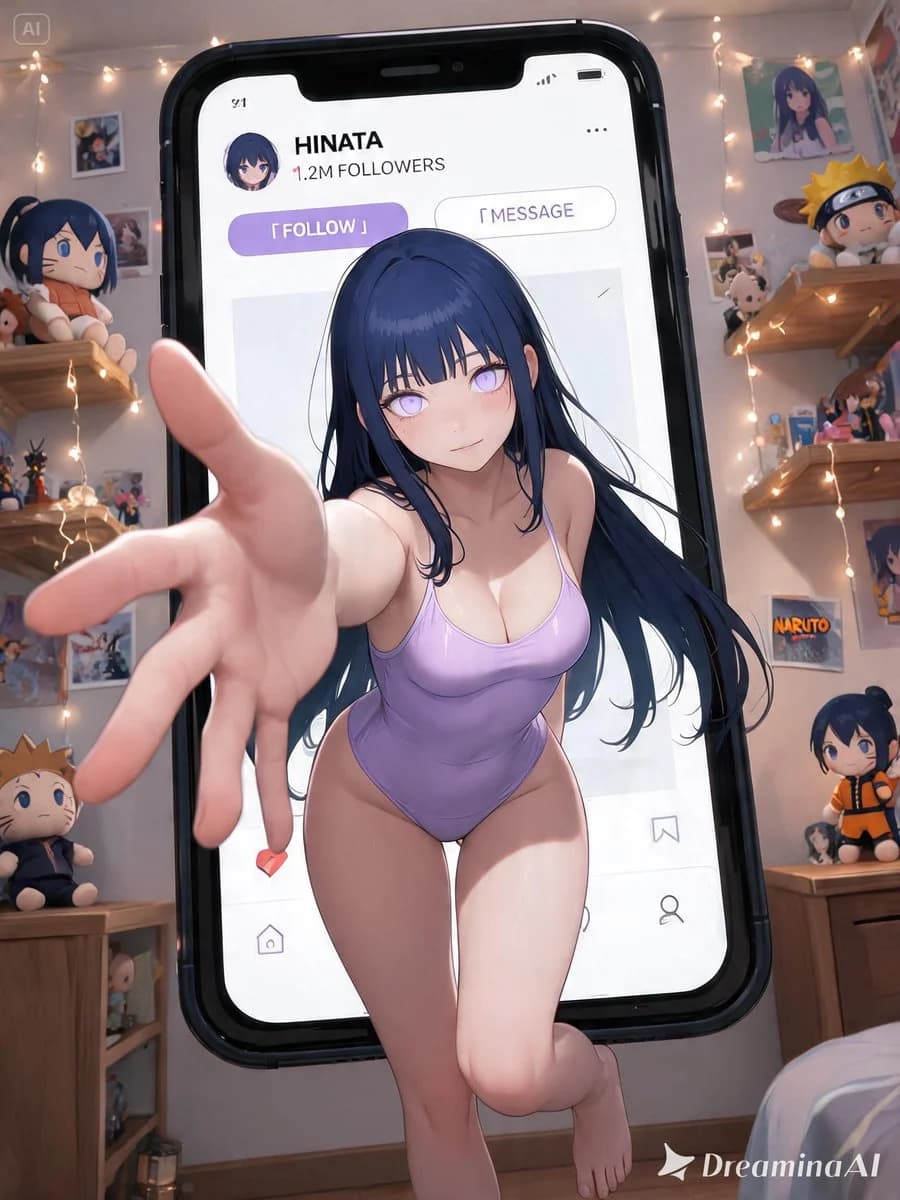
Prompt
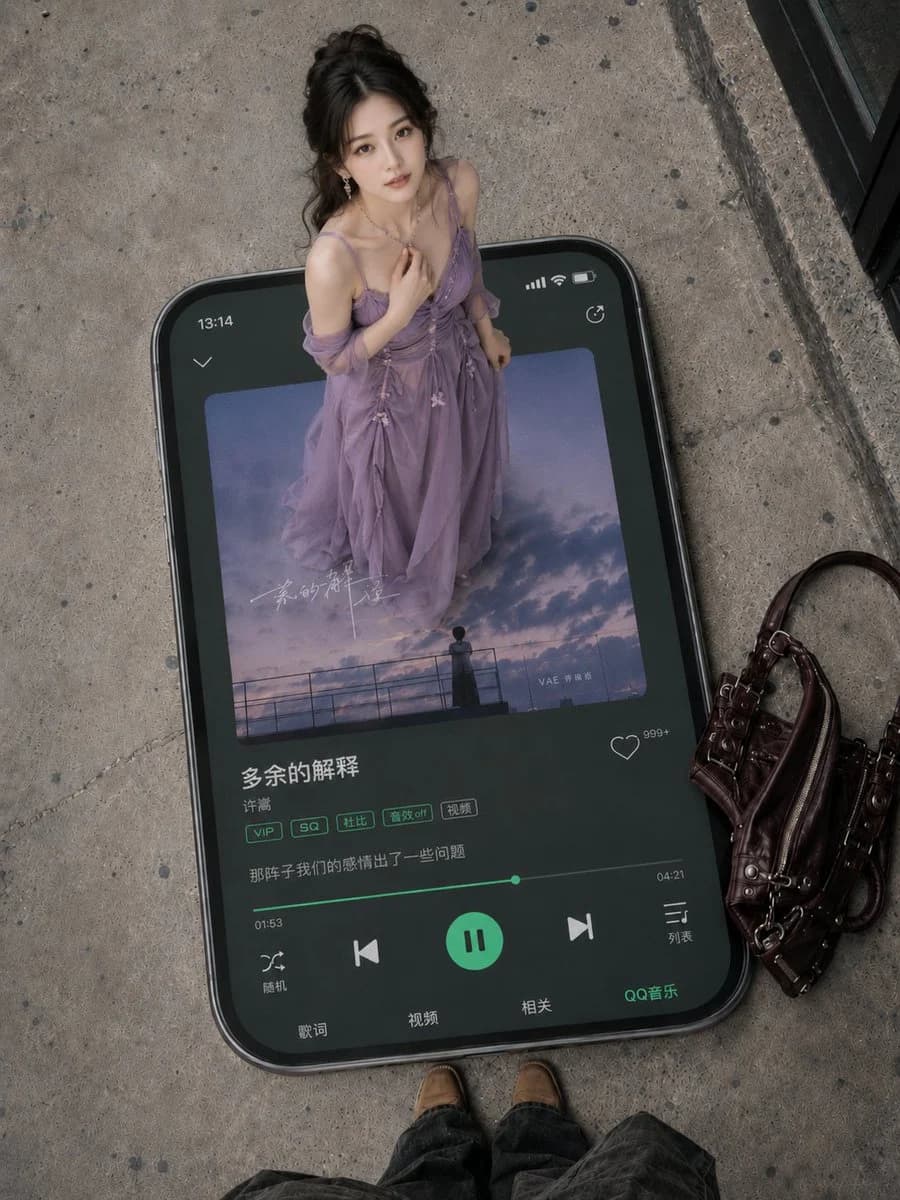
269 wordsStyle: 3D Pop-out Social Media Portrait poster style;
Content: The subject is a realistic cosplay photo of the character {argument name="character" default="Furina"} from the work {argument name="work" default="Genshin Impact"}. Based on the character's original setting, automatically restore their most recognizable facial features, hairstyle/color, eye color, makeup, costume silhouette, signature colors, accessories, props, and atmosphere. If a reference image is provided, facial features, hair, makeup, and costume details must strictly match the reference.
Positioning: The character sits inside a giant smartphone screen, with a layout resembling a Japanese-style social media profile page. Using a strong wide-angle perspective, the character "breaks through" the phone screen, with one hand reaching toward the lens (strong foreshortening), legs and feet stepping out of the phone frame to create a powerful 3D pop-out effect and exaggerated depth of field.
UI: An original high-end social media interface design for {argument name="platform" default="Instagram"}, stylish and clean, featuring username, avatar, follower count, Follow button, and post thumbnails.
Background: A themed room matching the character's work, filled with plushies, posters, Polaroids, and collectibles. The walls are covered in character photos and fan art. The atmosphere is that of a dreamlike idol room or a trendy subculture collection space.
Color Palette: Matches the character's signature colors with pearl white as a premium base, accented with soft highlights and pink. Style fusion: Japanese fashion, Y2K aesthetic, idol aesthetic, and dreamlike social media visuals.
Visual Requirements: High-end commercial photography, fashion magazine cover quality, cinematic lighting, ultra-fine skin texture, crystal-like highlights, and masterpiece quality.
Lens Language: Low-angle wide-angle lens, dynamic perspective, creating multi-layered depth between the screen, UI elements, and the background room.About this prompt
3D Pop-out Social Media Portrait is a ready-to-use social media prompt for GPT Image 2 on Image 2. Copy the 269 words below, paste them into the Create form, and you will get a result close to the preview above. Tweak the Product Ad, Social Media, Mockup tag if you want to push it somewhere new.
Use it as a starting point, then adjust the subject, lighting, or composition to suit your idea. The credit cost stays the same whether you use it as written or customize it.
Use case
A strong starting point for Social Media
Start here when you want a social media image inspired by 3D Pop-out Social Media Portrait. The prompt already sets the look and composition; replace the subject, product, colors, or scene details to match your project.
Easy places to tweak
- Subject Swap in your person, product, place, or object without changing the overall composition.
- Look and mood Tune the lighting, palette, camera angle, or materials so the image fits your brand.
- Final format Set the aspect ratio, background, text, or layout notes before you generate.
More prompt paths to explore
Find more GPT Image 2 prompts with a similar style, use case, or subject.
How to use it
- Step 1
Copy the prompt
Hit the Copy button above to grab the full text.
- Step 2
Open Image 2 Create
Head to the Create form and paste it in.
- Step 3
Generate
Hit Generate. Your version lands in seconds.
Make it yours
Load the prompt into the Create form with one click, then start tweaking.