Prompt
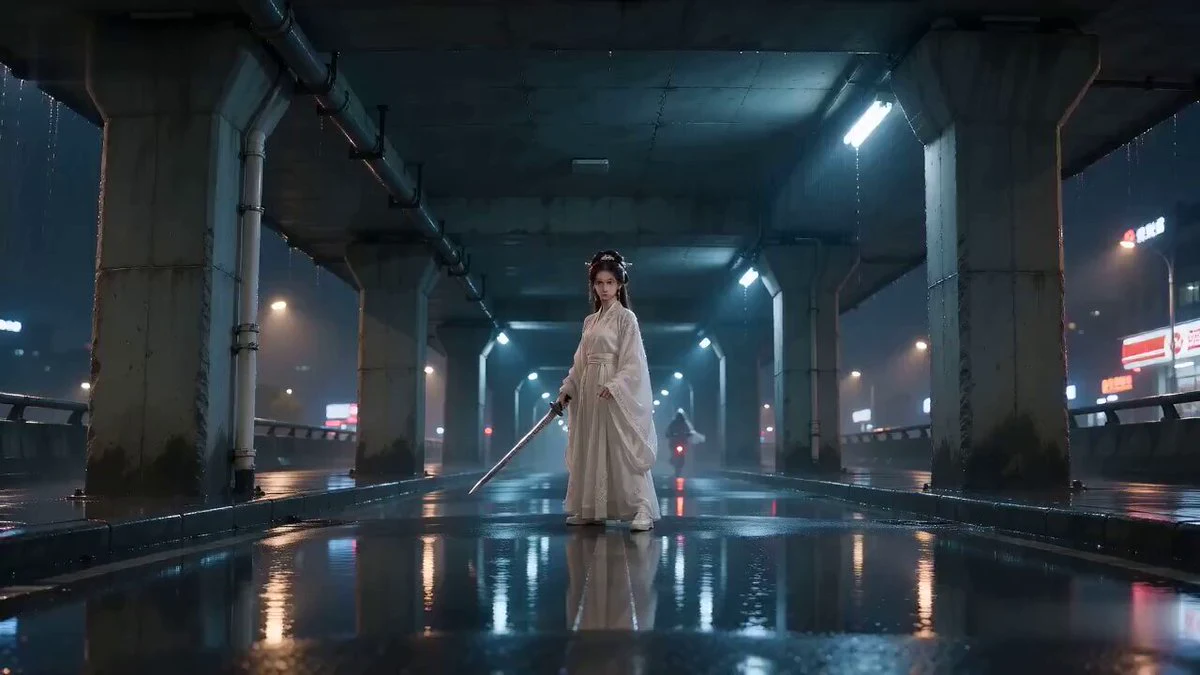
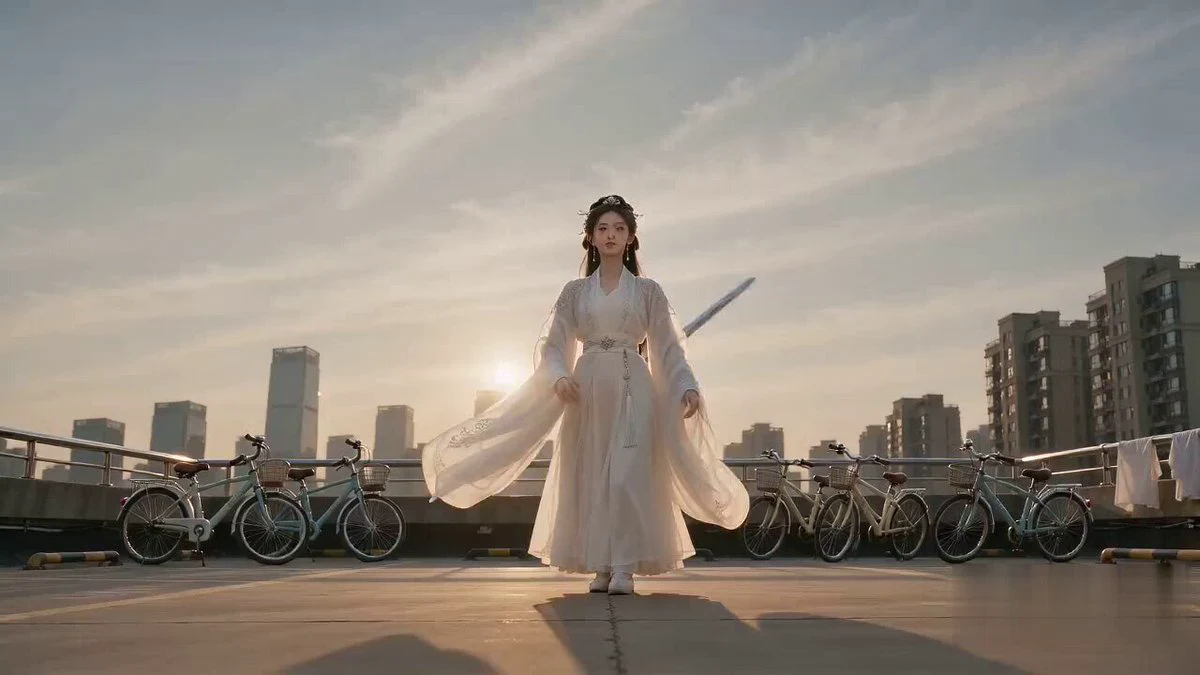
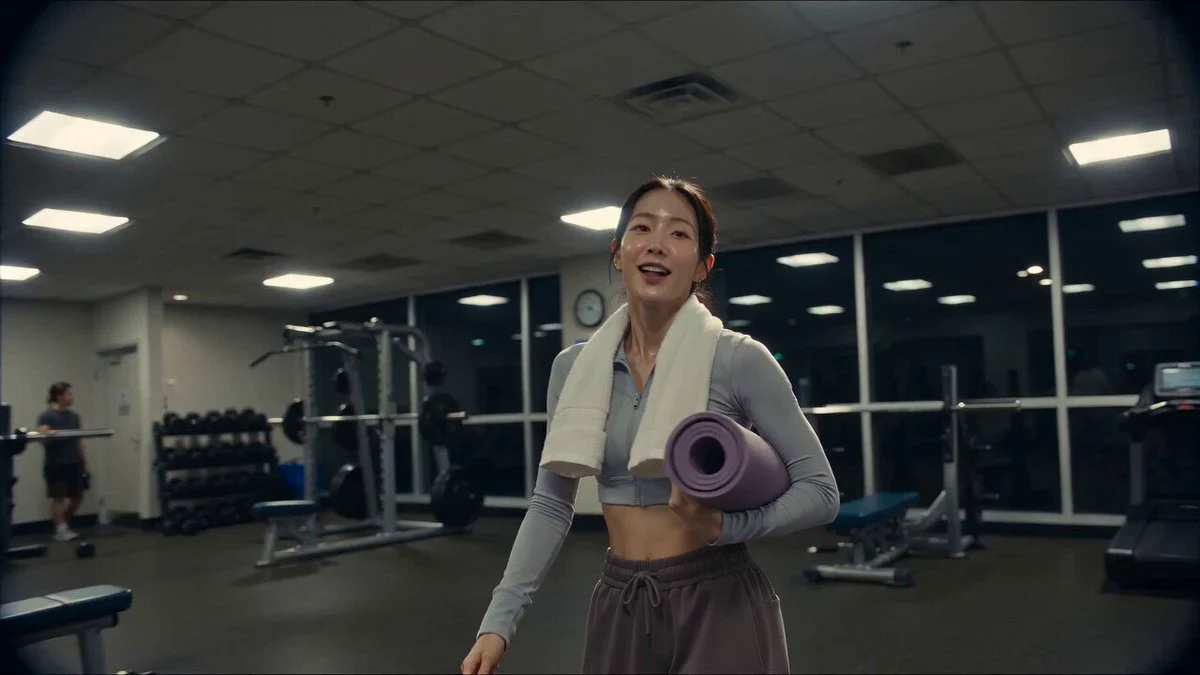
253 wordsThe girl in Reference Image 1 begins dancing. The camera remains completely still throughout, without zooming, panning, or tilting. The angle is low, slightly looking up, as if a phone were placed on a low cabinet. The framing is three-quarters: from mid-thigh to the top of the head, with the subject filling the height of the frame. Throughout, she wears the mask from Image 1 and Image 2, a light grey short-sleeved tight T-shirt, and dark grey high-waisted tight leggings. Actions follow a timeline: In the first four seconds, she clenches her right fist and punches towards the camera rapidly. Each time the fist reaches the closest point, it almost touches the lens, filling the frame and slightly blurring, then quickly retracts, repeating five times to the beat. She then brings her hands back and starts dancing: turning 45 degrees to face the camera, weight on one leg, hips rocking left and right to the beat, with shoulders and hips twisting in opposite directions to create smooth body waves. Arm movements are close to her body and face, with wrists turning and fingertips skimming her neck and hair. She makes small turns to change direction, with long hair swinging and flying. Finally, she reaches towards the camera again. The visual maintains the lighting and texture of the reference image: flat front lighting from a ceiling lamp, faint shadows on the wall, warm yellow white balance, standard mobile phone quality, not sharp, resembling a casual daily video. Fingers remain clearly structured and natural throughout.
About this prompt
Viral Masked Dancer Tutorial is a Dance Seedance 2.0 prompt with 253 words, structured around shot timing, camera direction, motion cues, and remixable scene details.
Use the preview clip when available to understand pacing, then treat the prompt text as a production brief you can adapt for your own subject, brand, or story.
Video prompt structure
Use it for Dance videos
Best for Seedance 2.0 generations that need Dance, Multi-Shot, Dialogue. Replace the subject, setting, product, dialogue, music, and timing before sending it to the generator.
Customize before generating
- Swap the subject. Keep the camera and timing structure, but change the character, product, or environment.
- Tighten the timeline. Shorten or expand shot blocks so they match the duration you want to render.
- Add reference media. Use first frames, last frames, images, video, or audio when the prompt depends on a specific look or rhythm.
More Seedance paths to explore
Browse adjacent styles and techniques from the same Seedance 2.0 prompt library.
How to use it
- Step 1
Copy or start from this prompt
Use the full prompt as a structured draft rather than rewriting the whole video brief.
- Step 2
Open Seedance 2.0
Send the text into the Seedance generator and choose text, image, or reference mode.
- Step 3
Adapt and render
Tune duration, aspect ratio, reference media, camera notes, and dialogue before generating.
Make it a Seedance video
Start from this prompt in the Seedance 2.0 generator, then adjust the scene, duration, aspect ratio, and reference media.