Prompt
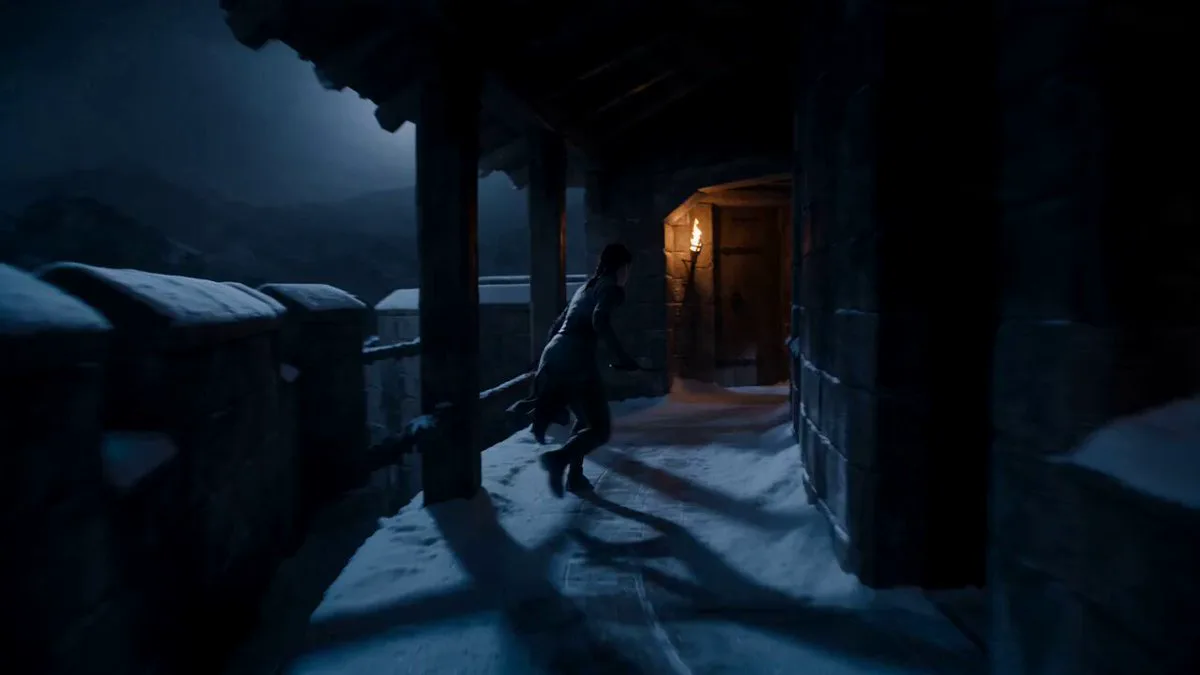
153 wordsCinematic dark fantasy VFX, shot on ARRI Alexa 65, moody desaturated tones with high-contrast lighting, aggressive and epic rhythm. S1: Wide dynamic tracking shot. A female sorceress in tattered robes slides across an ashy, desolate battlefield, shielding a black raven. S2: Medium low-angle shot. She rolls to a stop, clutching the bird protectively. She gazes at the raven with fierce determination. S3: Close-up. She whispers a command, her face marked with battle grime and sweat. S4: Tight close-up. She crushes a glowing purple shard in her fist, her eyes flaring with violent energy. S5: VFX sequence. Shadowy veins crawl up her neck as obsidian liquid-metal armor rapidly envelops her. The raven transforms into a monstrous, armored gryphon. S6: Medium close-up. A spiked helmet slams shut over her face. S7: Epic wide shot. The fully armored knight stands beside the massive iron-clad beast amidst floating debris. S8: launch powerfully into the dark, stormy sky.
About this prompt
Dark Fantasy Sorceress Transformation is a VFX Seedance 2.0 prompt with 153 words, structured around shot timing, camera direction, motion cues, and remixable scene details.
Use the preview clip when available to understand pacing, then treat the prompt text as a production brief you can adapt for your own subject, brand, or story.
Video prompt structure
Use it for VFX videos
Best for Seedance 2.0 generations that need VFX, Multi-Shot. Replace the subject, setting, product, dialogue, music, and timing before sending it to the generator.
Customize before generating
- Swap the subject. Keep the camera and timing structure, but change the character, product, or environment.
- Tighten the timeline. Shorten or expand shot blocks so they match the duration you want to render.
- Add reference media. Use first frames, last frames, images, video, or audio when the prompt depends on a specific look or rhythm.
More Seedance paths to explore
Browse adjacent styles and techniques from the same Seedance 2.0 prompt library.
How to use it
- Step 1
Copy or start from this prompt
Use the full prompt as a structured draft rather than rewriting the whole video brief.
- Step 2
Open Seedance 2.0
Send the text into the Seedance generator and choose text, image, or reference mode.
- Step 3
Adapt and render
Tune duration, aspect ratio, reference media, camera notes, and dialogue before generating.
Make it a Seedance video
Start from this prompt in the Seedance 2.0 generator, then adjust the scene, duration, aspect ratio, and reference media.