Prompt
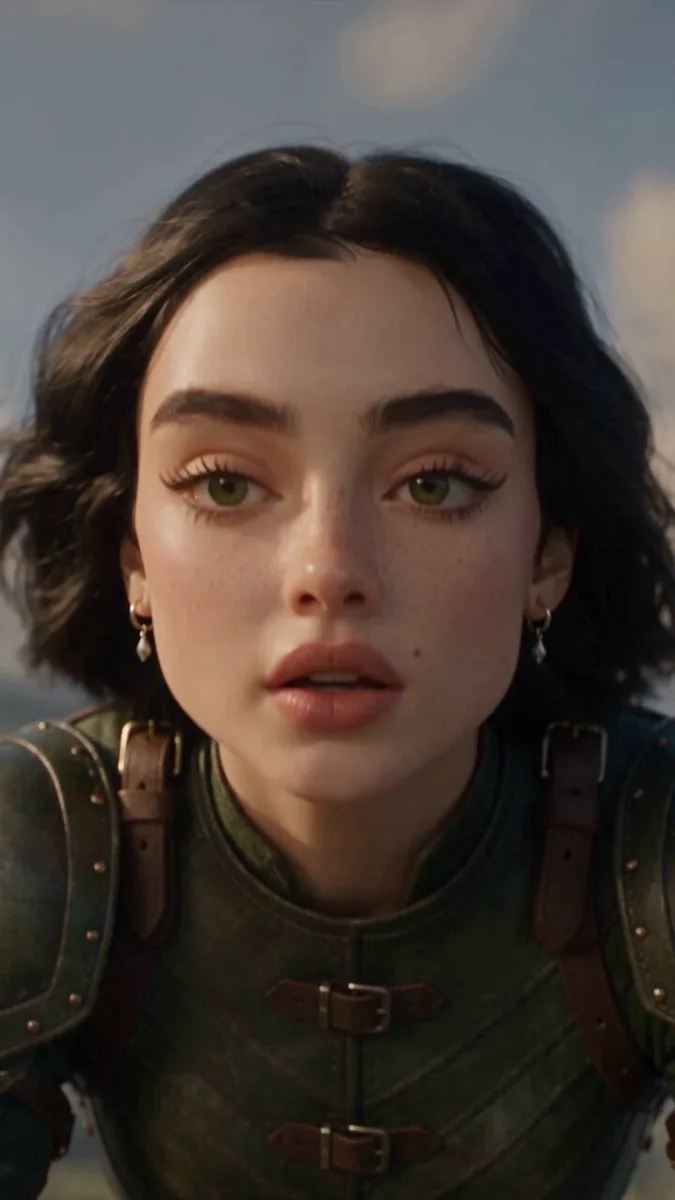
200 wordsA cinematic, action-packed CGI sci-fi sequence set in a dusty desert outpost surrounded by large metal industrial scaffolding towers under a hazy, foggy sky. Two male martial arts fighters are locked in combat, one wielding glowing fiery orange energy shields and blast rings. Standing between them is a powerful East Asian female cyber-warrior in high-tech black and gold metallic body armor alongside a large, glowing blue-eyed mechanical spider mech. The camera cuts to an intense close-up of the female warrior's face, showcasing her long black hair, luminous white glowing rings around her pupils, and glowing orange circuitry veins running down her neck and collarbone. She charges forward through the sand, leaps high into the air, and transforms into a fiery orange energy shockwave ring as she flies across the sky. A small blue-lit robotic spider burrows into the desert sand, and she crashes down directly onto it with a massive fiery explosion impact. As the flames and dust clear, she rises into a dramatic superhero crouch in a sand crater, wind blowing through her hair. Hyper-realistic 8k resolution, photorealistic visual effects, high-contrast cinematic color grading, motion blur, volumetric fog, dynamic action movie aesthetic, shot on 35mm lens, 9:16 vertical ratio.
About this prompt
Cyber Warrior Mech Combat is a VFX Seedance 2.0 prompt with 200 words, structured around shot timing, camera direction, motion cues, and remixable scene details.
Use the preview clip when available to understand pacing, then treat the prompt text as a production brief you can adapt for your own subject, brand, or story.
Video prompt structure
Use it for VFX videos
Best for Seedance 2.0 generations that need VFX, Multi-Shot, Vertical. Replace the subject, setting, product, dialogue, music, and timing before sending it to the generator.
Customize before generating
- Swap the subject. Keep the camera and timing structure, but change the character, product, or environment.
- Tighten the timeline. Shorten or expand shot blocks so they match the duration you want to render.
- Add reference media. Use first frames, last frames, images, video, or audio when the prompt depends on a specific look or rhythm.
More Seedance paths to explore
Browse adjacent styles and techniques from the same Seedance 2.0 prompt library.
How to use it
- Step 1
Copy or start from this prompt
Use the full prompt as a structured draft rather than rewriting the whole video brief.
- Step 2
Open Seedance 2.0
Send the text into the Seedance generator and choose text, image, or reference mode.
- Step 3
Adapt and render
Tune duration, aspect ratio, reference media, camera notes, and dialogue before generating.
Make it a Seedance video
Start from this prompt in the Seedance 2.0 generator, then adjust the scene, duration, aspect ratio, and reference media.